
Features
Automations x billing & payments

Automate billing & payments

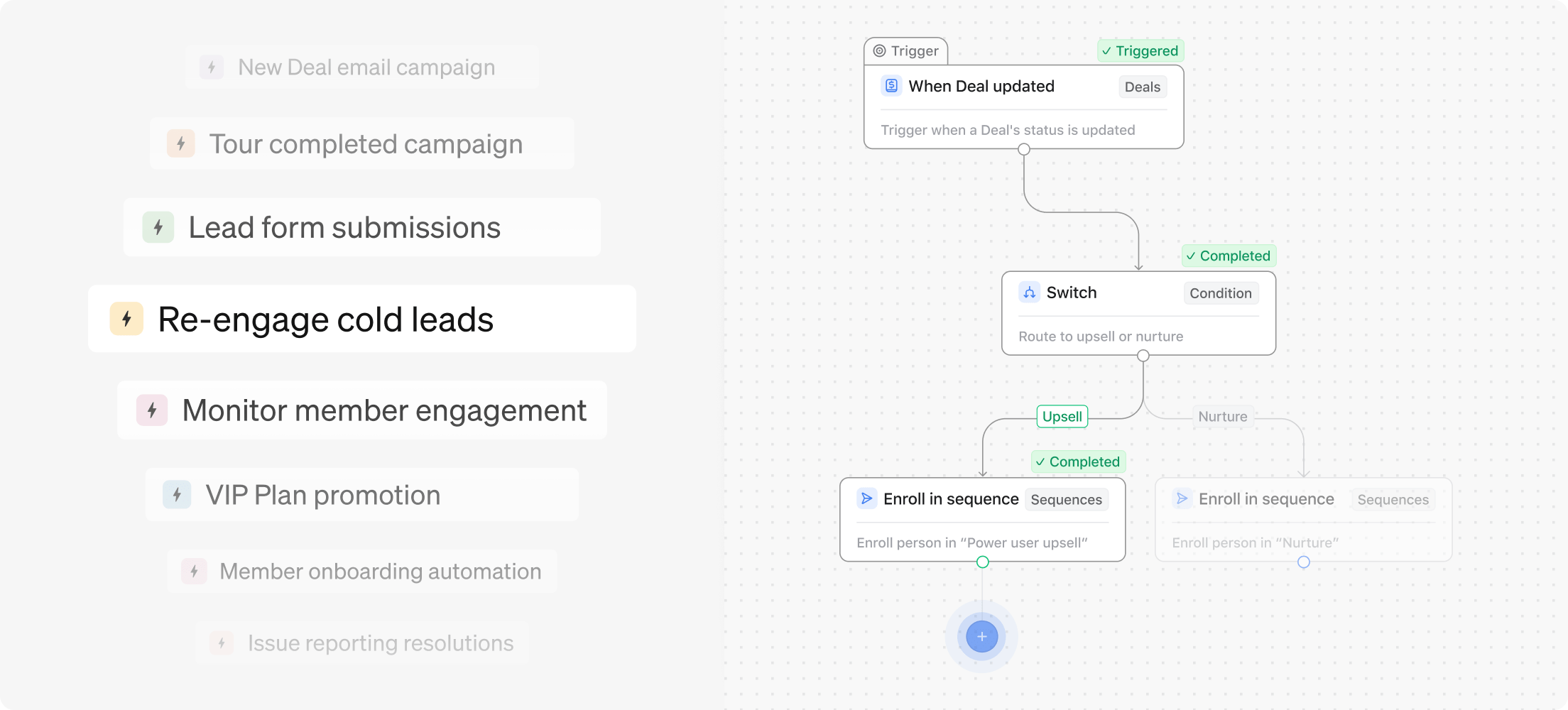
Simplify your financial processes and save your team hours in manual tasks. Automate invoice follow-ups and overdue payment reminders directly from Optix.

Learn more about Automations

Streamline billing processes

Payments are the backbone of your coworking business. Using the Optix platform, you’ll be able to automate the entire billing and payment process for both you and your members.

  • Automatically generate monthly invoices
  • Enable auto-pay for members
  • Schedule payment notifications 
Steve K from ECOMsquare - Headshot
"Billing has been a breeze as we haven't been needing to chase down payments from members."
STEVE K. ECOMSQUARE

Stay on top of payments

Keep track of who has paid and when. Notify members when a card needs updating. Sort and filter payments by due date to see what’s upcoming and what’s been paid.

With a centralized view of all transactions, you’ll finally have the visibility you need to make better business decisions.

Improve the member experience

Simplify payments for the people in your coworking space by enabling mobile payments directly from your White-labeled App.

Users can pay for their Plans or Passes right on their phone with a credit card on file.

Start your 14-day free trial today, no credit card required.

Get a free demo
Photo of a woman in a coworking space holding a clipboard

Streamline payment processes

Seamlessly manage Billing and Payments in your coworking space

Create one-off charges

Add one-time charges, like an activation fee, to member accounts

Issue credits

Add credits to accounts to reward loyalty and show appreciation

Set up auto-pay

Automatically charge member accounts on their designated billing date

Link credit cards

Link a credit card to members' accounts for easy payments

Create recurring invoices

Set up recurring invoices for dedicated desks or monthly memberships

Customize billing dates

Create personalized billing structures for each of your members

Bring your tech stack together

Integrate with your favorite tools for streamlined Billing and Payments

FAQ

Automated billing and payments in Optix streamline managing invoicing and payment processes. This ensures efficient, accurate, and transparent financial transactions, benefiting both coworking space operators and members.

Automated billing enhances efficiency, accuracy, and member satisfaction by streamlining processes, providing transparency, and offering flexibility in billing models. This results in time savings for operators, improved cash flow, and a positive, hassle-free experience for members.

Within one Optix organization, automated billing runs as a single system across every location, so recurring invoices raise, retry and reconcile without being set up site by site. Revenue is attributed by each account’s primary location and splits by location in reporting.

Optix raises recurring invoices from the membership plan, collects payment through Stripe, retries a failed card once and reconciles what has been paid. Day passes, credits and one-off charges are billed the same way rather than through a separate process or a second tool.

Optix generates invoices automatically from membership plans and bookings for flexible office rentals, with proration when a plan starts, tax applied from the account’s primary location, and payment instructions printed on the invoice. Offline and partial payments can also be recorded by an admin.

Optix scales invoicing without adding admin. Billing rules sit on the membership plan, so a growing space adds members and locations without rebuilding its invoicing, and a second site inherits plans that are set to all locations rather than needing its own configuration.

Optix suits a small space because billing is set once on the plan and then runs. Stripe is included on every plan, invoices raise and collect on schedule, and Essentials starts at $197 per month billed yearly covering 50 active users at one location.

Learn how Optix can transform your business