What’s New in Optix: May 2026
Learn about what we've added to the Optix platform in May 2026
June 1, 2026
May’s update is all about growing your community and keeping members engaged. This month, Member Referrals turns your existing members into a referral channel, a new automation template celebrates your most frequent bookers, and it’s now easier than ever to convert drop-in users into members.
Floor Plan moves out of beta and is available to every organization, and you now have more control over the email members receive when a booking is canceled.
Let’s take a look at what we’ve added to Optix in May!
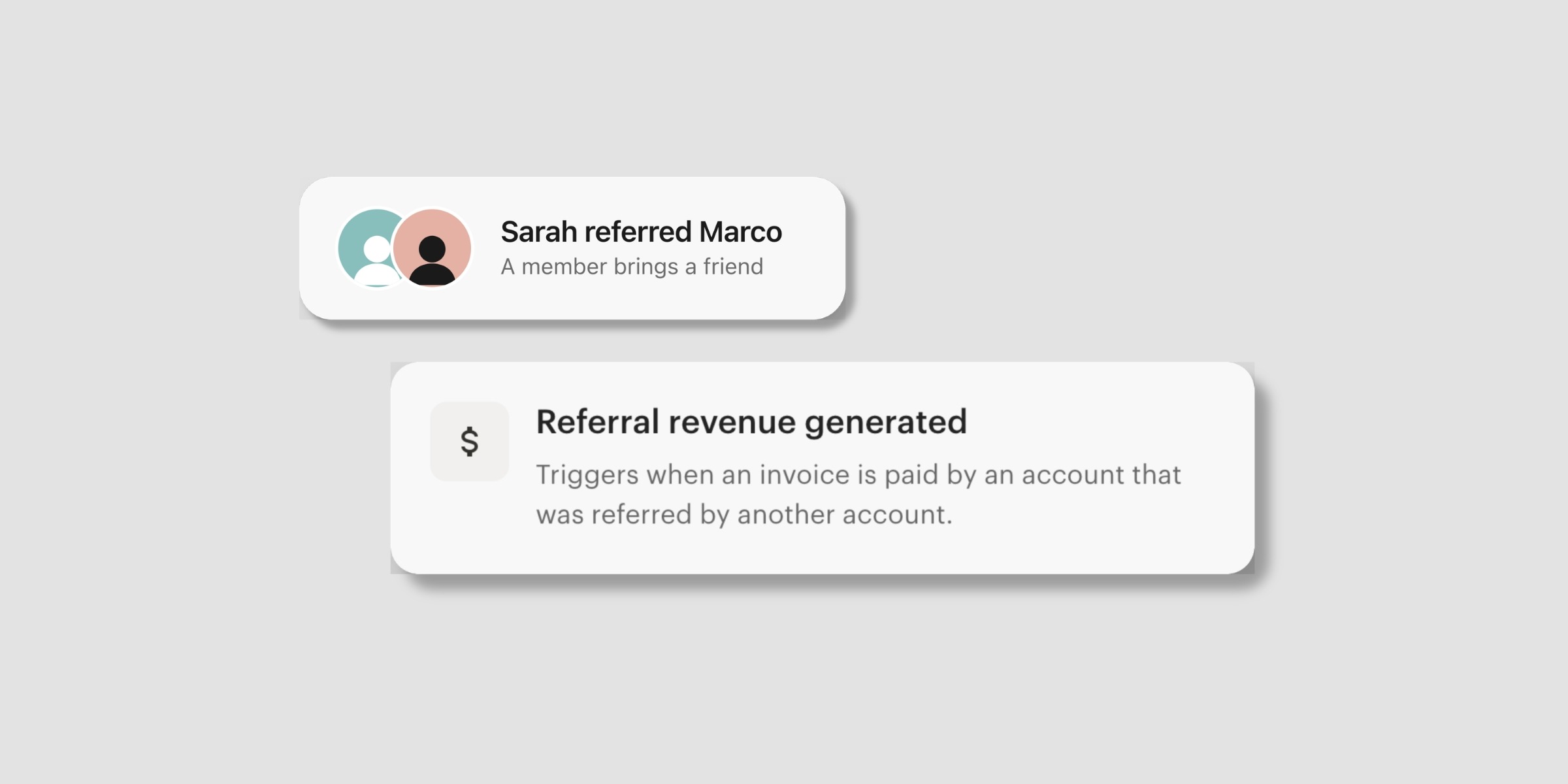
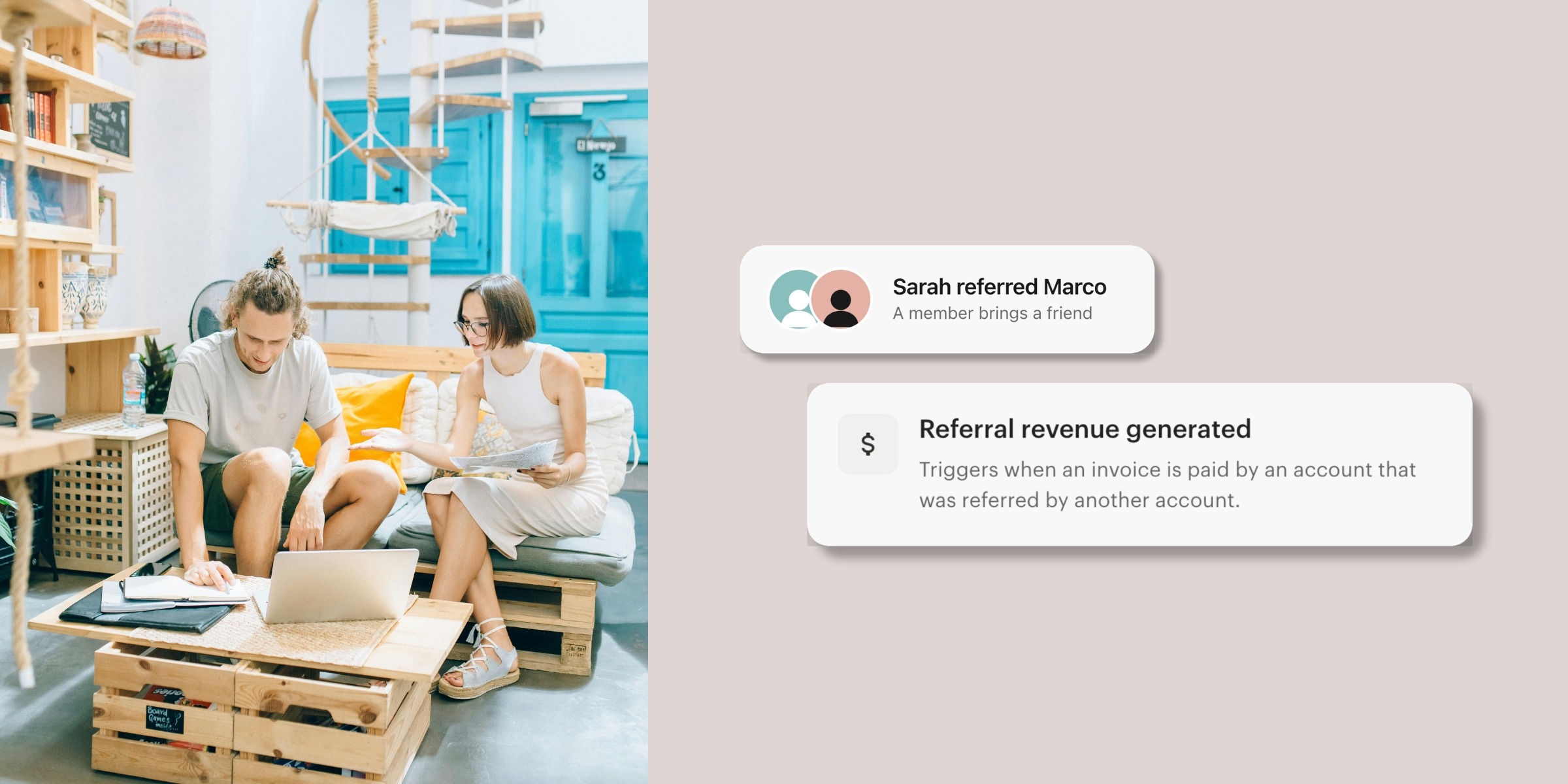
Member Referrals is a new way to reward the members who bring new people to your space. Every account now has a unique referral code to share, and when someone signs up with that code and pays an invoice, Optix can reward the referrer automatically.
With Member Referrals, you can:
Your members are often your best advocates. Member Referrals gives that word-of-mouth a structure, so referrals and rewards happen in the background while you stay focused on running your space.
Learn more about Member Referrals →
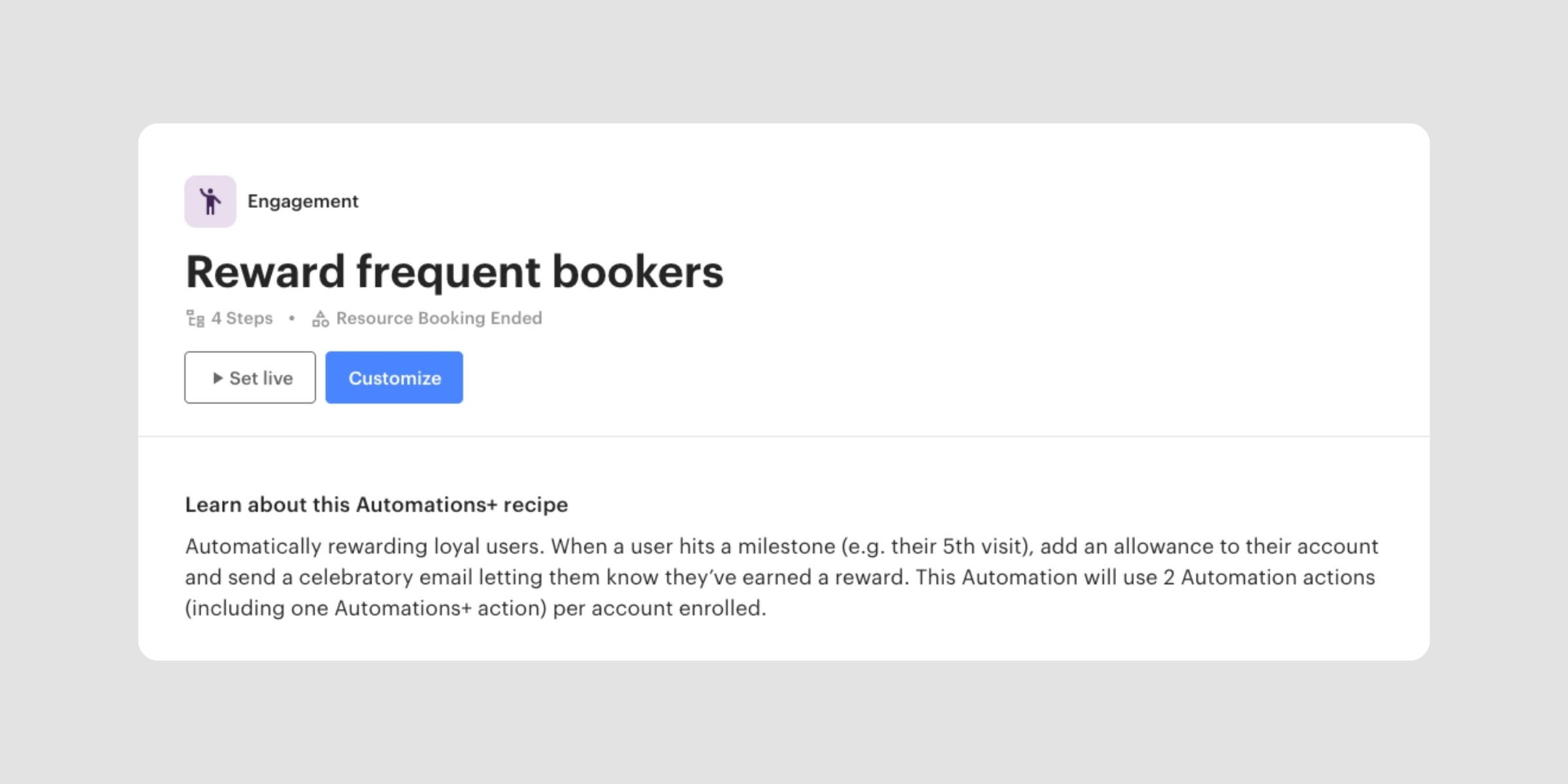
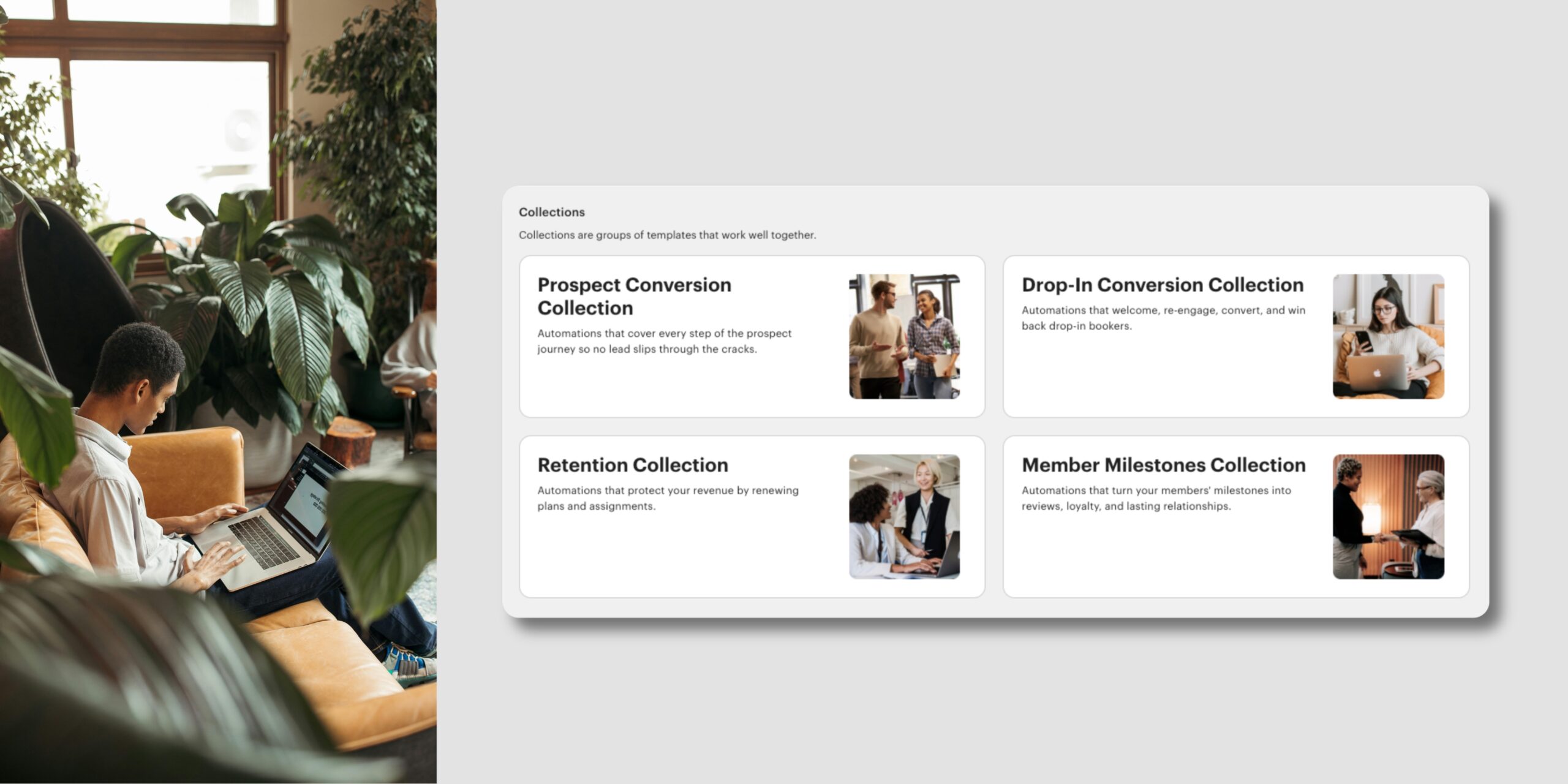
A new Automations+ template is now available in your Automations library: Reward frequent bookers. When a member reaches a booking milestone, like their fifth visit, it adds an allowance to their account and sends a celebratory email letting them know they’ve earned a reward.
With this template, you can:
A simple way to keep your most active members coming back. This is an Automations+ recipe and uses 2 Automation actions per account enrolled.
Learn more about Automations Templates →
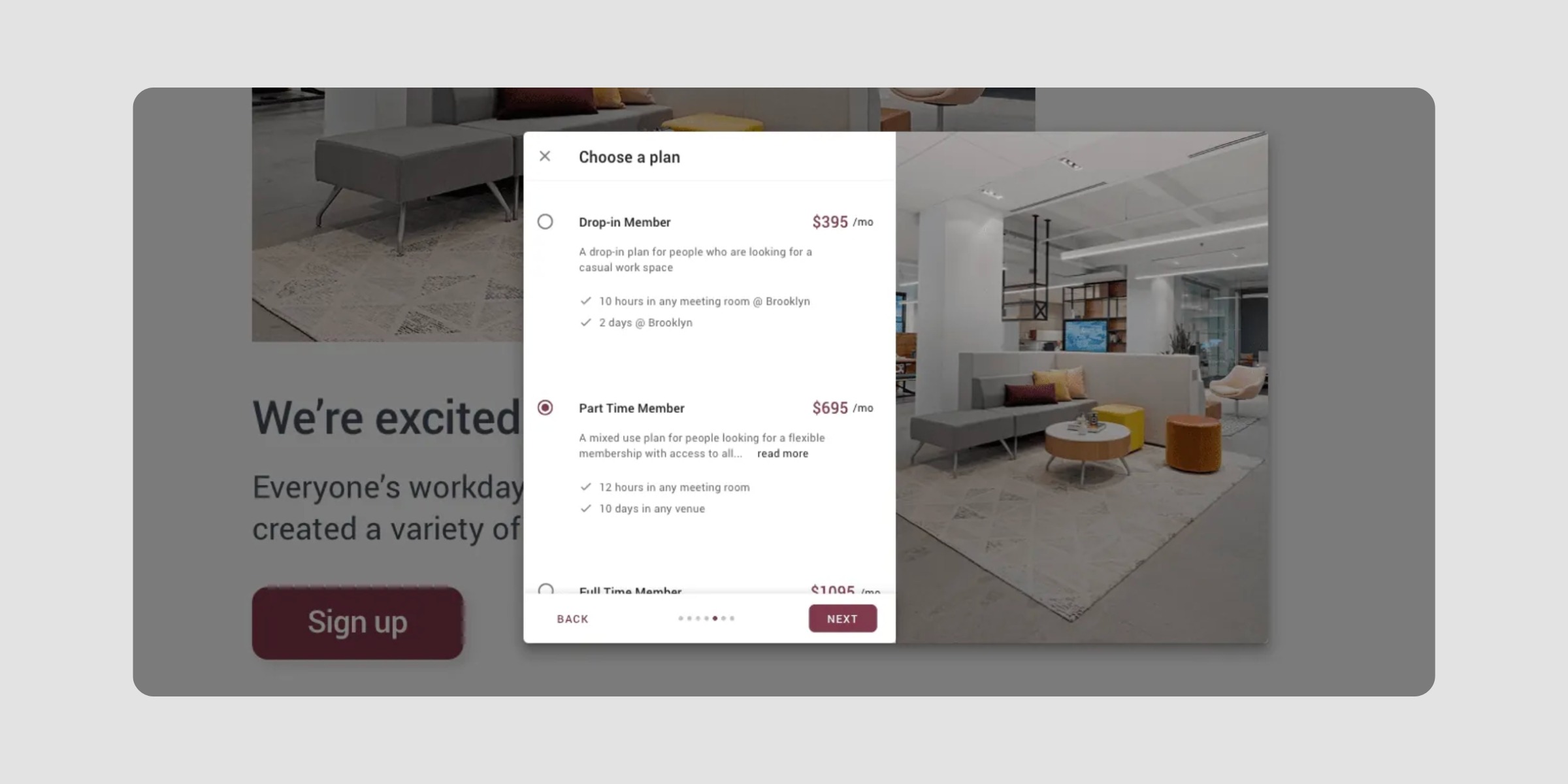
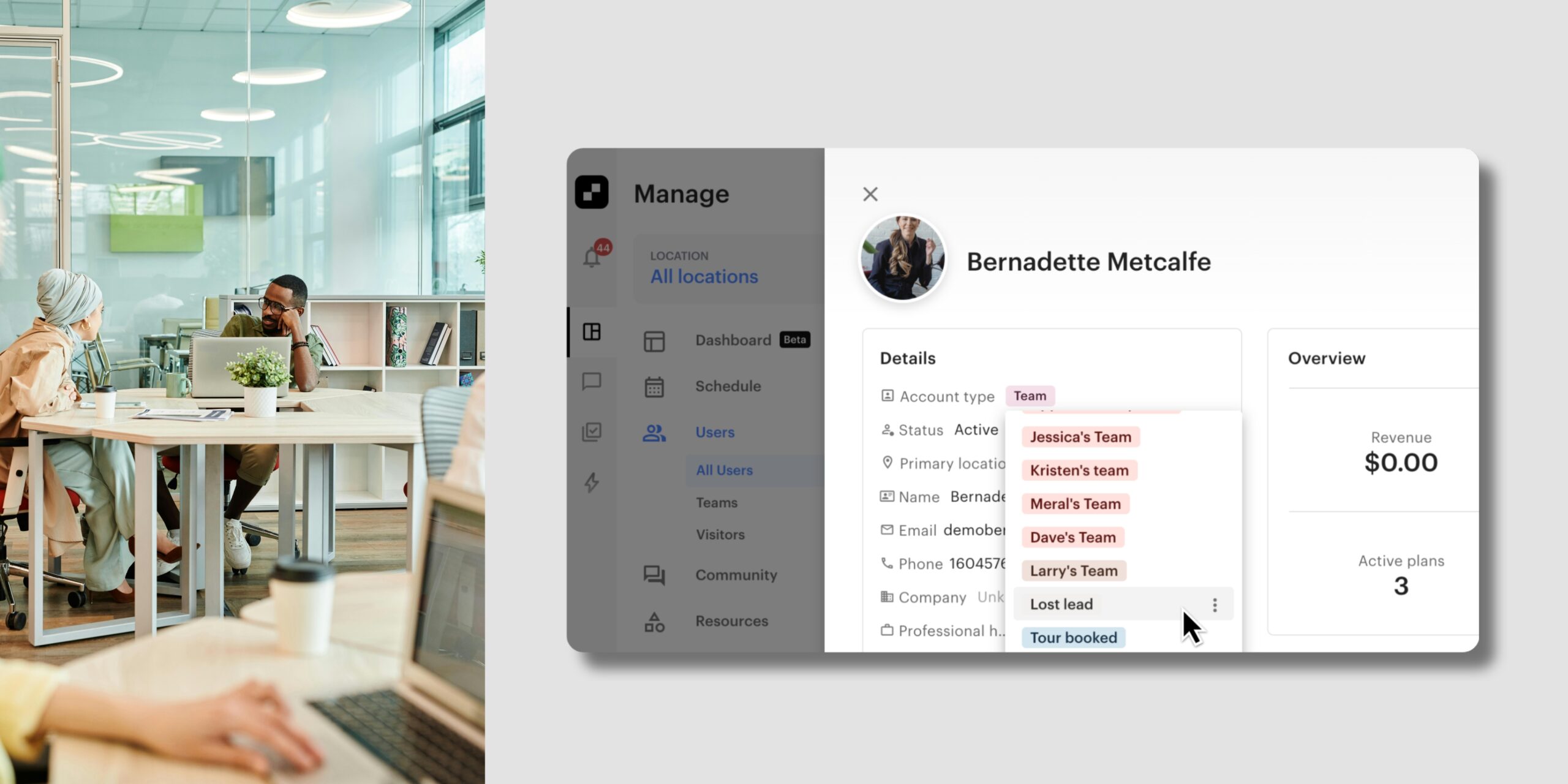
Drop-in users can now complete your Sign-up Form to become full members, choosing a plan or pass and filling in their details when they’re ready to convert. The flow works even for users who are already active, and their original source stays intact, so your reporting on where members came from remains accurate.
With this update, you can:
Drop-in users have already chosen your space once. Now the path from a single visit to a full membership is one they can complete themselves.
A quick note on naming: what you may know as Web Widgets are now called Forms across Optix, so your Sign-up, Tour, Drop-in, and Inquiry tools now appear as Forms.
Learn more about converting drop-in users →
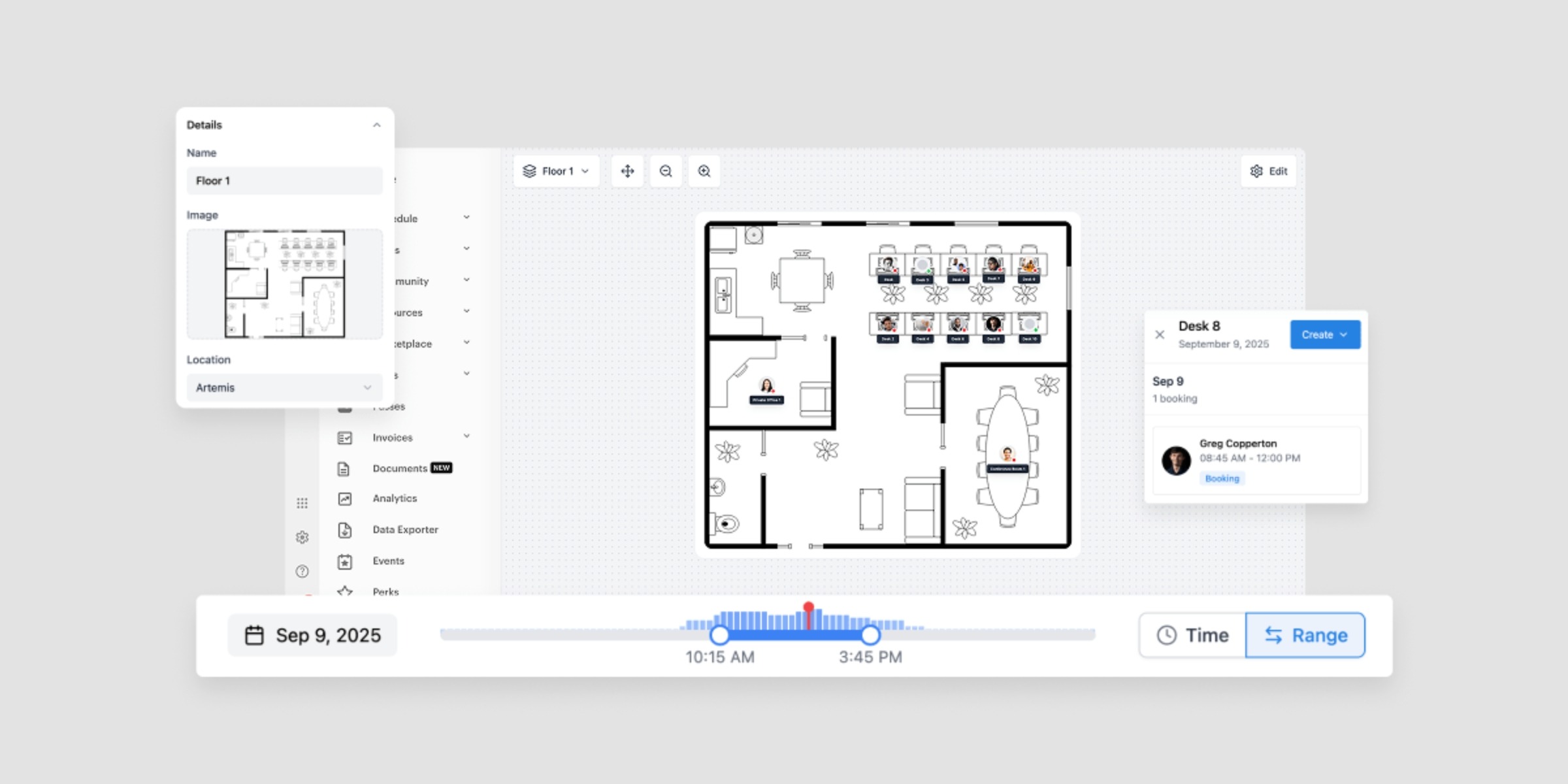
Floor Plan has moved out of beta and is now fully available to every organization. This admin tool lays your real-time bookings and availability over a visual map of your space, so you can see what’s free and create bookings directly from the floor view.
With Floor Plan, you can:
No more switching between schedules to check what’s open. Floor Plan gives you a clear, visual picture of your space in the moment.
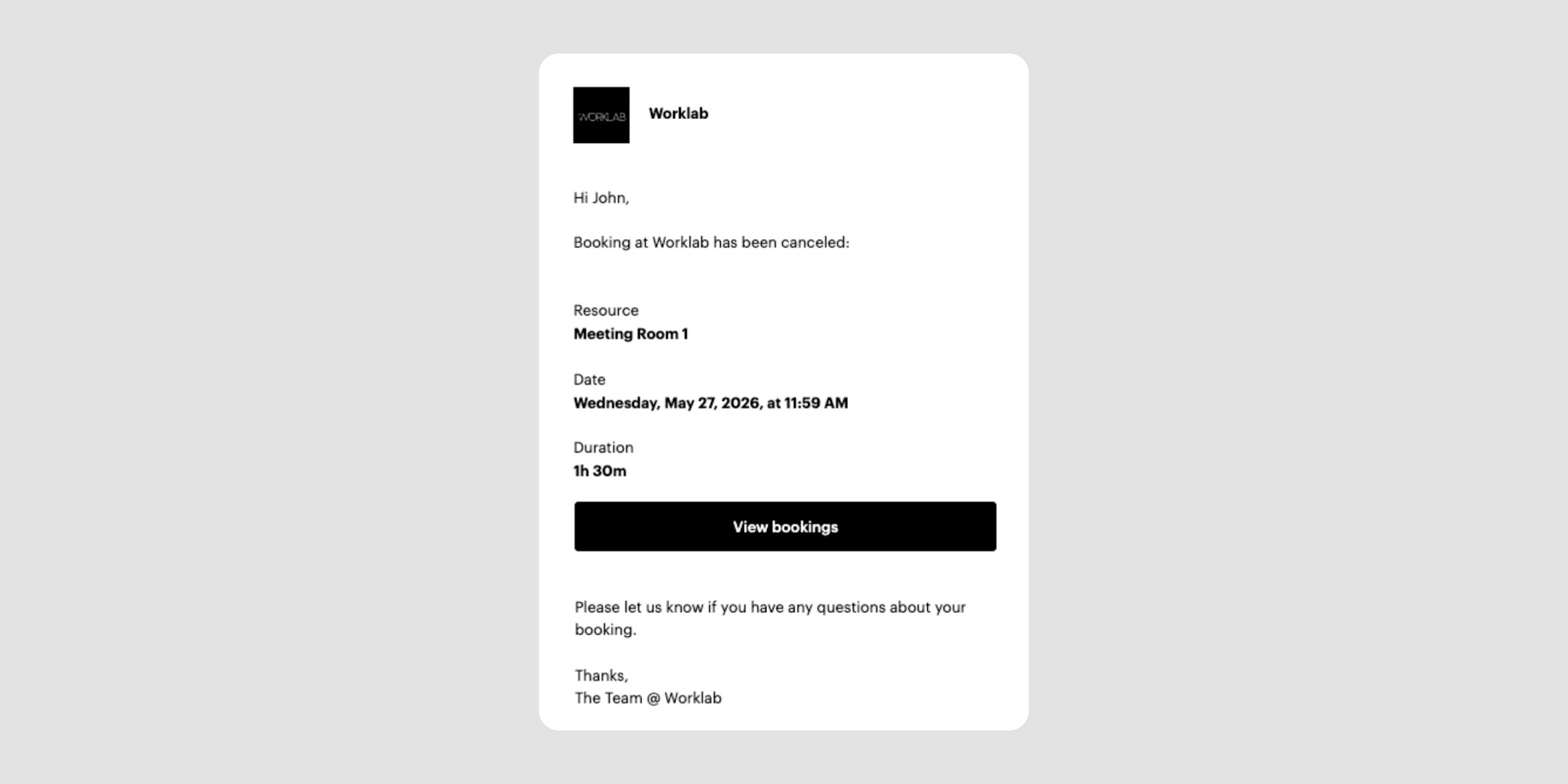
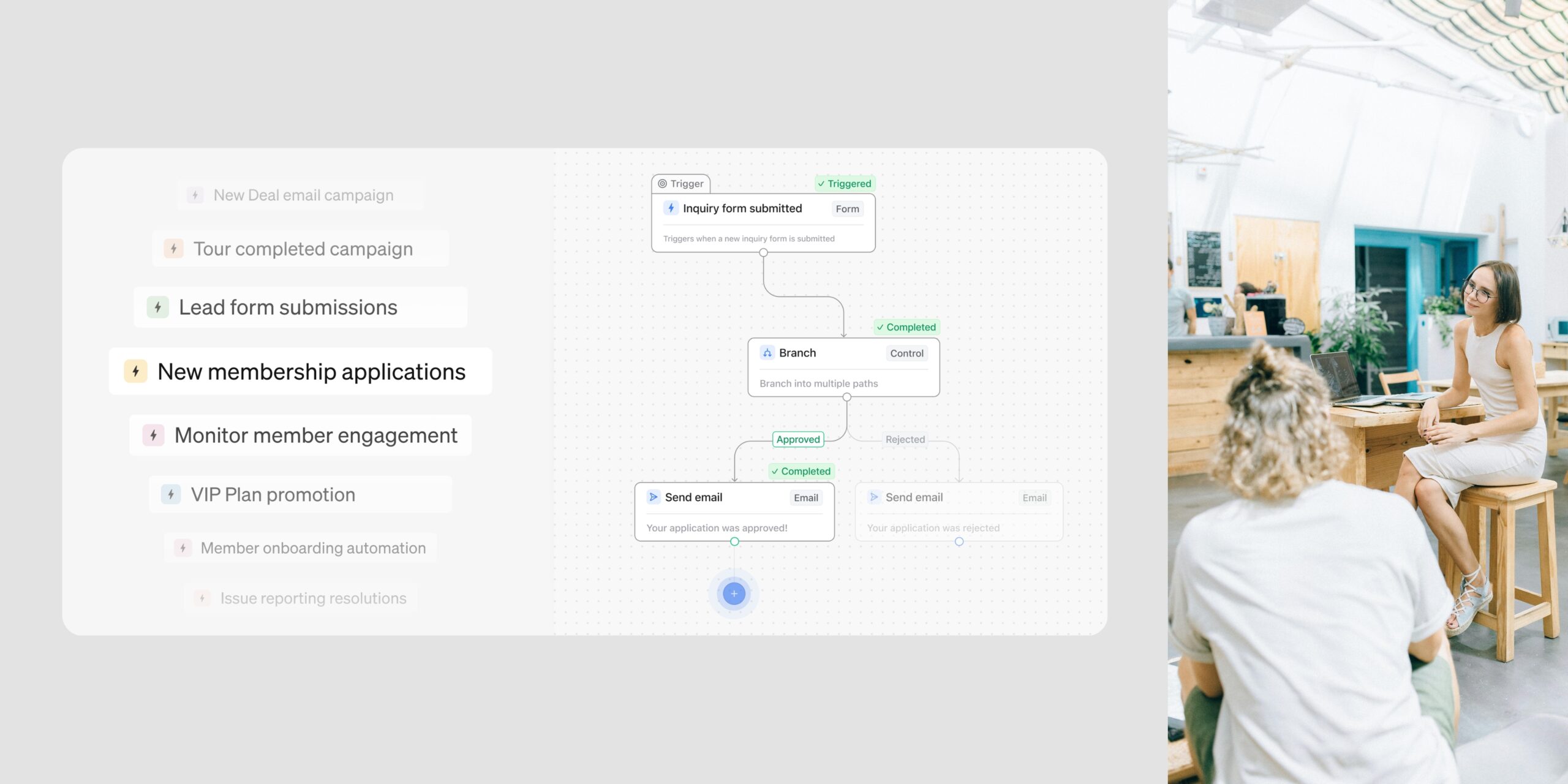
The email members receive when a booking is canceled is now one of your default automations. That means you can edit it like any other automation, so the message matches your voice and your policies.
With this change, you can:
That’s everything new in Optix this May. From Member Referrals to a new way to reward your most loyal bookers, this month’s updates are all about helping you grow and engage your community. Subscribe to our newsletter to stay up to date with what’s new in Optix.
Subscribe to our newsletter to stay up to date with what’s new in Optix.