Manage multiple locations from a single dashboard
Multi-location Management for Growing Spaces
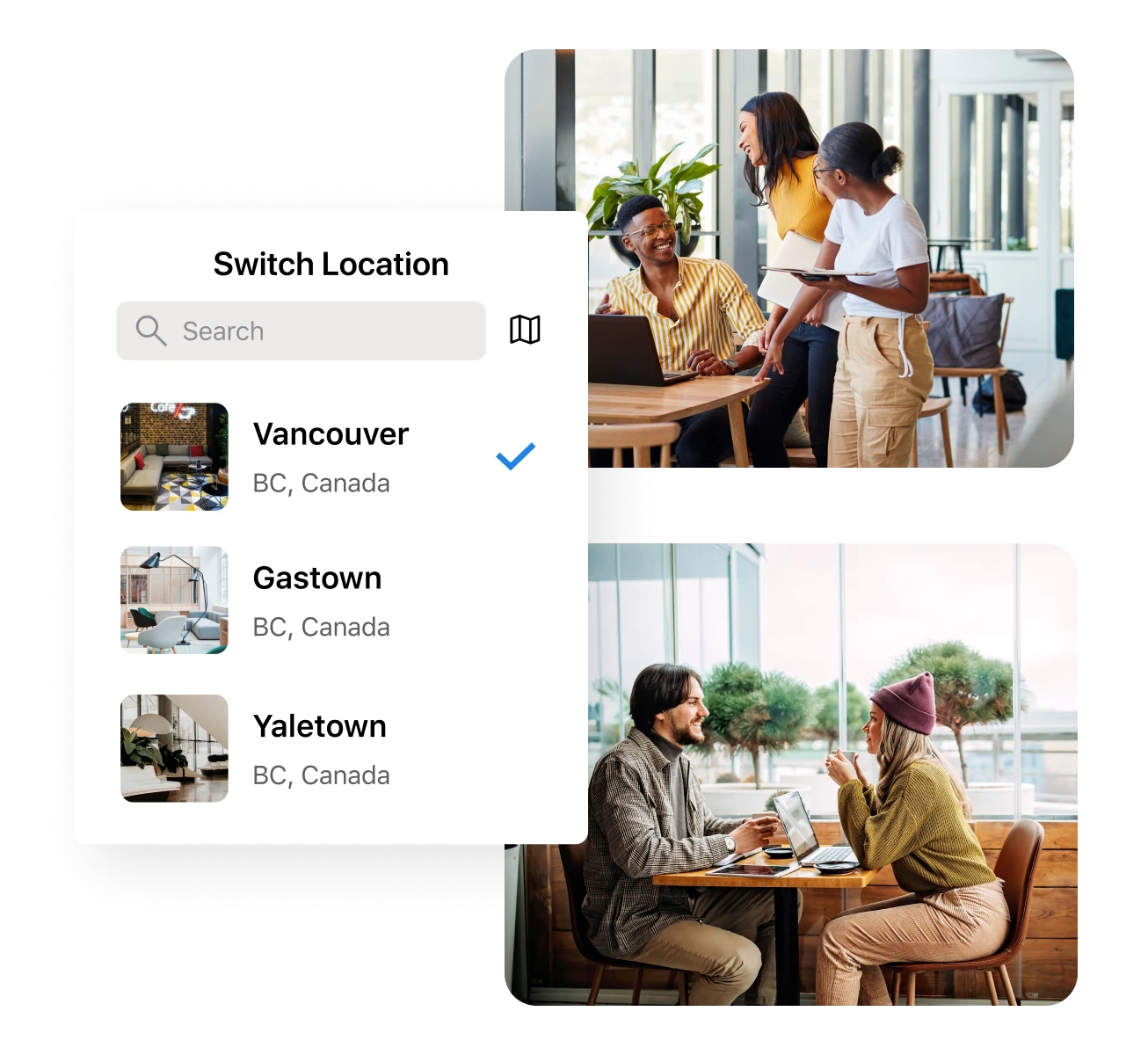
Manage multiple locations from a single dashboard
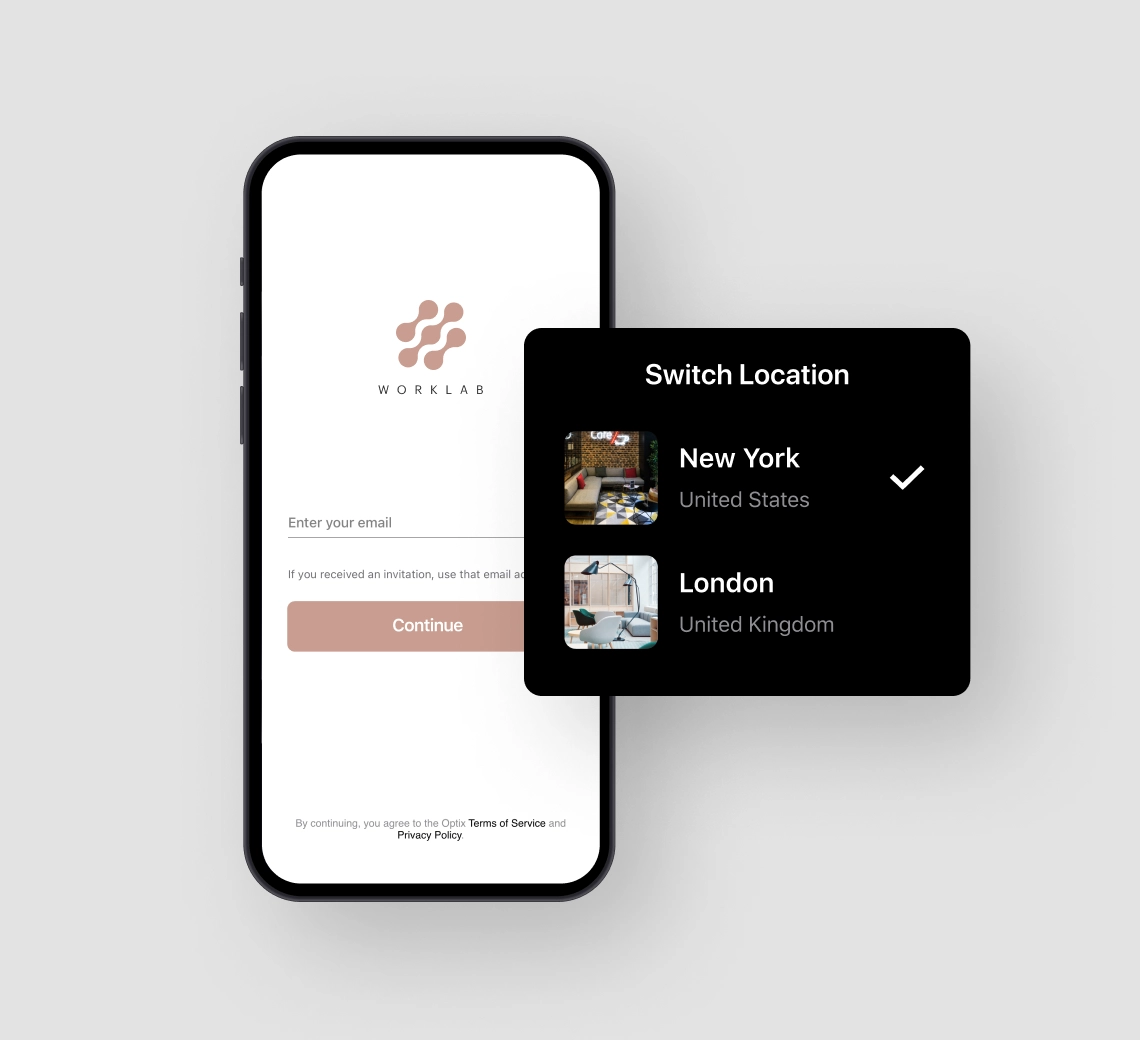
Strengthen your brand and centralize the user experience. With one app for all your coworking locations, you can manage a multi-location coworking space with ease.
Users can book any room in any space from a single device, if you choose. You’ll see it all from a single dashboard.


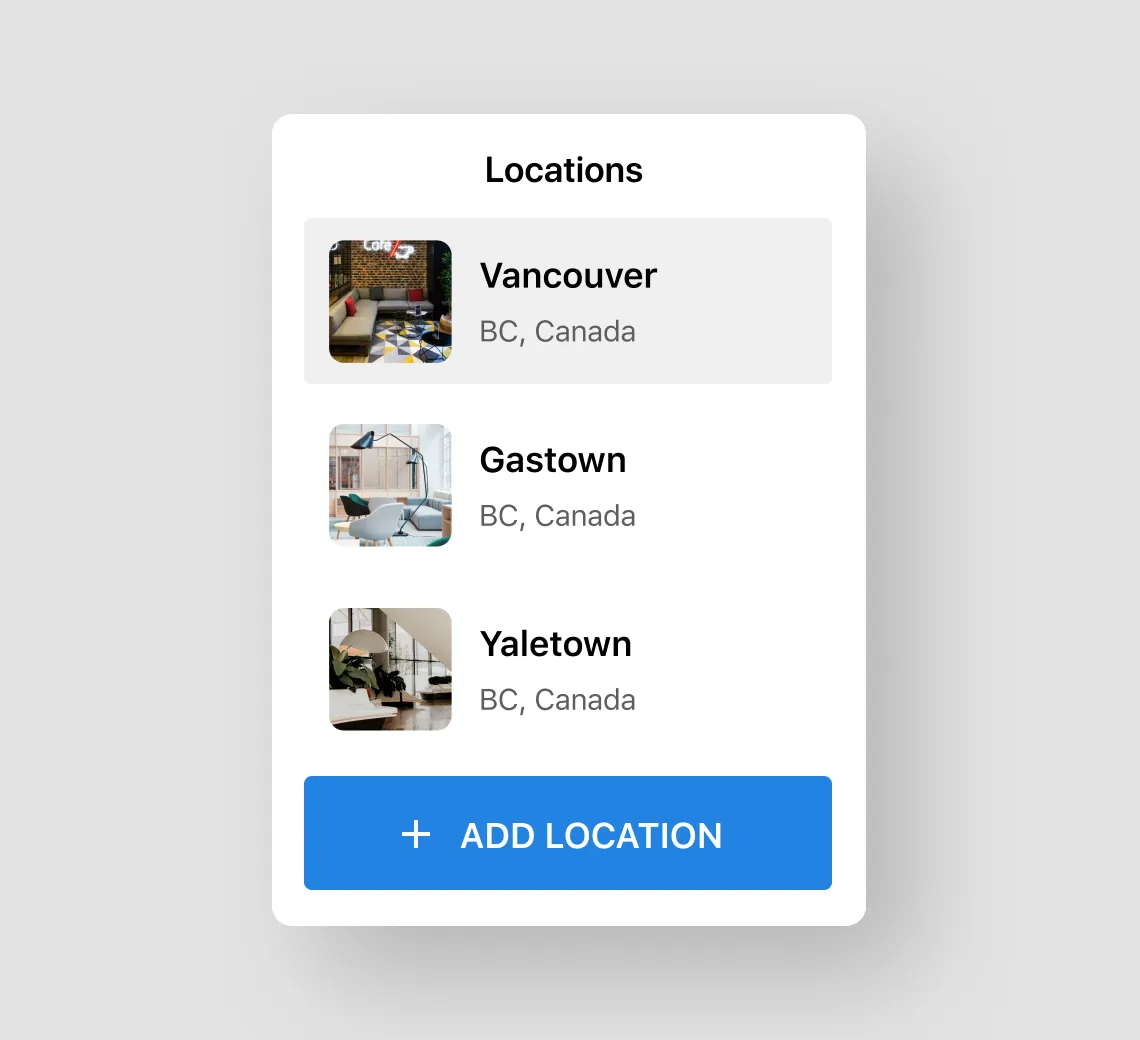
If you plan to expand, you need a platform that can scale. Multi-location functionality gives you peace of mind that when you’re ready to grow your coworking space, your platform can grow with you.
No need to worry about migrating when your membership gets too big. Optix can handle your business, whether you have one location or 50.
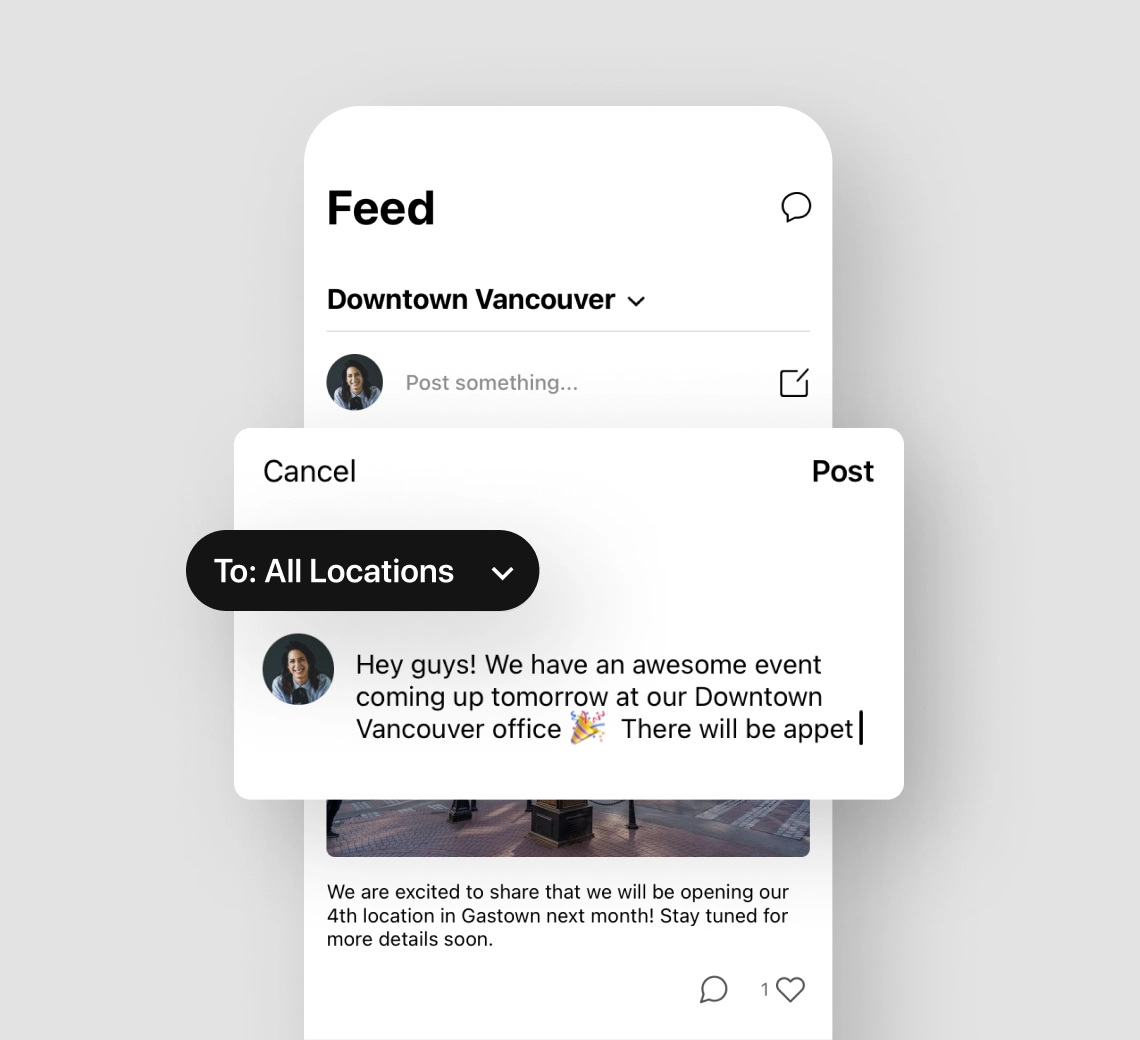
How do you keep your community together when your operations span multiple locations? Announcements, community posts, events, and more can be shared across multiple coworking locations to engage and activate your distributed community.
That way, they’re always connected no matter what location they’re working from.






Multi-location management enables you to manage multiple coworking locations through a single dashboard in Optix. Save time and energy on managing users and teams across multiple coworking locations. Bring all of your data into one centralized dashboard.
Multi-location management offers several benefits, including centralized control, streamlined operations, improved scalability, and the ability to offer flexible membership options that cater to the diverse needs of members across different locations.
Yes, with multi-location management in Optix, you can access a centralized dashboard to monitor and manage all your coworking spaces in one place, making it convenient and efficient.
Optix enables you to manage an unlimited number of locations, from one to one hundred and beyond.
In Optix every location sits inside one organization rather than a separate account, so adding a flexible office site does not create a new dashboard, a new subscription or a second member list. Plans, products and automations set to all locations pick up a new site automatically.
It depends whether members carry across sites. In Optix a member active at more than one of your flex space locations is one account and is counted once for billing, so opening a second site does not duplicate your member list or your bill.
The dividing line is what is set once and what is set per site. In Optix, plans, products, automations and branding are configured across the whole organization, while resources, service hours, day rates, tax rates, billing addresses and access mappings are set per location.
One member record across every site, one branded app, and billing that is not rebuilt per location. Optix runs all three from a single organization, with plans scoped to one location or to several, revenue reported by location, and new sites inheriting plans and automations automatically.
Optix runs a multi-site portfolio from one dashboard, with a single member record and one branded app across every location. For portfolios needing separate legal entities, separate bank accounts or different currencies per site, the Network model runs each location as its own linked organization.
Within one Optix organization, invoicing, tax setup and payments run as a single system across every location, so recurring invoices raise and collect without being configured site by site. Revenue is attributed by each account’s primary location and splits by location in reporting.
Optix connects to Kisi and Salto at organization level, then maps plans, passes, resources and locations to access control groups for each branch. Members are added and removed automatically as their plan or booking changes, and one location can map to groups from more than one provider.
Optix runs one branded member app across the whole organization, so a member books, pays and opens doors at any of your locations from the same app and the same account. There is one app per organization rather than one app per location.
That is the Network model, where each location runs as its own Optix organization with its own billing and payment gateway, linked so members can use several sites. It is a paid add-on and the change is permanent, so it suits genuinely separate legal entities.