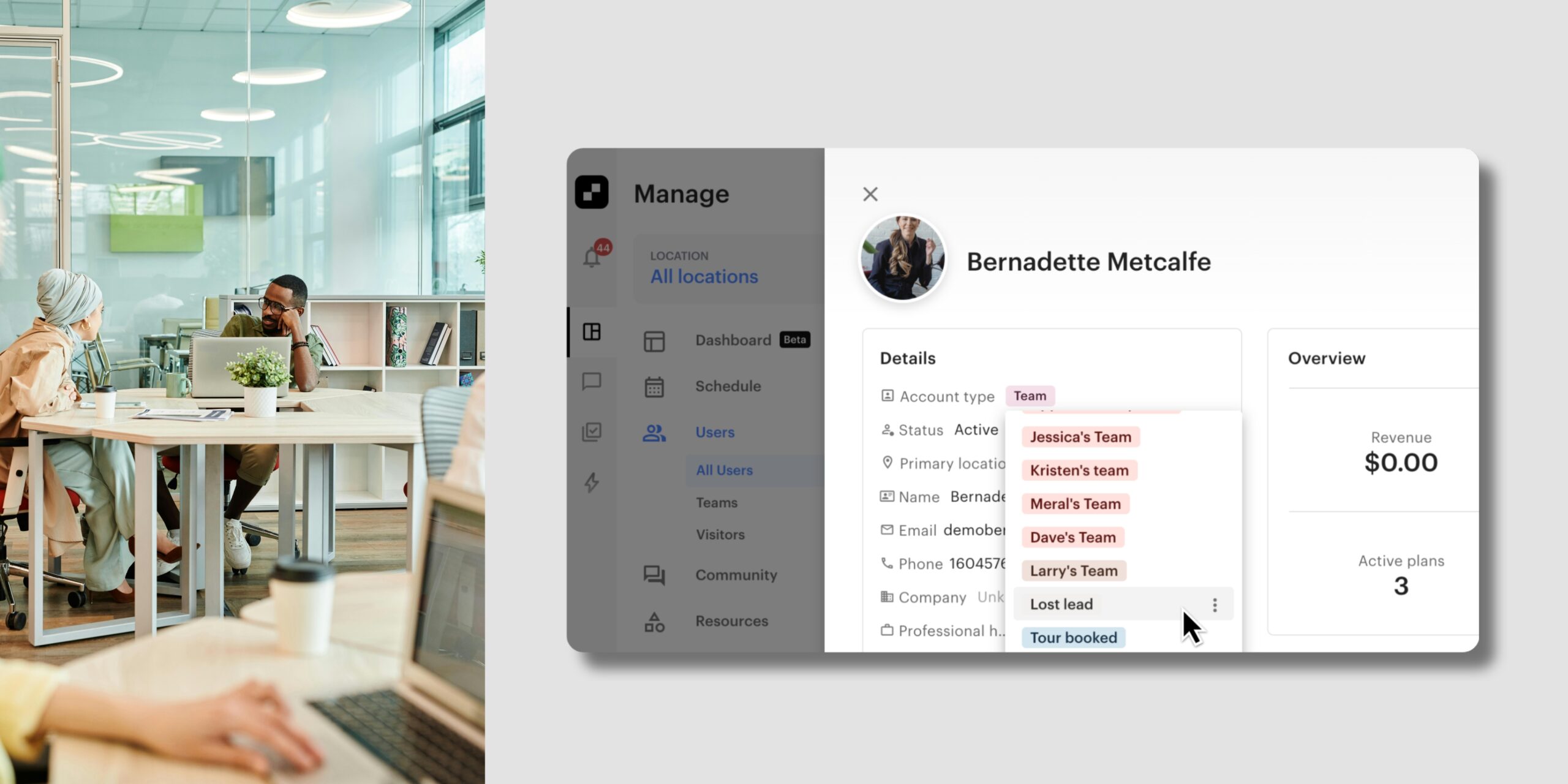
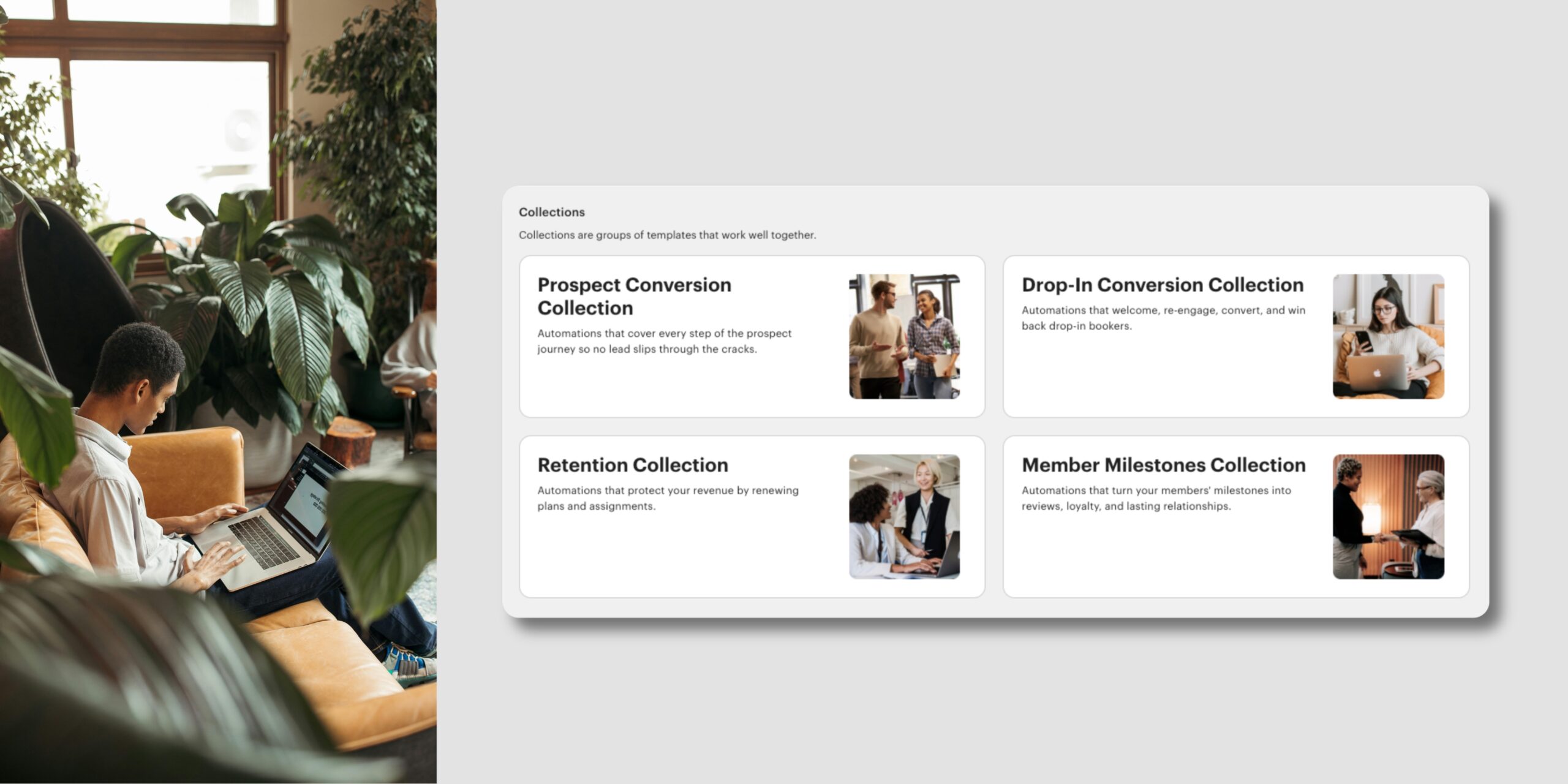
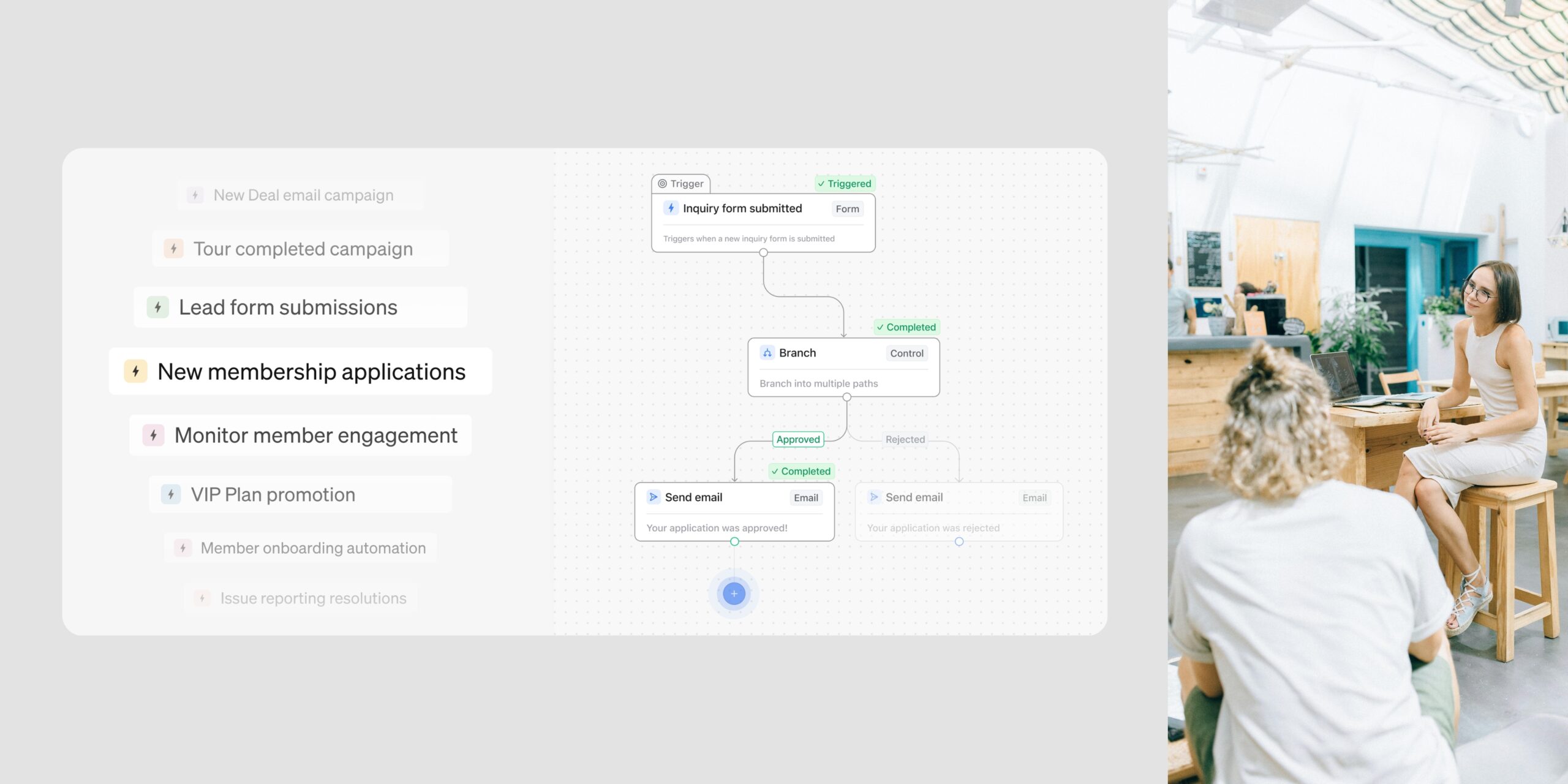
What’s New in Optix: September 2025
Learn about what we've added to the Optix platform in September 2025
September 30, 2025
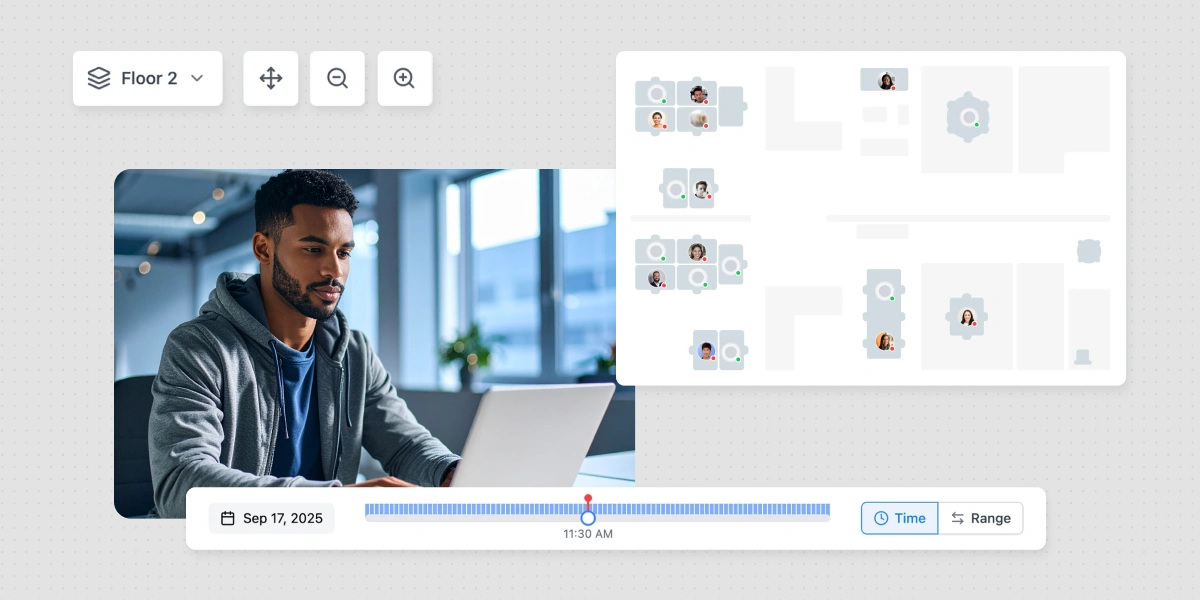
This September, Optix is rolling out powerful updates to make managing your space smoother than ever. From the highly anticipated Floor Plan (closed beta) for real-time resource booking, to same-day credits that simplify invoicing, and smarter thread notifications that cut the noise—you’ll have more clarity, speed, and control at your fingertips.
Let’s take a look at what we’ve added to Optix in September 2025!
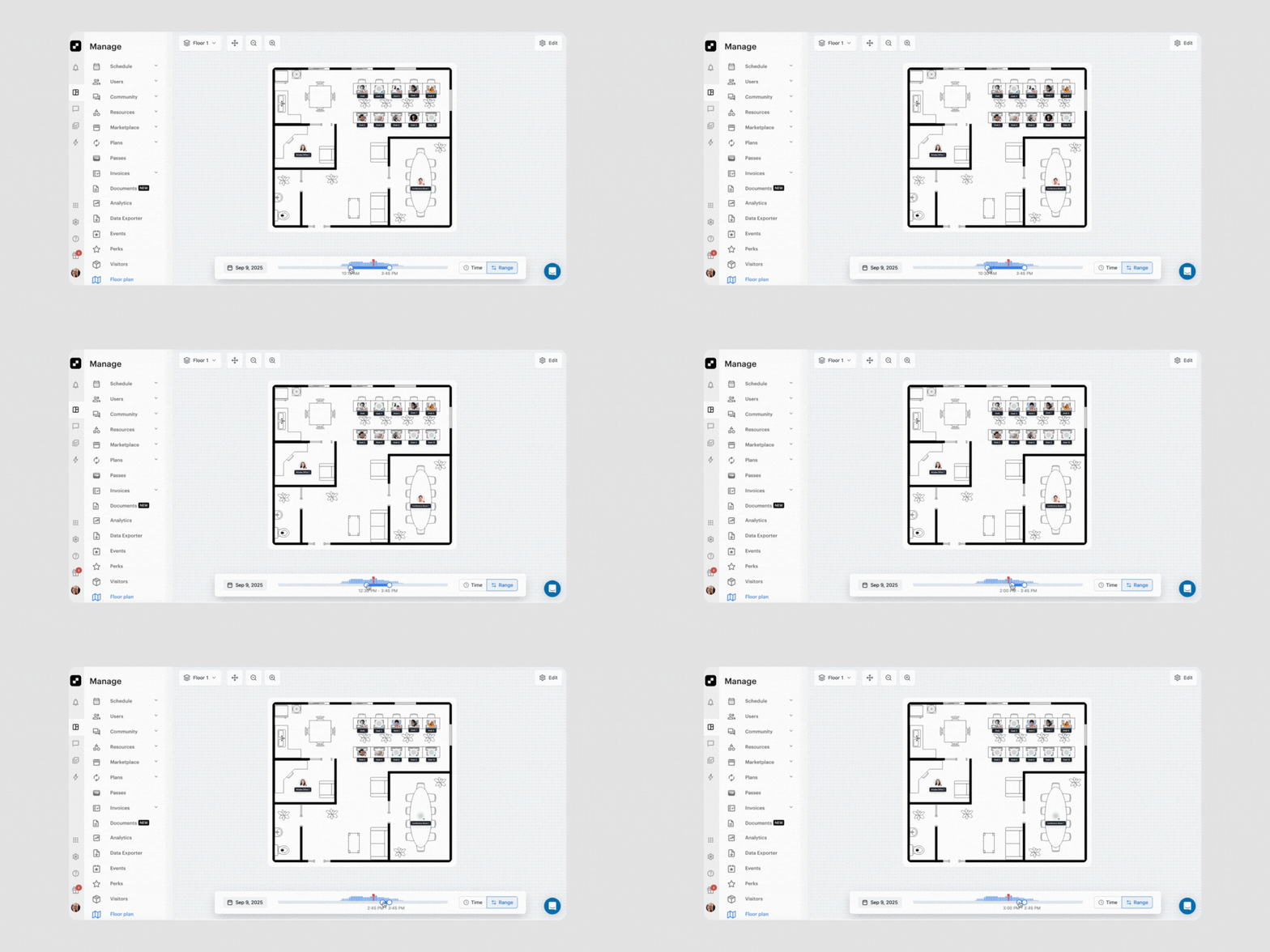
We’re thrilled to unveil Floor Plan, a powerful new way to visualize and manage your space inside Optix! This highly anticipated feature gives you an interactive map of your workplace, letting you see availability at a glance, make faster booking and assignment decisions, and deliver an even smoother experience for your members.
With Floor Plan, you can:
Floor Plan is currently in closed beta, and we’re actively gathering feedback to shape the general release. If you’d like access, reach out through the chat function in your Optix dashboard or connect with your Customer Success Manager.
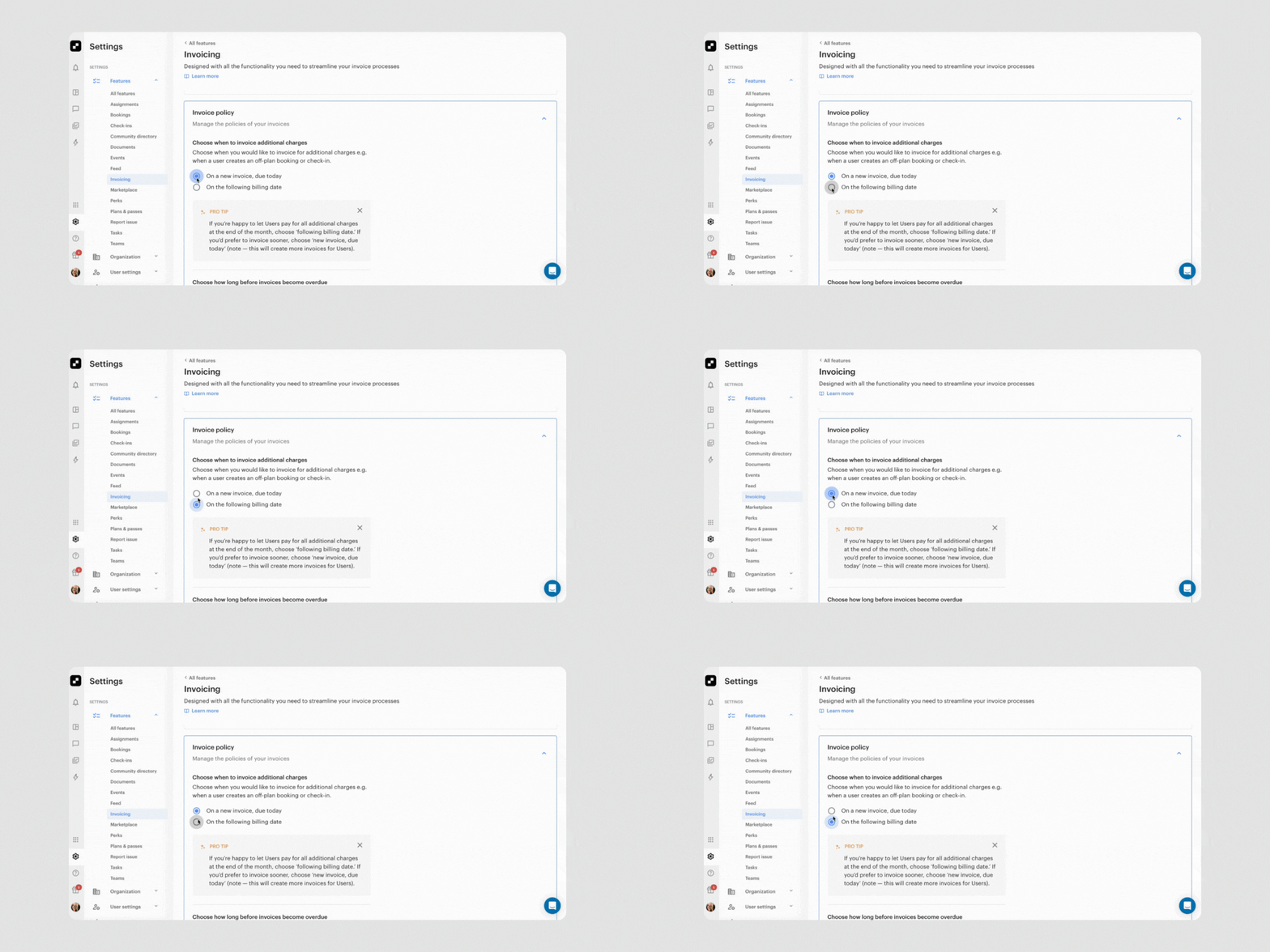
We’re excited to announce a major improvement to the invoicing process: credits for canceled bookings are now automatically created and applied on the same day they were invoiced!
No more waiting until the next billing cycle—this update ensures a seamless, same-day experience for both credits and additional charges. Whether invoices are pending, finalized, or newly generated, everything is handled consistently and accurately.
For finalized invoices, credits are automatically applied starting with the oldest outstanding balance, and additional charges are invoiced right away to match. This change brings greater clarity, faster resolution, and a smoother billing journey for everyone involved.
Learn more about how credits are applied in Optix →
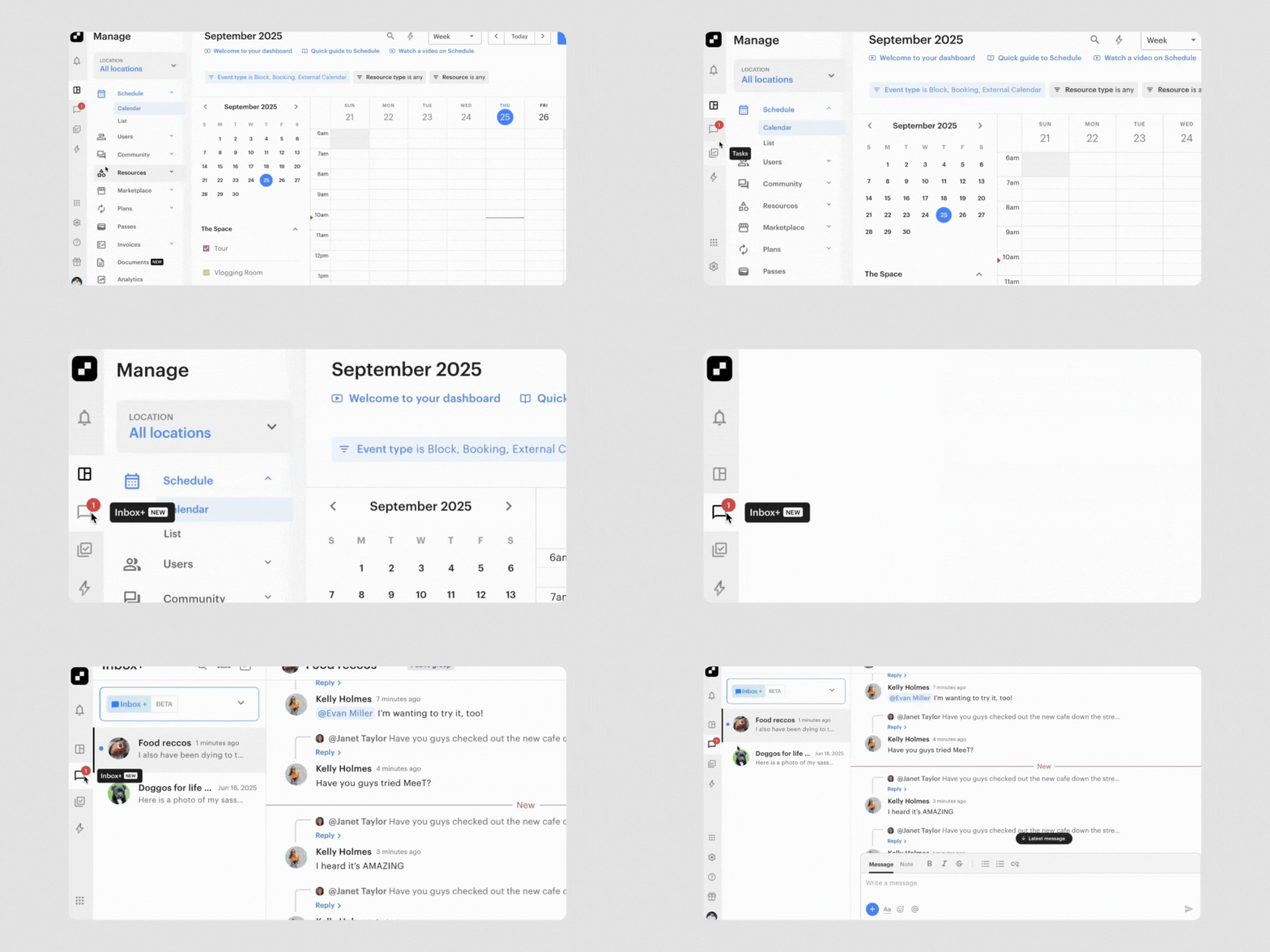
In the past, all members of a group would receive a notification when a reply was posted in a thread. Now, only those who have participated in the thread, either by sending a message (even if later deleted) or by starting the parent message, will be notified.
This update makes notifications more relevant, helping reduce noise and keep communication more focused.
Learn more about threads in Inbox+→
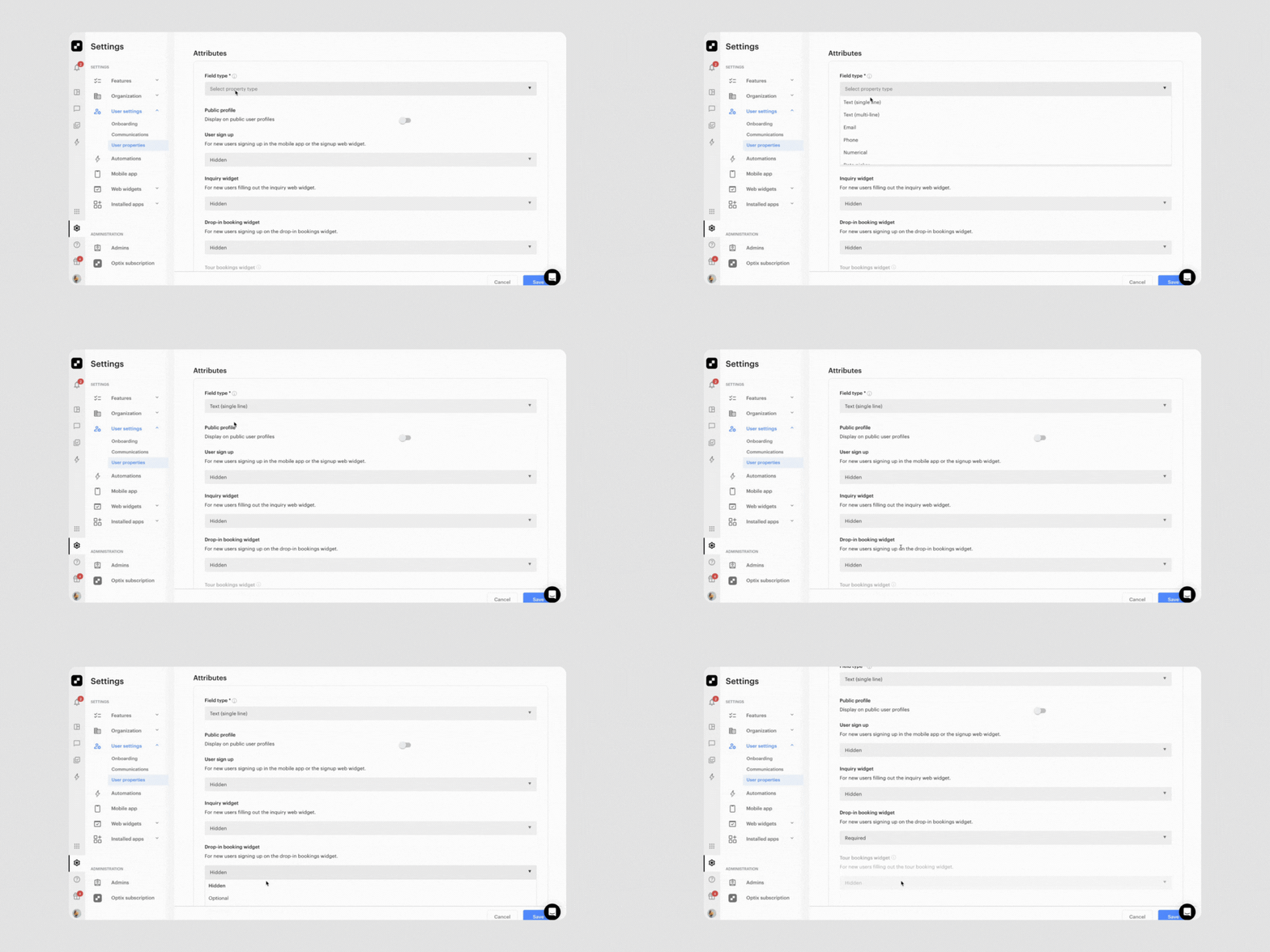
Do you want to collect more information about leads directly from your website? With this highly-requested update, you can capture any information that you want directly from your Drop-in Booking and Tour Web Widgets and store that information in Optix.
Whether you want to know their occupation, favorite breakfast item, or preferred day of the week, you can collect it in Optix directly from the online booking flow. Any collected data is saved to the user’s profile, so it’s visible for your team and never re-requested from returning members. This means better lead quality and less manual follow-up.
Learn more about custom properties in Web Widgets →
We can’t wait to bring you more features to help improve your member experience and help you succeed with Optix. Subscribe to our newsletter to be the first to know about new features.