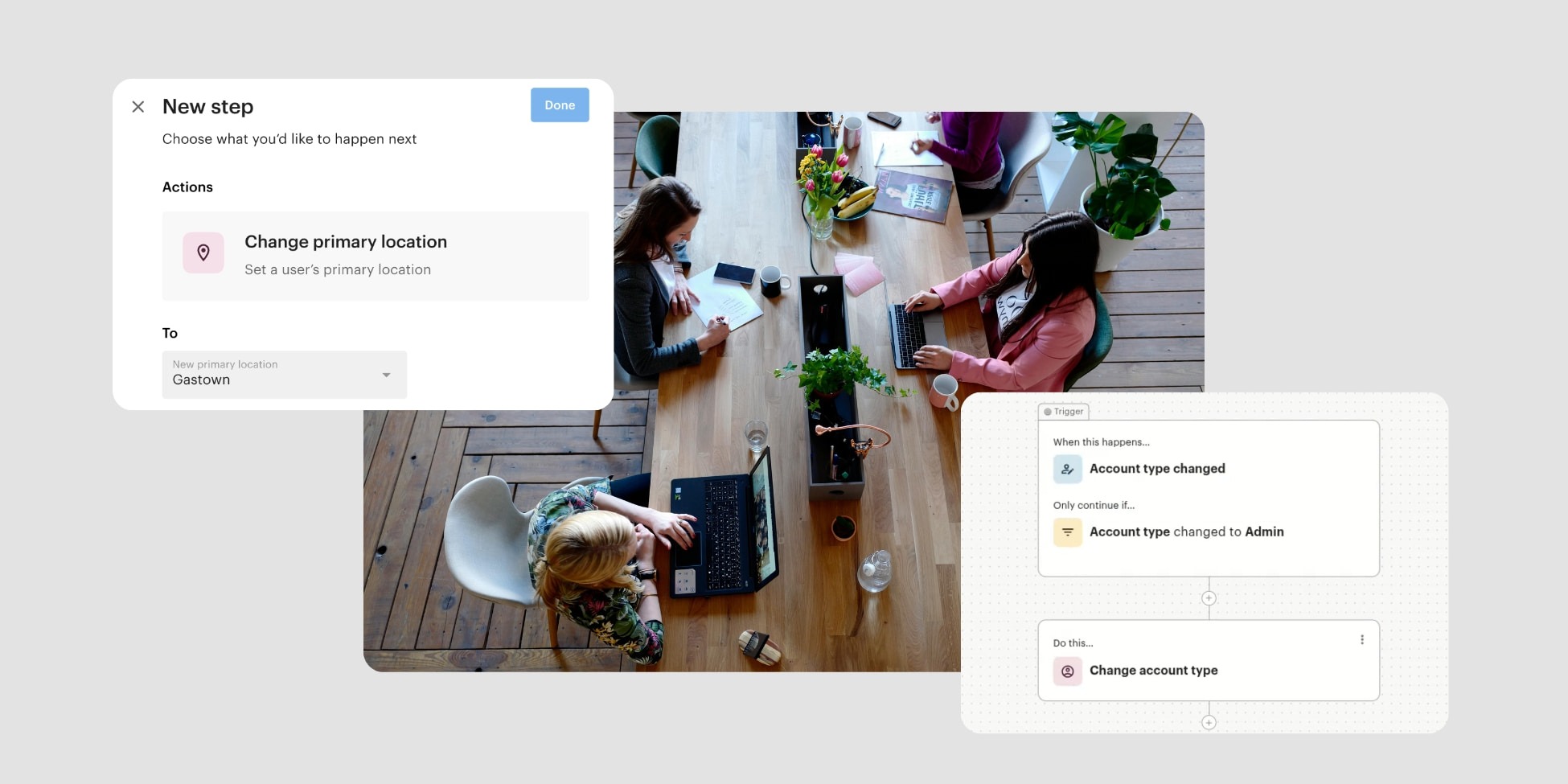
What’s New in Optix: February 2026
Learn about what we've added to the Optix platform in February 2026
March 2, 2026
February’s updates span some of the workflows you rely on most, from how your automations reach members, to how you onboard them, to how they pay at checkout. Whether you’re tightening up your team communication processes or opening up more payment options for drop-in users, this month’s changes are designed to give you more control with fewer manual steps.
Let’s take a look at what we’ve added to Optix in February 2026!

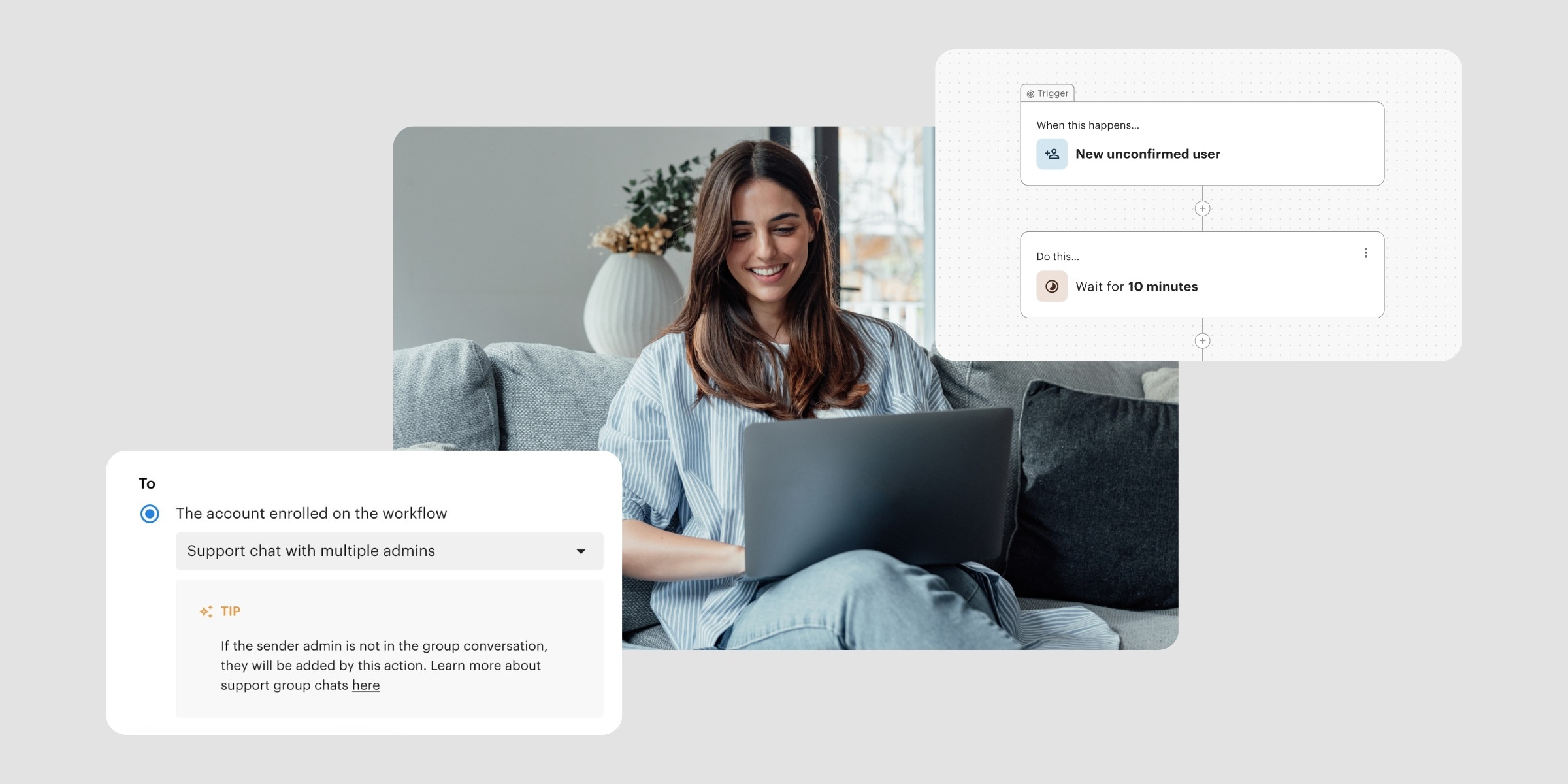
The “Send message” action in Optix Automations now includes the option to route messages directly to your Support Chat group.
Previously, automated messages were sent to a single recipient — which meant if the user responded, only the admin who sent it could see that conversation. With this update, automated messages land in the user’s Support Chat thread that all admins can see, respond to, and build on. This is especially useful for teams where multiple admins share responsibility for member communication and no one person should be the sole point of contact.
Learn more about Inbox and Support Chat →

When adding a new user manually or importing a list via CSV, you can now set their initial status to Unconfirmed.
This is useful for:
The option applies consistently to both individual user creation and bulk imports, so there’s no need to adjust statuses after the fact.
Learn more about adding members in Optix →
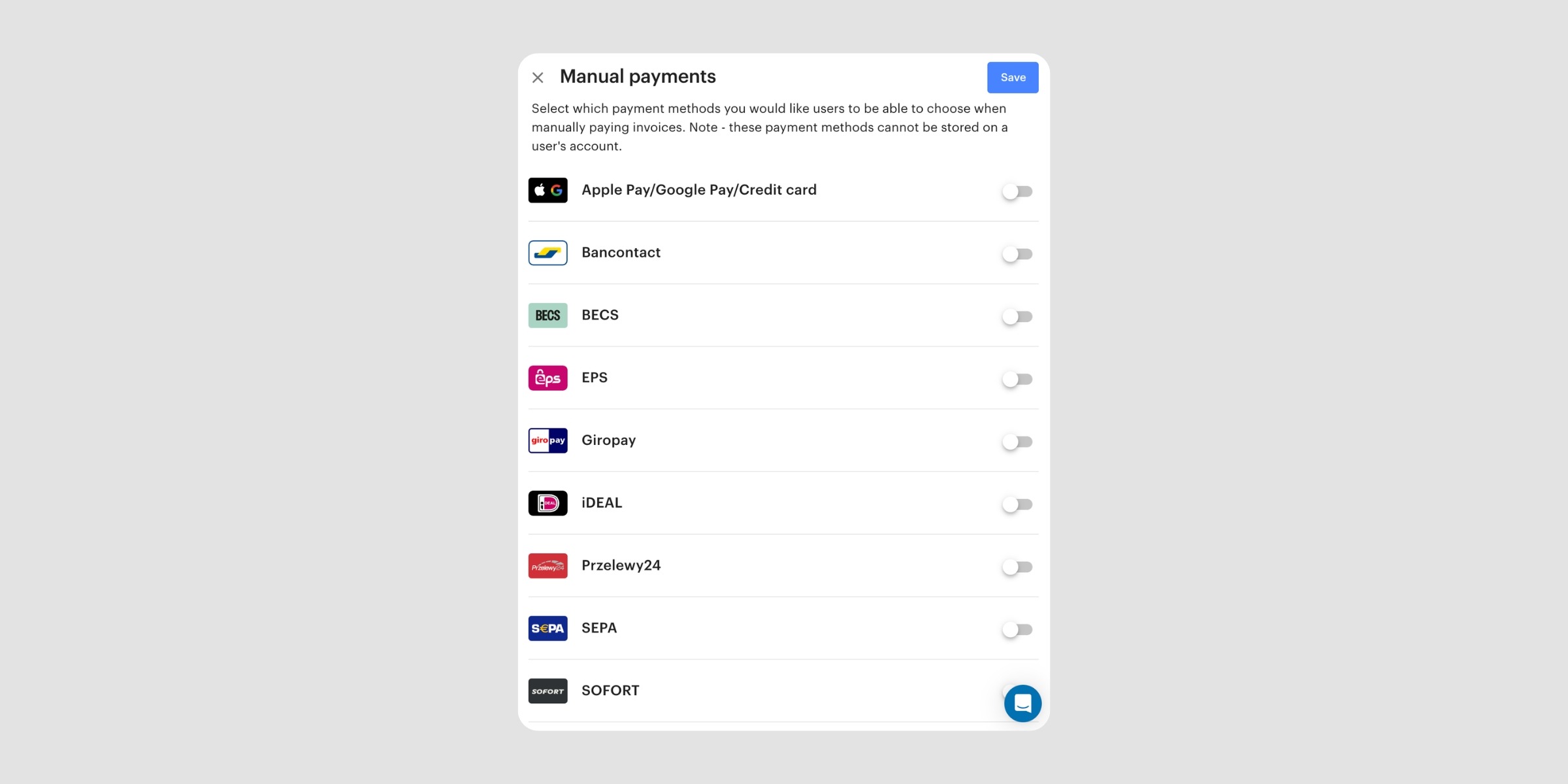
The drop-in booking widget now supports a wider range of payment methods via Stripe Checkout. Alongside credit card, drop-in users can now pay using iDEAL, Apple Pay, Google Pay, Bancontact, EPS, Przelewy24, SEPA, and SOFORT.
For spaces that serve members across different regions, this makes a meaningful difference. Card payments are less common in many European markets, and requiring them at checkout can lead to drop-off from drop-in users who simply prefer another method. By supporting the payment methods your drop-in users actually use, you can remove friction at the final step and collect payment upfront.
Learn more about manual payment methods for the Drop-in Widget →

You can now include images directly in Optix Automation emails. A new image icon in the email editor toolbar lets you upload and embed visuals anywhere in the body of your email content.
This makes it easier to:
Automated emails are often the first touchpoint a new member has with your space. Being able to include branded visuals makes those touchpoints feel more considered and cohesive, without any additional manual effort.
Learn more about creating Automations emails →
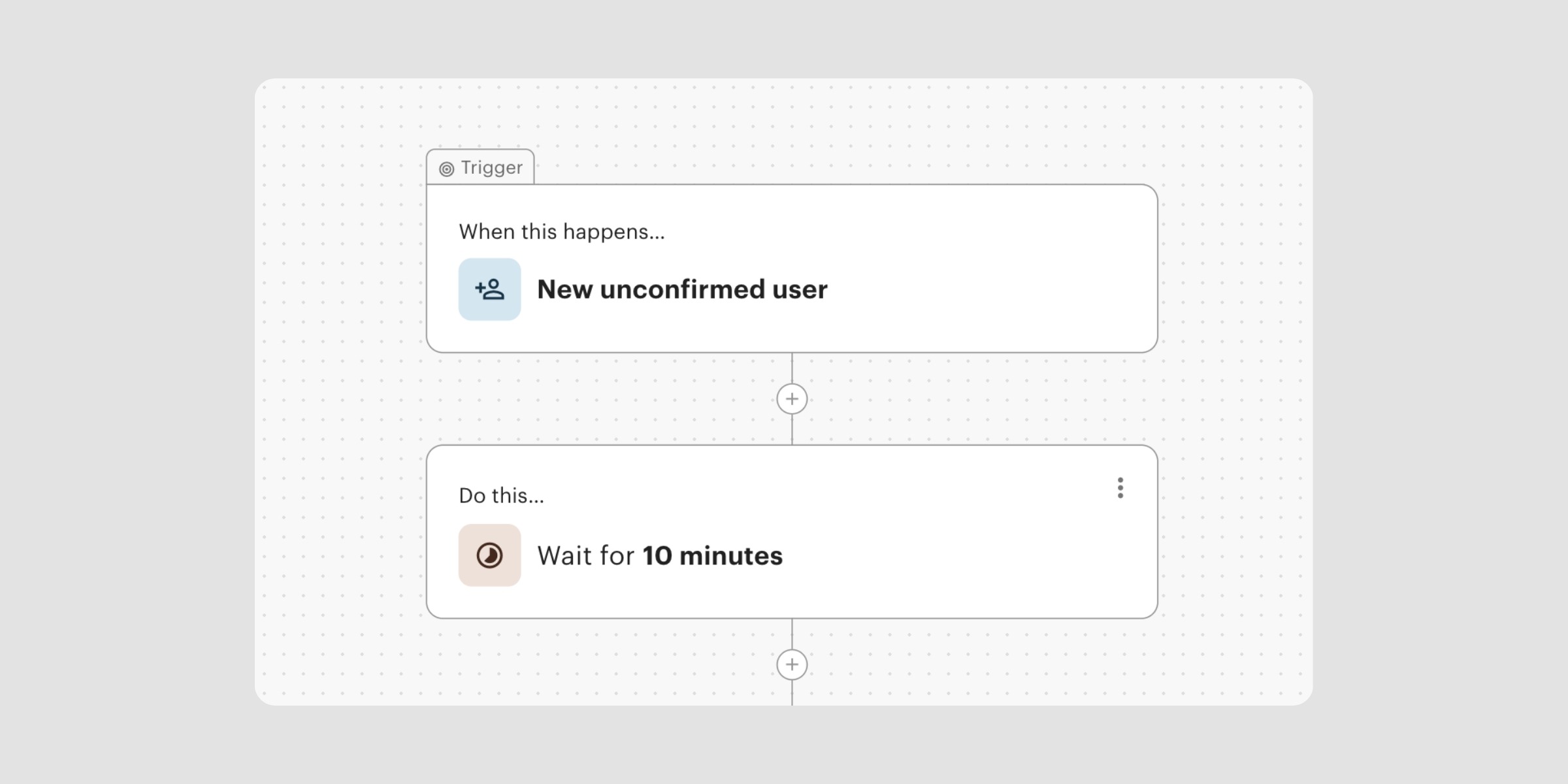
The “New unconfirmed user” trigger in Optix Automations has been updated to give you more control over timing.
Previously, the trigger had a fixed 1-hour delay built in and couldn’t be changed. Now, that 1-hour delay is added as a visible, editable step.
This means you can now:
For spaces that rely on this trigger for lead follow-up or onboarding sequences, this update makes it possible to tailor the timing without being locked into a default that may not fit how you operate.
Learn more about the ‘New unconfirmed user’ automation trigger →
We’re continuing to build tools that give you greater control over how you run your space.
Subscribe to our newsletter to stay up to date with what’s new in Optix.