What’s New in Optix: July 2025
Learn about what we've added to the Optix platform in July 2025
August 1, 2025

This month was all about making a big impact with the little things in Optix. From capturing the right data at the right time to triggering actions the moment a booking ends, these high-impact improvements are designed to level up your operations behind the scenes so you can shine out front.
Let’s take a look at what we’ve added to Optix in July 2025!
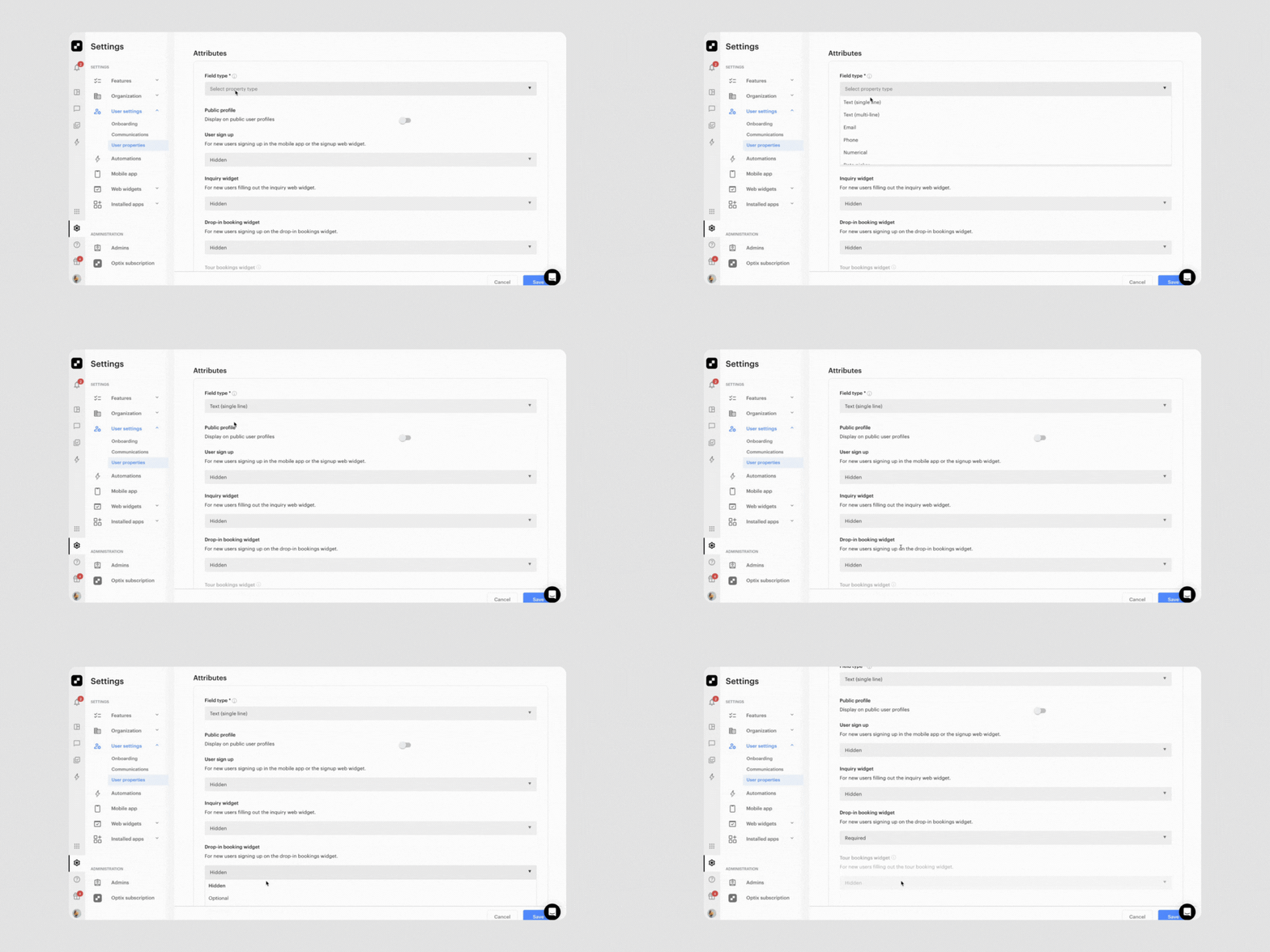
Do you want to collect more information about leads directly from your website? With this highly-requested update, you can capture any information that you want directly from your Drop-in Booking and Tour Web Widgets and store that information in Optix.
Whether you want to know their occupation, favorite breakfast item, or preferred day of the week, you can collect it in Optix directly from the online booking flow. Any collected data is saved to the user’s profile, so it’s visible for your team and never re-requested from returning members. This means better lead quality and less manual follow-up.
Learn more about custom properties in Web Widgets.
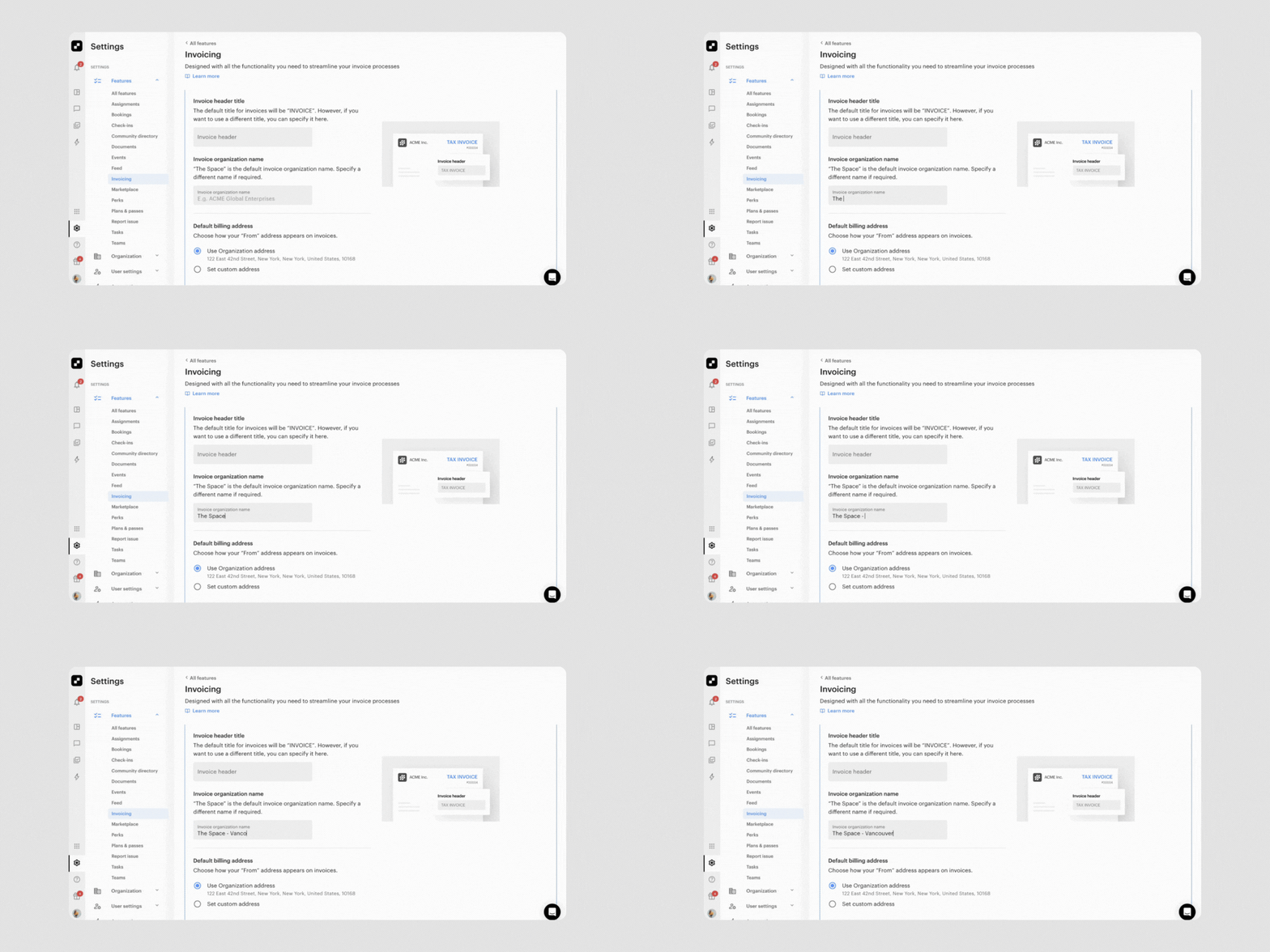
You can now customize the organization name that appears on your invoices without affecting the rest of your Optix account. With the new Invoice Organization Name field, admins can enter a formal legal name—such as a registered business entity or umbrella brand—specifically for invoicing purposes.
This is especially helpful for networks with multiple locations or naming conventions that differ between day-to-day communication and legal documentation. It’s a simple way to stay compliant, maintain brand clarity, and streamline invoicing across your locations.
Learn more about creating a custom Invoice Organization Name here.
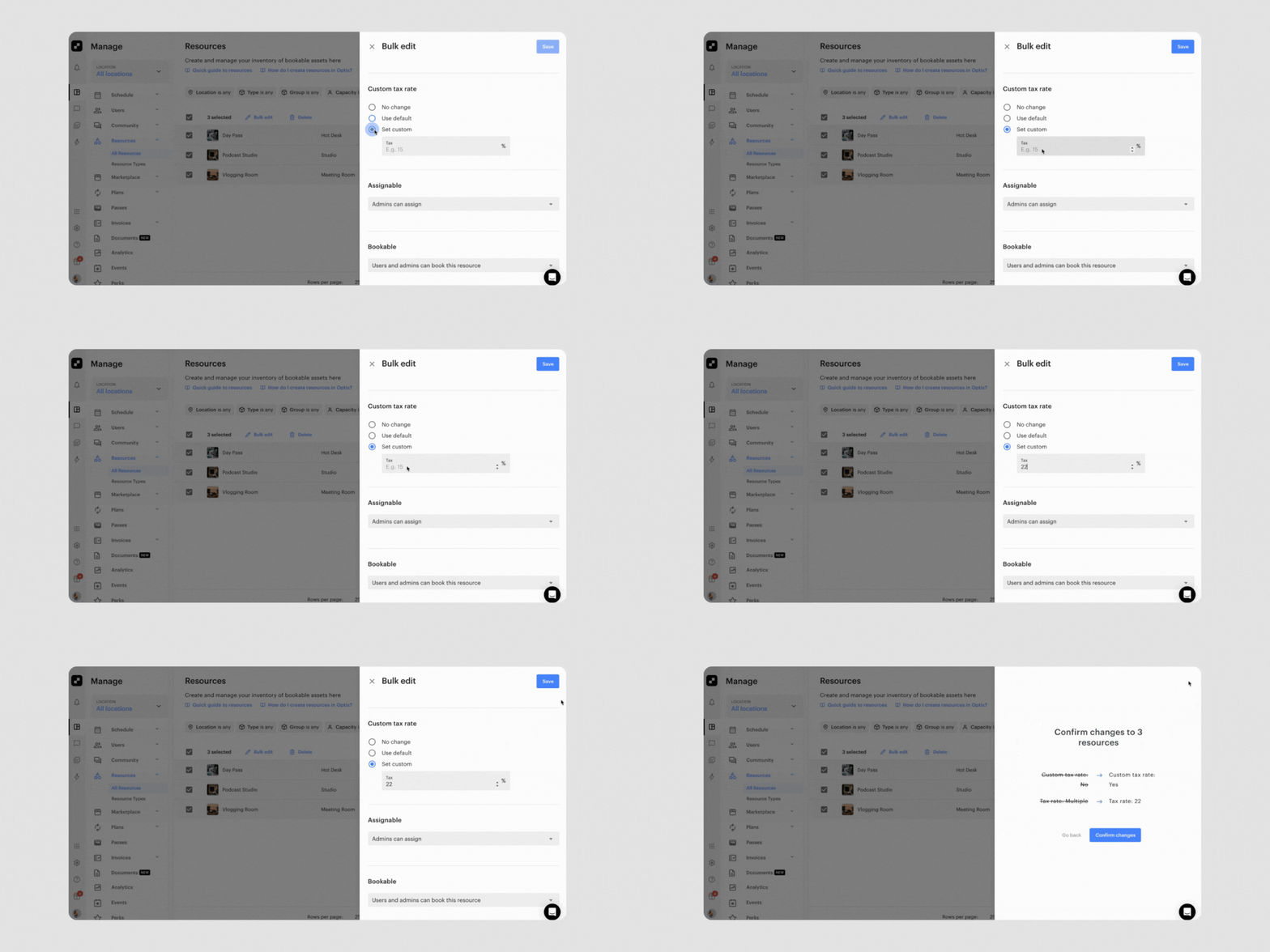
Managing tax rates just got a whole lot easier. The bulk-edit modal now includes a dedicated Tax Rate section with flexible options: leave settings unchanged, apply your organization’s default rate, or set a custom percentage across the board. Smart pre-selection logic helps you avoid mistakes, while automatic recalculations ensure your forecasts, proposals, and invoices reflect the most up-to-date tax rules. It’s a faster, safer, and more scalable way to stay compliant and keep your pricing accurate.
Learn more about bulk editing resources and plans
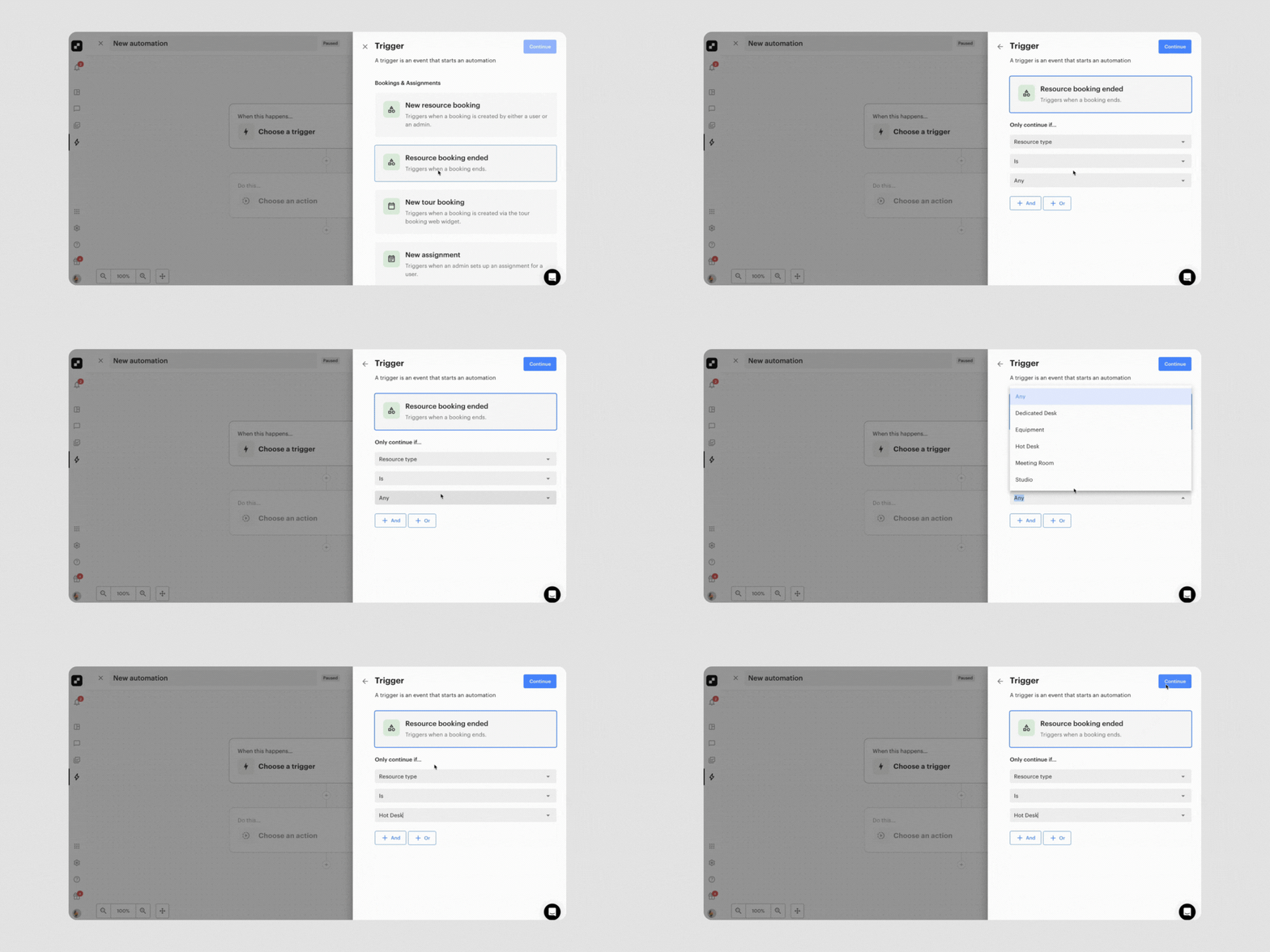
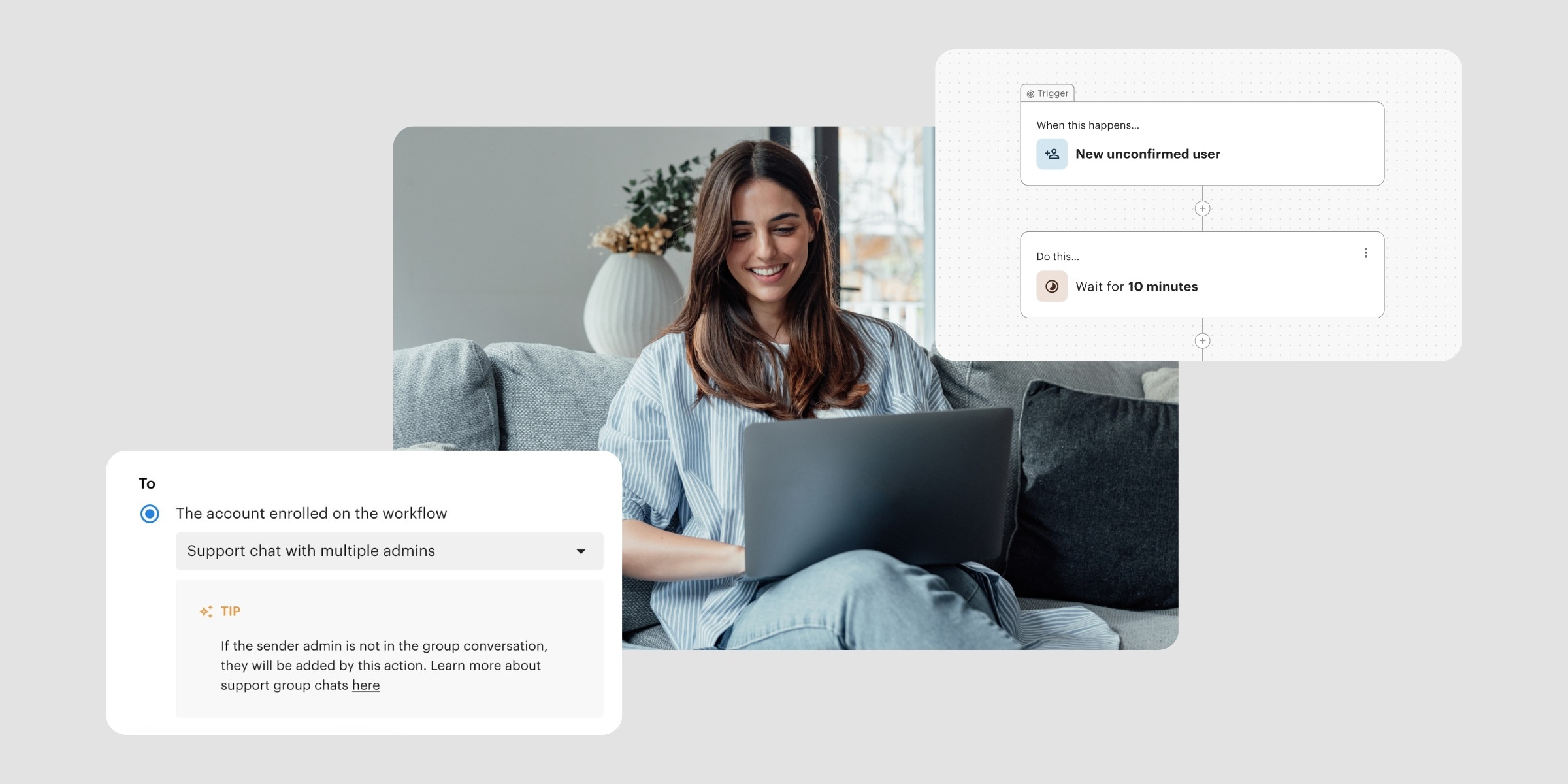
Say goodbye to end-of-day delays. With the new “Booking Ended (Time)” automation trigger, you can now fire automations the moment a booking finishes. This level of precision makes it easy to trigger post-checkout actions like cleaning notifications, feedback surveys, or follow-up offers without waiting for the day to end.
It’s a simple but powerful way to streamline operations, deliver timely member engagement, and ensure your space runs like clockwork.
Learn more about the Booking Ended trigger
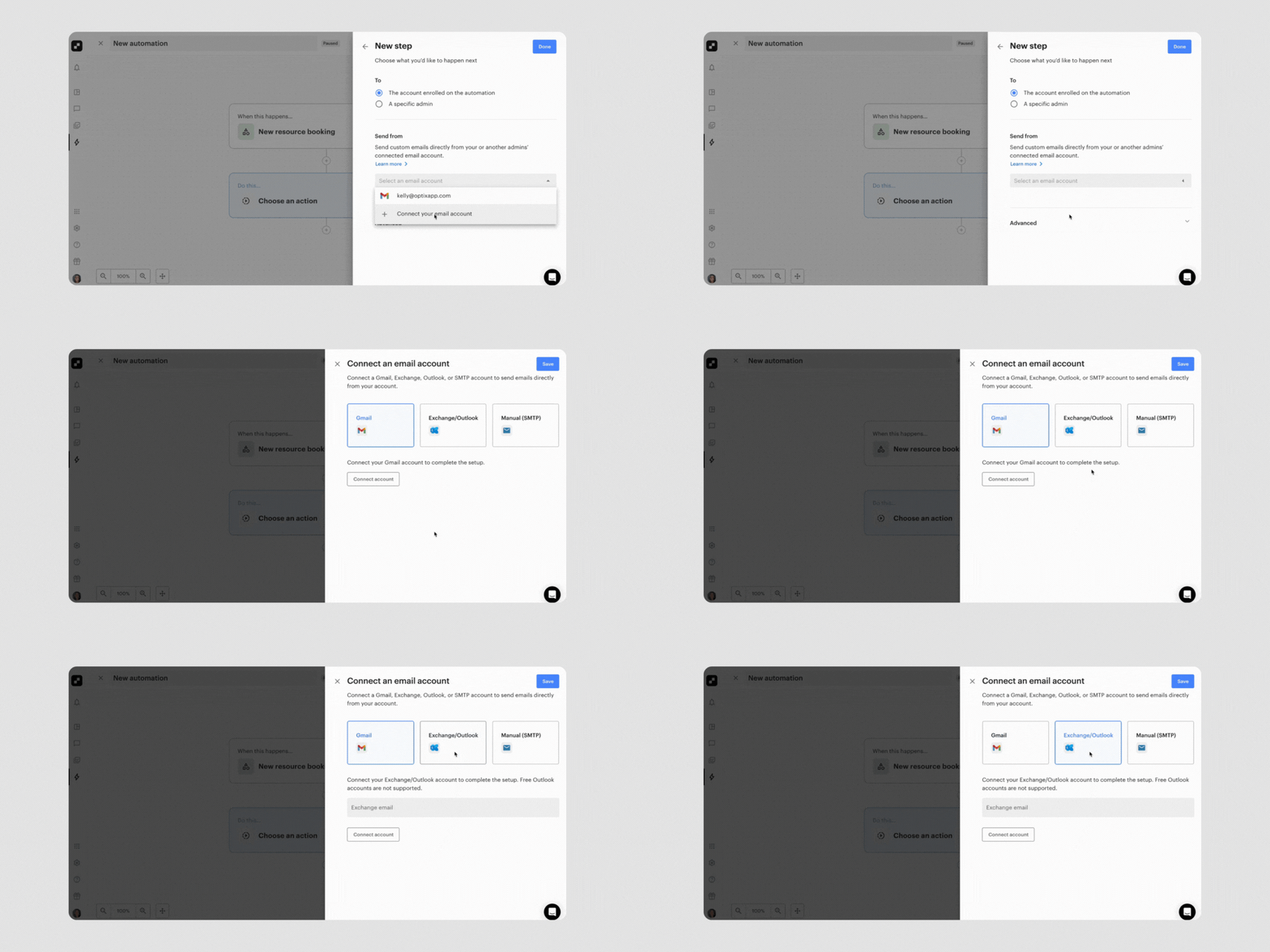
You can now connect your Exchange mailbox directly in Optix, unlocking the ability to send all your organization’s emails directly from that account and allow people to reply directly to your preferred email.
Whether it’s booking confirmations, invoice notifications, or security alerts, your messages will come from a branded, trusted address like info@yourspace.com without requiring extra configuration. This update streamlines setup, improves deliverability, and keeps your communications aligned with your brand.
Learn more about adding a custom email address to Automations.
We can’t wait to bring you more features to help improve your member experience and help you succeed with Optix.
Subscribe to our newsletter to be the first to know about new features.