What’s New in Optix: November 2025
Learn about what we've added to the Optix platform in November 2025
December 1, 2025
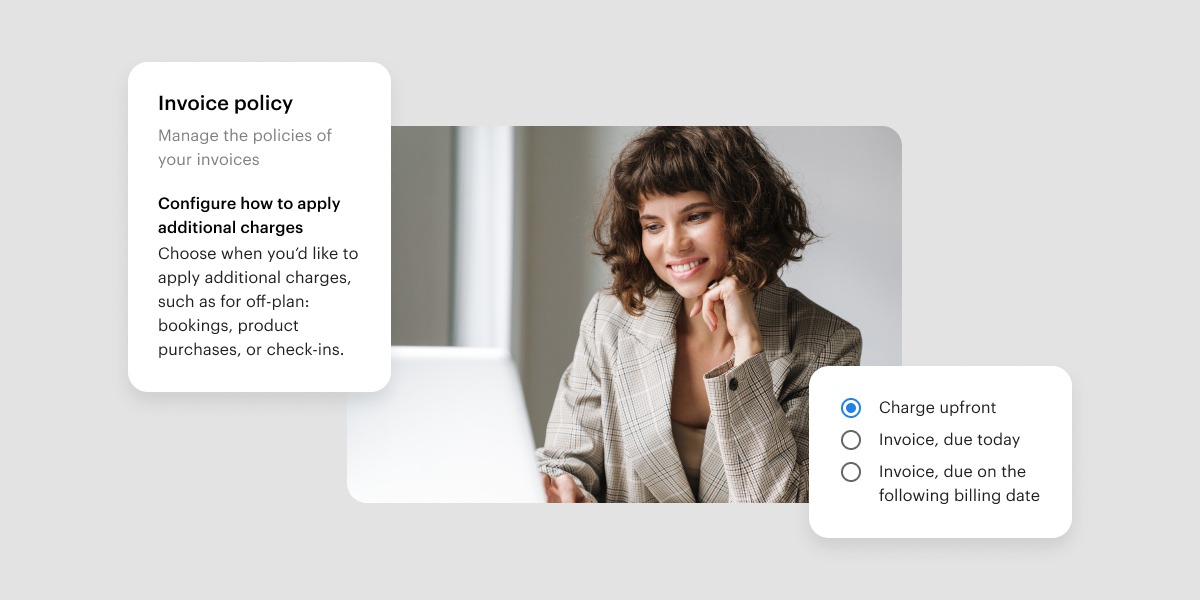
November brings several highly requested updates that aim to provide you with greater clarity and flexibility with payments, allowances, and bookings.
From collecting payment up front to a brand-new activity view for allowance (so you can finally answer your members’ question “where did my allowance go?” in seconds), these updates help you get paid faster, reduce manual reconciliation, and improve member trust.
Let’s take a look at what we’ve added to Optix in November 2025!
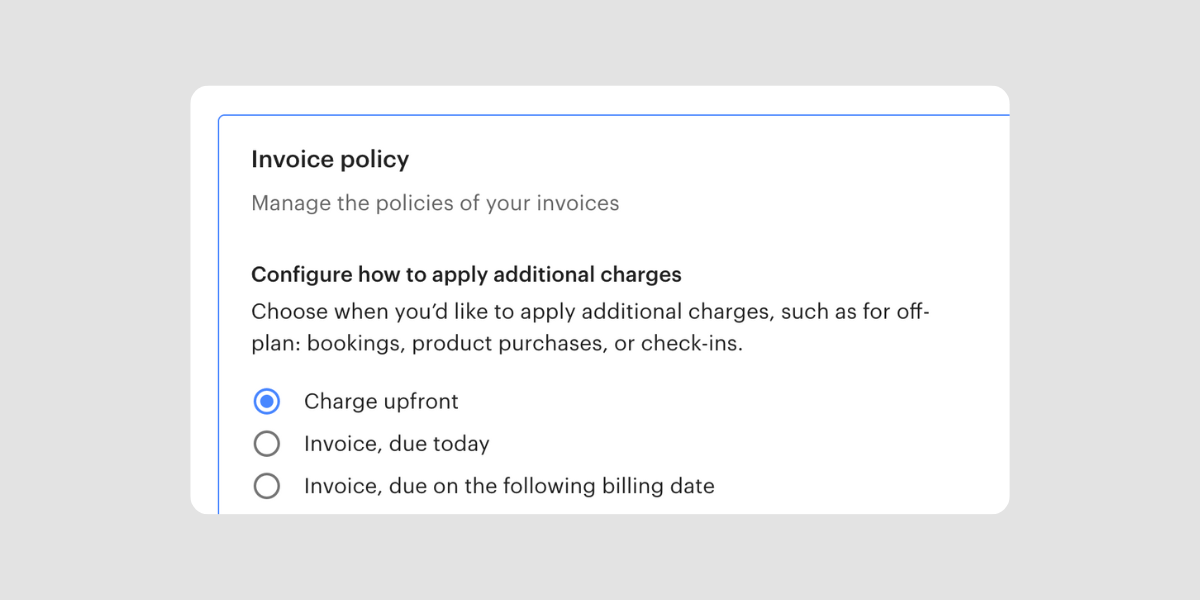
You can now ensure every booking, plan, or purchase made in the mobile app is paid for immediately.
With this new feature, Optix will attempt to charge the user as soon as they create a booking (and the same applies to plans and purchases). If the payment doesn’t go through, the action won’t complete – meaning bookings and purchases are only confirmed after a successful charge.
Why it matters:
Learn how to require users to pay upfront →
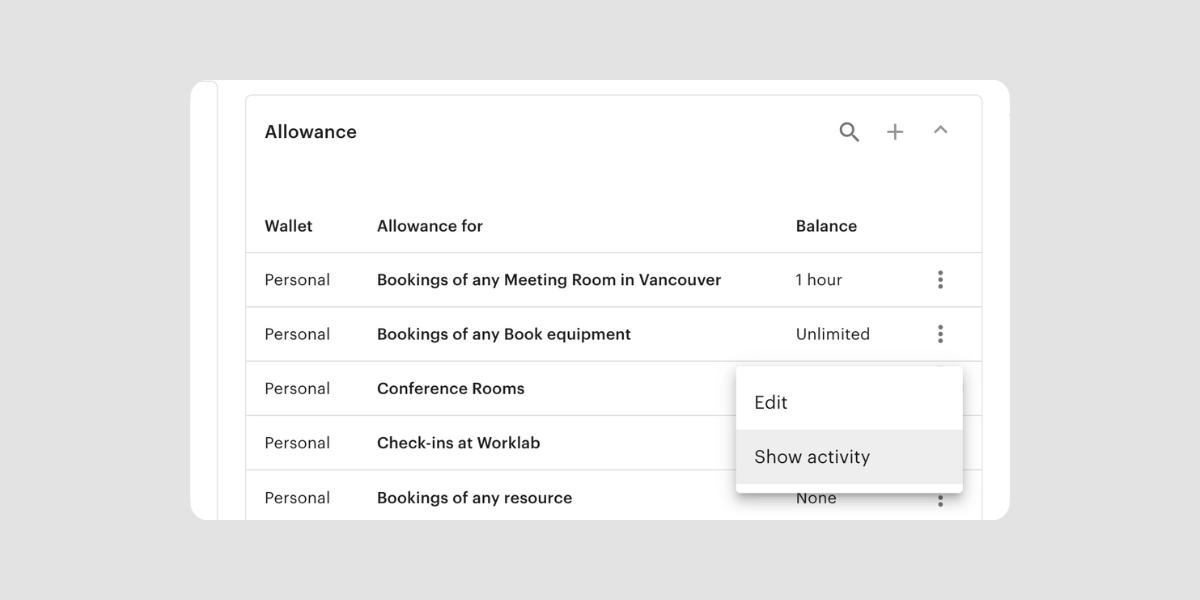
You can now drill into Allowance Activity to view a full timeline of how allowance was added, consumed, adjusted, or expired.
With Allowance Activity you’ll be able to:
Why it matters:
This gives operators a single source of truth for allowance usage.
Learn where to view Allowance Activity →
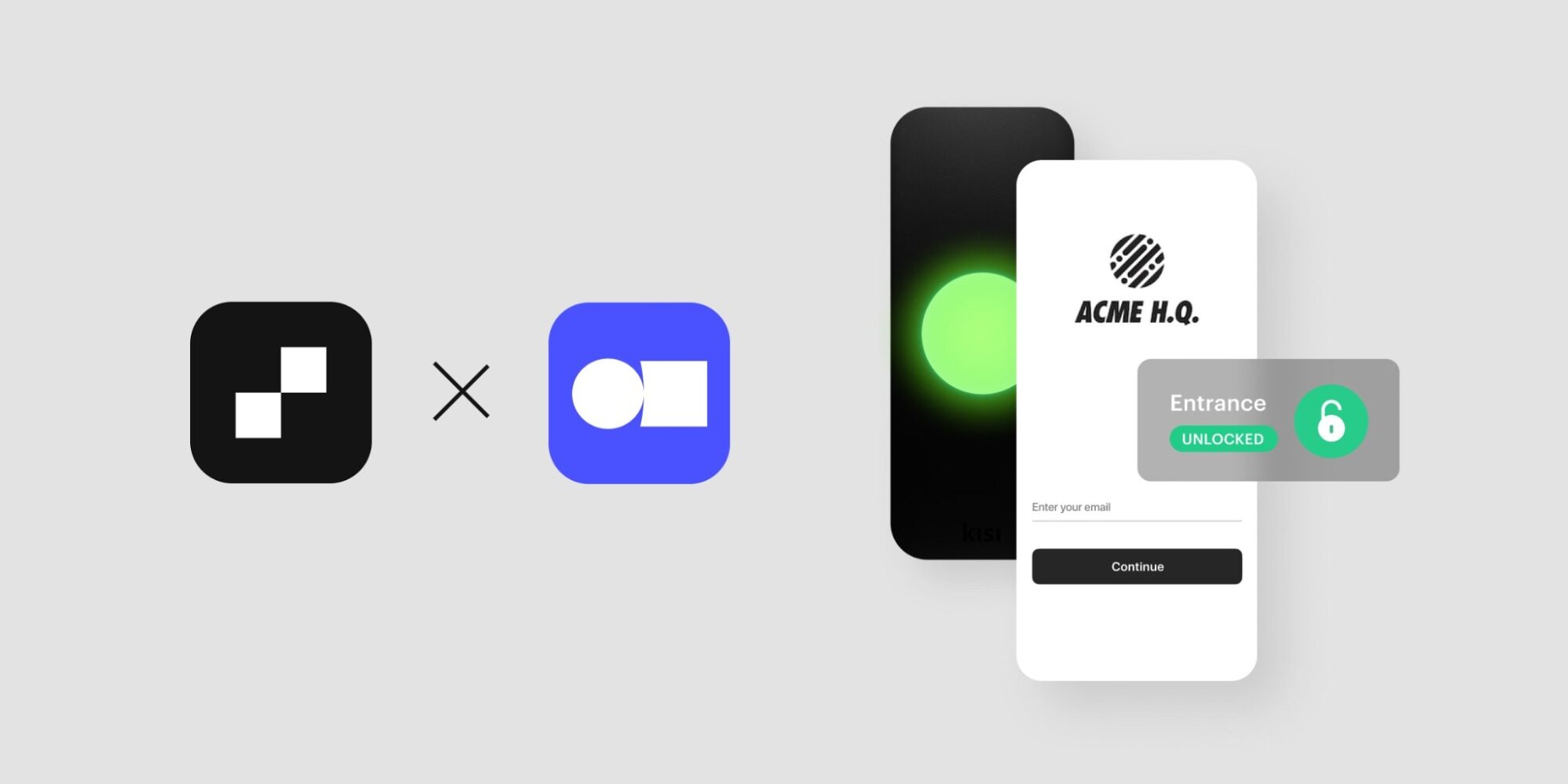
If your space uses Kisi, you can now set your own access buffer time before and after bookings. Instead of a universal “5 minutes before/after” rule, you can set a buffer like 15 or 30 minutes, depending on how your members use your space.
Why it matters:
If you need this enabled, reach out to our team at support@optixapp.com, and we’ll help configure it.
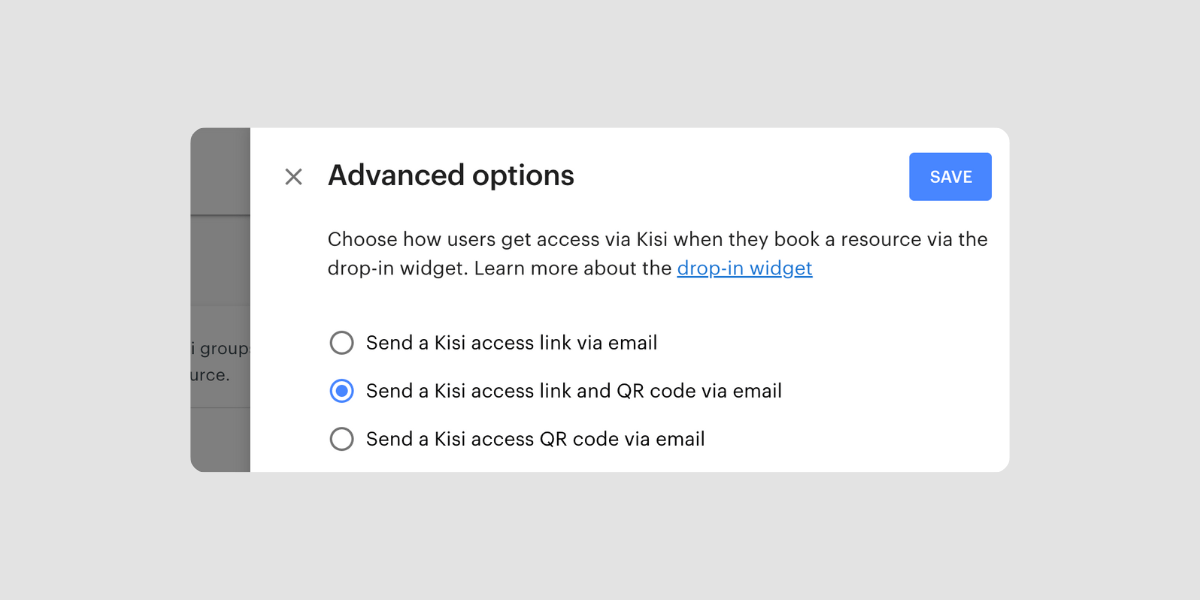
Another improvement for clients using Kisi! You can now automatically send a Kisi access link or QR code by email to anyone who books through the Drop-in Web Widget. That means drop-in visitors can get through the door without needing to download your app first.
Why it matters:
Learn how to send Kisi access links or QR codes →
We can’t wait to bring you more features to help improve your member experience and help you succeed with Optix.
Subscribe to our newsletter to be the first to know about new features.