Blog

Archie Alternatives for Coworking Management in 2026 [Ranked & Reviewed]

Discover the best Archie alternatives in 2026 with detailed reviews, features, and pricing insights
By The Optix Team
August 28, 2025
Best Archie alternatives for coworking spaces

TL;DR

  • Why operators move. Spaces outgrow Archie when the job shifts from booking desks and rooms to running memberships, billing and a community in one place.
  • Who is ranked here. Seven platforms: Optix, Spacebring, Coworks, Hamlet, Cobot, OfficeRnD and Nexudus.
  • How they differ. They separate on what the price actually covers, on whether a branded member app is included, and on how much of the daily run happens without anyone touching it.
  • Why Optix ranks first. Optix covers memberships, billing, bookings, a branded app and door access from one place, and automates the routine work rather than filing it.


Many operators find themselves seeking alternatives to Archie as their spaces and needs grow and evolve. 

Whether you’re facing limitations in customization, struggling with complex setup processes, or simply need more robust community engagement tools, the right coworking software can make the difference between operational headaches and seamless growth. 

This guide explores the leading Archie alternatives in 2026, helping you find a solution that aligns with your space’s specific needs and growth ambitions.

Why are coworking operators considering alternatives to Archie?

The move away from Archie is usually about fit rather than fault. Archie is listed by Capterra under Desk Booking and by G2 under Space Management, Visitor Management and Video Conferencing, and its own positioning leads on meeting-room booking, no-show reduction and room insight. That is a workplace job. Running a coworking business is a different one.

The gap shows up in three places. The first is memberships. A coworking operator sells plans, not desks, and plans bring recurring invoices, proration, credits, day passes and dunning behind them. The second is the member relationship: signup, onboarding, community and the app people actually open. The third is the shape of the pricing itself.

That third one catches people out. Archie sells its coworking product as a separate line from its desk-booking and visitor products, so the headline figure a space finds first is often not the one that applies to it. Anyone comparing on price needs to be sure they are comparing the coworking edition and not the desk-booking tier.

What is Archie, and who is it right for?

Archie is a workplace platform built around booking desks and meeting rooms and managing visitors, sold in three separate lines: Archie Visitors, Archie Desks and Rooms, and Archie Coworking. It describes itself as all-in-one and runs in German, English, French and Spanish.

On pricing, Archie Coworking is listed at $165 per 100 users per month on its vendor-supplied G2 listing. Its own pricing page shows the desk-booking line at $159 and $249 per month and does not render the coworking figure at all, which is why our own pages and several third-party rundowns have quoted the wrong tier. Figures as of September 2026.

Archie is the right choice for an office or hybrid workplace whose main job is booking desks and meeting rooms and signing visitors in at the front door. If that describes your building, Archie is a reasonable place to stay and the rest of this page is not for you. The operators who move are the ones whose space has become a membership business.

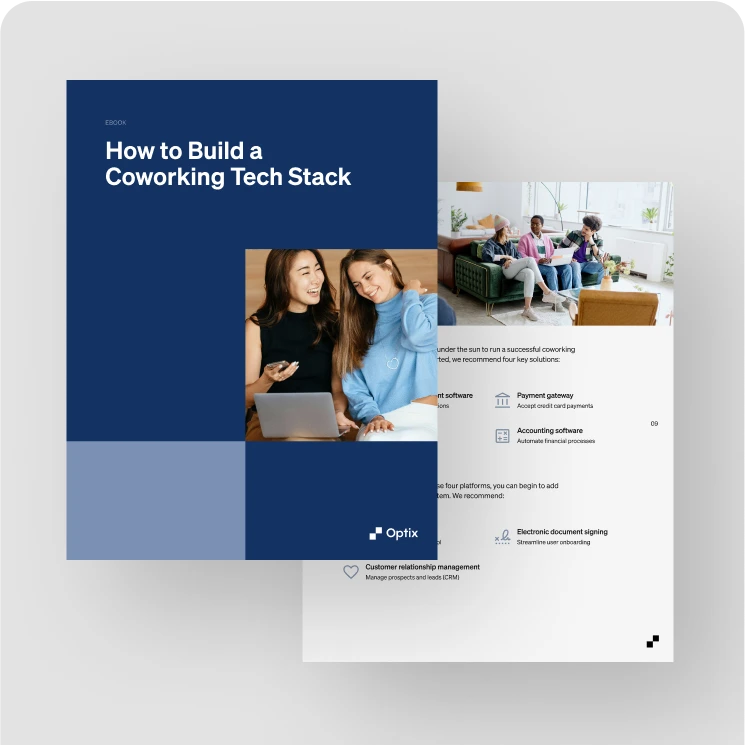
How to Build a Coworking Tech Stack

How to Build a Coworking Tech Stack

While smaller or newer coworking spaces may find that Archie satisfies their needs in the beginning, many find that they need to migrate to a more comprehensive software.

Screenshots of the Archie mobile app showing workspace inventory browsing with filters, building information and issue reporting, and an events section featuring a Full Moon Yoga session.
Source: Archie mobile app

What do you need to consider when migrating from Archie?

Four things decide whether a move is calm or painful, and none of them is the software itself.

What actually comes across. Member profiles, plans, payment methods, booking history and outstanding invoices are separate jobs. Ask which of them the new platform maps for you and which you export and re-import yourself.

What members experience. The cutover people notice is the app, not the back office. Plan for one changeover rather than a period of running both.

How long it takes. With Optix, most operators are live within four to eight weeks, depending on the size of the member base, how complex the plans are and whether a white-labeled app is being built, and a dedicated migration specialist runs it with you.

What breaks quietly. Door access and payment gateways are the two that fail without anyone reporting it. Test both against a real member on a real plan before the switch, not after.

The best Archie alternatives for coworking spaces in 2026

Platforms are ranked on how much of a coworking operator’s daily running they cover without a second system behind them: memberships and billing, bookings, the member app, door access and running more than one site.

Every platform below is described in the same shape so they can be read side by side: who it suits, what it costs and where it stops. Pricing is quoted with the basis it is sold on, because a figure without a basis is not a comparison.

  • Optix
  • Spacebring
  • Coworks
  • Hamlet
  • Cobot
  • OfficeRnD
  • Nexudus

Let’s take a look at why some operators choose these alternatives over Archie for their coworking business.

Optix

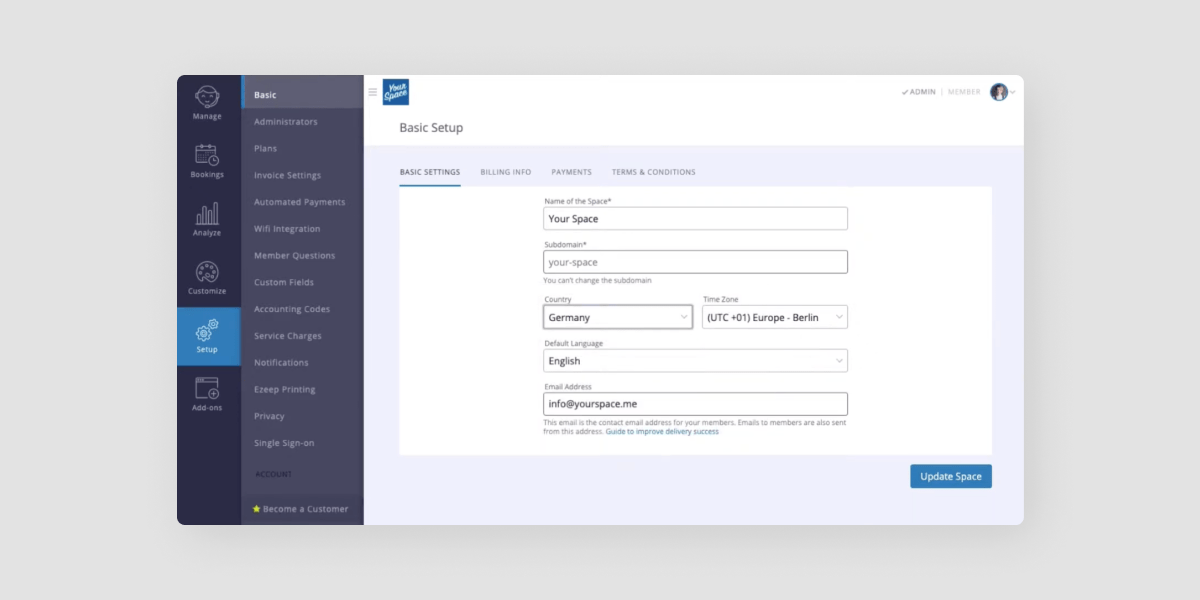
Optix coworking software

Optix suits operators who want the daily running of the space to happen on its own, from $197 per month billed yearly, and it asks more of you in week one than a booking-only tool because you are configuring plans, billing and automations rather than a room calendar.

Key features

  • Membership plans, invoicing and payments in one place, with automated renewals and dunning
  • Desk, room and resource booking from a branded member app
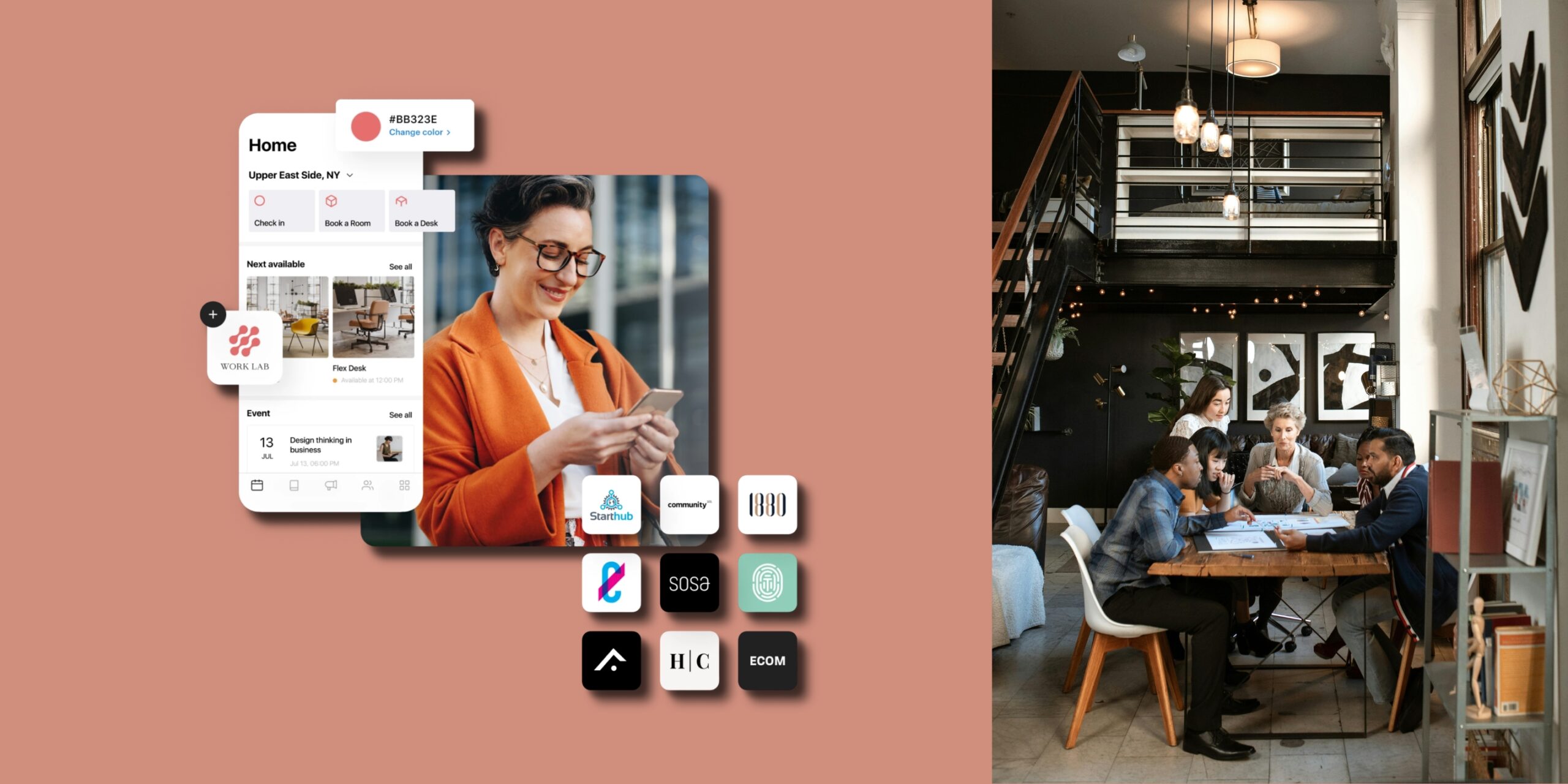
  • A fully white-labeled iOS and Android app under the operator’s own brand
  • Door access that follows a member’s plan, booking or check-in through Kisi, Salto and IronWiFi
  • Multiple locations run from one dashboard behind a single member app

How much does it cost?

Essentials is $197 per month billed yearly, or $229 per month billed monthly, and covers 50 active users at one location with a second location supported. Pro is $299 billed yearly and Grow is $498 billed yearly. Figures as of September 2026.

Pros and cons

  • Pro. Automation carries the routine work rather than sitting beside it as an extra module
  • Pro. A branded member app is available on every plan rather than only at the top tier
  • Pro. One dashboard covers several sites without a separate instance per location
  • Con. Setup is a configuration job, not a switch-on, because plans and automations are built to your rules
  • Con. Operators who only need a room calendar will be paying for a great deal they will not touch

Try Optix free for 14 days


Man in coworking space

Spacebring

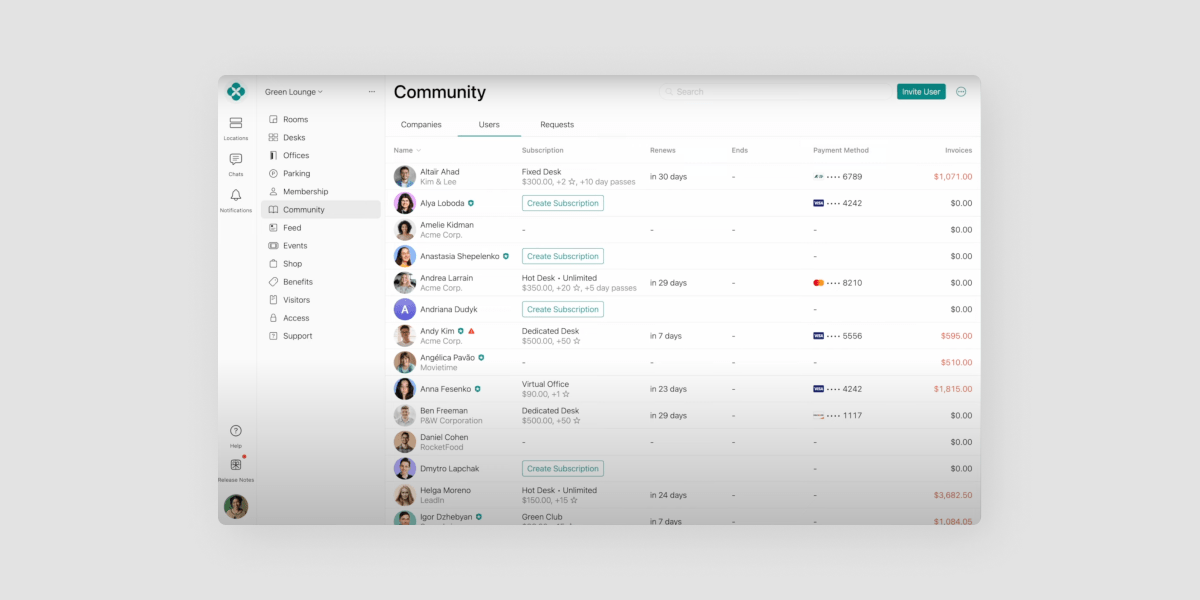
Spacebring coworking software product
Spacebring coworking software

Spacebring suits smaller operators who want member-facing perks and day-to-day automation without a long setup, at $184 per month for 100 monthly active users, though the rate is quoted differently by region and carries a six-month commitment.

Key features

  • Booking, invoicing and member communication aimed at a single busy site
  • A member app with perks and community features built in
  • Listed by G2 under Space Management, Visitor Management and Video Conferencing
  • Interface available in seventeen languages, which matters for mixed-language communities

How much does it cost?

The Business plan is $184 per month covering 100 monthly active users at one location, on a six-month minimum commitment, with a discount for paying yearly. The published page is currency-localised, so the figure renders differently depending on where you view it. Figures as of September 2026.

Pros and cons

  • Pro. Strong member-facing features for the money at a single location
  • Pro. Wide language coverage relative to the rest of this list
  • Con. The six-month minimum makes it a slower thing to trial than a monthly plan
  • Con. Because the rate is localised, the number you are quoted may not match the number you first saw

Coworks

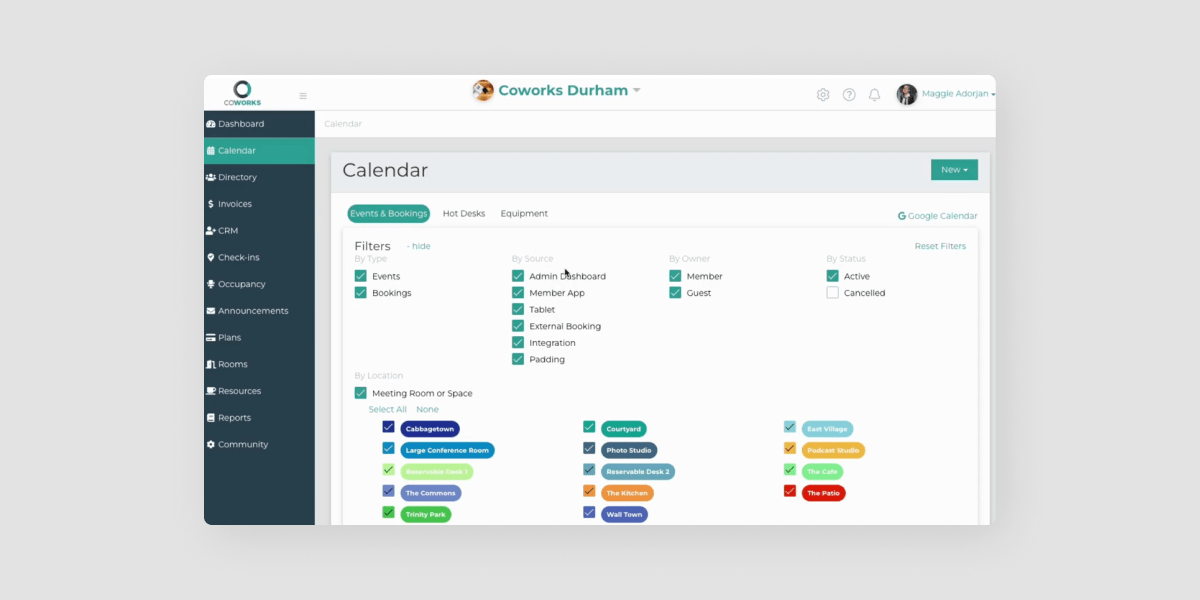
Coworks coworking software product
Coworks coworking software

Coworks suits operators running a larger community who want a mobile-first member experience, at $249 per month billed yearly for up to 250 members, though independent reviews are too few to draw any conclusion from.

Key features

  • Mobile-first member experience positioned around community rather than desks
  • Automated billing, day passes and membership signup forms on the Coworking Premium tier
  • Standard integrations included rather than sold on
  • Listed by G2 in the Coworking Spaces category

How much does it cost?

Coworking Premium is $249 per month billed yearly, or $299 per month billed monthly, covering up to 250 members. A Hybrid Workspace tier sits below it. G2 shows no vendor-published pricing, so these come from the vendor’s own page. Figures as of September 2026.

Pros and cons

  • Pro. Member limit is generous at the price for a community-led space
  • Pro. Billing, day passes and signup forms are included rather than added on
  • Con. Published independent reviews are too few to rate, so there is little outside evidence to weigh
  • Con. The aggregator listings carry no pricing at all, so comparison takes an extra step

Hamlet

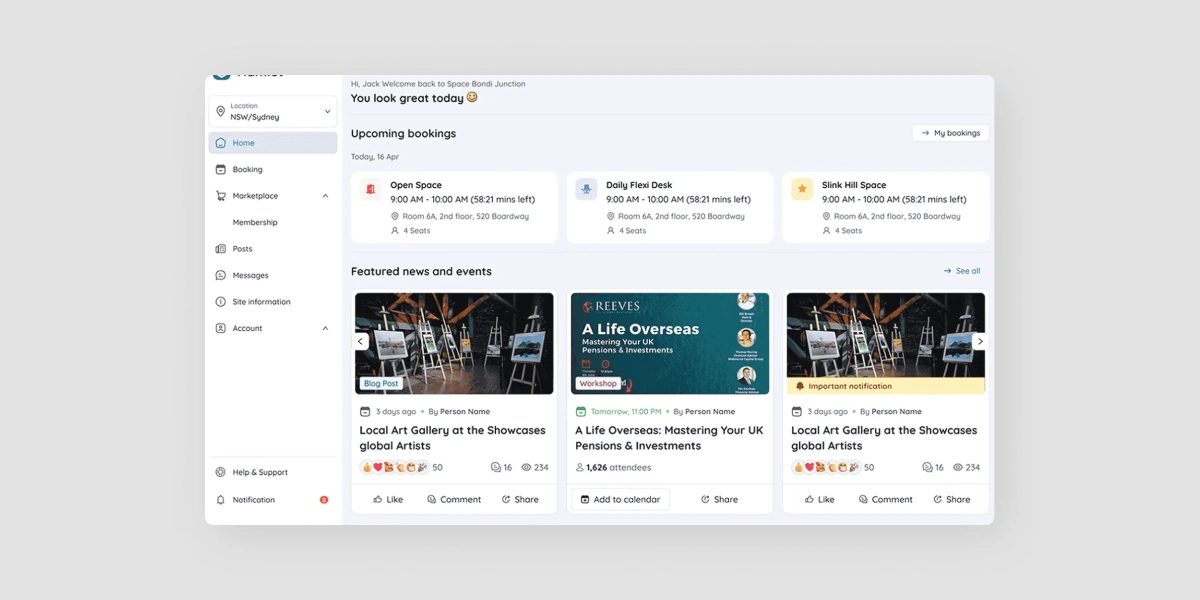
Hamlet coworking software

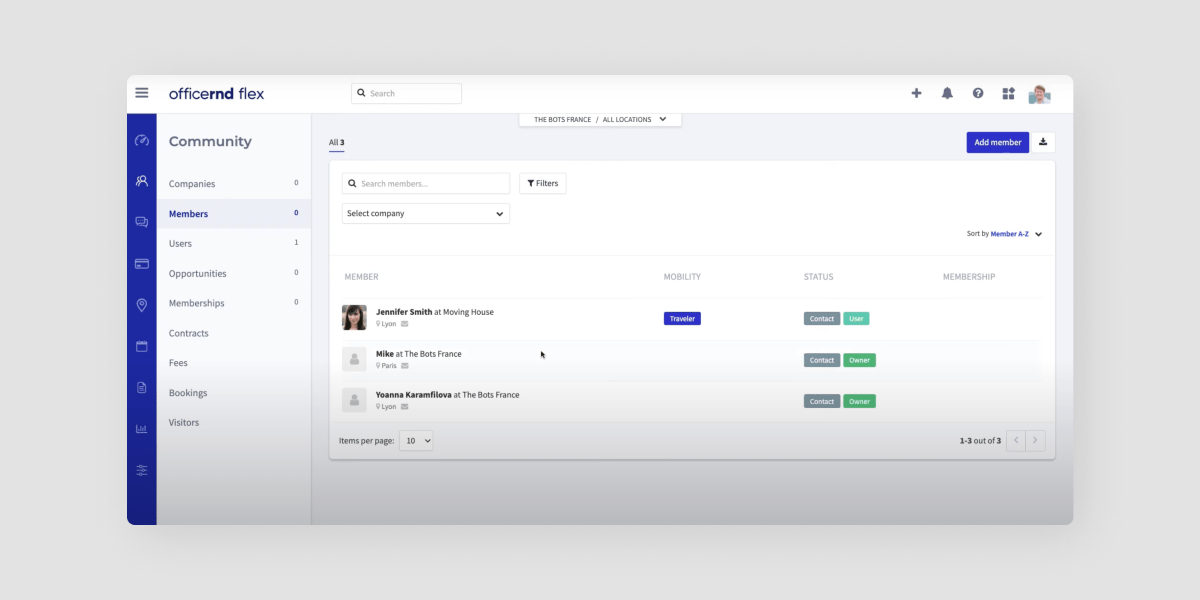
Hamlet is a space management platform tailored for coworking and flexible workspaces primarily serving the Australian coworking market. Hamlet combines bookings, billing, memberships, and engagement tools in one platform accessible via mobile and web. It may appeal to operators seeking scalable multi-site management and ongoing operational analytics and insights.

Key features:

  • Automated bookings and resource management
  • Membership and billing automation
  • Lead and onboarding workflows
  • Community and engagement tools
  • Integrations and API support

Pricing: starting at $265/mo

Ideal for: Australian-based coworking operators looking for a simple solution

Cobot

Cobot coworking software product

Cobot suits very small spaces that want to start cheaply and let the bill grow with the member count, from $81 per month for up to 10 members, though independent reviews are too few to draw any conclusion from.

Key features

  • Pricing banded by member count, so a very small space pays very little
  • Booking, billing and member management for a single straightforward site
  • Listed by G2 under Facility Management, Space Management and Visitor Management
  • Interface available in German, English, French, Portuguese and Spanish

How much does it cost?

Pricing is banded: $81 per month for up to 10 members, then $100 per month for up to 15, rising with the member count from there. A free trial is offered. Figures as of September 2026.

Pros and cons

  • Pro. The lowest genuine entry point on this list for a space with very few members
  • Pro. Banded pricing means the cost tracks the size of the community
  • Con. Published independent reviews are too few to rate
  • Con. Banding that helps at ten members works against you as the community grows

OfficeRnD

OfficeRnD coworking software product

OfficeRnD Flex suits established operators who need deep configuration across several sites, from $165 per month billed annually, and that same depth is why it takes longer to stand up than a smaller platform.

Key features

  • Built for flex operators managing multi-site portfolios
  • Configurable billing and administrative automation across locations
  • Listed by G2 under Flexible Workspace Management, Property Management and Space Management
  • Positioned as an all-in-one platform rather than a single-job tool

How much does it cost?

The Start plan is $165 per month billed annually, or $185 per month billed monthly, covering 100 members at one location. Grow is $259 billed annually or $289 monthly. Scale is quoted. Figures as of September 2026.

Pros and cons

  • Pro. Configuration depth that larger portfolios genuinely need
  • Pro. Pricing is published in full rather than hidden behind a form
  • Con. Setup and administration take real time, which a small space rarely has
  • Con. The breadth is wasted on an operator running one straightforward site

Nexudus

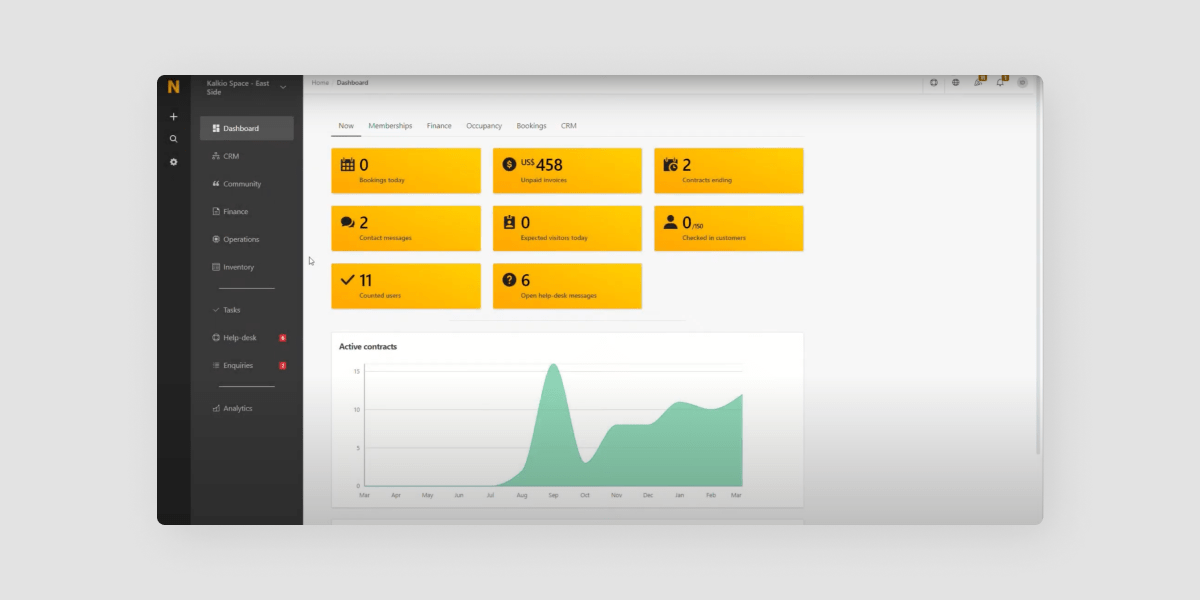
Nexudus coworking software product

Nexudus suits operators who want white-label control over nearly every member-facing surface, priced per month per location and banded by how many active members each site has, though it does not publish a single starting figure.

Key features

  • White-label control across the member-facing surfaces
  • Automation of accounting, booking management and day-to-day administration
  • Priced per location, which suits portfolios that want per-site accounting
  • Interface available in German, English, French, Italian, Portuguese and Spanish

How much does it cost?

Nexudus prices per month per location, banded by how many active members a location has, with a currency switcher on its own page. Above the top band it moves to a sales conversation. It does not publish one headline figure, so a quote is the only reliable comparison. Figures as of September 2026.

Pros and cons

  • Pro. The widest white-label control on this list
  • Pro. Per-location pricing maps cleanly onto a multi-site portfolio
  • Con. No single published starting figure, so budgeting needs a sales conversation first
  • Con. The breadth carries a learning curve for a small team

Comparison at a glance

Platform Starting price Basis Listed category Best for
Optix $197/mo billed yearly, 50 active users, 1 location Space Management Operators automating the daily run
Spacebring $184/mo 100 monthly active users, 1 location, 6-month minimum Facility Management Single sites wanting member perks
Coworks $249/mo billed yearly, up to 250 members Coworking Spaces Larger community-led spaces
Cobot $81/mo up to 10 members, banded upward Space Management Very small spaces starting out
OfficeRnD $165/mo billed annually, 100 members, 1 location Flexible Workspace Management Established multi-site portfolios
Nexudus Not published per month per location, banded by active members Facility Management White-label control across sites

Figures as of September 2026, taken from each vendor’s own published pricing where it exists and from their vendor-supplied aggregator listing where it does not. Hamlet is not in this table because it publishes no figure we were able to verify.

Why do operators switch to Optix?

Optix, the Coworking Automation Platform, is built on a straightforward idea: the work that repeats should not need a person. A membership renews, an invoice raises itself, a failed card chases itself, a new member is welcomed, given a plan and given door access, and none of that lands in anyone’s morning.

That is the whole shift. Booking software tells you what happened. An automation platform does the next thing about it. Optix operators save an average of 53% of their daily administrative time, which is the difference between a team that administers a space and a team that grows one.

In practice that means memberships and billing, desk and room booking, a white-labeled iOS and Android app under your own brand, door access through Kisi, Salto and IronWiFi that follows a member’s plan or booking, and several locations run from one dashboard behind a single app.

Try Optix free for 14 days


Man in coworking space

How do I choose the best Archie alternative?

Ask every vendor the same five questions and the list narrows quickly.

What does the headline price actually cover? A figure is meaningless without its basis. Ask whether it is per month or per year, how many active members or locations it includes, and what happens at the next band.

Is the member app yours or theirs? A branded app changes how members treat the space. Ask whether it is included, an add-on, or not offered.

What happens without anyone doing it? Ask for the list of things the platform does on its own. Renewals, failed payments, onboarding and access changes are the ones that matter.

Does it hold a second location? Even if you run one now. Ask what a second site costs and whether it is one dashboard or two.

What does the first month look like? Ask who does the migration, how long it takes and what you are expected to build yourself.

Frequently asked questions

Most operators are live within four to eight weeks, depending on the size of the member base, how complex the plans are and whether a white-labeled app is being built. Optix assigns a dedicated migration specialist, so plans, member profiles and billing history are mapped and checked before anything goes live.

Yes. A migration is planned so the member-facing app changes over once rather than running two systems side by side. With Optix, member profiles, plans and payment methods move ahead of the cutover, so people book and pay the same way the morning after the switch as they did before.

On published figures as of September 2026, Cobot starts lowest at $81 per month for up to 10 members. Optix starts at $197 per month billed yearly and includes billing, automation and a branded member app that the cheaper platforms either charge for separately or leave out altogether.

Optix is designed as automation-first coworking software, making it easier to save time, scale operations, and enhance community engagement, while Archie is more focused on hybrid work management.

Archie sells a separate coworking edition alongside its desk-booking and visitor products, so what a space actually gets depends on which line it buys. Operators who need memberships, invoicing and community handled together often weigh that edition against platforms like Optix that treat it as the main job.

Optix offers a fully white-labeled iOS and Android member app under the operator’s own brand, sold as an add-on below Scale and included on Scale. Branded apps vary a good deal across the other platforms ranked here, so confirm what is included before you compare headline prices.

Often yes, because most of the saving comes from automating the daily run rather than from scale. Optix Essentials covers one location and supports a second, so a single site is not paying for multi-site capacity it will never use, and the automation applies from day one.