The Complete Guide to Coworking Sales Automation
Practical guide to capture leads, cut no-shows, and close members faster...automatically
September 17, 2025

TL;DR
Every day, coworking operators lose potential members to slow follow-ups and inconsistent communication. In an industry built on relationships and first impressions, a delayed response could mean losing that prospect to a competitor down the street.
Sales automation changes this. It ensures every inquiry gets a timely, professional response, without needing to think about it. No more leads slipping through the cracks, no more wondering if someone followed up.
What you’ll learn in this guide:
By the end, you’ll have a clear playbook to boost conversions while freeing up your team’s time to do the work that matters most.
Sales automation handles the repetitive parts of the sales process in your coworking space including collecting leads, following up with inquiries, scheduling tours, and nurturing prospects. It manages everything from that first inquiry email to signing a new member automatically.
| Manual coworking sales | Automated coworking sales |
| Manually entering leads into spreadsheets | Every inquiry automatically logged and assigned |
| Setting calendar reminders for follow-ups | Instant, personalized responses to new leads |
| Copy-pasting the same tour invitation emails | Scheduled follow-ups that happen without you remembering |
| Wondering which prospects haven’t heard from you lately | Clear visibility into where each prospect stands |
Sales automation vs. general automation
Don’t confuse this with your other automated systems. While general automation handles things like billing, door access, and member newsletters, sales automation focuses specifically on one thing: turning inquiries into paying members.
Think of it as your dedicated sales assistant that never sleeps, never forgets a follow-up, and treats every lead with the same professional consistency.
Automating your sales process in your coworking space will help you work smarter, win more members, and create a better experience for everyone who walks through your door.
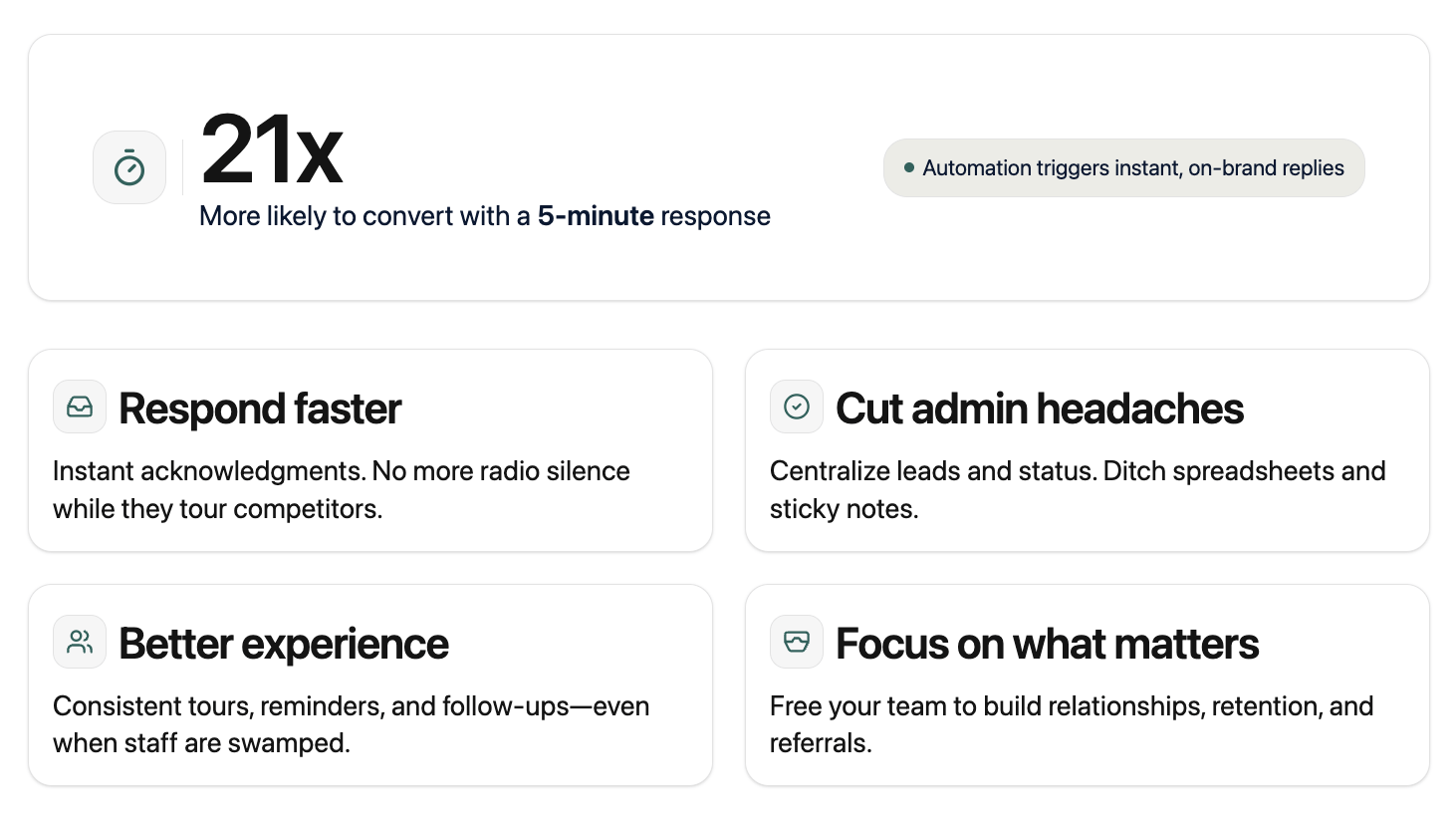
Leads contacted within 5 minutes are 21x more likely to convert than those contacted after 30 minutes. With automation, every inquiry gets an instant acknowledgment. No more prospects sitting in radio silence while they tour your competitors.
Stop juggling spreadsheets, sticky notes, and “I think I followed up with them?” moments. Automation centralizes everything including who inquired when, what stage they’re at, and what happens next. No more leads falling through the cracks because someone forgot to write it down.
Your star community manager gives amazing tours. But what about when they’re sick or swamped? Automation ensures every prospect gets the same professional experience—immediate responses, timely reminders, consistent follow-ups—regardless of which team member is involved.
Community managers didn’t get into coworking to chase leads in spreadsheets. They’re here to build relationships and create amazing member experiences. When automation handles the repetitive sales tasks, your team gets their time back for what actually drives retention and referrals.
The coworking sales funnel is different for every space though it typically moves from Awareness all the way through to Action. Here’s how automation makes each stage work better:
The moment someone shows interest
Whether they request a tour, submit a request to learn more, or sign up for your email newsletter, automation instantly captures lead details. No more leads getting lost or tour requests sitting in your inbox overnight.
Keeping warm leads from going cold
Not everyone’s ready to commit on day one. Automated email sequences share member success stories, highlight amenities they care about, and send targeted offers when they’re most likely to convert. It’s like having a patient salesperson who never gives up.
Your biggest conversion opportunity
Prospects book tours directly from your website and get instant confirmations. Automated reminders reduce no-shows, and pre-tour emails help them come prepared with the right questions. Some operators even send a “what to expect” guide beforehand.
The gentle nudges that close deals
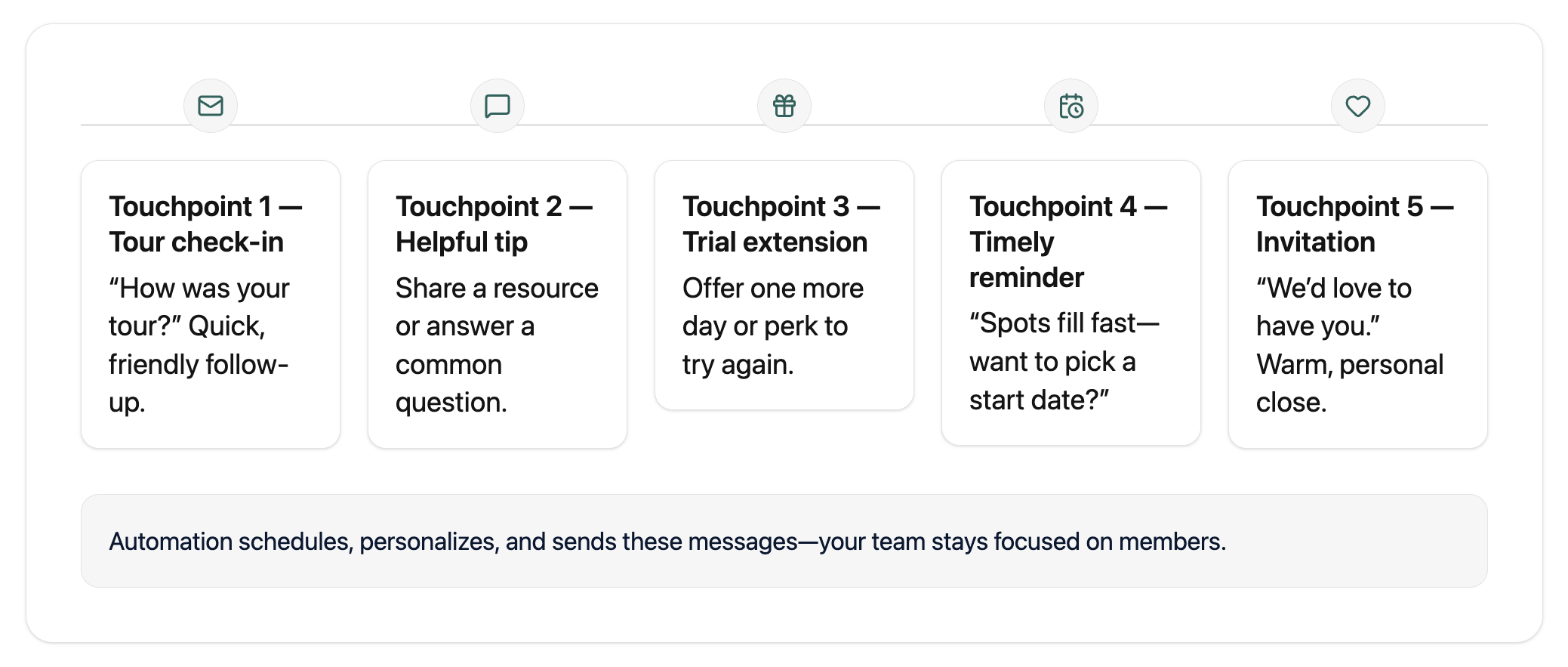
Most people need 3-5 touchpoints before joining. Automation handles the “how was your tour?” emails, trial extension offers, and “we’d love to have you” messages, without your team having to remember who needs what when.
Turning “yes” into seamless membership
Once they’re ready to join, contracts get sent automatically, first invoices are generated, and access to your coworking app is granted. New members start their journey feeling taken care of, not overwhelmed by paperwork.
Meet Workspace
When opening their fifth location, Workspace leaned heavily on Optix Automations to simplify sales and onboarding across their growing network. Owner Justin Moran built more than 70 automations—including lead capture from their website widget, automatic reminders for tour bookings, and onboarding flows that welcome new members with custom documents and app access.
By removing manual touchpoints, his team not only improved conversion rates but also freed up time to focus on hospitality and building long-term relationships.
The first step in any sales automation strategy is making sure every inquiry is captured, categorized, and tracked in one place. Here’s how to capture every inquiry automatically:
Web widgets and chatbots let people book tours, request day passes, or ask questions directly from your website 24/7. No more “I’ll email you later” promises that never happen. Tools like Optix Web Widgets funnel everything straight into your system without anyone manually typing details.
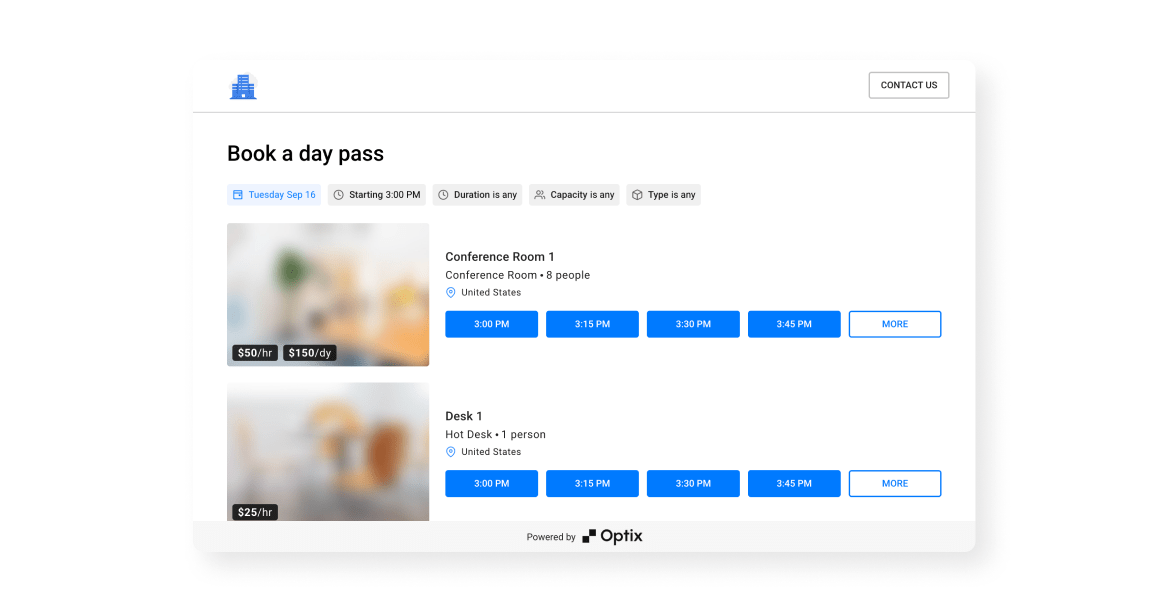
Not all leads are created equal. Someone referred by a happy member is different from someone who found you on Google. Auto-tagging tells you the source instantly (website form, member referral, networking event) so you can personalize your approach from the start. You can track this in Optix with Account Types.
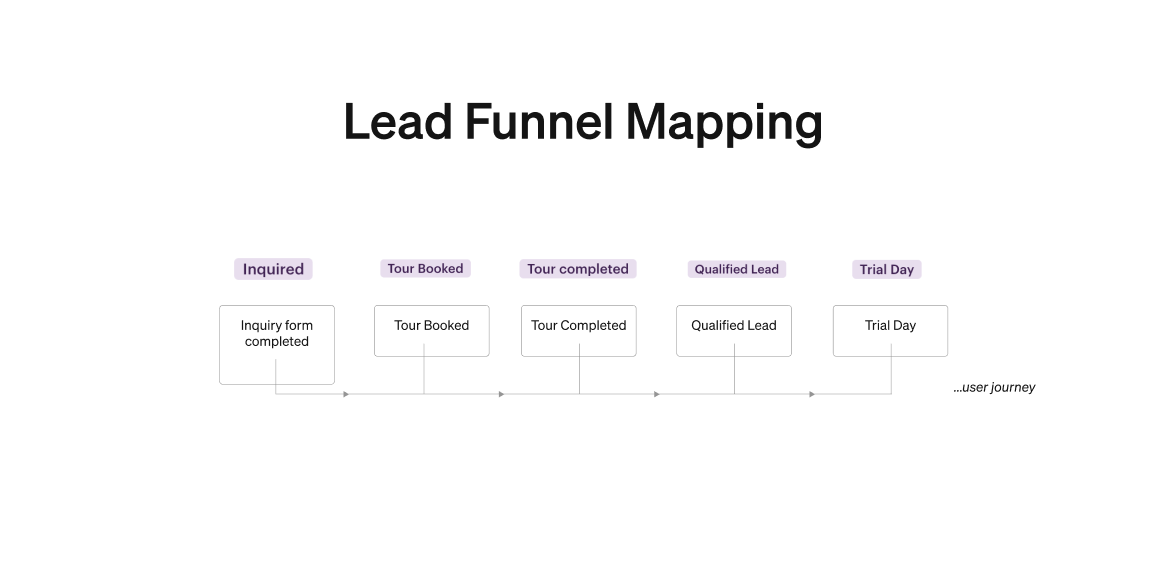
Stop checking three different systems to see who’s interested in your space. A good coworking software platform brings all inquiries into one dashboard where your team can see every lead, their history, and what happens next.
Here’s what it looks like in action:
Sarah visits your website at 11 PM and books a tour for Friday → She immediately gets a confirmation email with directions and parking info → Your system automatically adds her to your CRM, tags her as “website lead,” and schedules a follow-up reminder for your team → Friday morning, she gets an automated “see you at 2 PM” text with your contact info.
Result: Sarah feels taken care of before she even steps foot in your space, and your team didn’t lift a finger.
Automate the tour process in your coworking space by letting prospects book themselves and keep them engaged through digital communication. Here’s how to streamline the whole process so prospects get VIP treatment while your team stays focused on the actual tour.
Stop playing email tag to find a mutually convenient time. Online booking widgets let prospects see your available slots and book instantly, even at midnight when they’re browsing from their couch. They get immediate confirmation, you get a filled calendar.
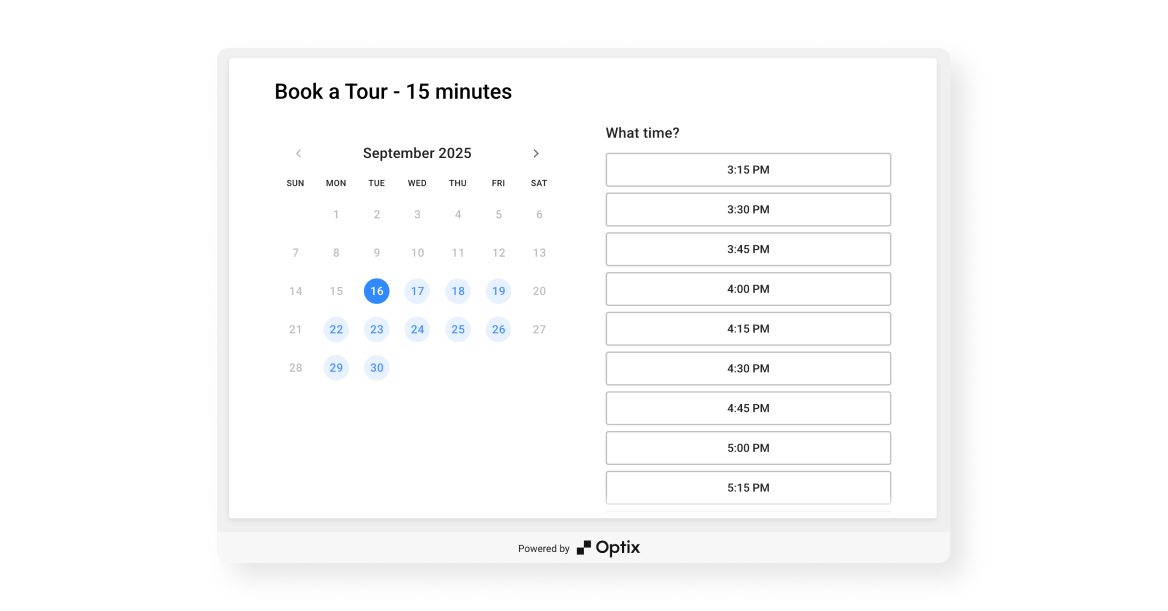
Here’s what happens automatically once someone books:
No-show rates typically drop by 40-50% with automated reminders.
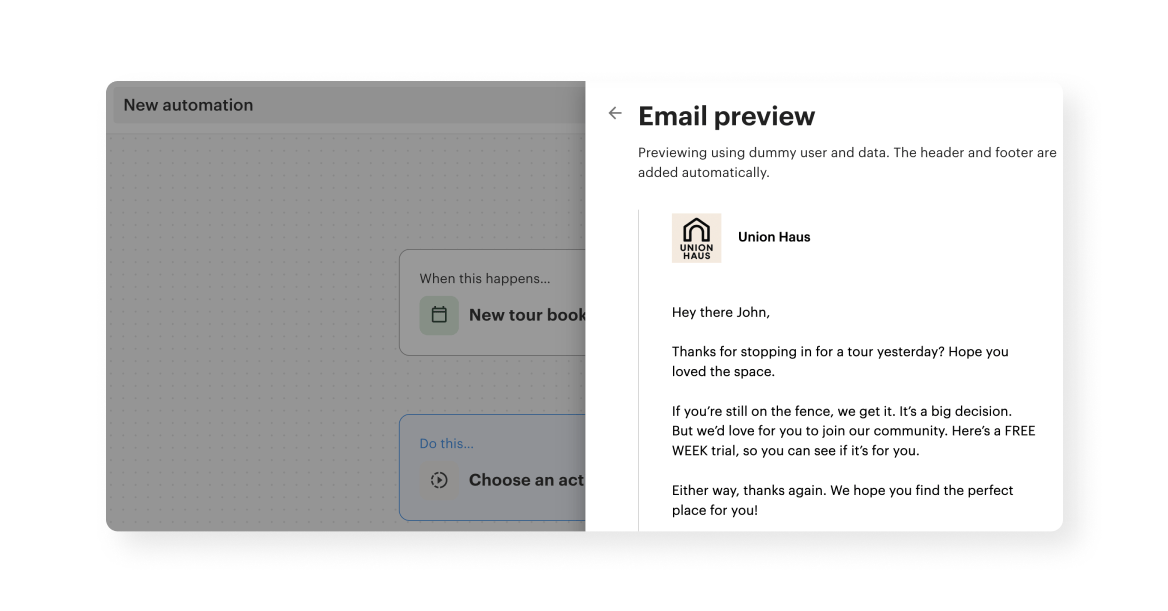
The hour after a tour is when prospects are most likely to commit. Automation handles the crucial follow-up:
Operators usually use a combination of tools to automate the sales process including coworking software, CRM, email marketing, and Zapier. Operators often combine a few categories of software to create a complete coworking technology ecosystem:
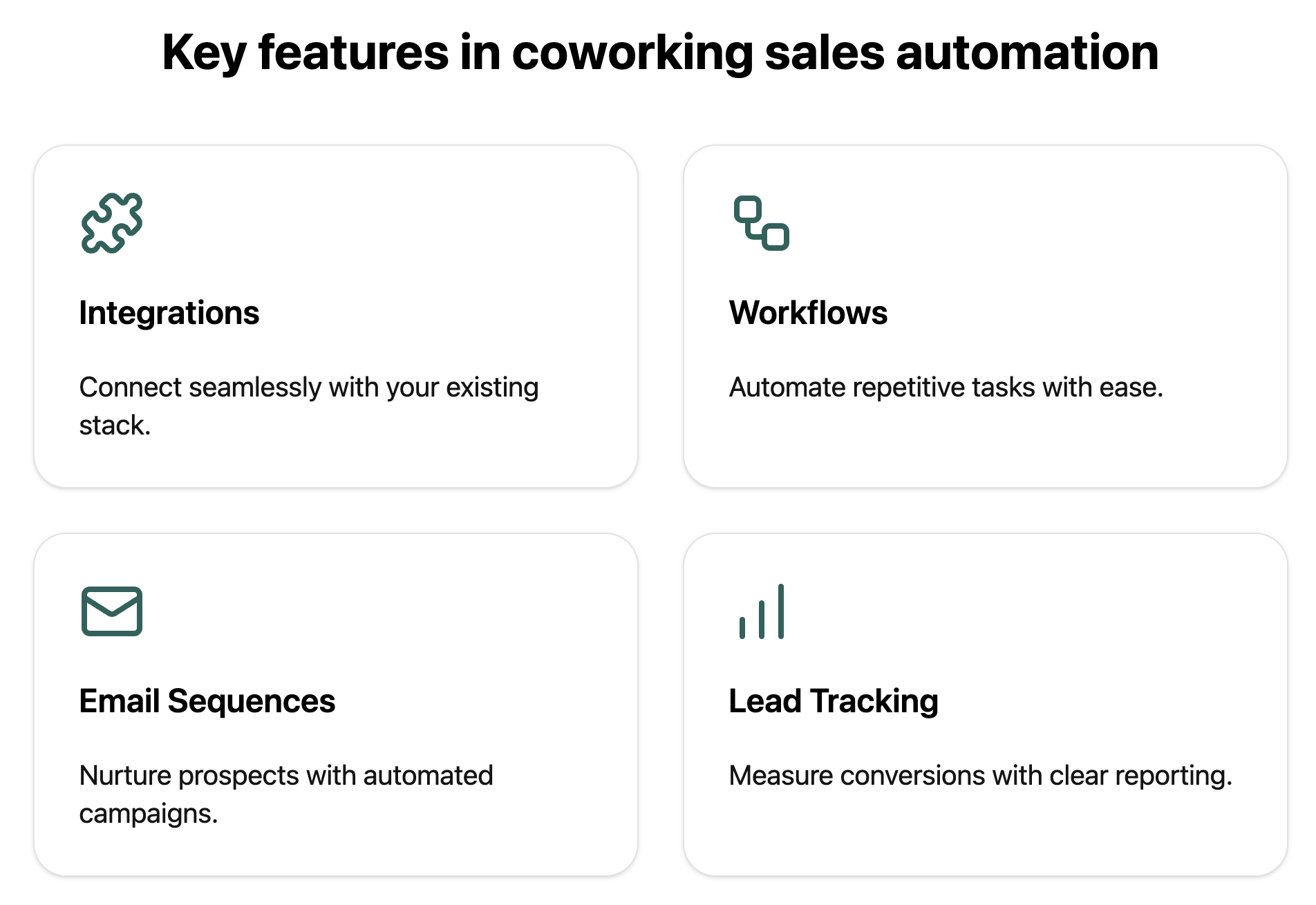
For operators who want to simplify their sales process, Optix can be your one-stop-shop for your entire sales process, quietly handling the repetitive tasks that eat up valuable time.
Operators like Q Space in New Zealand have already seen the impact of this approach, building a 30-step automated sales funnel in Optix that converts 33% of leads into members—all without extra staff time.
Sales automation works best when it feels invisible to the prospect, supporting their journey without ever feeling robotic. To achieve that balance, operators should keep a few best practices in mind.
Let automation handle scheduling, reminders, and data entry so your team can focus on what actually converts: genuine conversations, personalized recommendations, and building trust.
Instead of: Generic “Thanks for your interest” email with a PDF attachment
Try: “Hi Sarah! Loved chatting about your design agency—I think our quiet pods would be perfect for client calls. Here’s that pricing info we discussed.”
Your automated emails should match how your team actually talks. Skip the corporate speak and write like you’re texting a friend who’s interested in joining.
Instead of: “We appreciate your interest in our facility and would like to schedule a tour at your earliest convenience.”
Try: “Want to see the space? Pick a time that works for you—tours take about 15 minutes and coffee’s always on.”
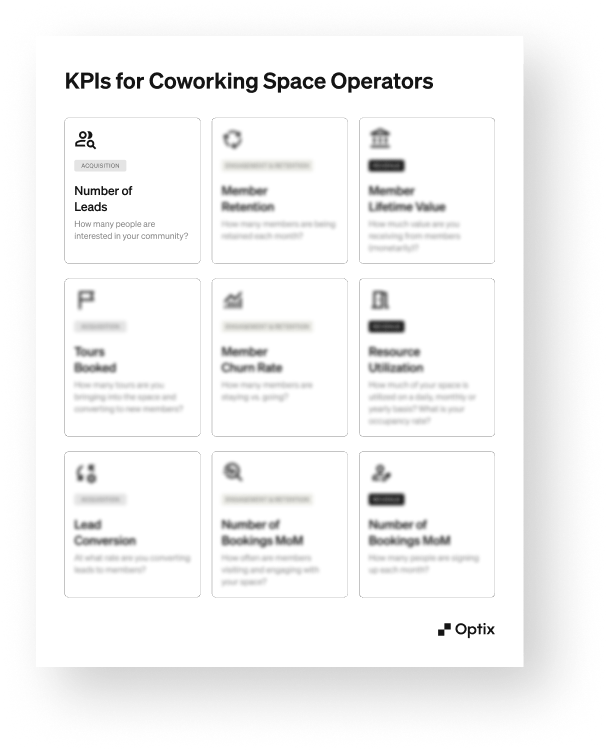
Don’t just set it and forget it. Track your key numbers:
Most coworking platforms give you these metrics automatically. Use them to double down on what’s working and fix what’s not.
Your 20-member space needs different automation than your 200-member operation. What works when you personally know every prospect breaks down when you’re getting 50+ inquiries per week.
Review your workflows every quarter: Are they still saving time? Do they reflect your current pricing and offerings? Are new team members able to jump in easily?
While sales automation can be a powerful growth tool, it’s easy to misuse it. Here are common pitfalls coworking operators should watch out for:
Operators like Adam Hyman, Founder at KoWorks highlight the importance of balance. By running nearly 30 automations across three locations, founder Adam Hyman has saved 20+ hours of admin work weekly. But he still reviews and adjusts workflows regularly to ensure they support growth and maintain a strong human connection.
I can sit in meetings for the whole day and really not have to worry that something's not working. That's a testament to Optix.
When you respond faster, follow up consistently, and guide every prospect through a professional experience, you have the opportunity to win more members and build a richer, more profitable, coworking space.
Don’t try to automate everything on day one. Pick one pain point that’s costing you leads right now:
Ready to get started?
If you want to see how this all comes together, Optix makes it easy to capture leads, automate follow-ups, and manage your entire sales process in one platform. Book a demo to see how automation can turn your biggest bottleneck into your biggest growth driver.
Your future members are out there searching for the perfect workspace. Make sure you’re ready when they find you.

Coworking sales automation is the set of workflows that automatically capture leads, send timely responses, schedule tours, and nurture prospects until they become members, and unlike general automation that handles billing, door access, or newsletters, coworking sales automation focuses specifically on turning inquiries into paying members through consistent, human-sounding touchpoints.
Coworking operators should automate lead capture and follow-ups because speed and consistency directly impact conversions, with quick responses preventing leads from slipping through the cracks and ensuring every prospect receives a professional experience even when your team is busy or short-staffed.
The key stages of a coworking sales funnel—lead capture, nurturing, tours and trials, follow-ups, and conversion—benefit from automation most where speed and repetition matter, such as logging every inquiry, sending pre-tour confirmations and reminders, and triggering post-tour nudges that move prospects toward membership without manual effort.
An effective automated post-tour follow-up for a coworking space includes a same-day thank-you with pricing, a quick check-in within 48 hours to answer questions, and a short nurture sequence the next week with member stories or timely offers, so the follow-up feels thoughtful without depending on someone remembering to hit send.
Optix supports automated lead capture and tour follow-ups by funneling web widget inquiries directly into Optix with tags and sources, triggering confirmations and reminders for tours, segmenting leads for targeted nurturing, and automating onboarding steps so your team can focus on conversations that close deals.