What’s New in Optix: April 2026
Learn about what we've added to the Optix platform in April 2026
May 4, 2026
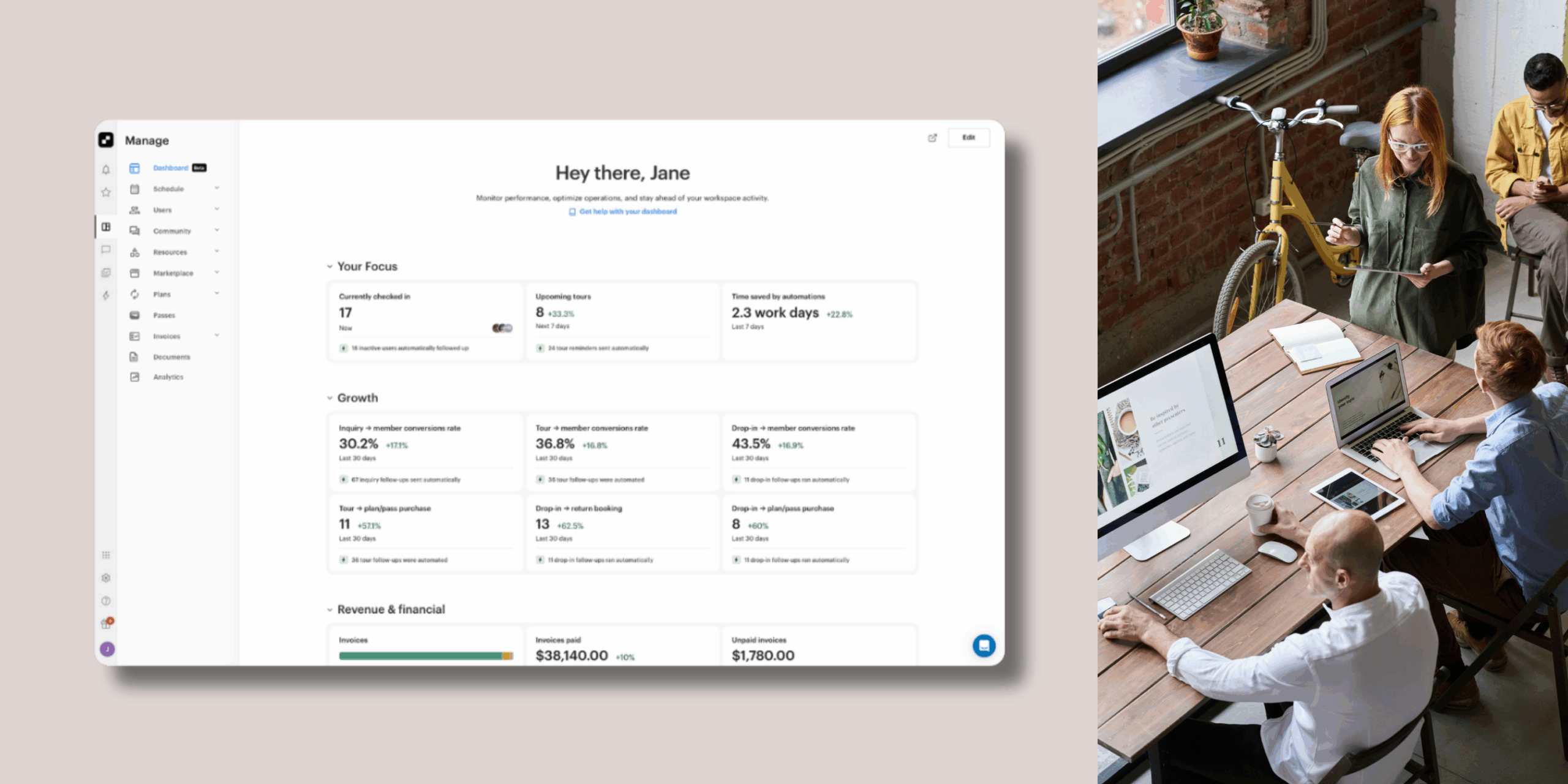
April brings a significant new addition to the Optix admin panel: Dashboard, now available in beta. For the first time, your key metrics, upcoming activity, and business performance are all visible from a single customizable screen from the moment you log in.
Alongside the Dashboard, there are 3 new Automation Templates in your library, re-enrollment rules for more predictable automation behavior, a Zapier update for importing leads without triggering billing, and the renaming of Web Widgets to Forms.
Let’s take a look at what we’ve added to Optix in April!
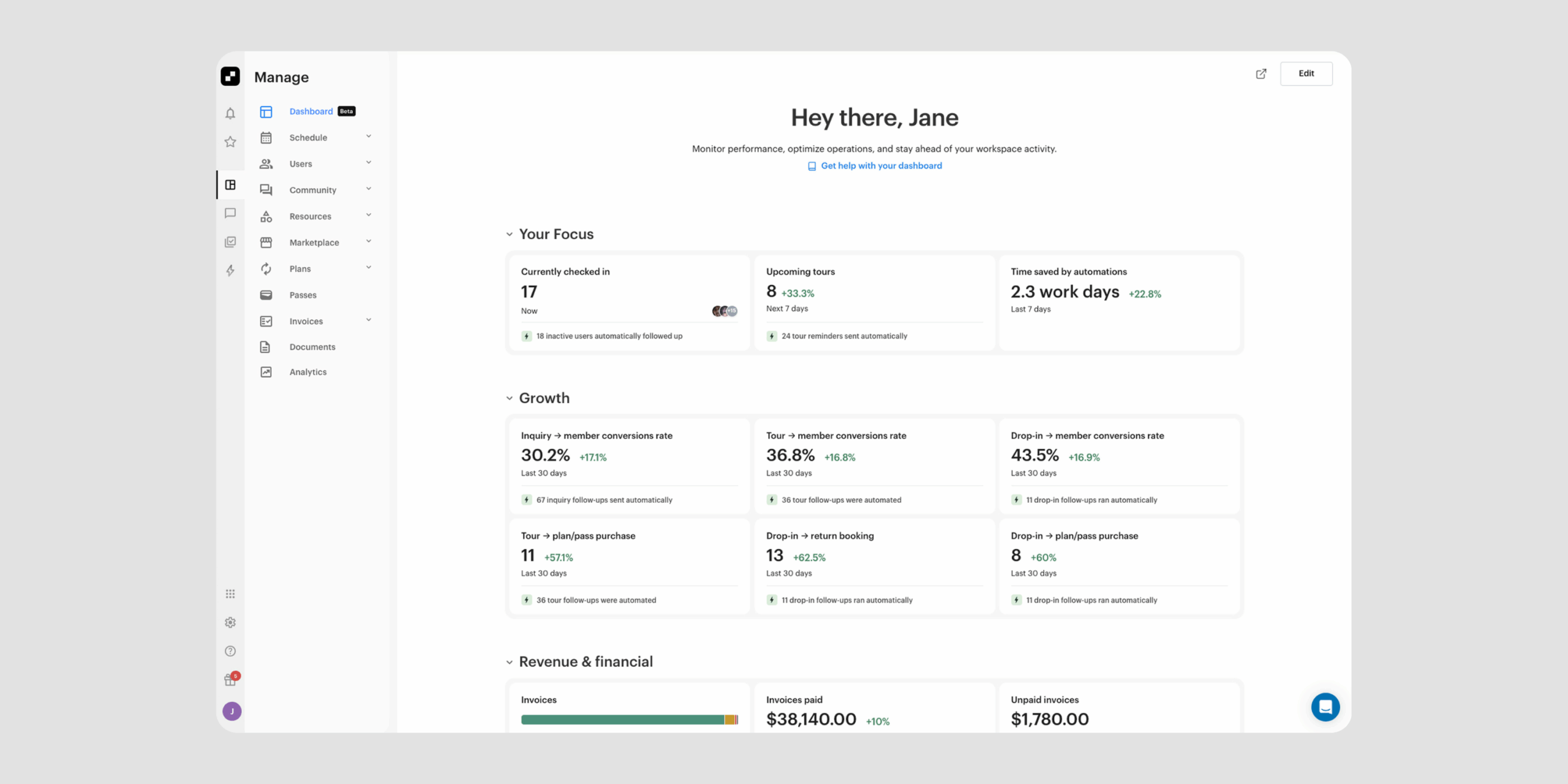
The new Optix Dashboard is now available in beta. It is a customizable home screen in your admin dashboard that brings your key metrics, upcoming activity, and business performance together in one view from the moment you log in.
With the Dashboard, you can:
Timeline is now in open beta for all Optix clients.
Learn more about the Dashboard →

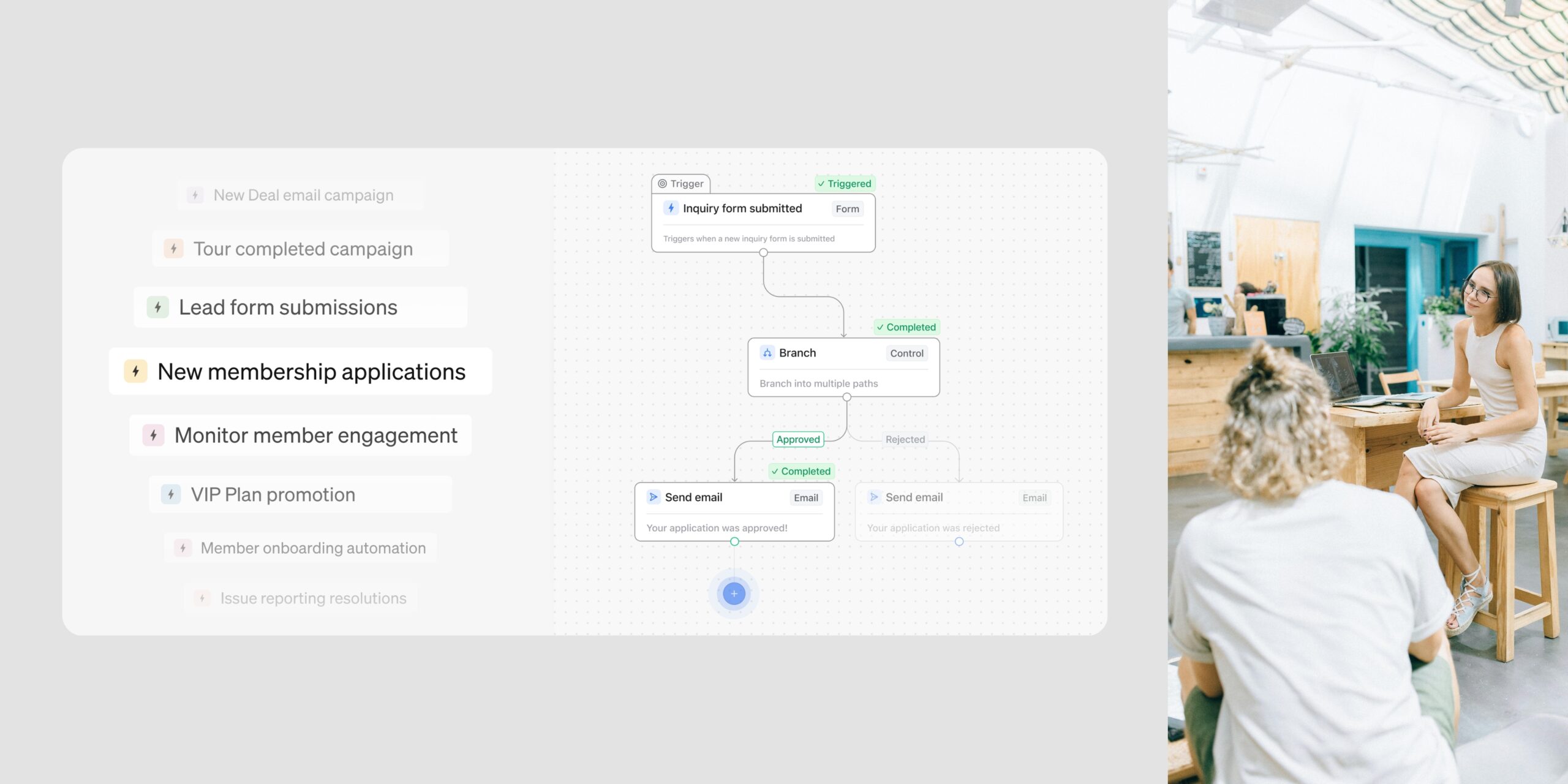
A new template is now available in your Automations library: Celebrate Members’ Anniversaries. It spans a member’s full first year, combining staff tasks and automated emails to mark milestones from month one through to their one-year anniversary.
With this template, you can:
The moments that matter most to members are often the hardest to keep track of. This template makes sure they happen consistently. It uses 5 Automation actions per account enrolled.
Learn more about Automations Templates →

A new template is now available in your Automations library: Ask Members to Leave a Public Review. It sends a first review request one month after a member becomes active, then a second request at the six-month mark for members still on a plan.
With this template, you can:
Building your review presence takes consistent follow-through. This template handles the timing and outreach automatically. It uses 2 Automation actions per account enrolled.
Learn more about Automations Templates →
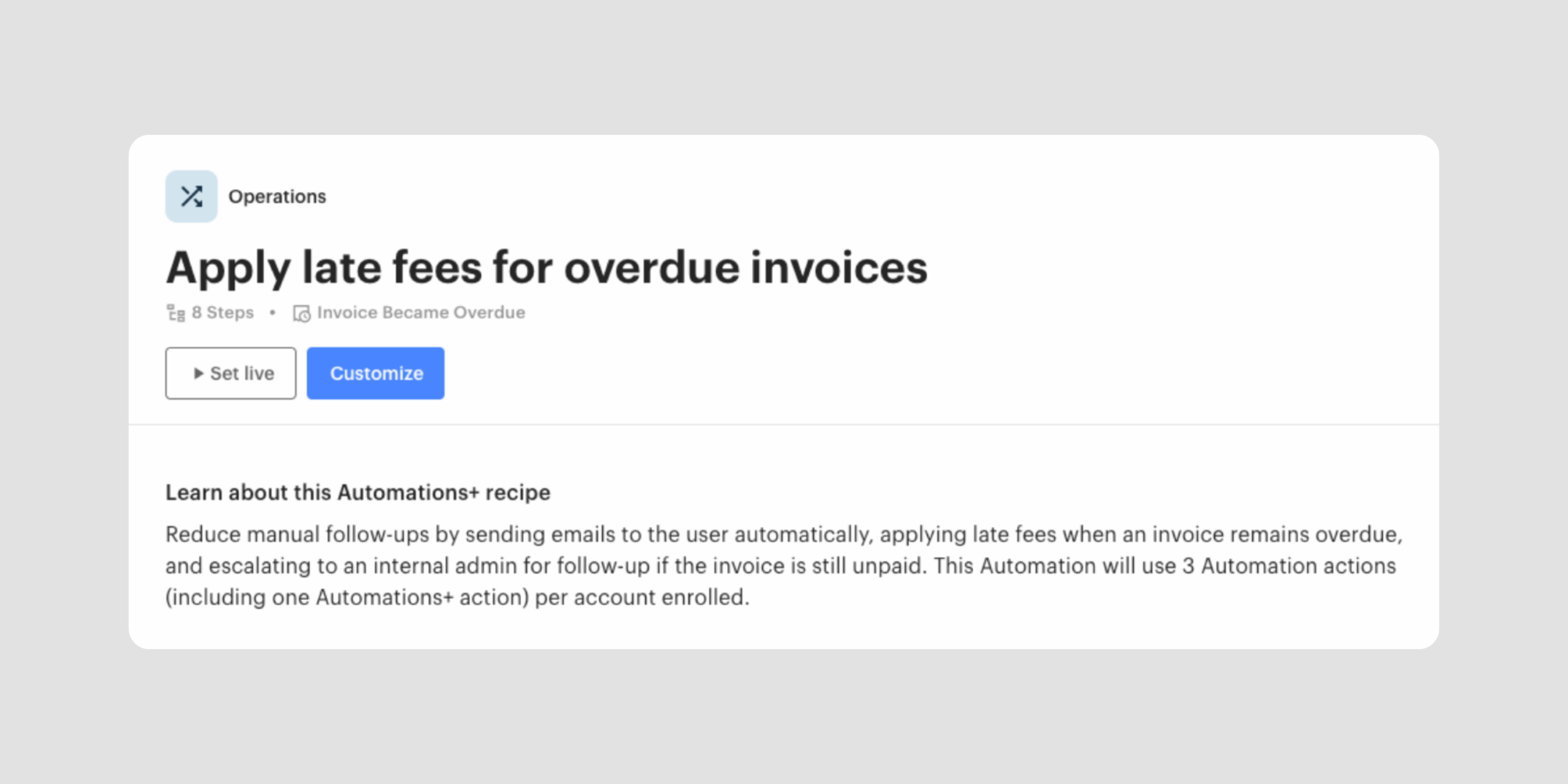
A new Automations+ template is now available in your library: Apply Late Fees for Overdue Invoices. When an invoice becomes overdue, it automatically sends a payment reminder, applies a late fee if the invoice is still unpaid after 7 days, and creates an admin follow-up task if the balance remains outstanding after 14 days.
With this template, you can:
Chasing overdue invoices takes time your team could spend elsewhere. This template handles the escalation process automatically. This is an Automations+ recipe and uses 3 Automation actions per account enrolled.
Learn more about Automations Templates →
You can now import contacts into Optix via Zapier as unconfirmed. They appear in your member list and can be enrolled in automations, but do not count toward your active member billing.
With this update, you can:
By default, the Zapier action continues to add contacts as active members, so existing workflows are unaffected.
Learn more about the Zapier integration →

A new re-enrollment toggle in your automation settings controls whether the same account can move through an automation more than once. When disabled, each account enrolls once. If they re-enter the trigger, Optix logs the reason clearly so you can see exactly what happened.
With re-enrollment rules, you can:
This gives you more predictable, consistent behavior across your automations.
Learn more about re-enrollment rules & triggers →

The feature previously known as Web Widgets has been renamed to Forms across the Optix platform.
The four form types are unchanged in functionality:
The new name better reflects how operators actually use them. Beyond website embeds, Forms can be shared as a link or distributed as a QR code. No action is needed on your end.
Dashboard is now available in beta, your space performance, upcoming activity, and automation insights in one place from the moment you log in. Three new Automation Templates, re-enrollment rules, an updated Zapier integration, and Forms are all live this month. More is on the way.
Subscribe to our newsletter to stay up to date with what’s new in Optix.