What’s New in Optix: July 2026
Learn about what we've added to the Optix platform in July 2026
August 4, 2026
This month is about giving you more control over your pipeline and your members, and handing more of the repetitive work to Optix. You can now track where every lead sits in your tour funnel, block a member from returning, see which of your Forms are converting, and collect billing details the moment someone signs up.
You’ll also find more of your messaging running on its own, with custom macros to write your best content once and reuse it everywhere, and new and updated Automation templates covering everything from welcoming new members to winning back drop-in users who’ve gone quiet. That means more time back to spend on growing your space.
Let’s take a look at what we’ve added to Optix in July!
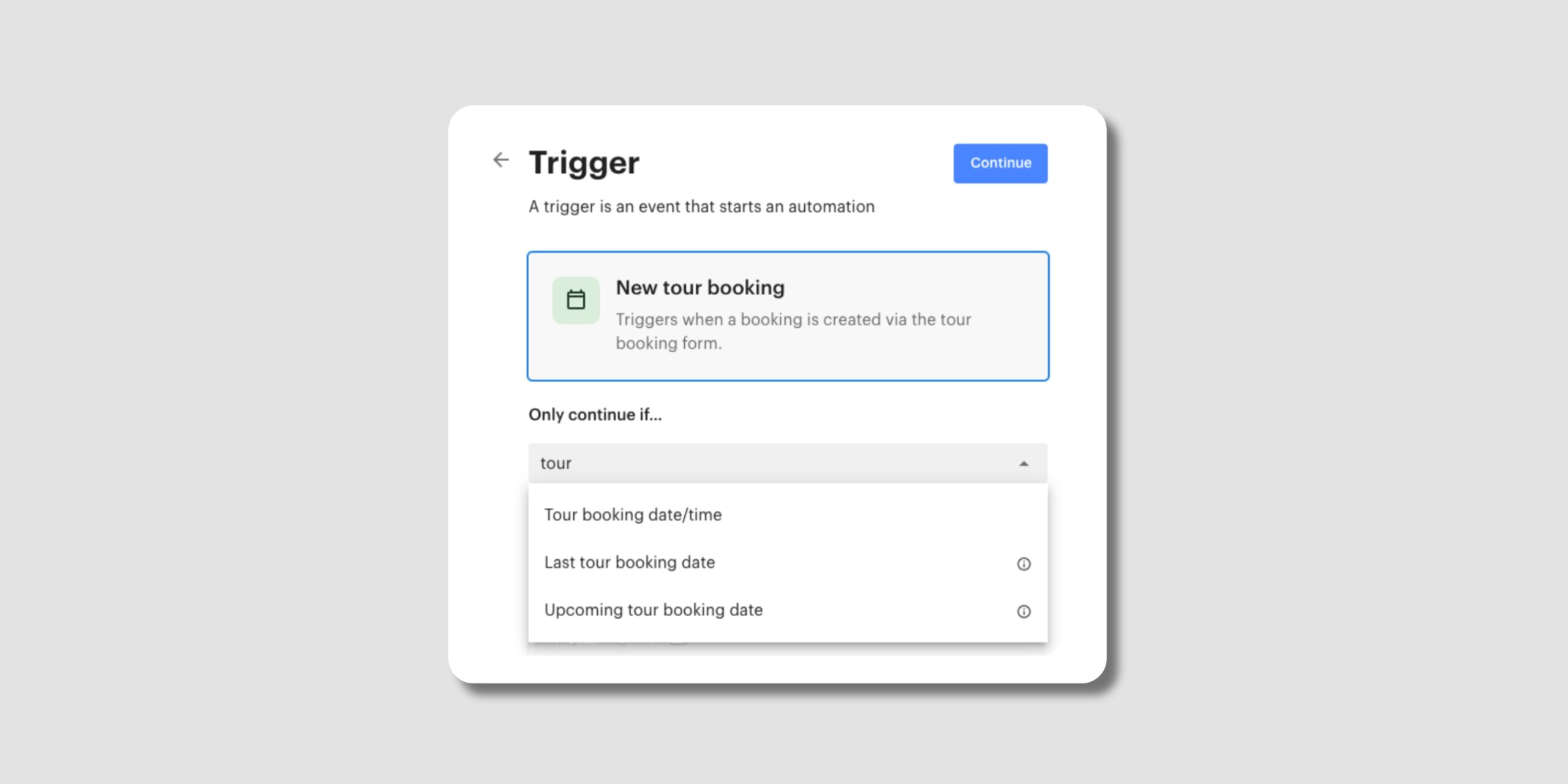
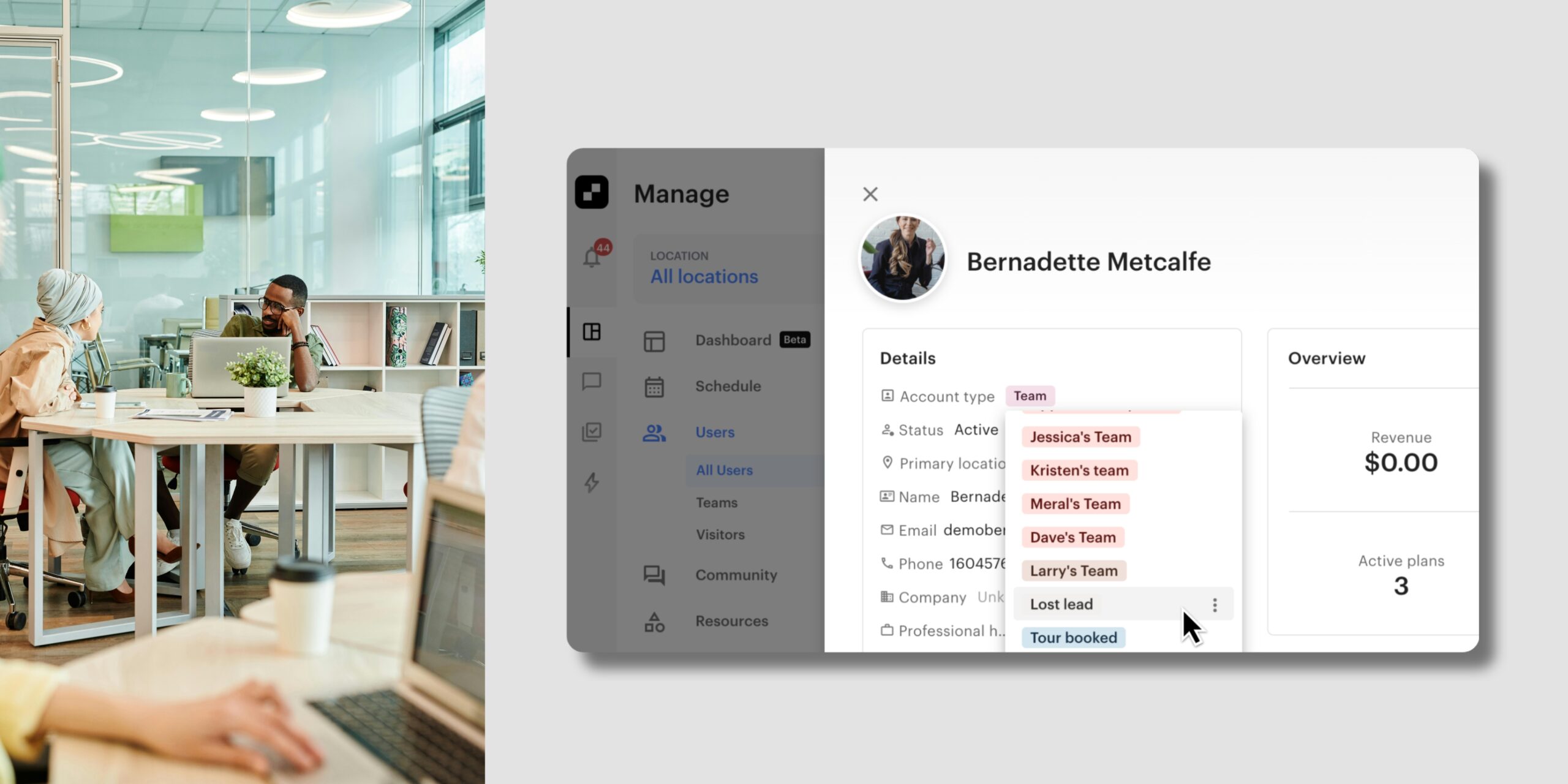
You can now record where each lead sits in your tour process with a new Tour stage field on their account.
With Tour stage, you can:
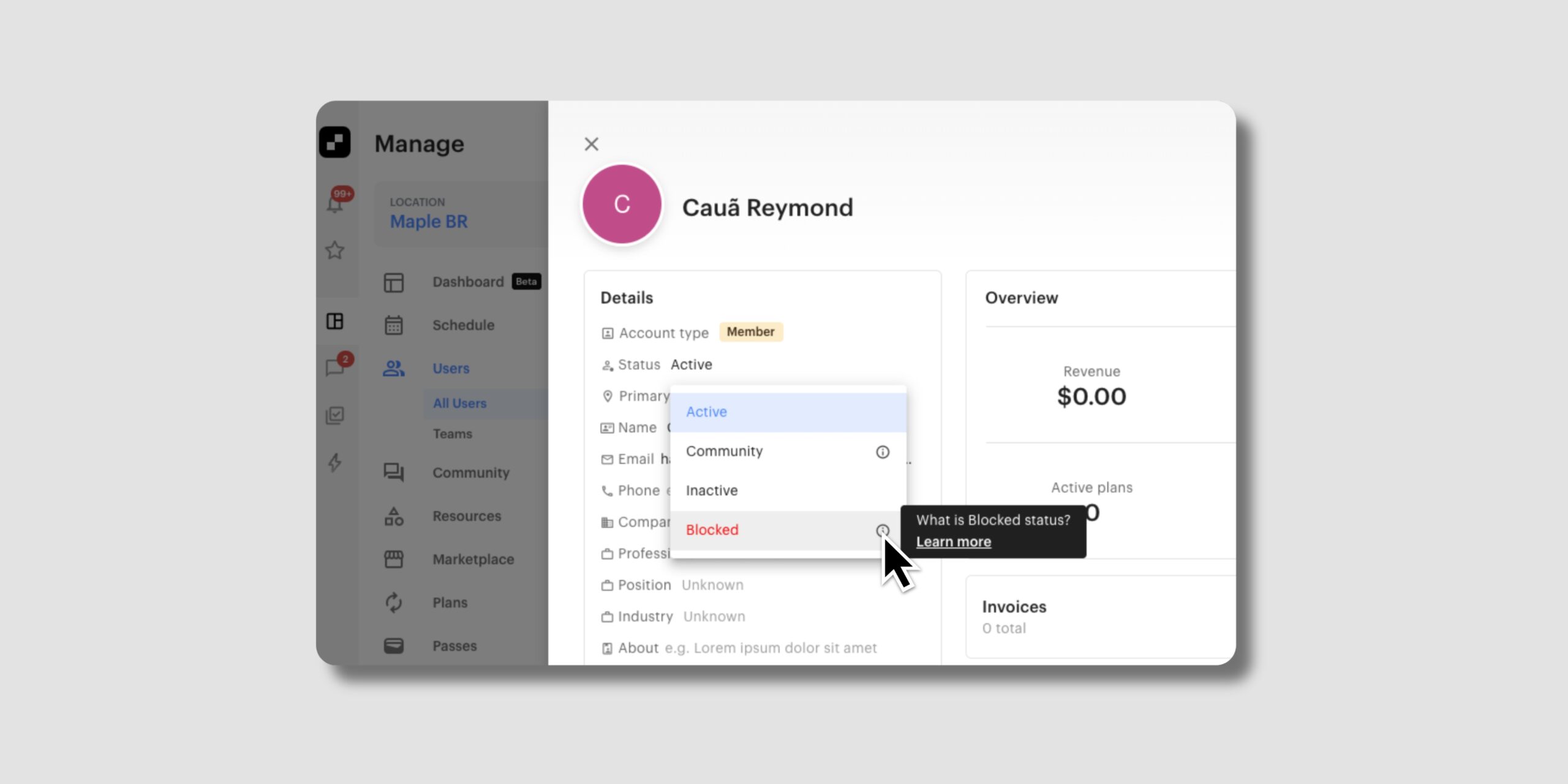
You can now block a specific member so they can’t be made active at your space again, without manual workarounds like removing their payment method.
With this update, you can:
This is especially useful for unmanned or self-serve spaces.
Learn more about blocking a member →
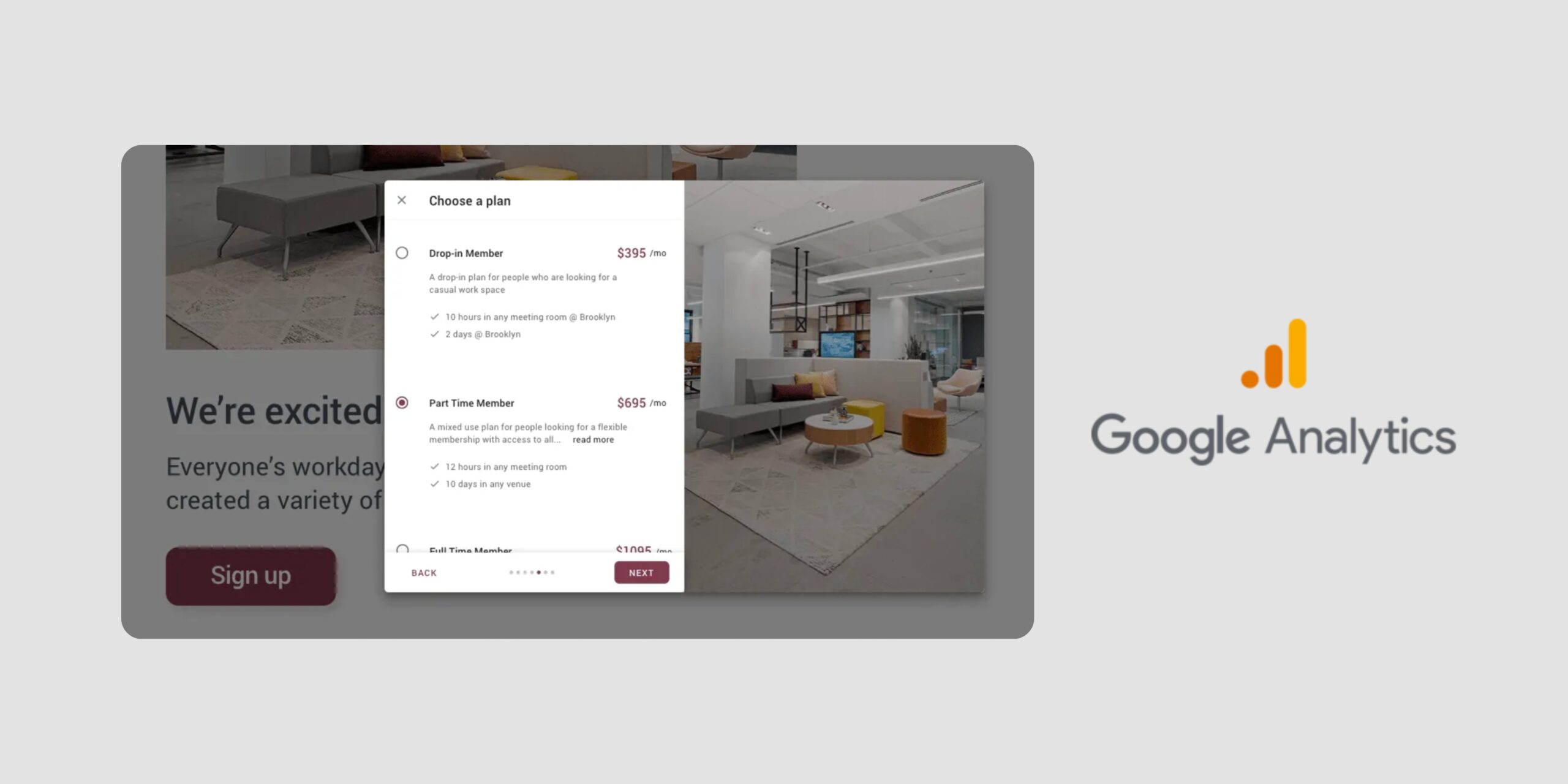
Your embedded Optix Forms can now send events, like a completed booking, to your website, so you can pass them to Google Analytics or your own tracking tools. This works with embedded Forms.
Learn more about tracking in Forms →
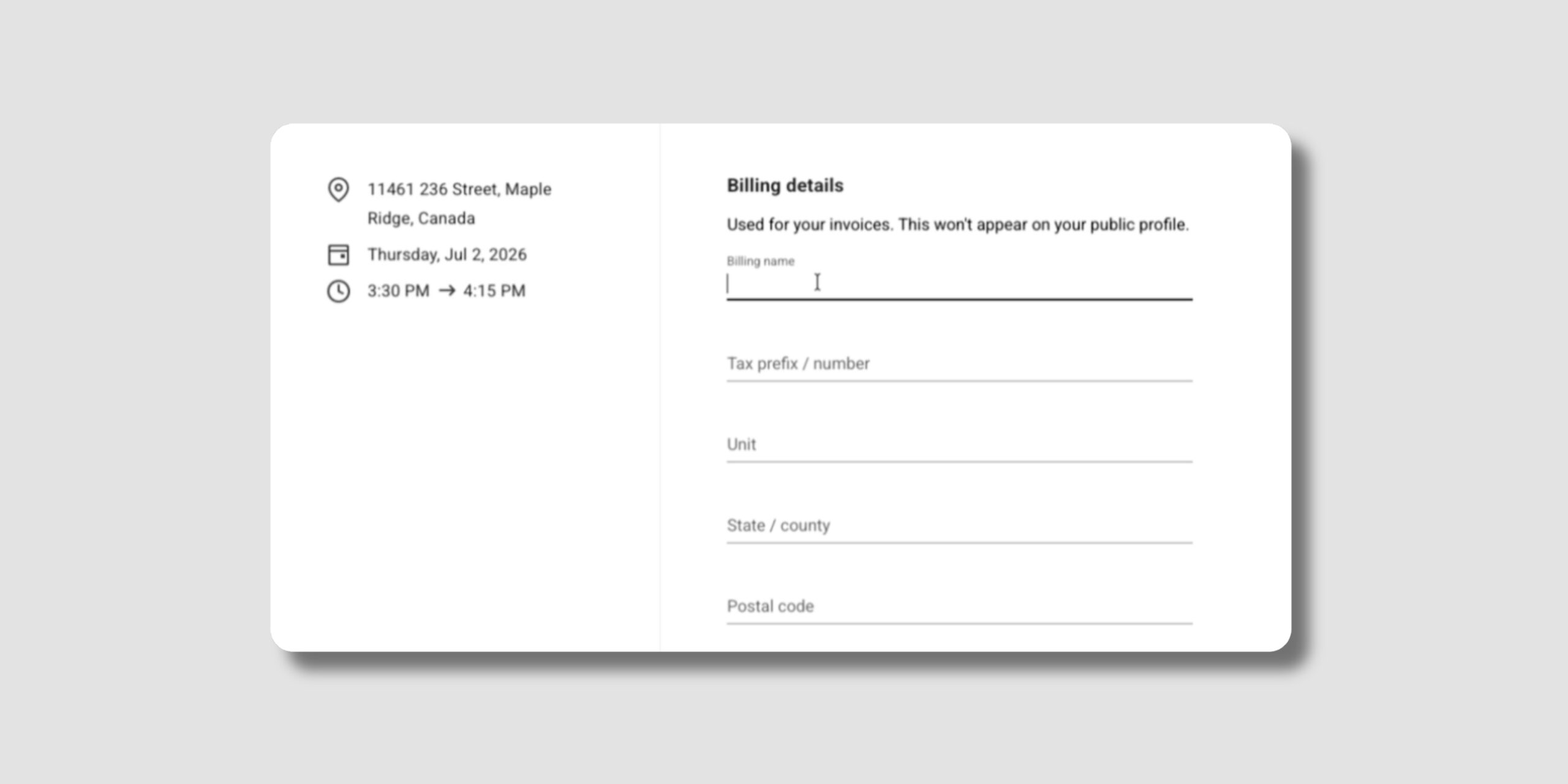
You can now add billing fields to your sign-up and drop-in booking flows, and make them required.
With billing fields in your forms, you can:
This is especially helpful if you need tax details on your invoices.
Learn more about billing fields in forms →
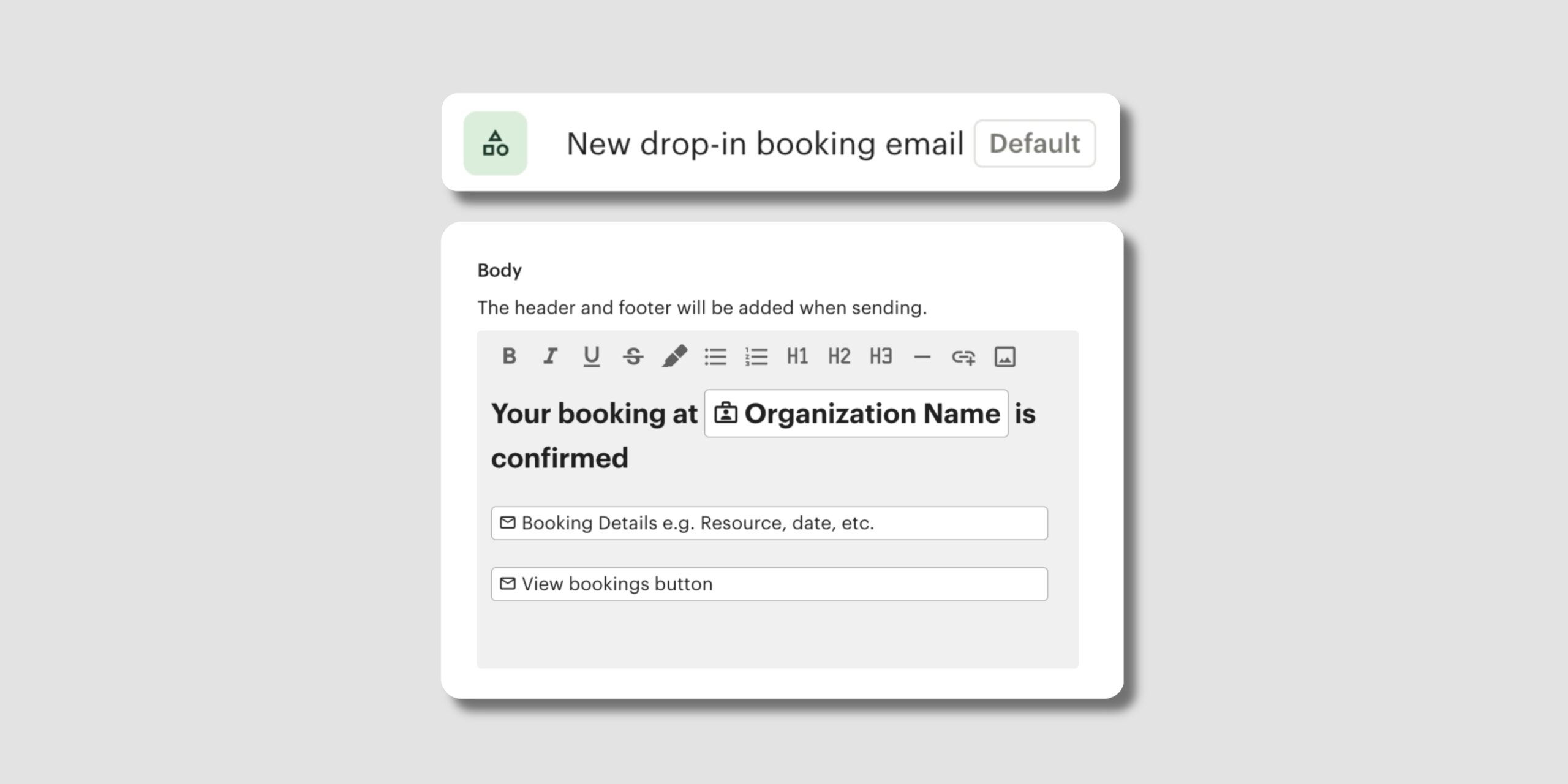
The New drop-in booking email is now its own default automation, which means you can personalise it for your space on its own.
With this update, you can:
Learn more about default automations →
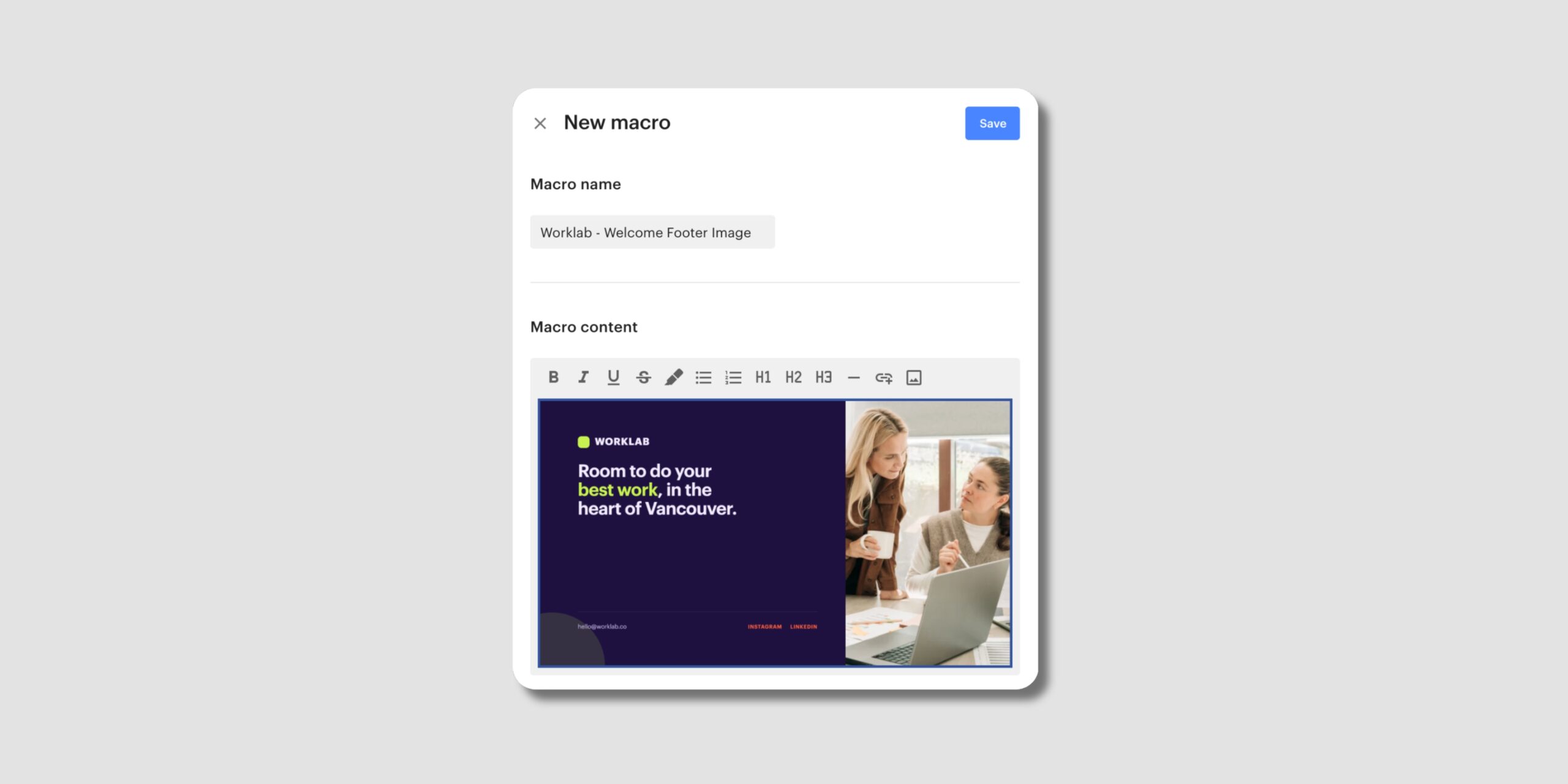
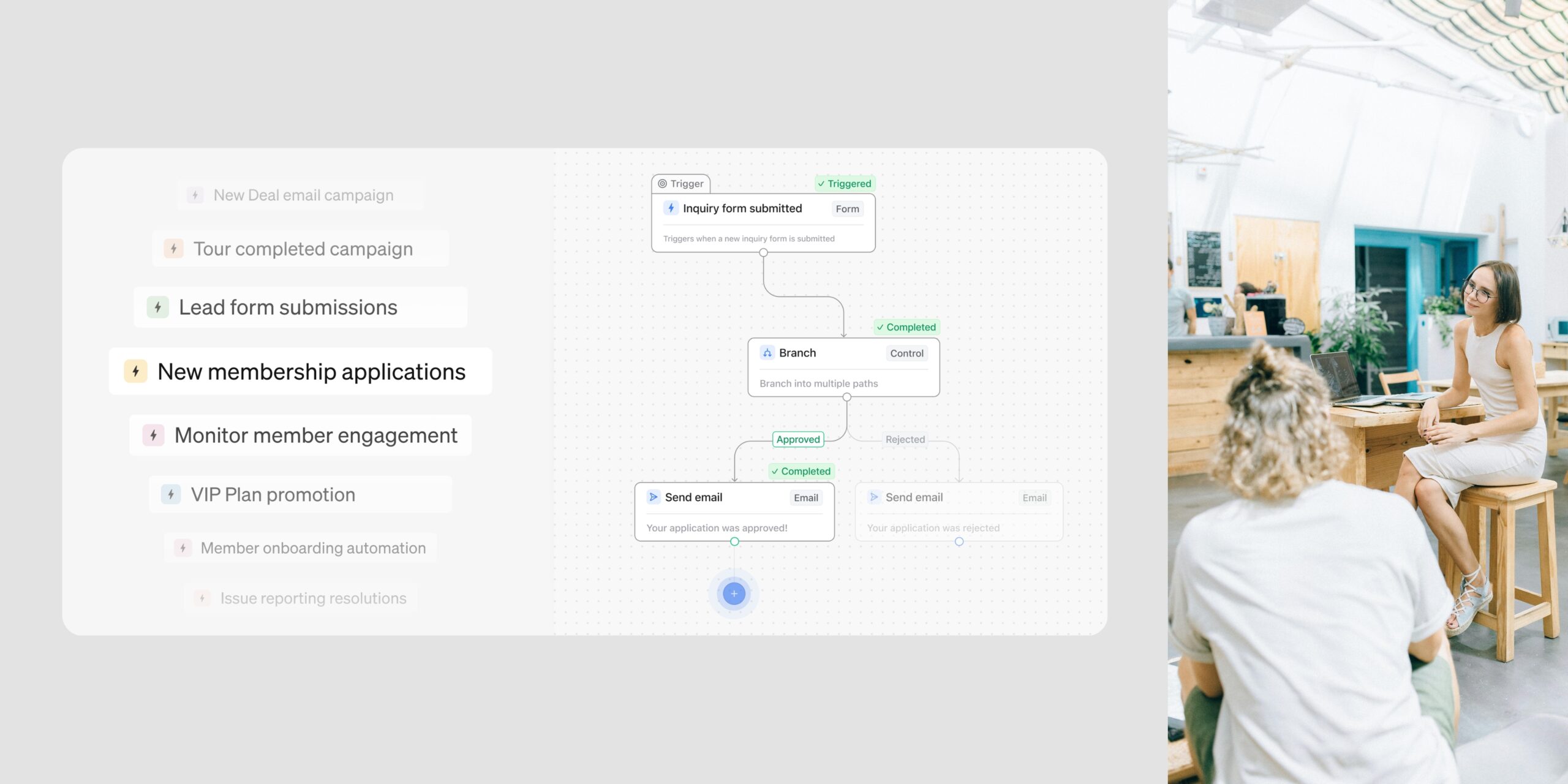
You can now create custom macros: reusable blocks of content you build once and drop into your automation emails.
With custom macros, you can:
Learn more about custom macros →
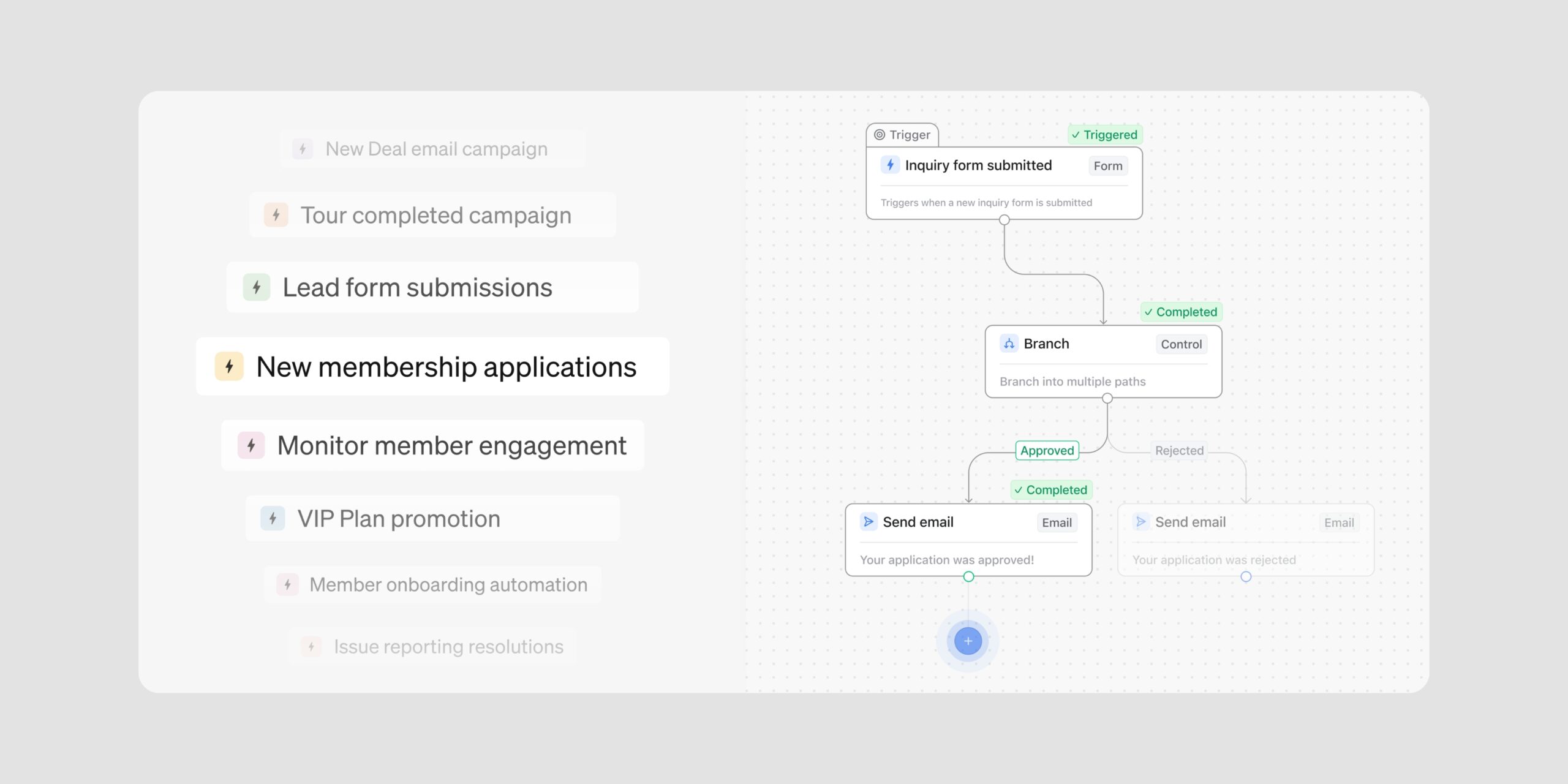
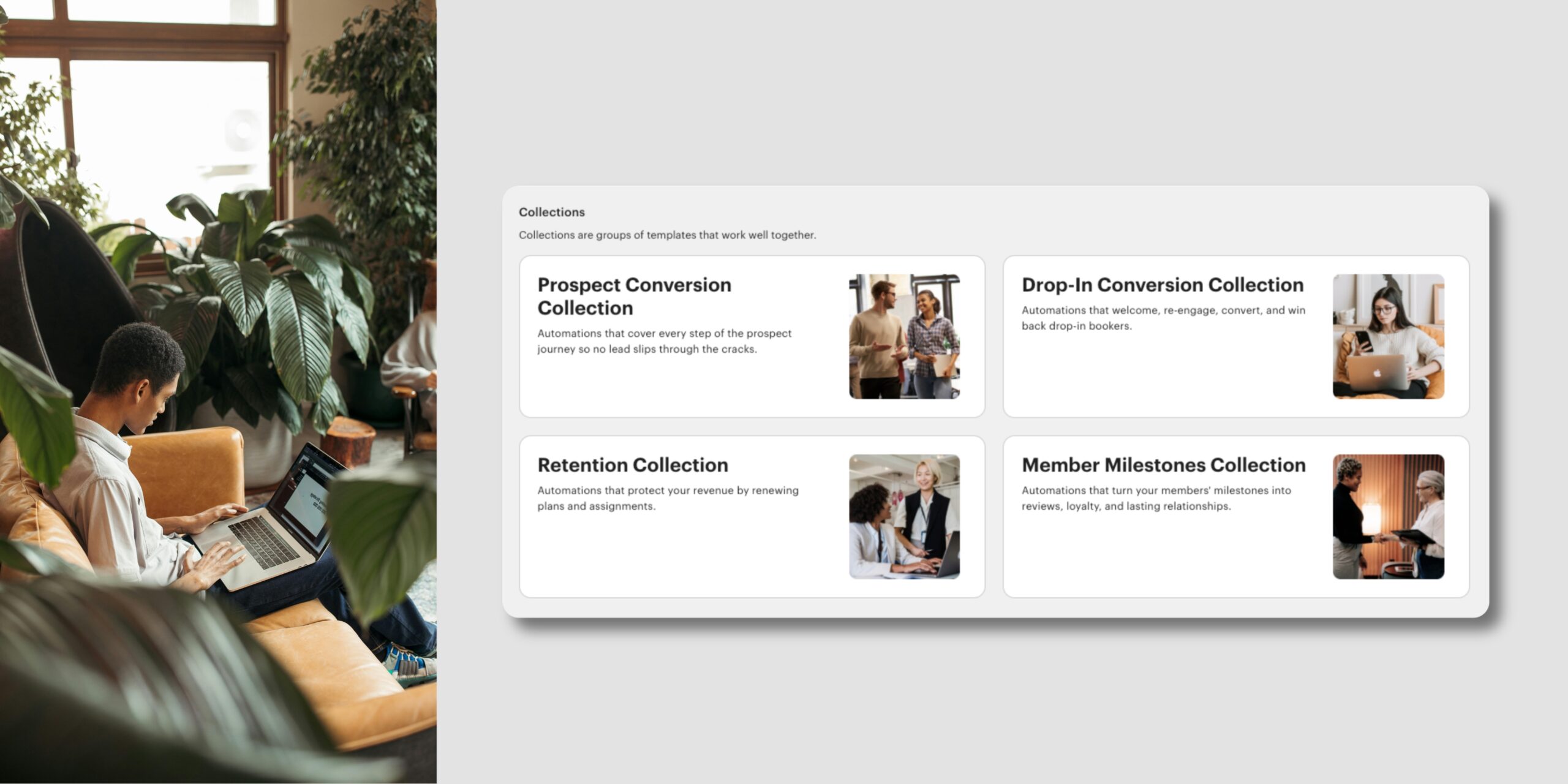
We’ve added new and updated templates to your Automations library. Two of them join existing Collections, which group templates around a shared goal, and one is a standalone template.
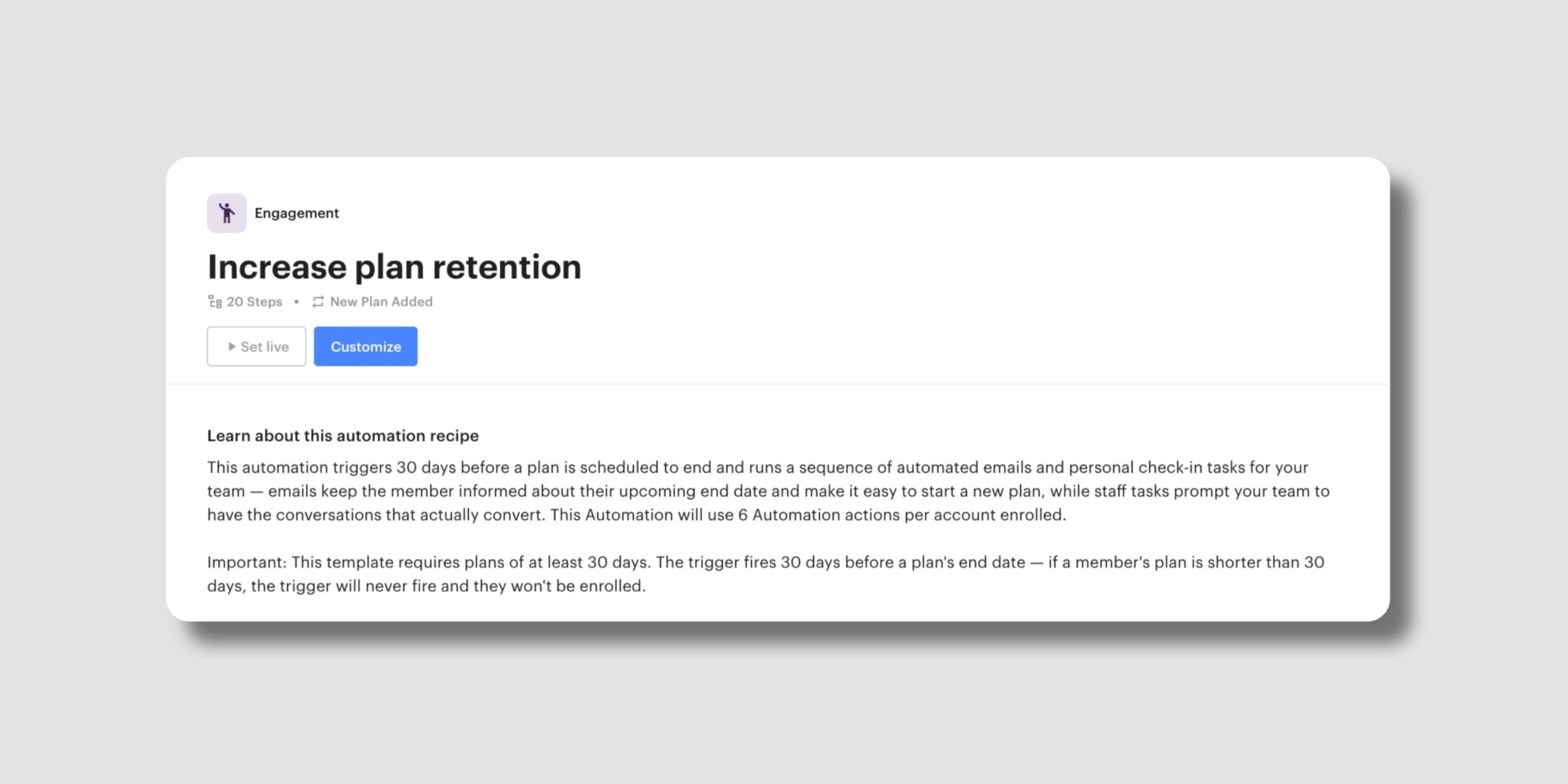
Part of the Retention Collection, which protects your revenue as plans come up for renewal. This updated template triggers 30 days before a plan is scheduled to end, then runs a sequence of well-timed emails and staff check-in tasks, so no ending plan slips by unnoticed.
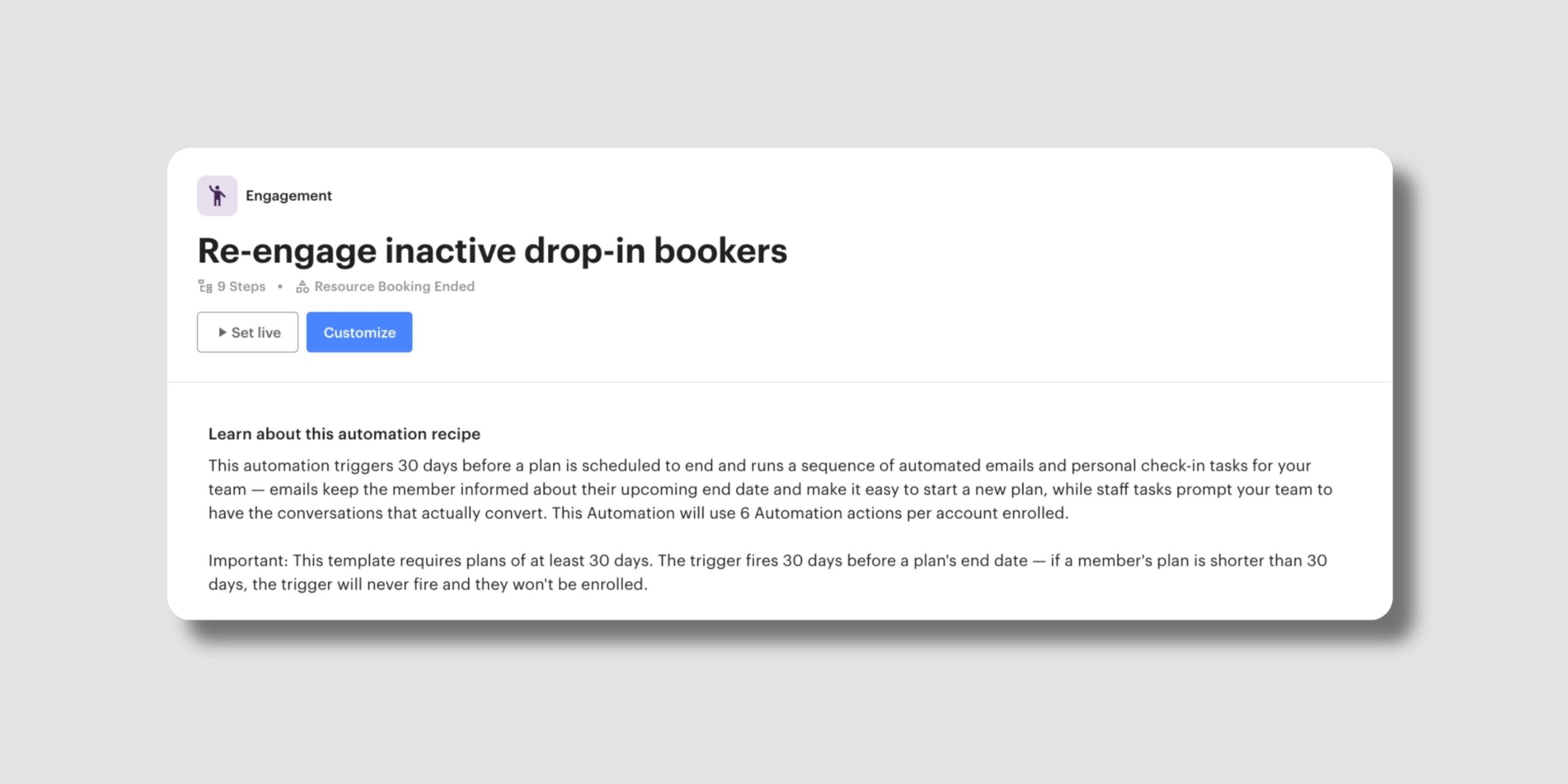
Part of the Drop-In Conversion Collection, built to turn casual drop-in users into committed members. When a drop-in user hasn’t booked in 45 days, this new template reaches out with a warm, no-pressure check-in, then follows up with a credit toward their next visit if they stay quiet.
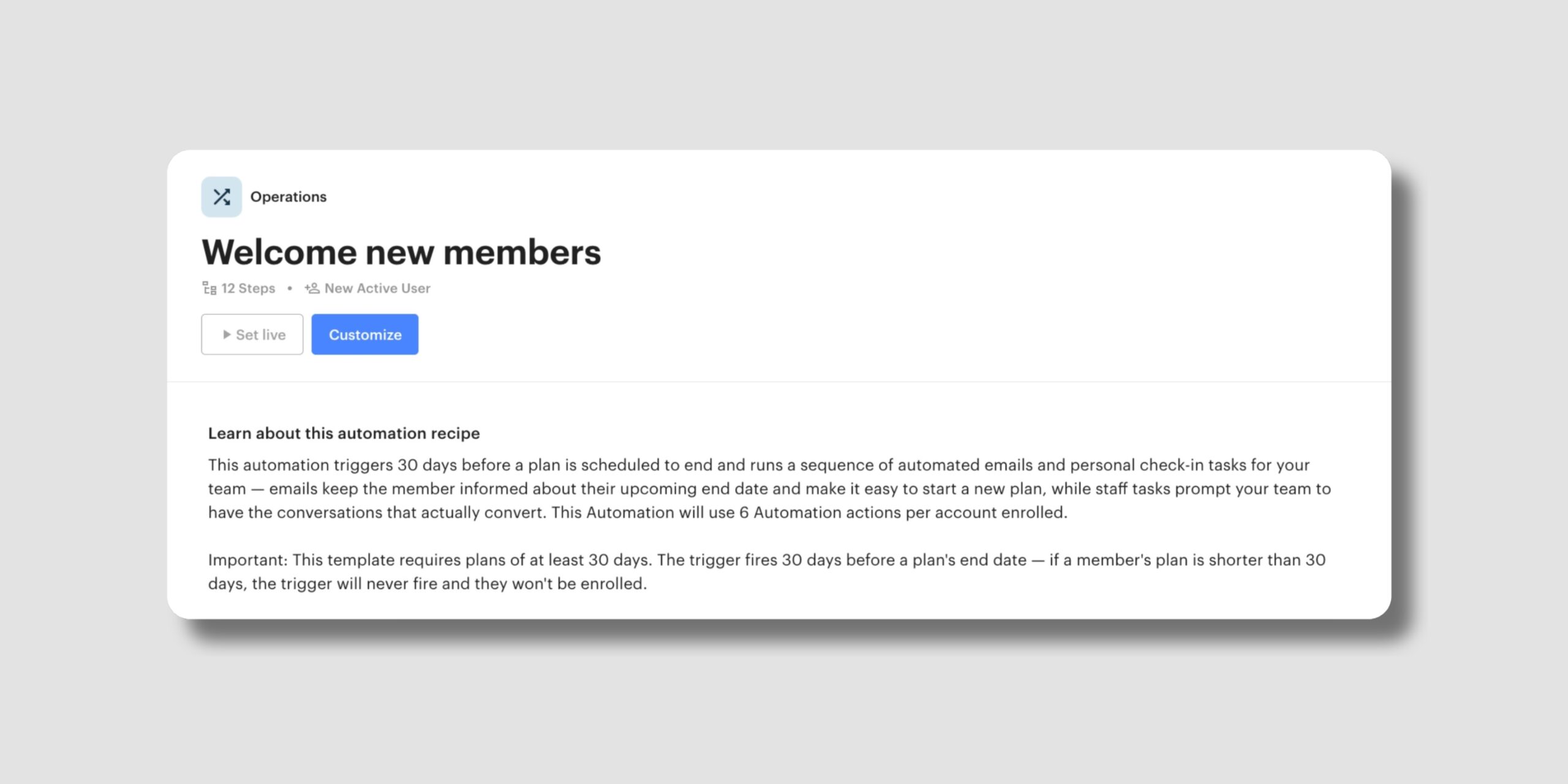
This template automatically welcomes every new active member with an email matched to how they joined, whether that’s your website, the app, or being added by your team.
Together, these templates help you keep members engaged and coming back, without adding to your daily workload.
That’s a lot of everyday work you can now hand to Optix, with more control over the details in between. We’ll keep building tools that help you run your space with less manual work.
Subscribe to our newsletter to stay up to date with what’s new in Optix.