What’s New in Optix: October 2026
Learn about what we've added to the Optix platform in October 2026
October 29, 2026

October is about rewarding the people who help your space grow. Two new Automations+ templates thank both sides of a referral: the member who recommended you, and the new member who joined.
You’ll also find Visitor Management included in Pro and above, door access for booking invitees with Kisi, automation emails that are quicker to set up, and clearer billing records.
Let’s take a look at what we’ve added to Optix in October!
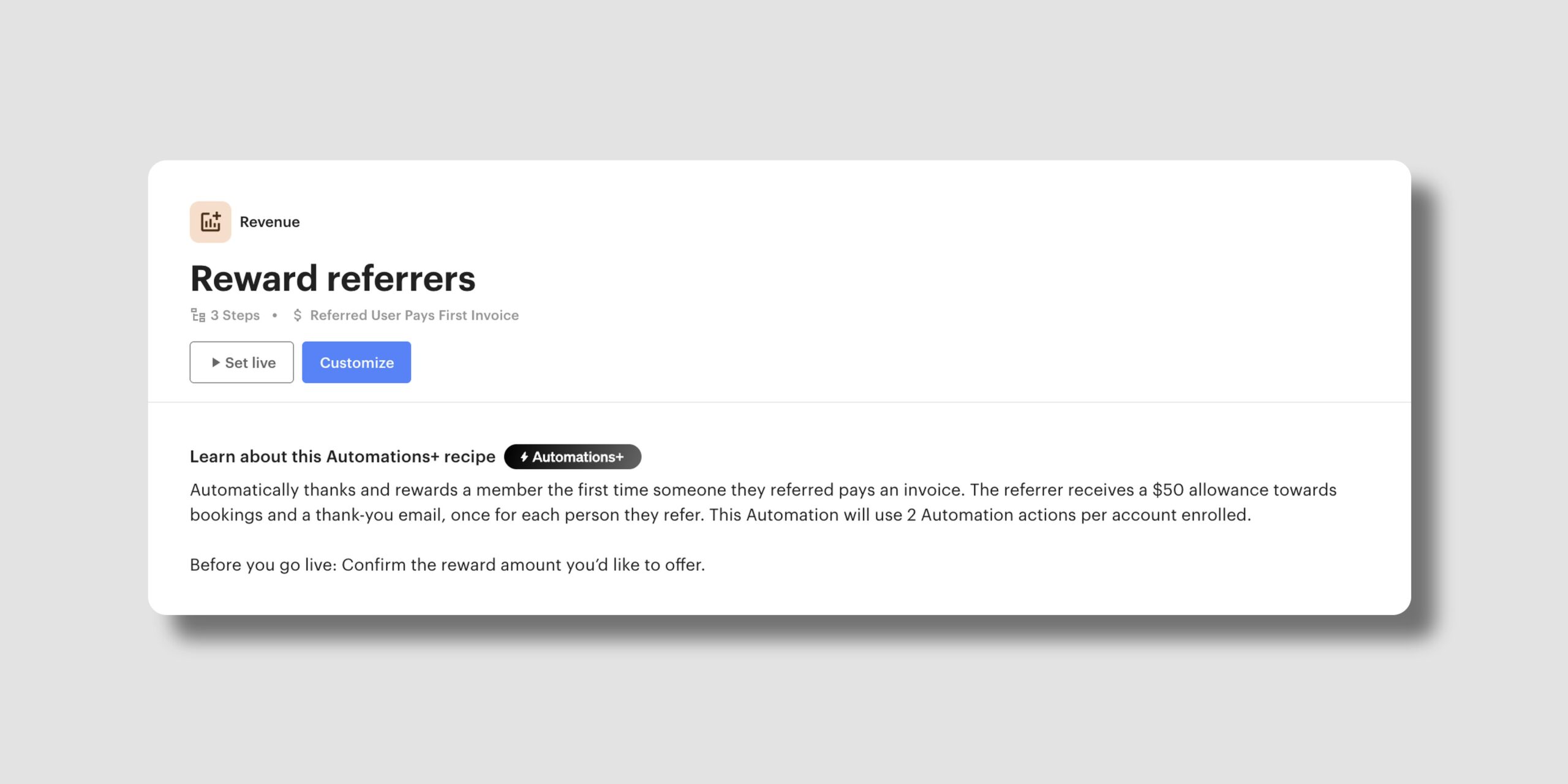
Thank members each time someone they referred becomes a paying member, so they keep recommending your space.
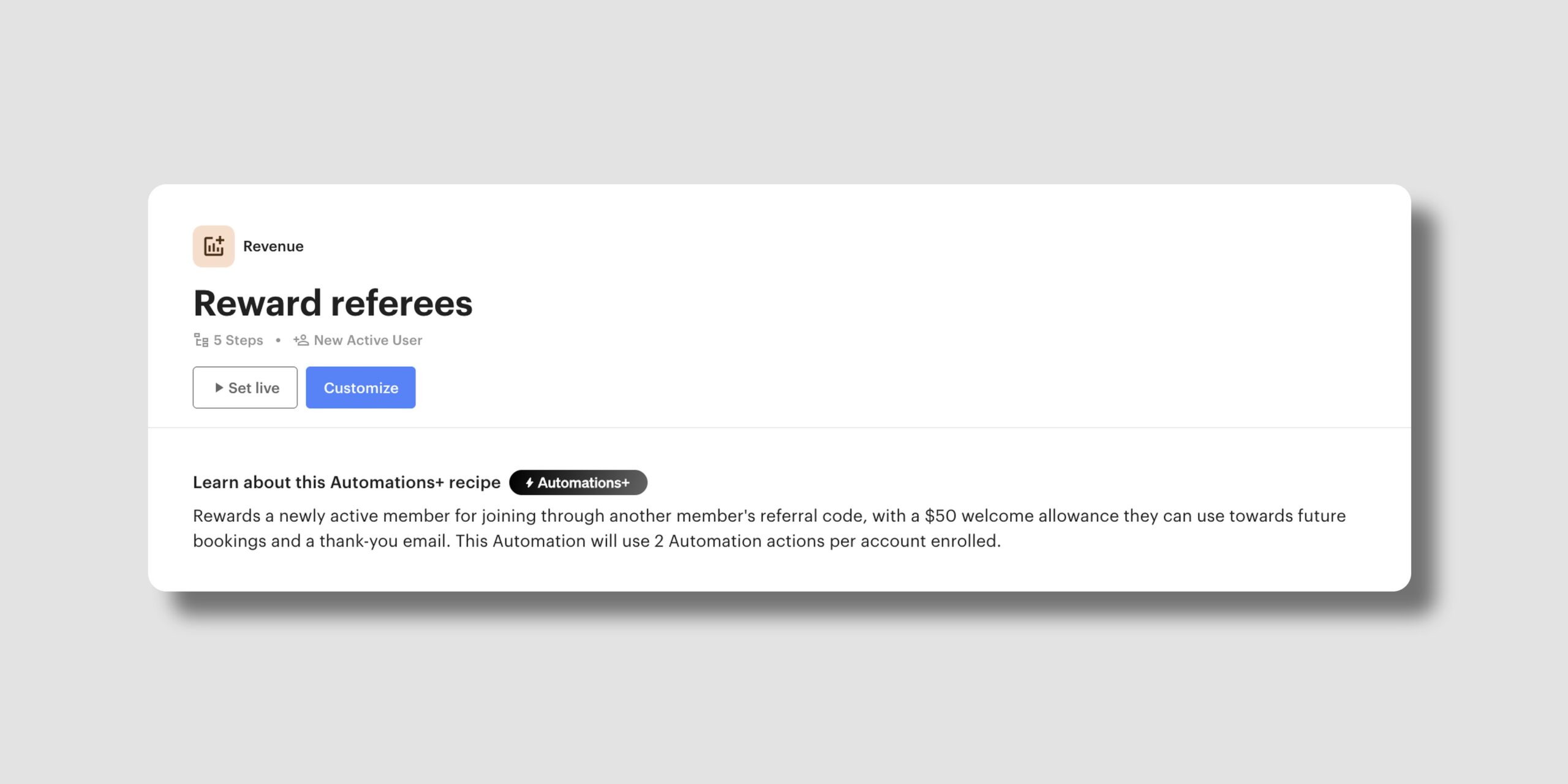
Give new members who joined through a friend a welcome reward of their own, so their first days in your space feel personal.
Both are ready to set live from your Automations library, and you choose the reward that suits your space.
Learn more about Member Referrals →
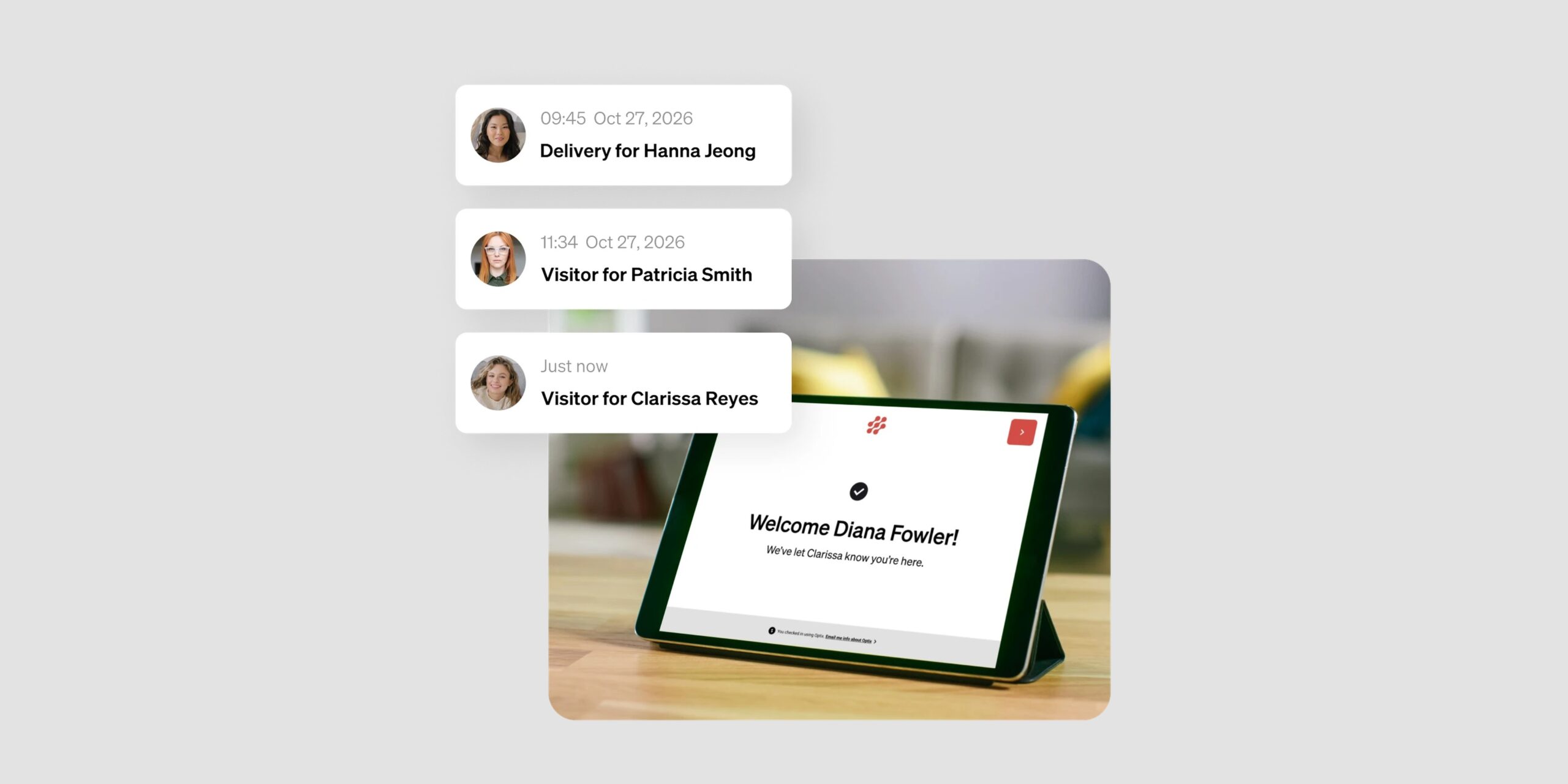
Visitor Management is now part of the Pro, Grow and Scale plans at no extra cost. If you already use it on one of these plans, it’s now included in your subscription and keeps running as you’ve set it up. If you haven’t tried it yet, it’s ready to install.
With Visitor Management, you can:
Learn more about Visitor Management →
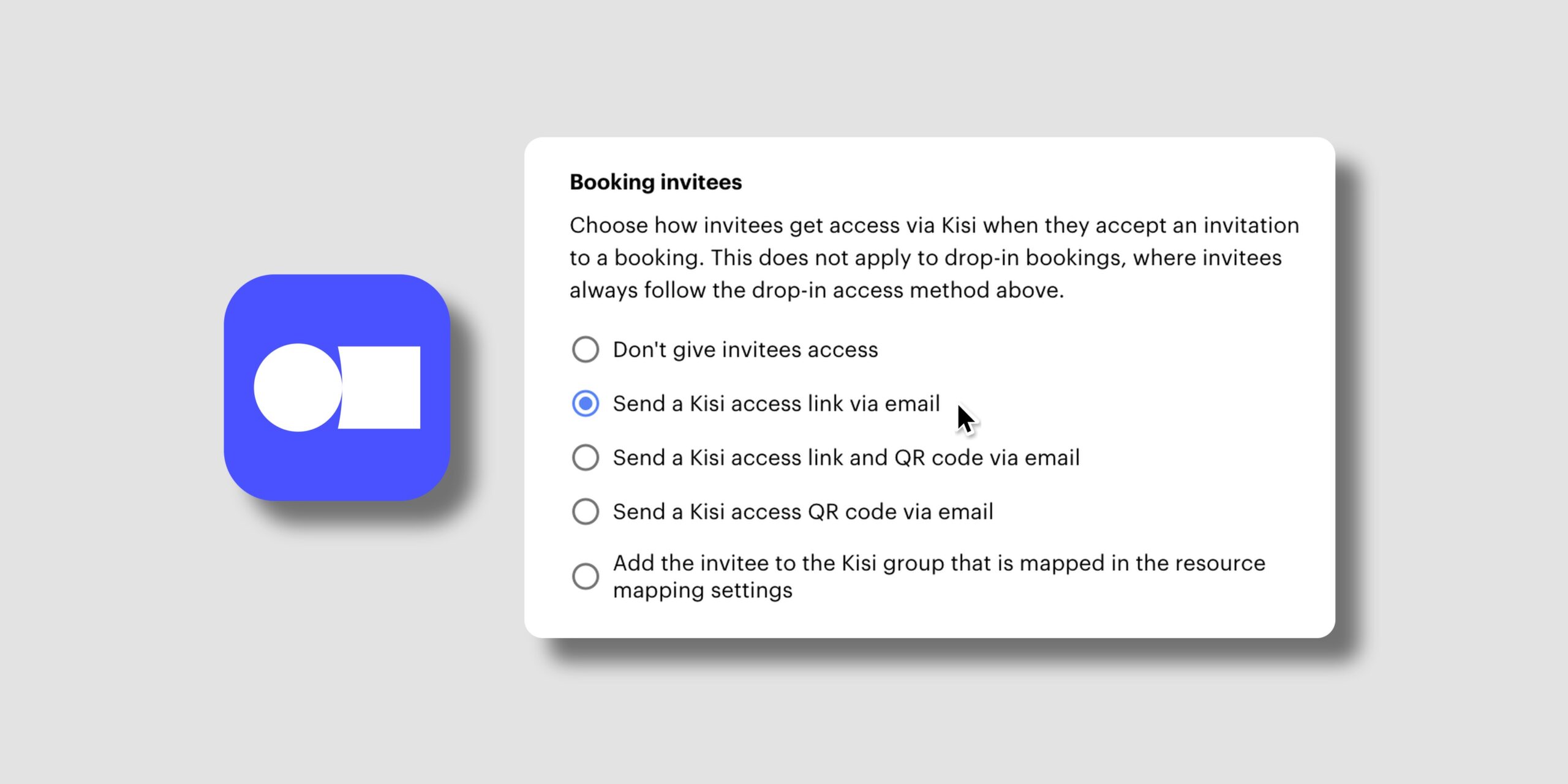
If your space uses Kisi, the people a member adds to a booking can now get their own access to the booked space. It’s especially useful in spaces without staff on-site, where guests often arrive before the person who booked.
With access for booking invitees, you can:
You decide whether invitees get access and how. Guests can get in on time, even if the person who booked arrives later.
Learn more about Kisi access for booking invitees →
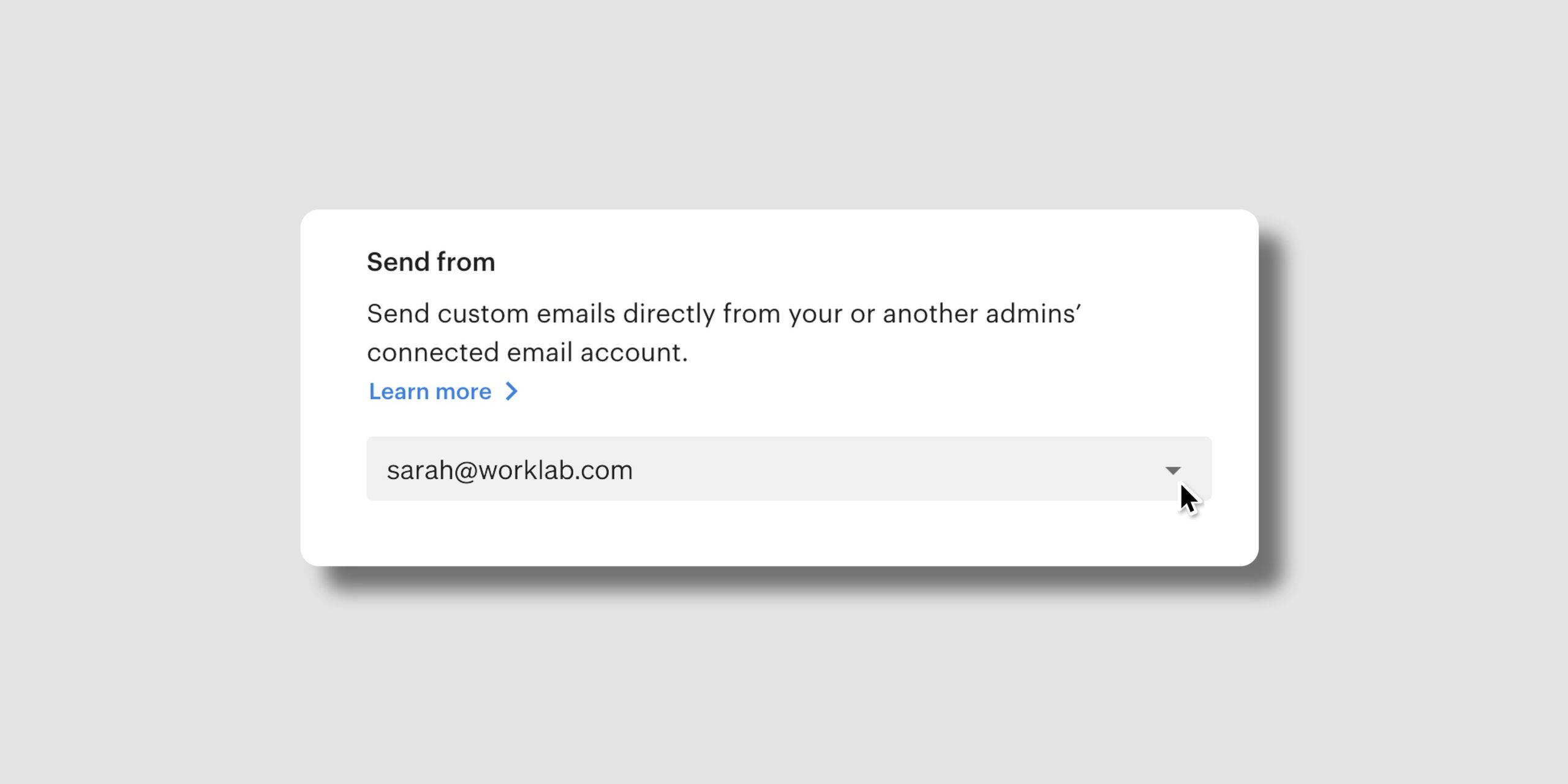
Your sender is ready to go. When you add a Send email step to an Automation, the Send from field now fills in with your connected email account, so each new step is ready to send from the start. You can still change it, and Automations that already have a sender keep it.
Add a member’s email and phone number. Two new variables let you include a member’s email address and phone number in your automation emails.
With these variables, you can:
Learn more about sending emails from Automations →
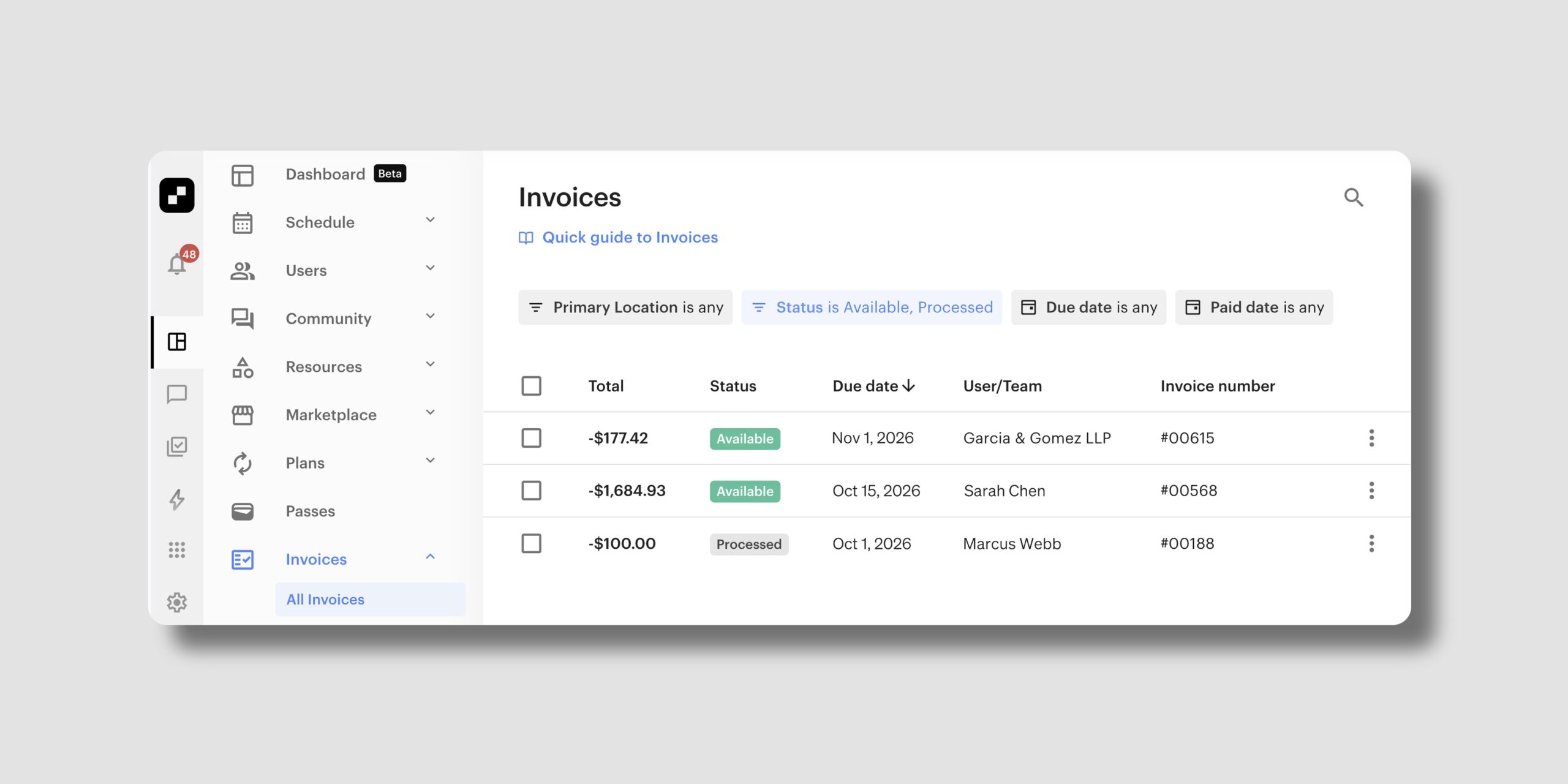
Credit notes now have statuses of their own: instead of Due or Overdue, they show as Available or Processed.
With the new credit statuses, you can:
Your team can answer credit questions without digging into each invoice.
Learn more about how credit works in Optix →
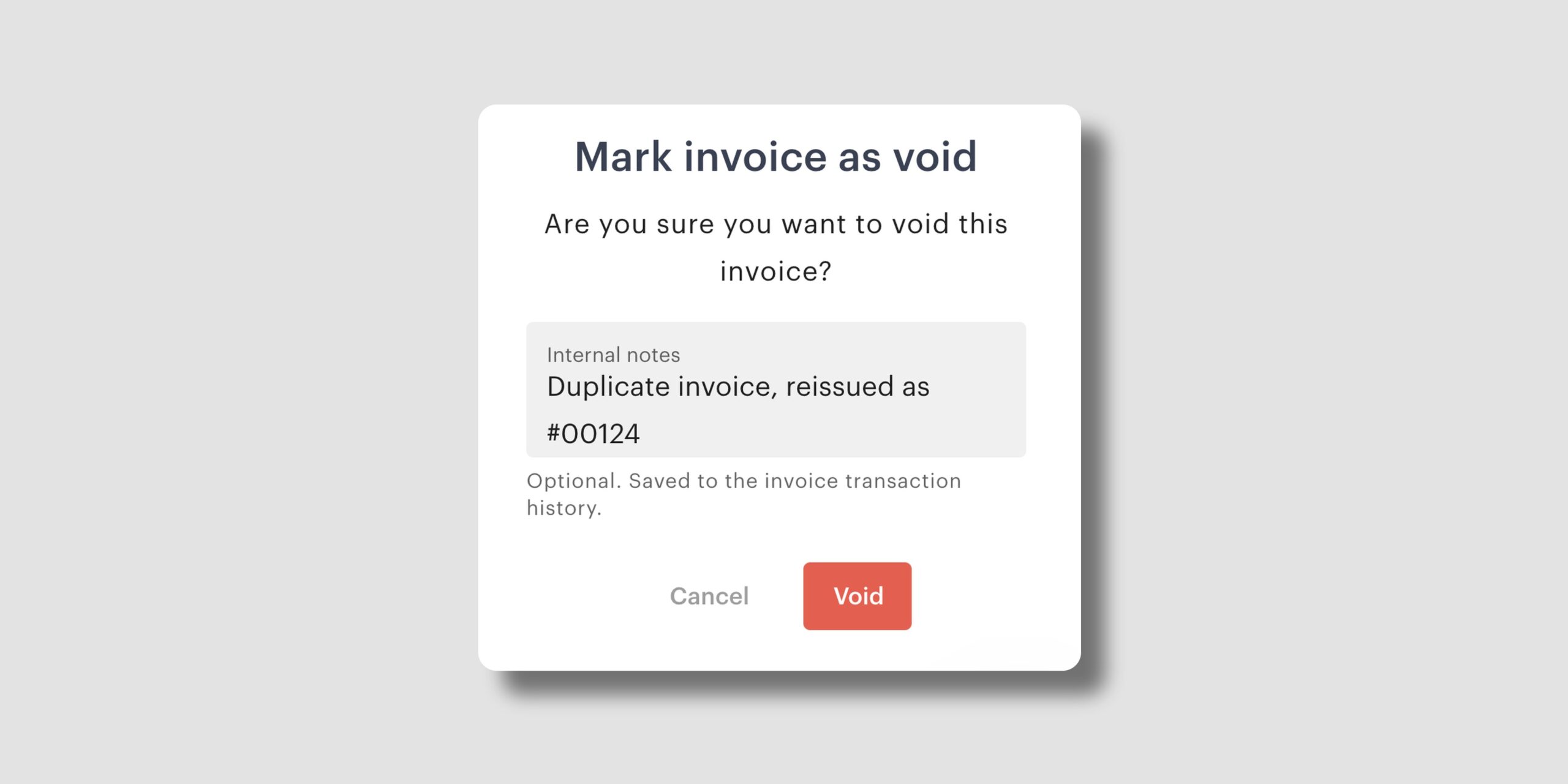
When you void an invoice or remove and void a line item, you can now add an internal note explaining why. The note is saved to the invoice’s transaction history, so anyone on your team can see the reason later without asking around.
With internal notes, you can:
From referral rewards that run on their own to booking guests who can let themselves in, this month’s updates take a little more off your plate. More is on the way, and we look forward to sharing it with you.
Subscribe to our newsletter to stay up to date with what’s new in Optix.