What’s New in Optix: August 2026
Learn about what we've added to the Optix platform in August 2026
September 1, 2026
This month is about handing more of your follow-up to Optix. A new Lost lead account type gives every nurture sequence a clear end point, and three new Automation templates reach out on their own to leads who started an inquiry, a sign-up or a booking and went quiet.
You’ll also find invoice PDFs your members can download themselves or add them as a Macro in Automations emails, ask longer questions in your forms, and links you can add to bulk messages. That means more of your follow-ups run by themselves.
Let’s take a look at what we’ve added to Optix in August!
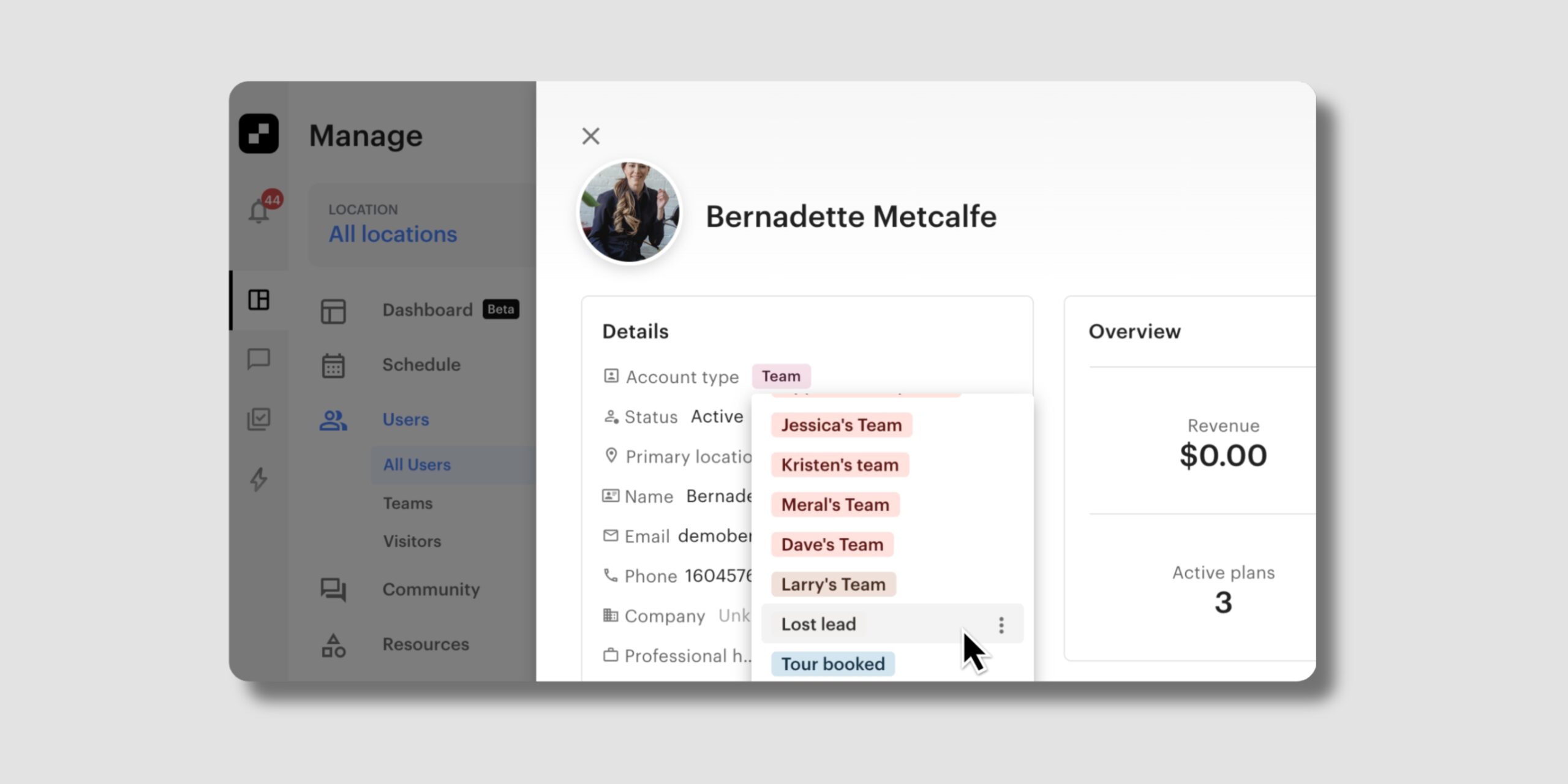
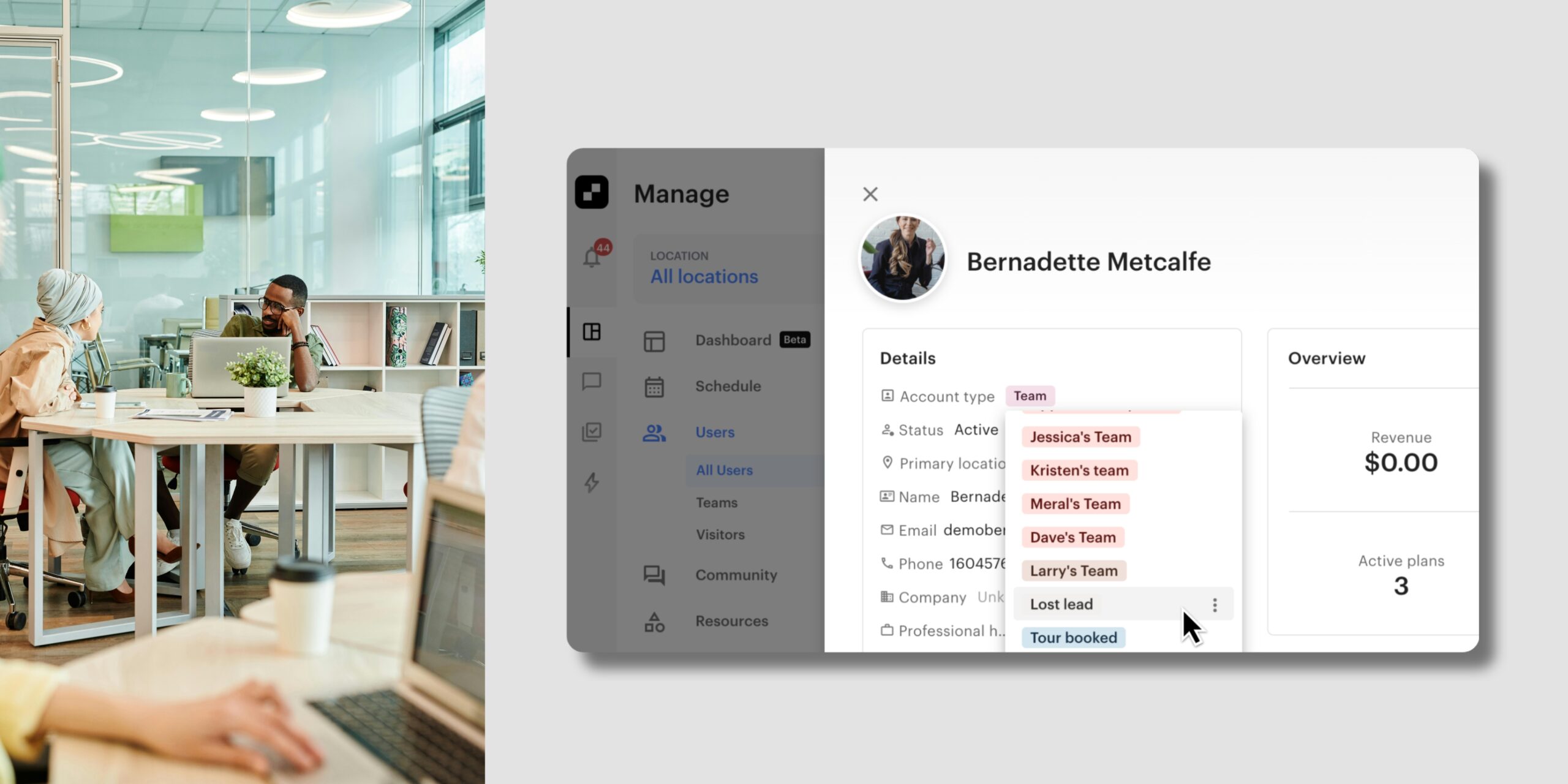
You can now move a lead to Lost lead, a new default account type available in every Optix organization. That gives you a clear line between the leads you’re still working and the ones who’ve gone quiet.
With Lost lead account type, you can:
Learn more about the Lost lead account type →
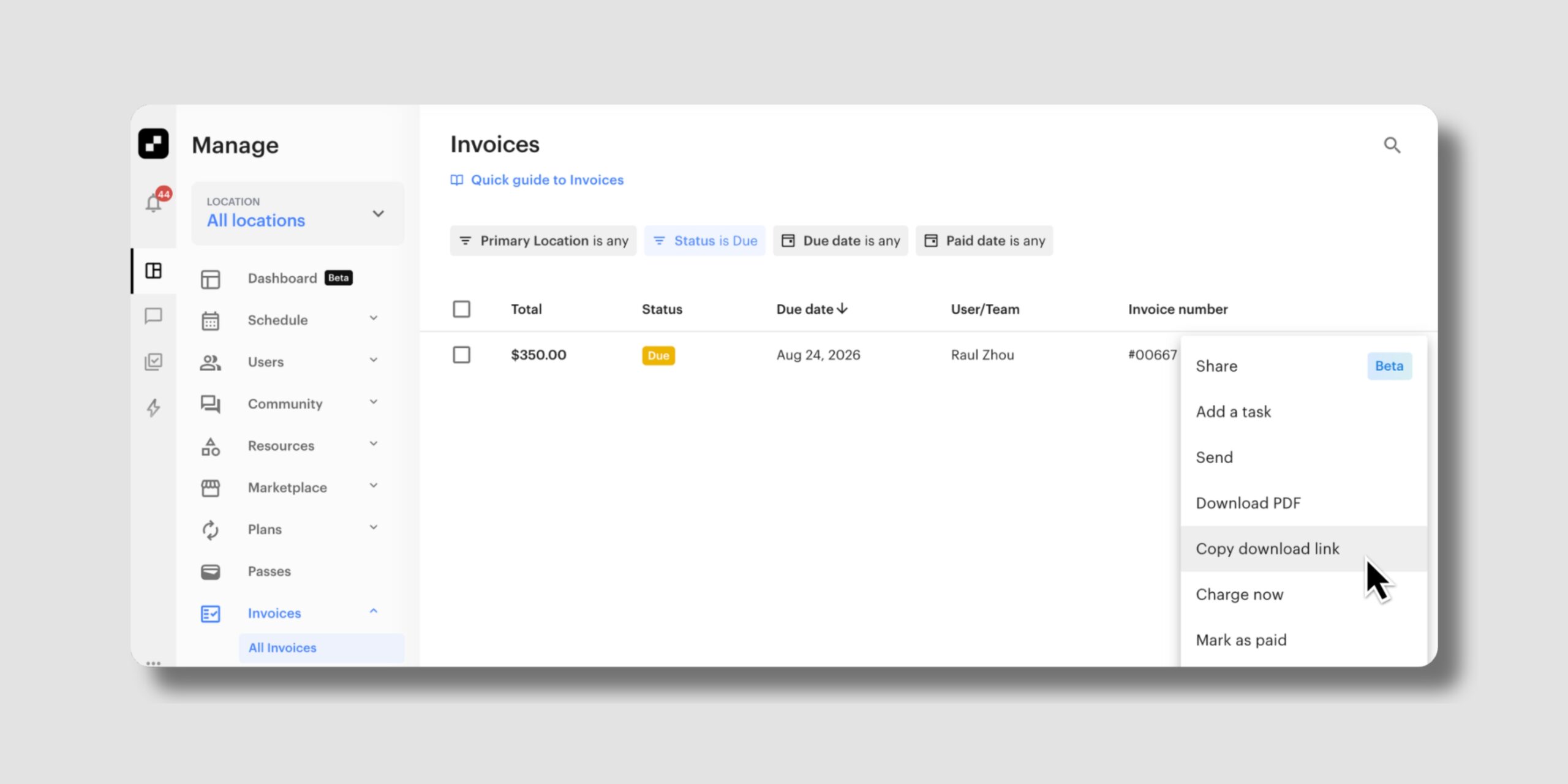
Your members can now download their invoice as a PDF, straight from a link. You can also add an Invoice PDF macro to your automation emails, so the link travels with the message.
With Invoice PDF, you can:
Your members get what they need on their own, and your team spends less time on invoice requests.
Learn more about Invoice PDFs →
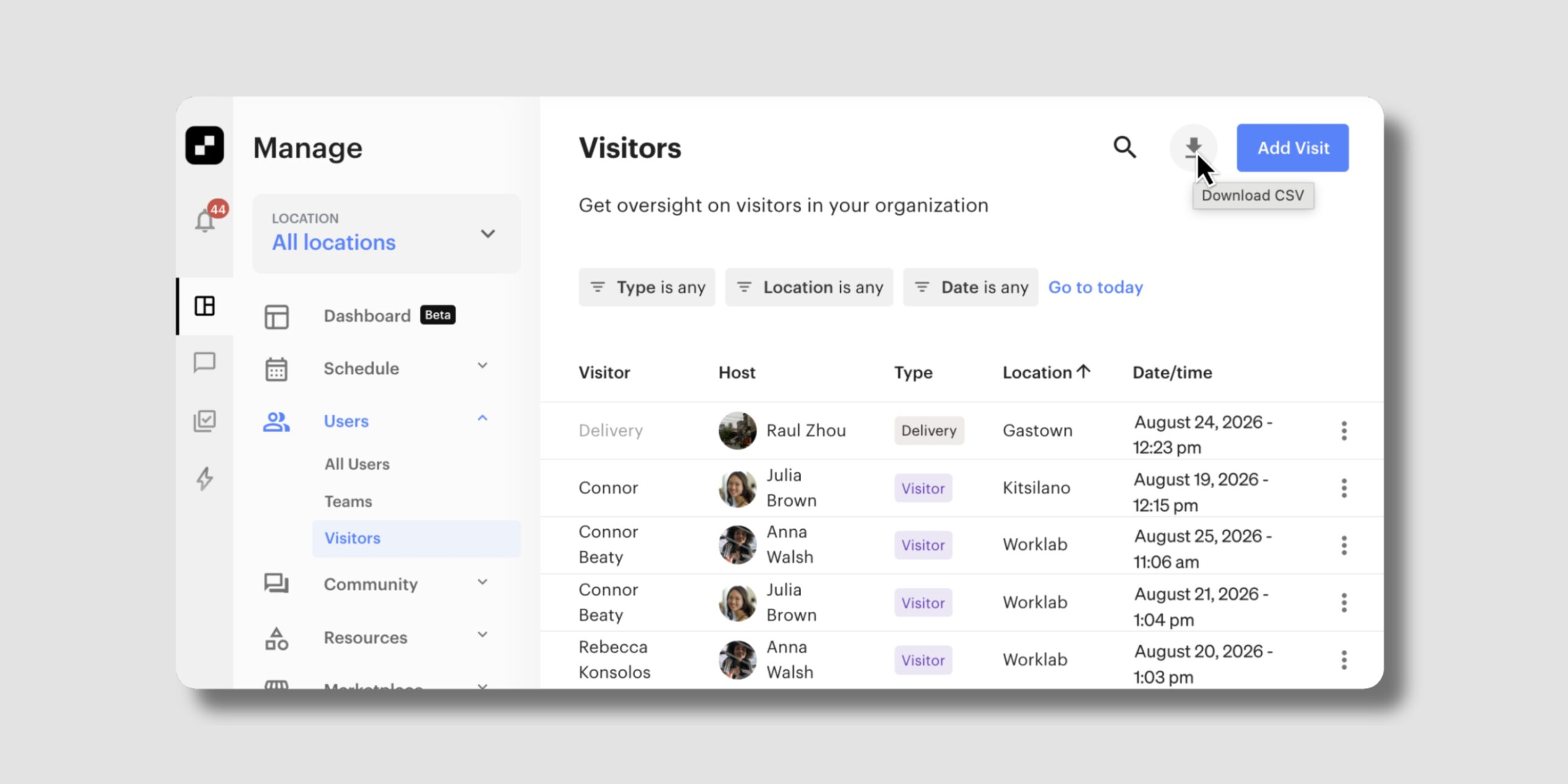
You can now export your visitor list yourself, straight from the Visitor Management view.
With the visitor export, you can:
Learn more about exporting Visitor Management data →
You now have more room to write your form questions. The old cap of roughly 60 characters is gone.
When you set up a question, you can:
The extra room applies to any form where that question appears.
Learn more about form questions →
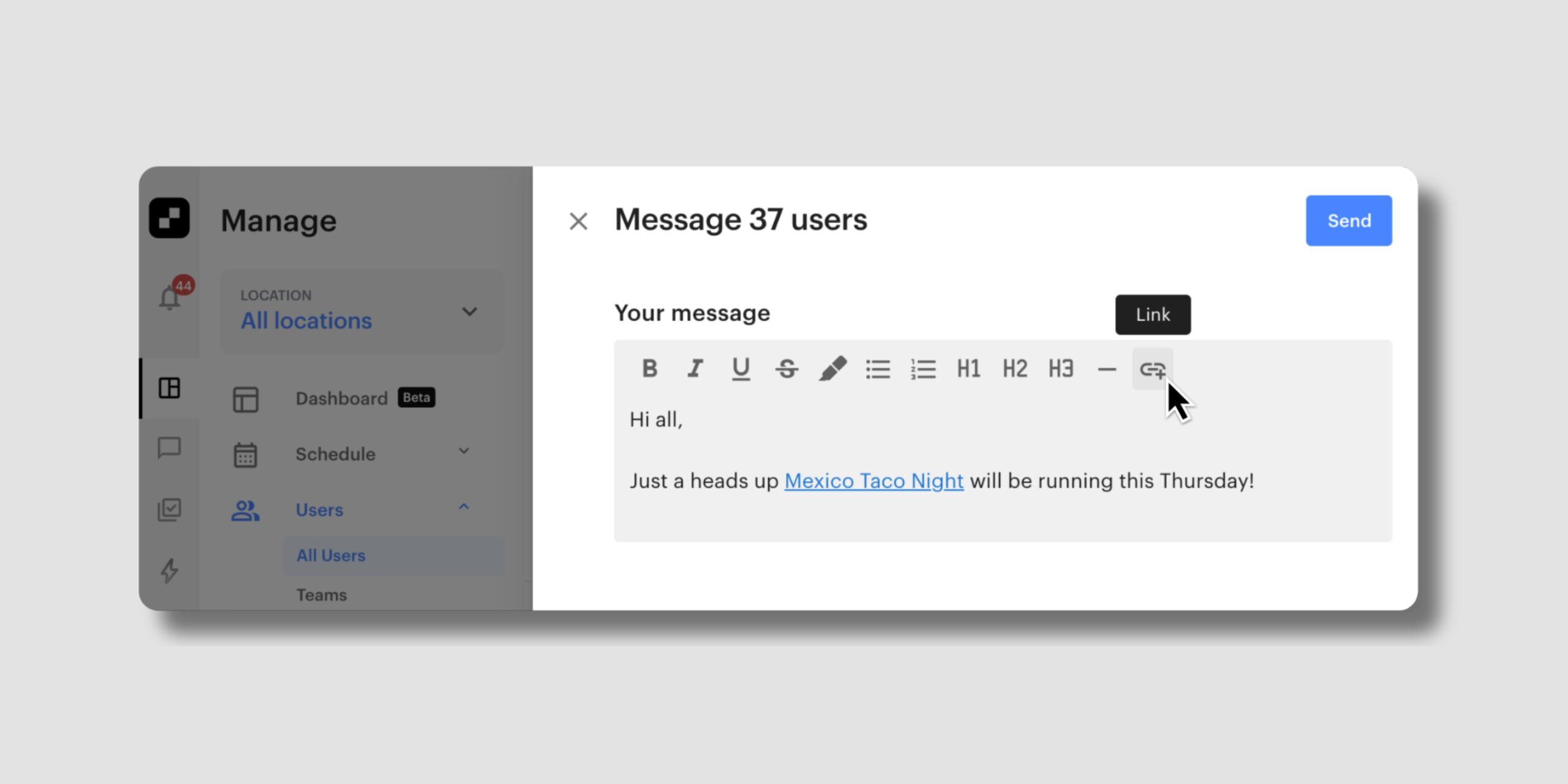
You can now include a clickable link when you message members in bulk, so you can send members straight to the page you’re telling them about.
With links in bulk messages, you can:
Learn more about bulk messages →
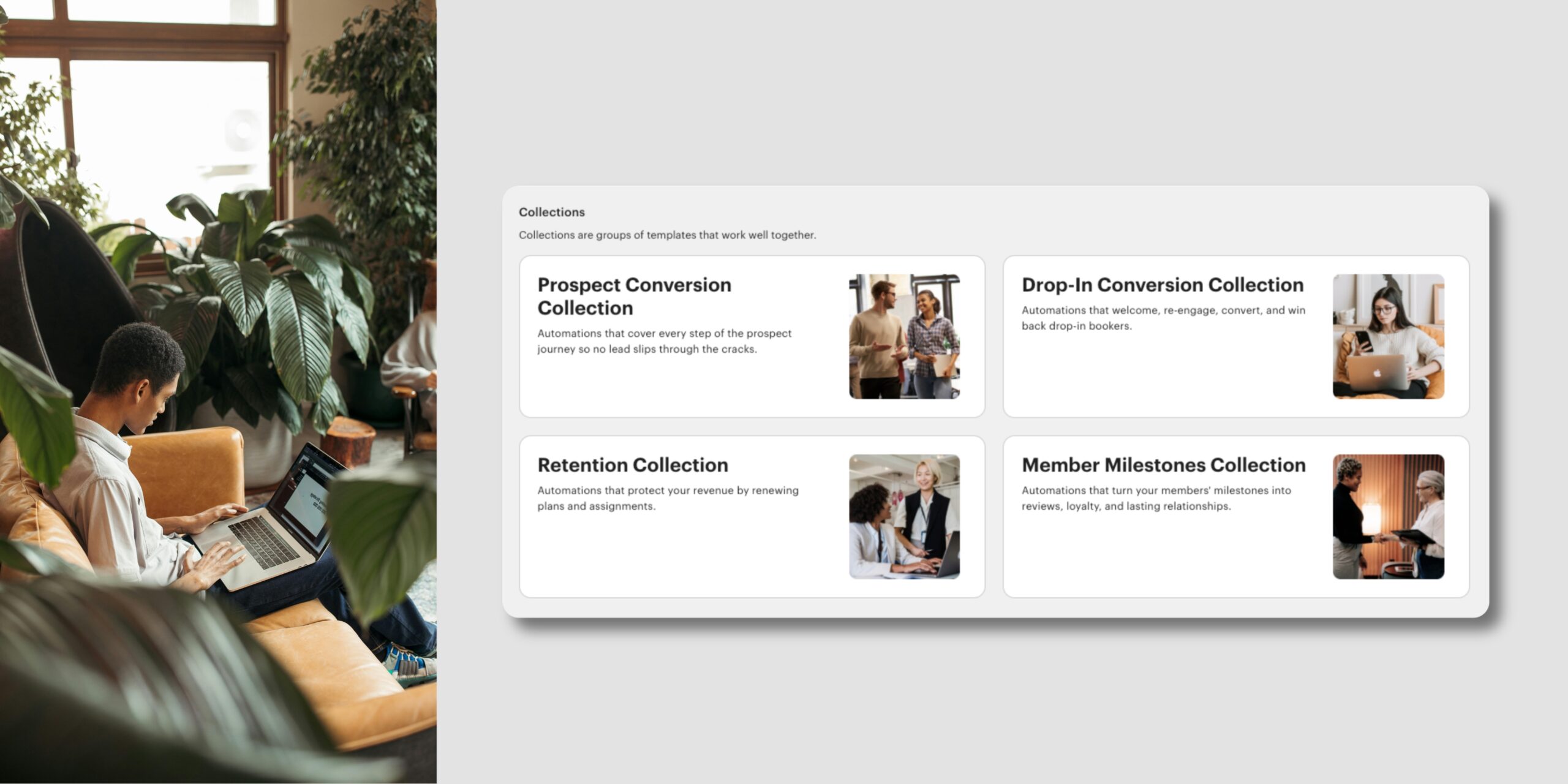
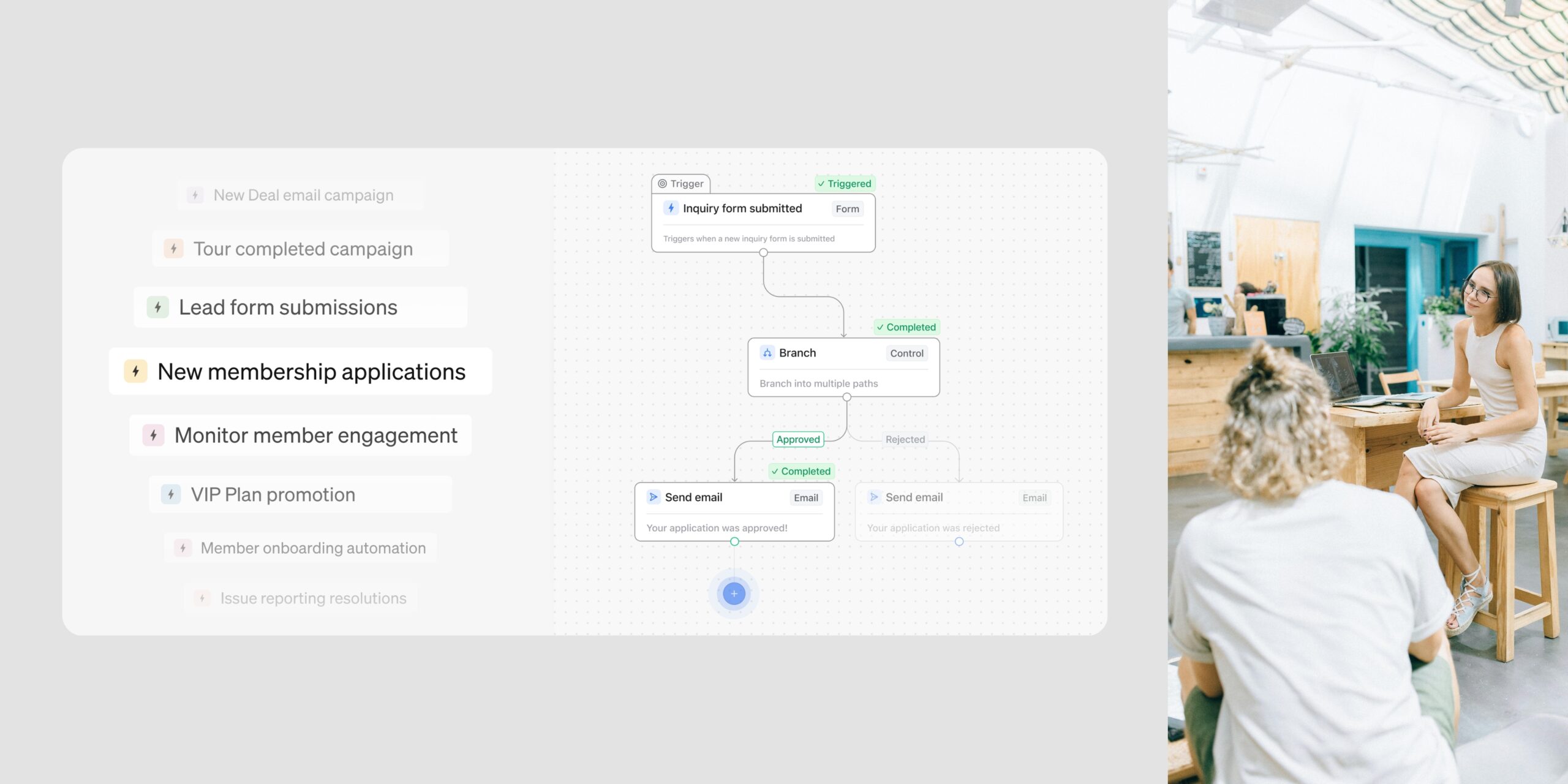
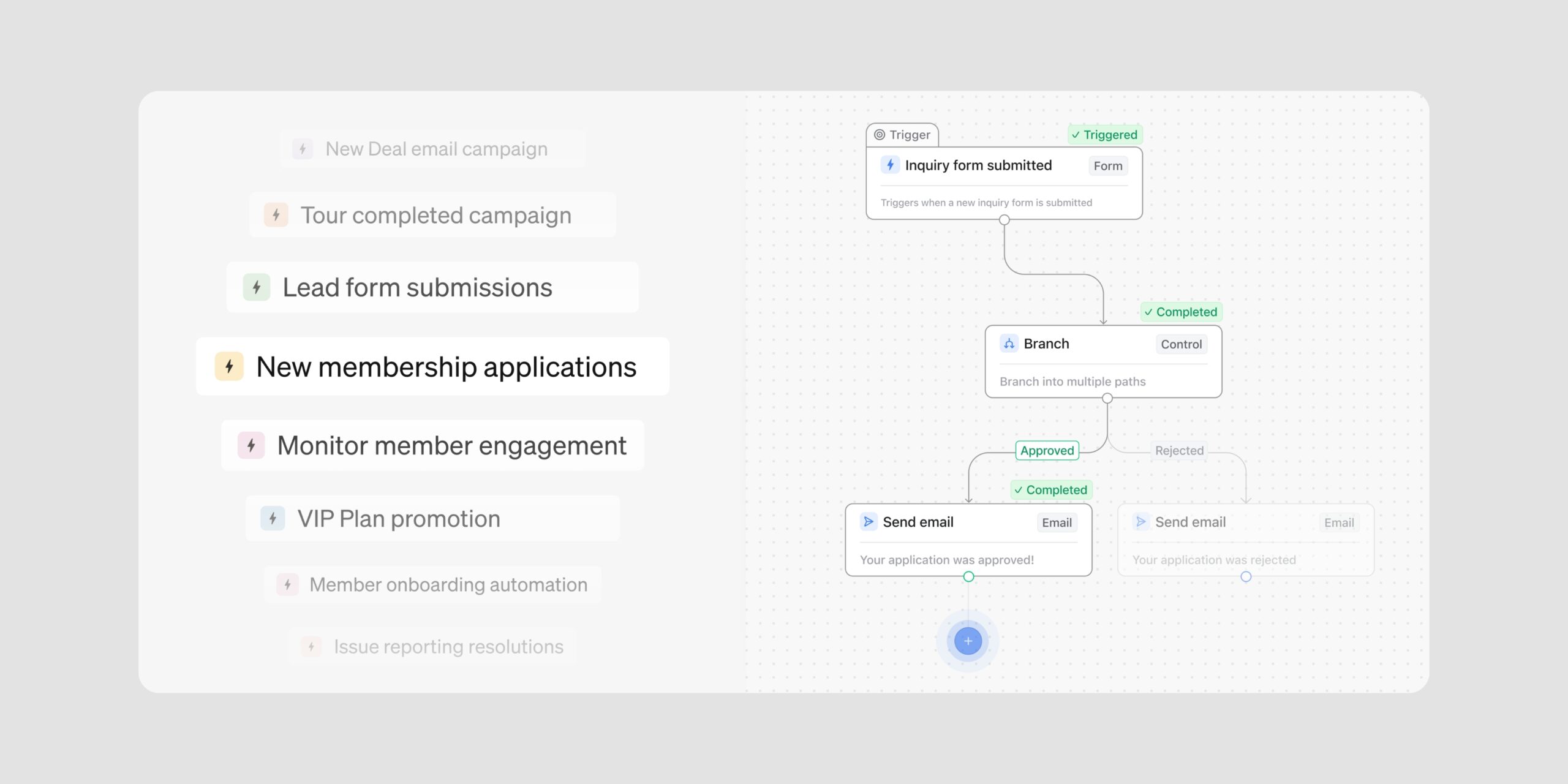
We’ve added three new templates to your Automations library, all built around the same opportunity: leads who got partway and just need a nudge. Two join the Prospect Conversion Collection, now broadened to cover recovery, and one joins the Drop-In Conversion Collection.
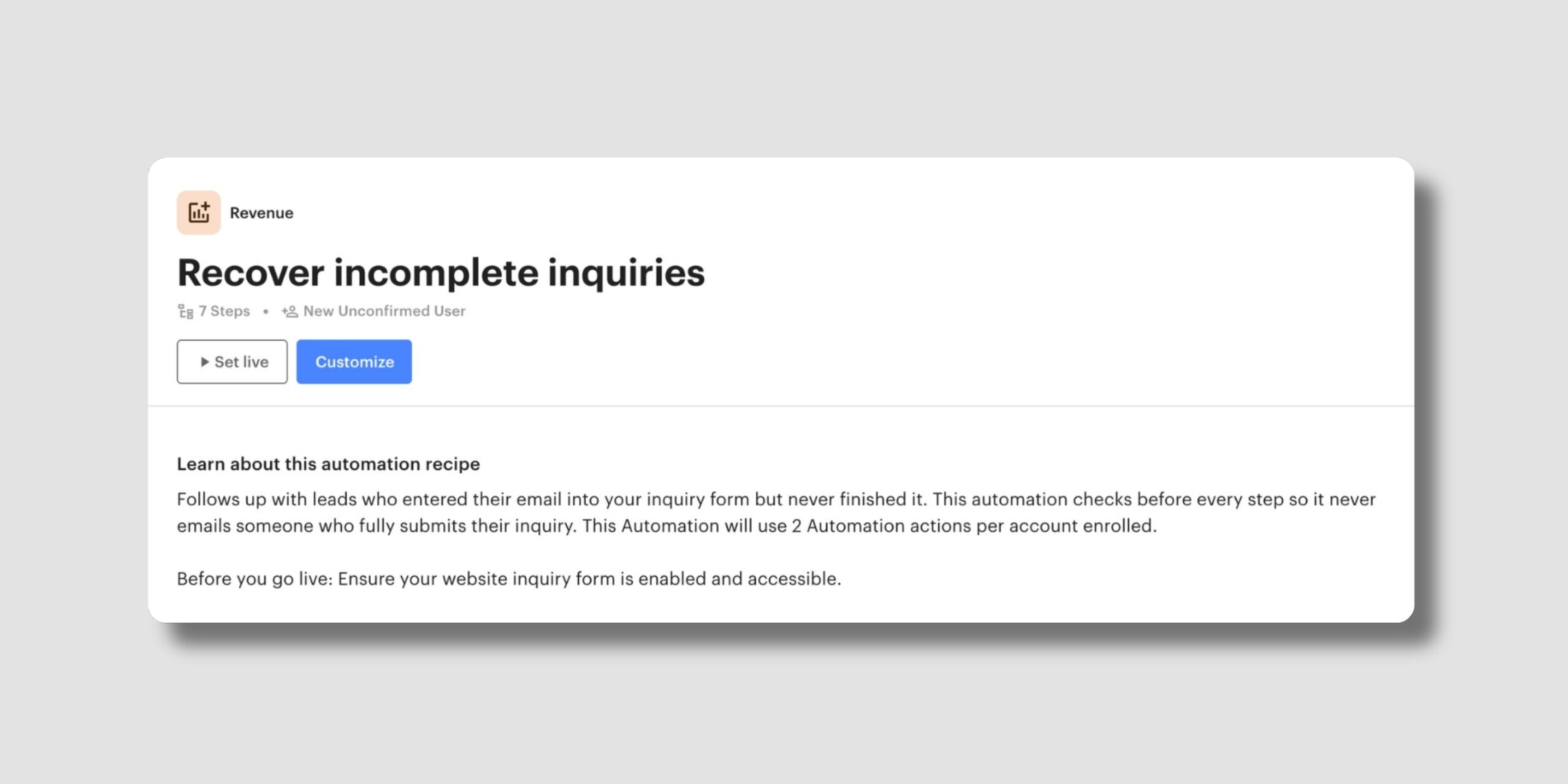
Part of the Prospect Conversion Collection. This template follows up with leads who entered their email into your inquiry form but never finished it, sending a reminder within the hour and creating a task for your team the next day if they’re still quiet.
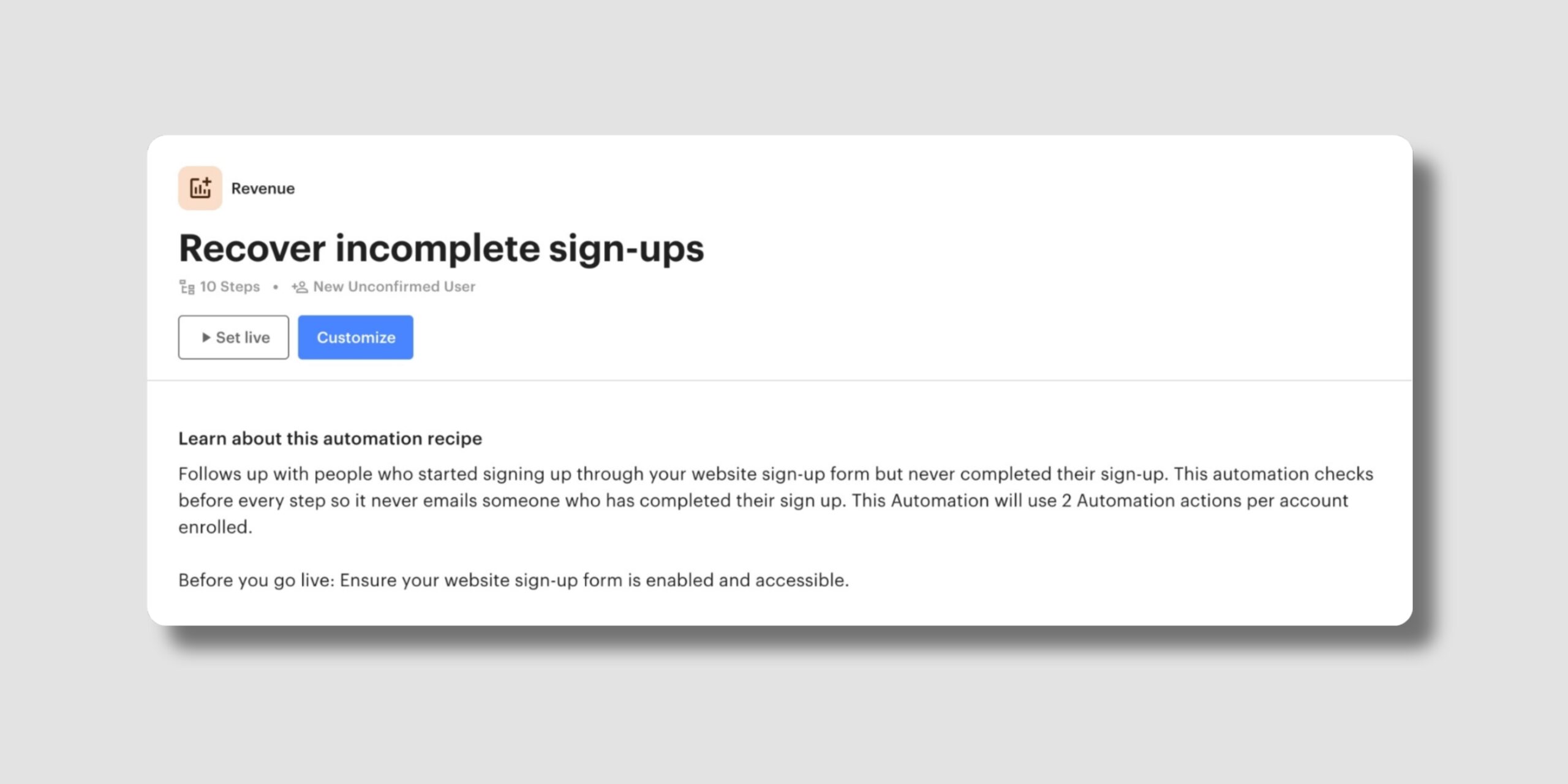
Part of the Prospect Conversion Collection. This template follows up with people who started signing up on your website but didn’t complete it, with two reminders over three days and then a task for your team.
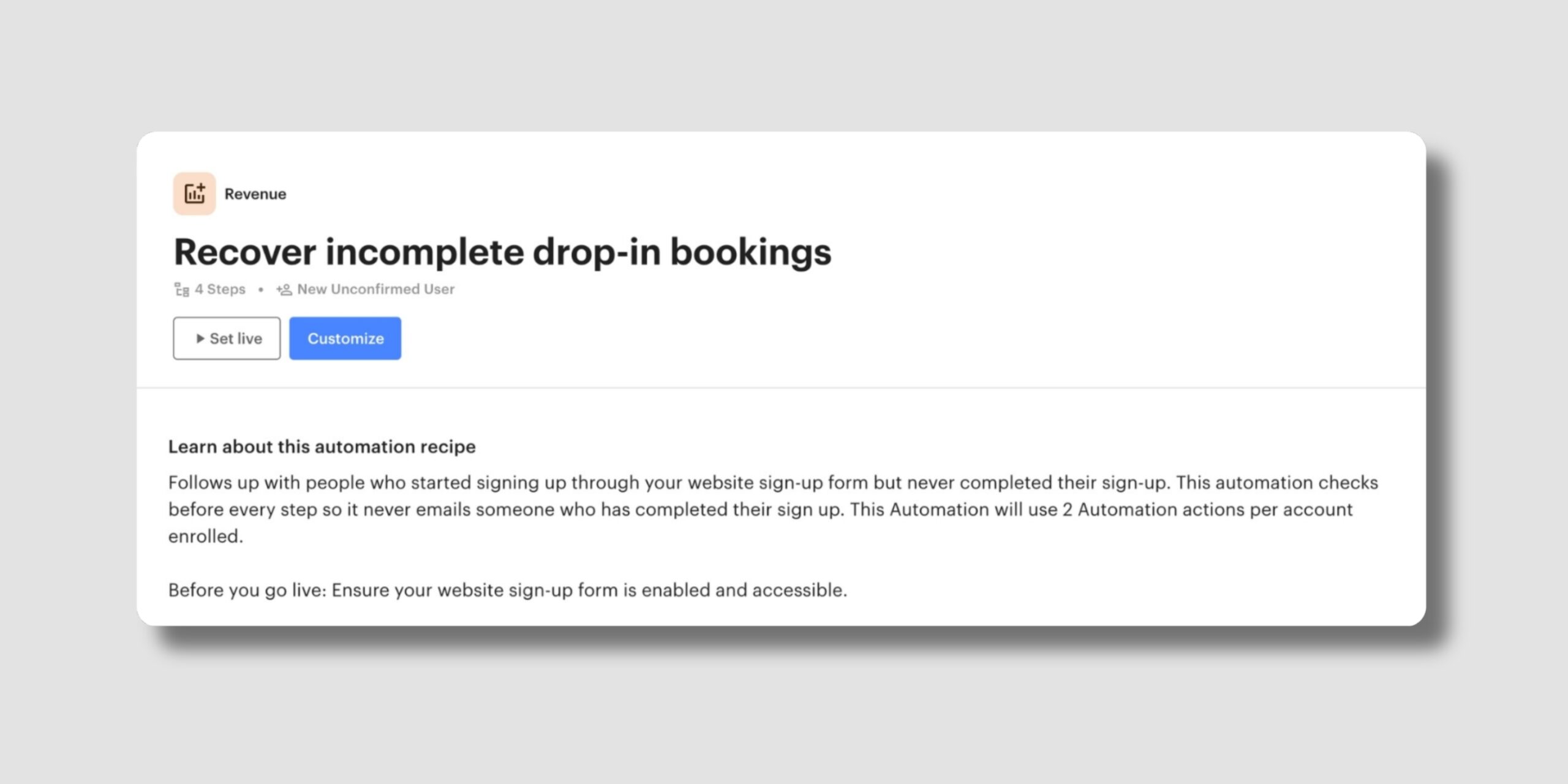
Part of the Drop-In Conversion Collection, built to turn casual drop-in users into committed members. This template reaches out within half an hour of someone leaving their first drop-in booking unfinished, with a link to pick up where they left off.
Each template re-checks the account before every step, so anyone who finishes what they started drops out of the sequence and won’t receive a stray email. Together, these templates help you win back the leads who got partway, without adding a step to your day.
Learn more about Automation Templates →
That’s more of your follow-up handled for you, and a clear place for every lead to land. We’ll keep building tools that take more of the manual work off your plate.
Subscribe to our newsletter to stay up to date with what’s new in Optix.