Coworking Software Migration: How to Switch in 2025
Switch coworking software with confidence using this simple, step-by-step migration game plan
November 12, 2025
Key Takeaways
Updated: November 12, 2025
Your current coworking software isn’t meeting your needs anymore, so you start exploring other options. But the migration process looks complicated, your team doesn’t have the bandwidth to take on such a big project, and you’ve heard too many stories of people switching systems only for everything to go wrong.
Coworking operators are weary of switching tools, but you don’t have to be. Migrating to a new platform can be painless with the right approach.
By understanding the realities behind common migration myths and taking a few strategic steps, you can make the switch smoothly and set your business up for greater efficiency and growth.
Coworking software migration refers to the process of moving from one coworking software platform to another. Each coworking software provider maps their data differently. When migrating from one software solution to another, all of the data that exists in your current software needs to be replicated in your new software. This includes user data, plan data, user payment information, and active bookings.
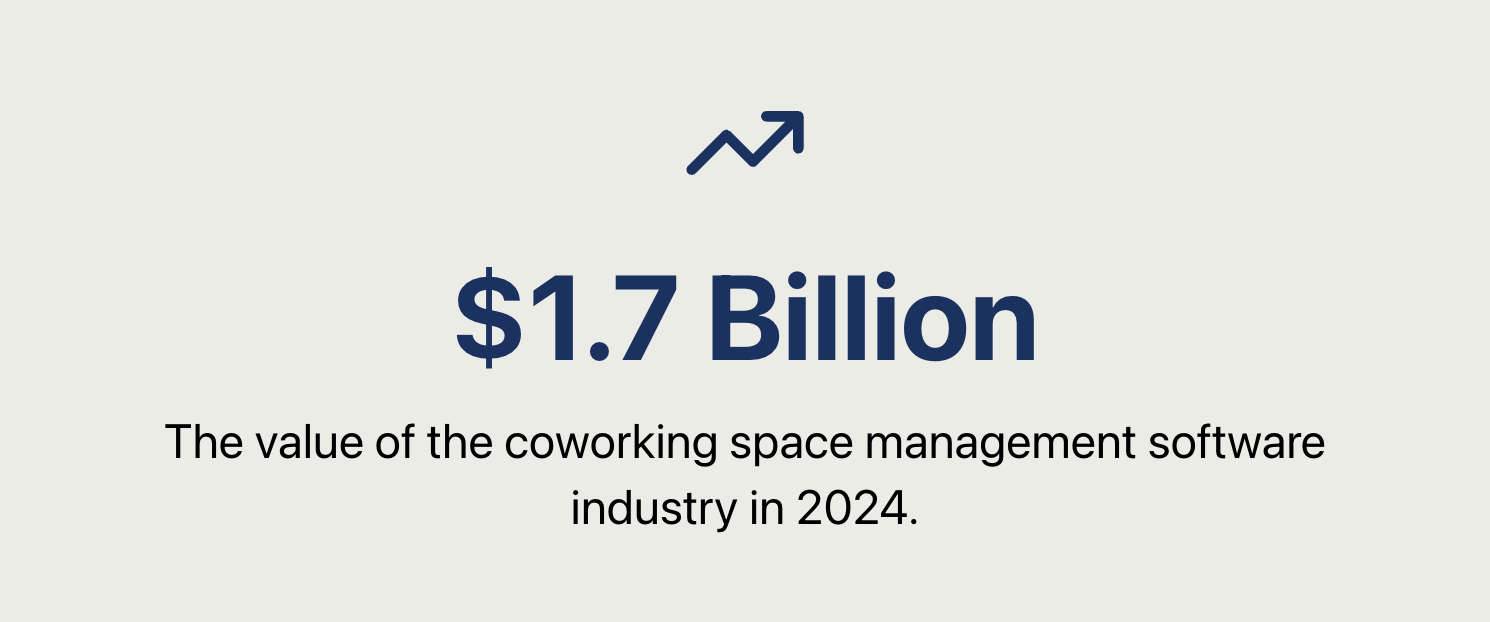
According to The Business Research Company, the coworking space management software industry has grown to $1.7 billion USD in 2024. With the market expanding at a compound annual growth rate of 14.2%, there are lots of opportunities for new players to enter the market, increasing the likelihood that operators switch software providers.
Switching coworking software providers usually stems from specific pain points: limited features, poor user experience, inadequate support, or scalability issues. Business leaders who switch software providers experience increased satisfaction compared to those who auto renew with the same provider according to Info Tech Research Group.
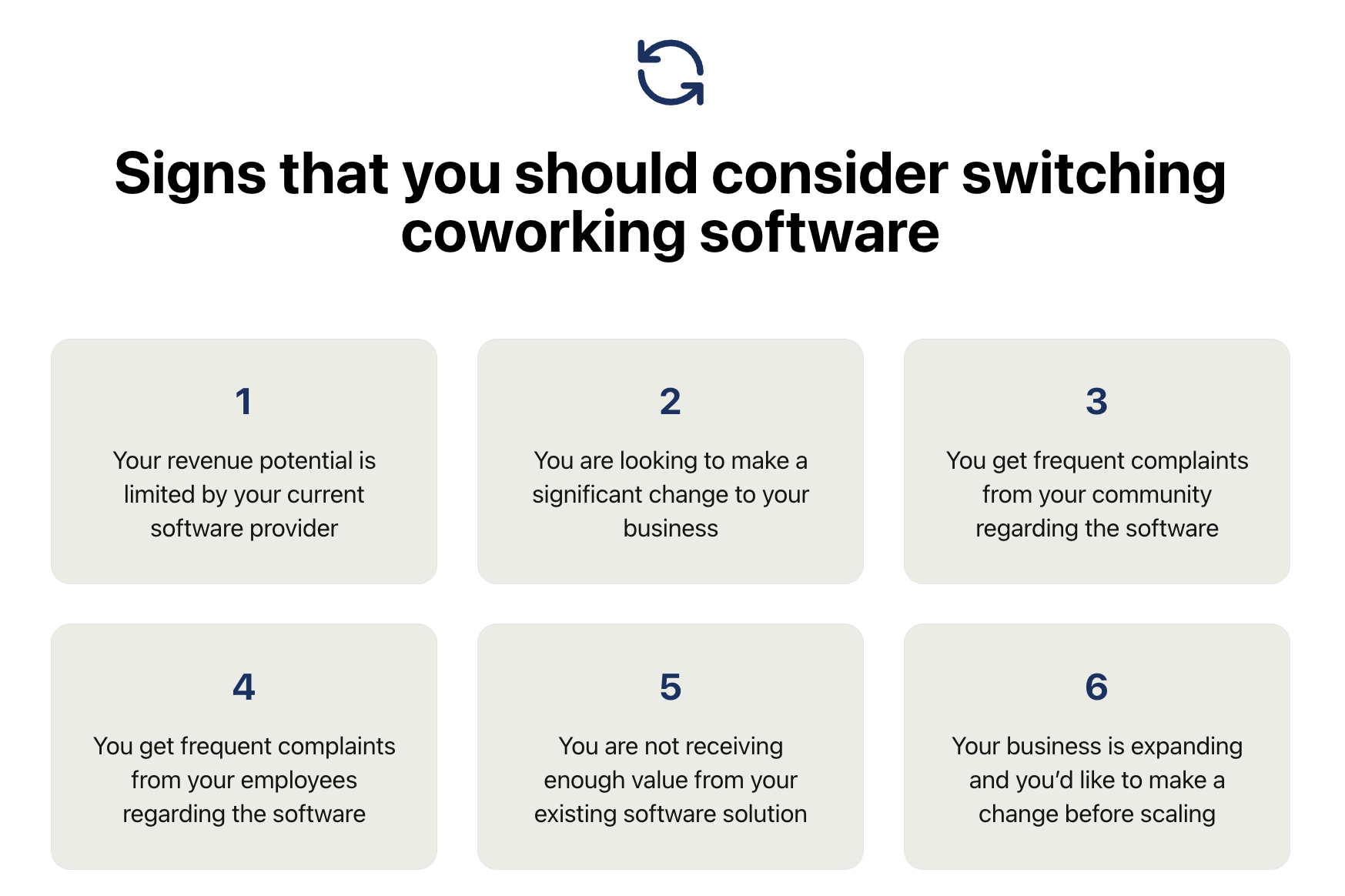
Operators usually switch coworking software for the following reasons:
Migrating from one coworking software platform follows a structured process to avoid billing errors, operational hiccups, and member disruption. Below is a step-by-step outline of the standard process used in the coworking industry (including what you can expect when moving to a platform like Optix).

Although it can be a daunting process, operators are often glad they switched. Here’s what Amy Rushton, co-founder at Coworking Emsworth, had to say about switching coworking software providers:
We found Nexudus to be overly complicated and the invoicing system was a nightmare...it was easy to make a simple mistake that would go on to have large repercussions. Optix has solved all of the issues we faced previously and has made the management of our coworking space a pleasant experience for both us and our members.
Switching software can feel overwhelming. Below are some of the most common challenges teams face when migrating to a new solution, along with practical ways to overcome each one.
Only 15% of enterprises complete migrations on time. For many operators (especially those on lean teams) the time and resources required to carry out a migration often become a major obstacle.
Ironically, these issues often stem from shortcomings with the software itself. If your software is not easy to use or is buggy, then it can become a burden that takes up more of your time. If your existing software is not supporting you in reaching your growth goals, then profitability seems out of reach and hiring help is out of the question.
If you don’t switch software providers, then you won’t be able to address the root cause of the problem. In that case, you really can’t afford not to explore alternatives to your existing solution.
How to avoid it: Talk to the software providers you’re evaluating to understand what can be done to streamline the migration process. Some migration steps are quick and do not require significant time or resources, like bulk uploading users or payment methods. The more time-intensive steps can often be supported by your software provider.
According to Gartner, 60% of employees experience frustration with new software. So it makes sense that operators experience a lot of fear and anxiety around switching coworking software providers. This fear is often rooted in a bad experience with a prior migration or a horror story from a fellow operator.
How to avoid it: To reduce fear of the unknown, remember that most coworking software platforms (including Optix) are invested in making your migration as smooth as possible. To build confidence and excitement, create a clear list of the benefits your new software will bring to your business and community. Share this with your team and your members to help them understand why you’re making the switch and what improvements they can expect.
Getting your members comfortable with a software platform is no small task. 78% of employees say they did not receive proper training on how to use tools – and it hurt their ability to do their job. For many operators, the thought of onboarding members onto a new tool and teaching them how to use it is simply too much to think about.
But if you’re considering switching platforms, it’s likely because you want to improve your members’ experience. While the transition may require a bit of effort (such as setting up new profiles), your members will ultimately appreciate the smoother, more intuitive user experience that your new solution offers.
How to avoid it: work with your Customer Success Manager to develop a member onboarding and communication plan. This may include creating a dedicated landing page with how-to-use instructions, sending out a series of informative emails, or hosting lunch-and-learns.
51% of buyers report poor integration with their existing tech stack as a reason to explore new vendors. However, it can also be a reason to stay, as integrations take time to set up and perfect, especially with coworking technology.
Many coworking platforms integrate seamlessly with the tools you already use and can be set up quickly—either natively or through services like Zapier. In many cases, the process may even be easier than it was the first time, depending on the platform you choose.
How to avoid it: Choosing tools that support open APIs, native integrations, and plug-and-play platforms like Zapier or Make ensures that you can recreate your workflows quickly if you ever decide to switch providers. The Optix Developer Platform allows you to build anything on top of Optix, whether that’s a custom integration or a must-have feature, giving you lots of flexibility.
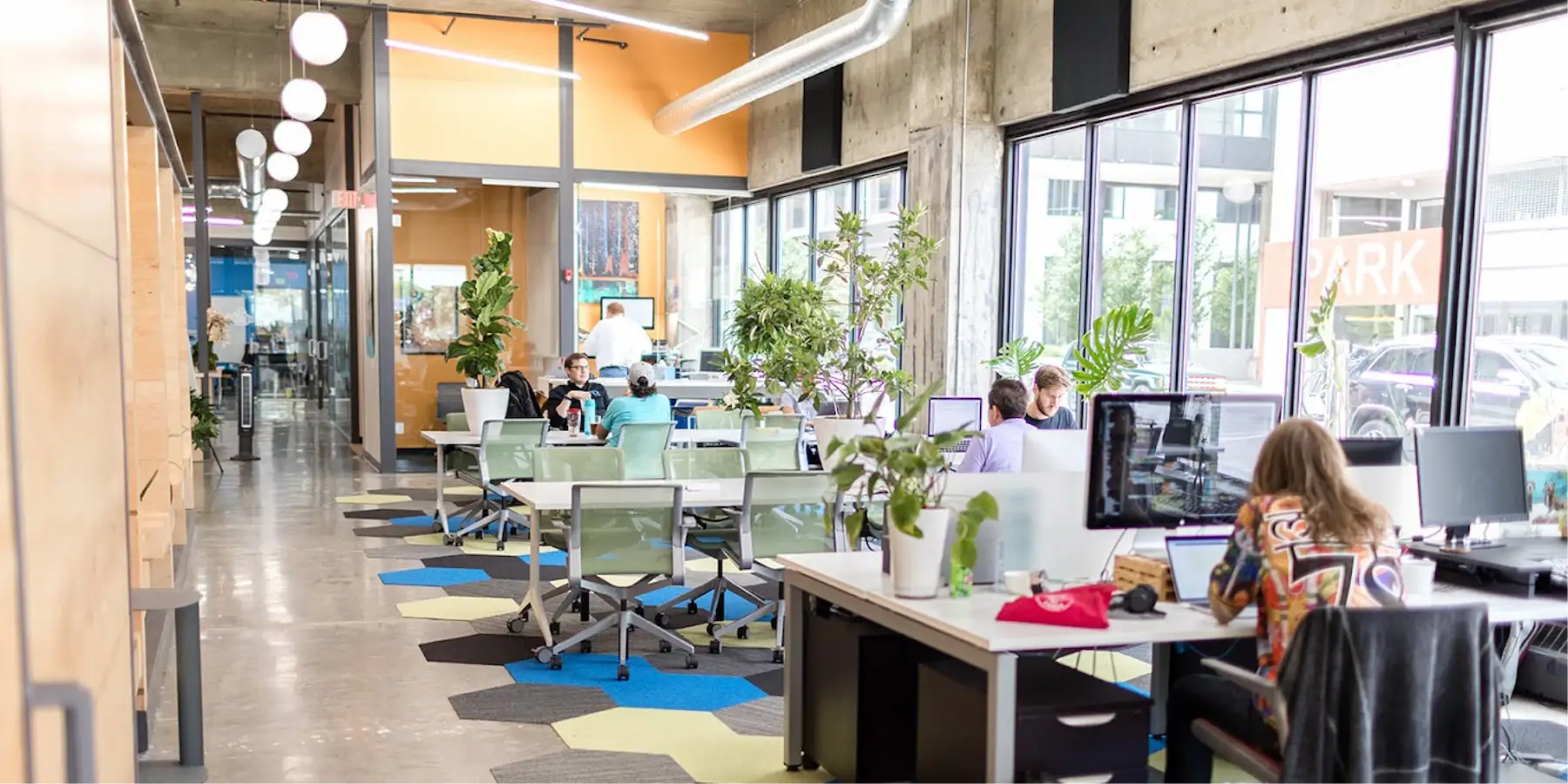
Geoff Wood founded Gravitate Coworking in Des Moines, Iowa, originally to serve the entrepreneurial community with affordable office space. Over the years Gravitate grew to 4 locations, and Geoff found his existing software, Proximity, was becoming a bottleneck: limited automation, difficulty managing multiple sites, and outdated interface.
Geoff’s biggest concern with migrating to Optix was minimal disruption to existing members, especially around billing, account setup, and access. The Optix team worked closely with Gravitate’s operations manager to map over the data from Proximity. Gravitate now runs all four of its locations on Optix, automating 9,500 bookings and over 22,000 check-ins in one year.
“From my recollection, this was the simplest of all the migrations that we’ve done. I didn’t want members to have to think about resetting up their accounts or moving their billing. And honestly, if it had been an issue, I would’ve known about it. It wasn’t an issue.”
Migrating to new coworking management software doesn’t have to be disruptive. With the right preparation and support from your new provider, you can transition seamlessly while keeping your members happy and your operations running smoothly.
Whether you’ve outgrown your current software, face limitations in revenue potential, or receive frequent complaints from your community, migrating to a new coworking software provider can help you unlock your potential.
Optix provides a structured migration process designed for coworking operators who are moving from one space-management platform to another. Our team can support you with adding users, plans, and allowance, migrate existing bookings, and preparing your app for launch. Together, we’ll ensure a seamless migration process for you and your team. Connect with a member of our team to learn more about Optix.

Marketing Manager
Coworking software migration refers to the process of moving your operations from one coworking management platform to another. This includes transferring critical data—such as member profiles, billing information, active bookings, and resource allocations—from your current system into the new software.
You might consider migrating if your current software is holding your business back—whether through limited automation, frequent complaints from members or staff, outdated features, or constraints on growth. When your platform no longer delivers sufficient value or flexibility, exploring alternatives becomes a strategic move.
Migration involves mapping and transferring data—user profiles, membership plans, payment details, current bookings, and more—from your existing tool to the new one. Every provider handles these data differently, making it essential to clarify the migration workflow and support provided by the new software vendor.
A smooth migration typically starts by appointing a “migration champion”—someone responsible for overseeing the process. Leaning on vendor support, prioritizing data imports that can be bulk-uploaded, and allocating 1–2 months for migration—including setup, training, and testing—can significantly reduce disruption.