How to Improve Member Engagement with Coworking Software
Learn how to get members more involved in your space with the help of automation
September 18, 2025
TL;DR
We spend a lot of time thinking about how to get more people into our coworking spaces. We create strategies for more community members, better space utilization, and higher occupancy rates.
But if your members aren’t engaged and seeing maximum value from their membership plans, they’re not going to stay for very long. In time, your business will suffer.
After close to a decade in the coworking industry and working with 1,000+ clients, we’ve learned that the secret to increasing member engagement without significantly increasing effort lies in one thing: automation.
In this article, we’ll share how to improve member engagement and get your members more involved in your community with the magic of coworking software.
Member engagement is the level of involvement, interaction, and participation of your members within your coworking community. It is often an indicator of the health of the community and can be a leading indicator of the viability of your business.
Coworking member engagement is highly correlated with member retention and overall revenue. If your members are happily engaging with your offers and services, then they are more likely to remain a part of your community for years to come.
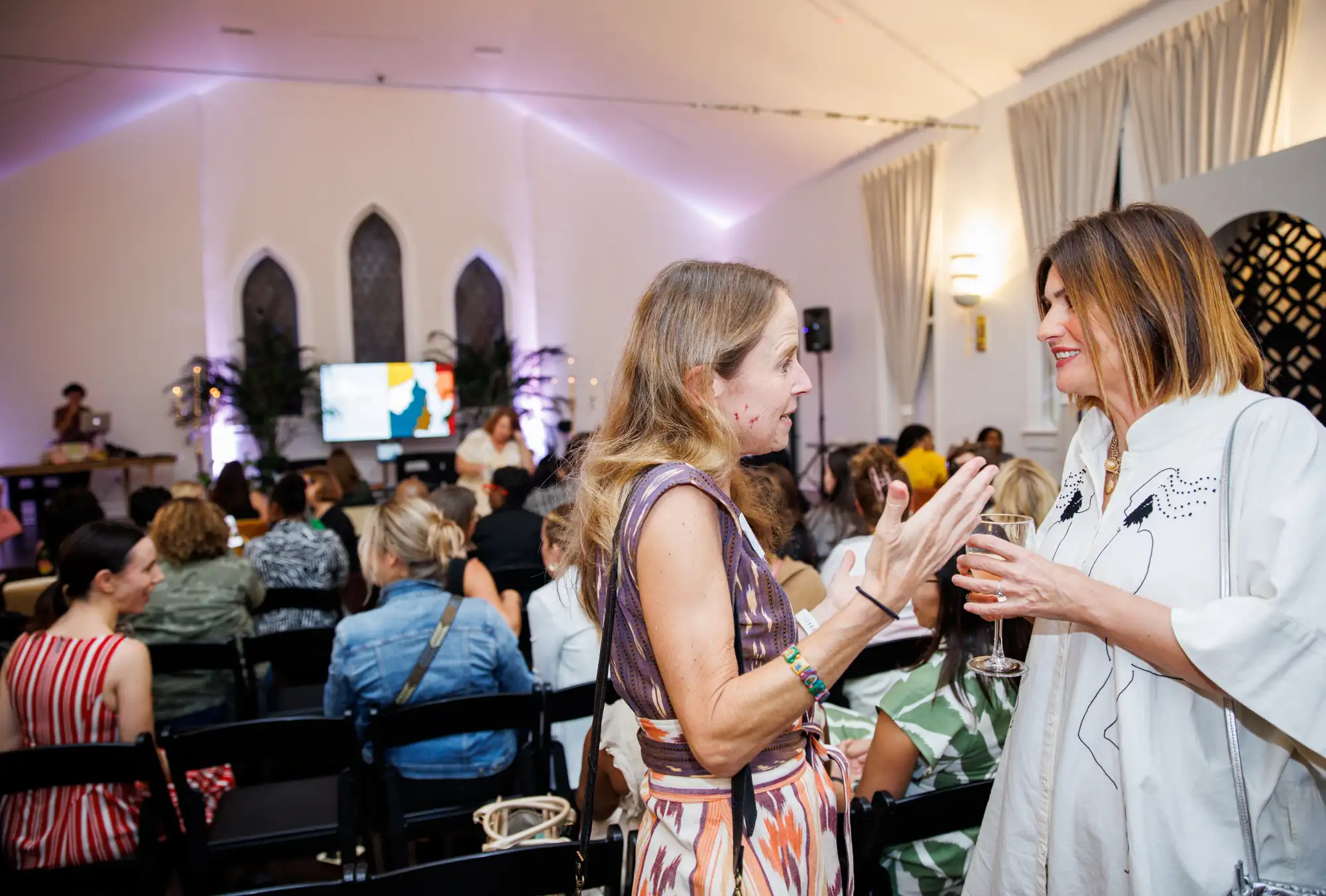
Spaces like Salon22 in New Orleans have built their brand around this idea, using events, their coworking app Community Feed, and networking opportunities to bring their community together in a meaningful way, knowing that this in turn will drive more revenue for their business.
To measure member engagement, you could look at key performance indicators (KPIs) like:
Messages sent is a big one that we see our clients use as a metric for member engagement. The idea is the more messages that are being sent between members, the more likely they are to be building relationships.
In a recent Optix webinar on building community, Tessa McLoughlin from KWENCH and Chris Pereira from Suite Genius shared what their biggest member engagement challenges were.
Events are a popular (and effective) tactic for community builders, but driving consistent attendance isn’t always easy. People need a clear reason to take time away from their work, and figuring out what events people actually want to attend can be a process.
Creating a personalized experience is a great way to make people feel like they belong in your coworking space. However, when you have hundreds of members and only one or two community managers, providing this level of personalization can be a challenge.
Connecting members with one another is one of the things that bring community builders the most joy. Building these authentic relationships is one of the greatest challenges for operators, especially when it feels like it isn’t happening naturally.
Consistent communication with members is an easy way to keep them engaged, whether its an email newsletter or a regularly scheduled check-in. Making this happen in a multi-location coworking space, franchise, or an unmanned coworking operation isn’t always easy.
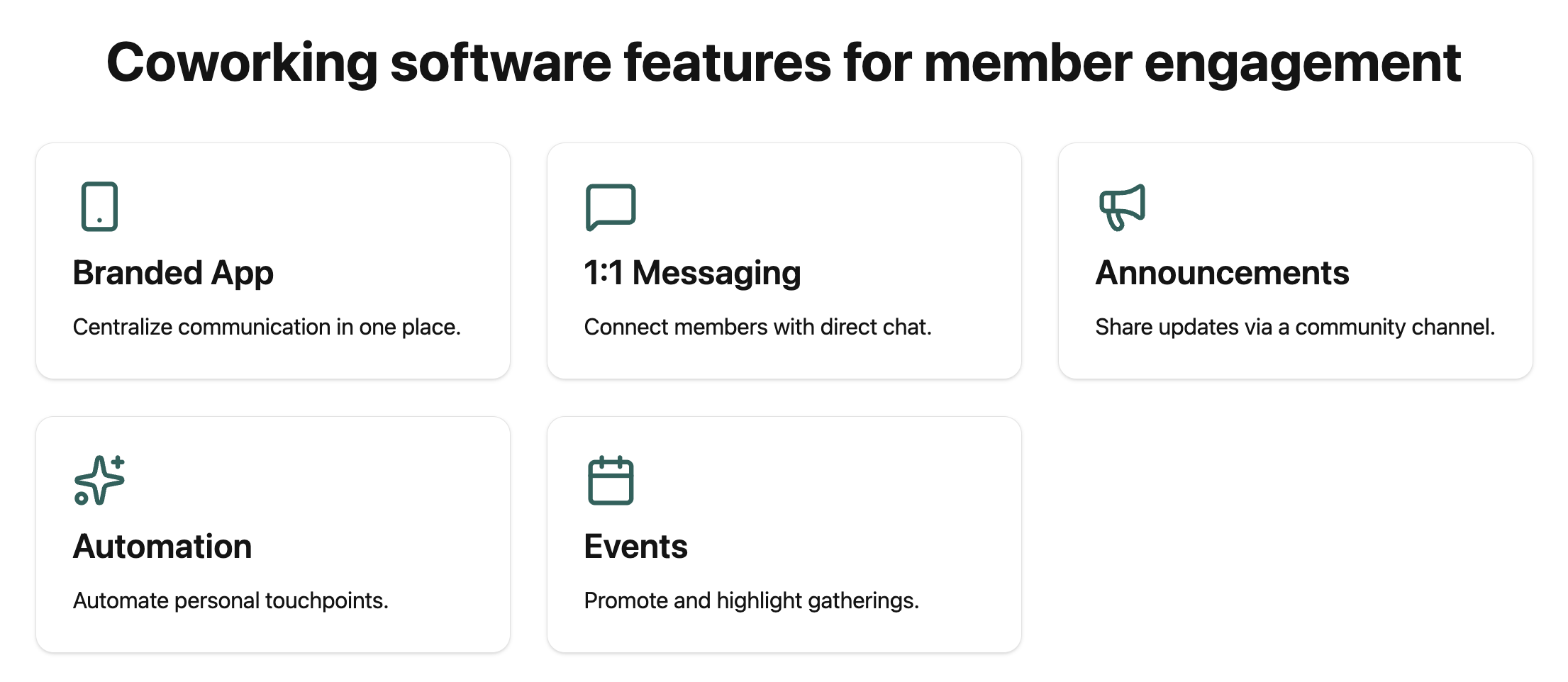
Keeping members engaged is an active pursuit. It involves gathering feedback, iterating on your offering, and keeping your brand top of mind for members in as many ways as possible. Coworking software can help improve member engagement by:
All of these components of coworking software help to drive member engagement. But what if we told you there was something else that could help build your community without any additional effort?
If you’re manually sending messages, writing email follow-ups, and creating reminders for yourself to check in with new memebrs, then keep reading to find out how to slash your workflow time in half with Optix Automations.

According to our Coworking Automation Report, coworking and flex space operators are spending 53% of their day completing manual tasks each day.
That’s over half their day spent performing manual tasks that could be automated. To find out which member engagement tasks your team completes on a regular basis, consider:
Common opportunities for automation include project management like creating tasks, email marketing like sending emails or messages to members, and online community building activities like welcoming new members.
Once you identify the member engagement tasks that can be automated, think about what exactly you want to happen after something takes place. In Optix, we call these triggers and actions.
A trigger is an event that triggers an automation. An example could be a new user is added, a new template is created, or a certain date has passed. When a trigger occurs, the automation begins.
An action is the event that occurs after the trigger. It is what you want the automation to ultimately do. Common actions include send an email, send a message, or create a task.
Think about all of your tasks and see if you can organize them by triggers and actions. Here’s what that may look like:
| Task | Trigger | Action |
| Send new members a member onboarding email on their first day | New User is Added | Send Email |
| Send a survey to all members after their first six months | New User is Added + Delay 60 Days | Send Message |
| Reengage members who haven’t booked in 30 days | Last Booking Date is 30 days ago | Send Email |
Both Adam Hyman, Founder at KoWorks, and Deanna Hoy, Community Manager at Q Space, started their automation journey by mapping out all of the manual tasks in their space and then dividing it up into a simple list of triggers and actions.
Not sure where to begin on your automation journey? Not to worry. You can find preset automation templates directly in Optix.
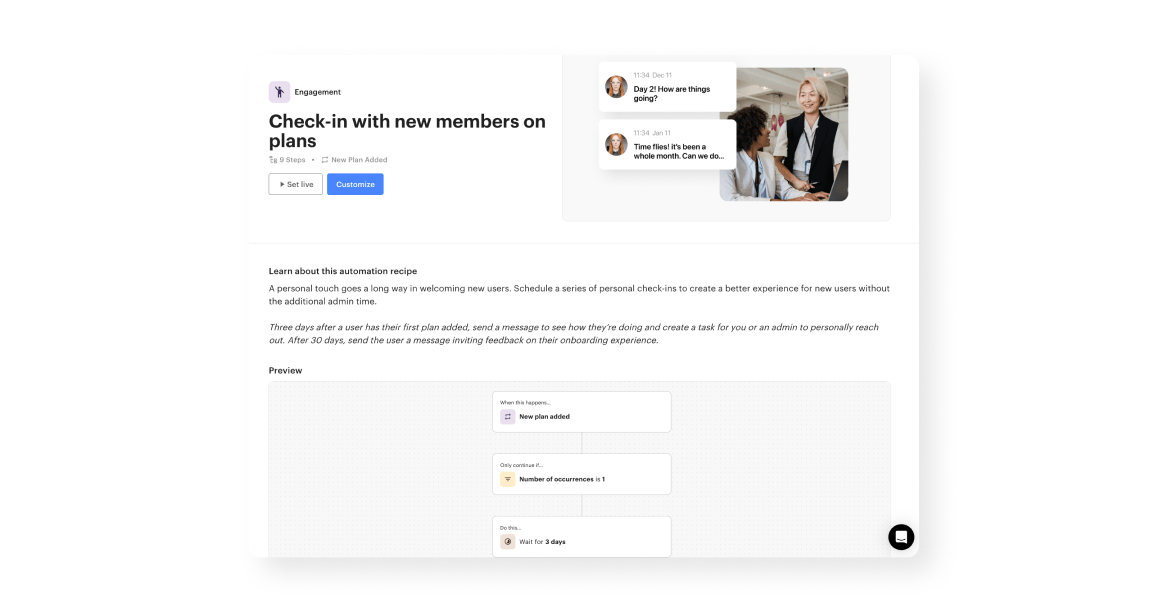
These templates were designed in collaboration with real Optix customers and reflect exactly how coworking and flex space operators are using Automations to run their business.
Keep an eye out for automations like:
For more automation inspiration, see Optix in action.
The better you are at planning out what you want to happen, the easier the creation process will be! Right now Optix is the only coworking software that enables you to create automations directly in your dashboard, making it one of a kind.
Check out this video below to find out how to create your first automation in Optix.
Looking for inspiration on member engagement activities you can automate in your coworking business? Check out the nine automations below that you can set up right now in Optix.
Trigger: New tour booking
Action: Send Email
A tour of your coworking space is a critical sales tool, and the opportunity to impress begins as soon as the booking is made. Schedule an email to go out after someone books a tour that provides them with everything they need to know for a successful tour experience.
Trigger: New User is Added
Conditions: Account Status is Active AND Active Plan is Any
Action: Send Message
What could be more welcoming for new members than a personalized message from your community manager? Set up an automation so new full-time members receive a personalized message welcoming them to the community on their first day.
Trigger: New User is Added
Conditions: Account Status is Active
Action: Post on Community Feed
There’s a world of opportunity in creating a digital community for your coworking space. Begin to build your community beyond your physical walls by creating a public, personalized message on the Community Feed for any new member who joins.
Trigger: New User is Added
Conditions: Account Status is Active AND Account Type is VIP
Action: Send message
Do you have a special onboarding happy hour planned just for your most important members? Send them an automatic message inviting them to the event. You can include all of the details of the event in the message itself, and personalize it with their name.
Trigger: New User is Added
Action: Post on Community Feed
Are your members always forgetting they booked that phone booth for the afternoon? Create a reminder to send members a message an hour before reminding them of their upcoming booking.
Trigger: New Resource Booking
Condition: Resource Type is …, Delay 30 minutes
Action: Send Message
Cross selling and upselling are huge money making and engagement opportunities that you may be missing out on. Think about whether you could cross sell services when someone books a specific resource, and set these up as automated messages.
Trigger: Date, Most Recent Booking, After 30 Days
Action: Send Message
Let’s say you have a drop-in member, and you’re trying to get them to commit to your community full time. They’ve stopped by your space a few times, but haven’t booked anything in 30 days. It’s time for a re-engagement campaign.
Trigger: Date, Most Recent Booking, After 90 Days
Action: Send Message
Re-engage inactive members with an offer they can’t refuse. Create an automatic email to be sent out 3 months after member inactivity with an exclusive offer. Personalize this offer based on the kind of plan they had purchased – those who purchased a larger plan can benefit from a bigger offer.
Trigger: New User is Added
Condition: Delay 30 days
Action: Send email
Gathering member feedback can help you understand if your offering is aligned with what your members want and need. Schedule a series of surveys to go out after one, six, and 12 months gathering feedback on their overall experience.
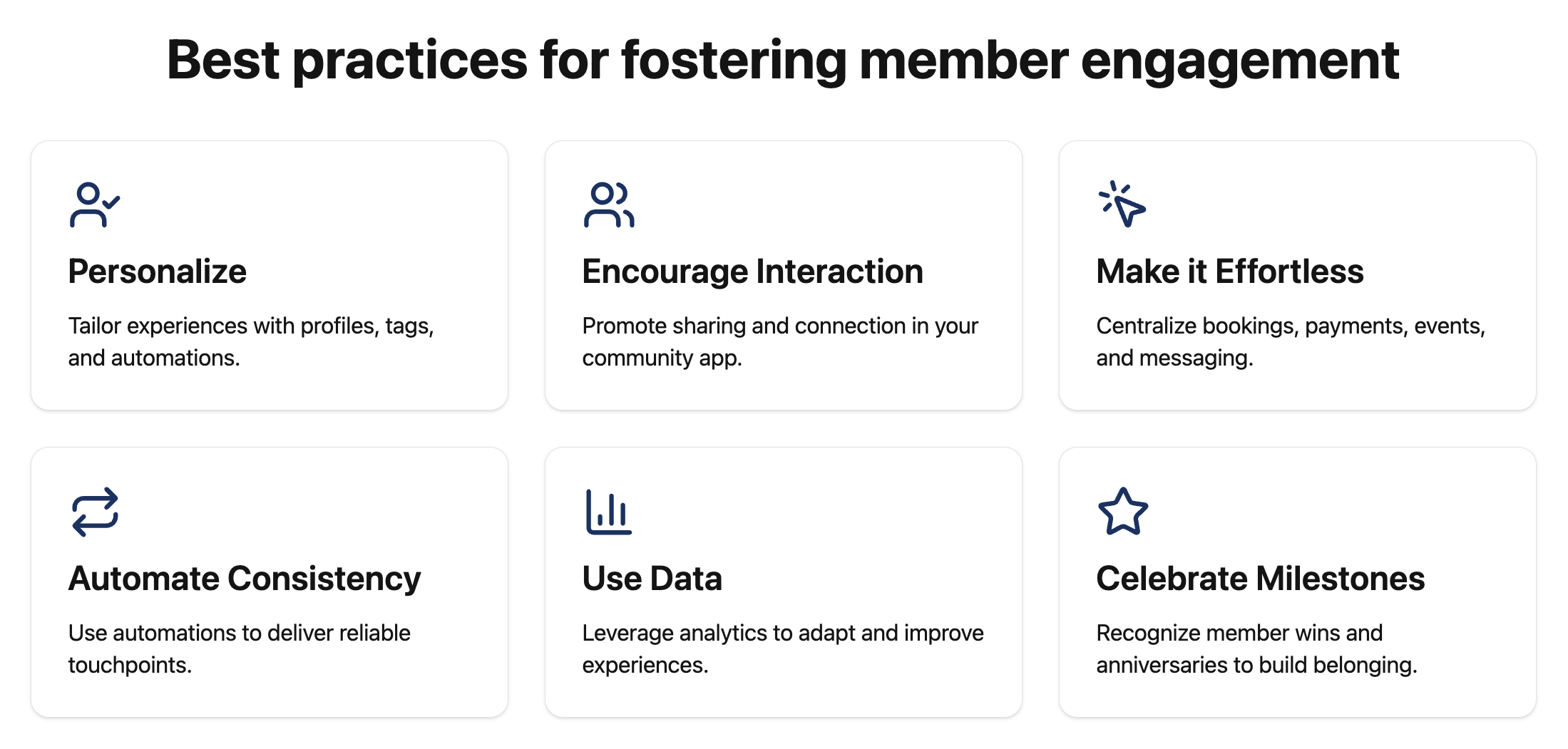
Use your software’s profiles, tags, and automation features to deliver personalized experiences. From tailored onboarding flows to targeted event invitations, personalization makes members feel seen and valued. A system that “remembers” preferences helps reduce friction and builds a sense of belonging.
Justin Moran, Owner at Workspace personalized consistent communication across 5 locations with the help of Optix Automatons. Read the Optix x Workspace story.
Features like directories and event promotion can help make your software a central place for all member communication. Encourage members to share wins, ask for help, or promote their projects directly in your white-labeled app. This strengthens ties (one of the strongest drivers of long-term retention!)
Reduce barriers to participation by ensuring everything members need is accessible in one place: booking desks, paying invoices, joining events, or messaging peers. Frictionless experiences keep members coming back because they know they can rely on the platform to simplify their workday.
Automations ensure no touchpoint is missed, whether that’s nudging a lead who hasn’t booked a tour, celebrating a member’s anniversary, or reminding someone about unused allowances. Small, consistent touchpoints add up to big feelings of care and reliability.
Leverage analytics from your coworking software to monitor trends in usage, event attendance, and churn. Use these insights to refine programming, identify at-risk members early, and continuously improve the member experience.
Your software can help track and acknowledge important moments, from welcoming new members to celebrating anniversaries or highlighting member accomplishments. Recognizing these milestones through the app or automated communications reinforces a culture of appreciation and belonging.
Gone are the days of manually following up with prospects and trying to re-engage inactive members. Now you can get better engagement from your community in less time with the help of automation.
Optix is the only coworking software available today that enables you to create custom automations for all of your manual tasks, including member engagement.
With Automations, admin can get up to 53% of their time back, and reinvest that time into other high impact activities. Connect with a member of our team today to learn more about how you can transform your business with Optix coworking automation software.
Coworking software supports feedback and continuous improvement by making it easy to collect, analyze, and act on member insights. Automated surveys can be scheduled to go out after specific milestones, such as a member’s first month or first year, ensuring consistent feedback without manual follow-ups. The data gathered can then highlight patterns in satisfaction, engagement, or pain points.
Integrations play a major role in boosting engagement because they connect coworking software with the tools members and operators already use daily. For example, integrating with Slack or Microsoft Teams allows members to receive updates and communicate directly within their preferred platforms, reducing friction and increasing adoption. By combining these tools into one ecosystem, coworking software reduces effort on the member’s side and encourages them to engage more consistently with the community and its services.
Coworking software personalizes the member experience by leveraging member profiles, tags, and behavioral data to tailor communications and services. For instance, new members can receive a customized onboarding sequence, freelancers might get invitations to networking events, and enterprise teams could be offered private office upgrades. Automations make it possible to trigger messages or offers based on activity, preferences, or membership type, ensuring that each member feels seen and valued. This level of personalization fosters loyalty and helps create a sense of belonging within the coworking community.
Coworking software improves communication with members by centralizing all updates, messages, and announcements into a single branded platform. Instead of juggling emails, texts, and paper notices, members can rely on one app for everything from event invitations to booking confirmations. Features like community feeds and direct messaging make peer-to-peer interactions easier, while automated reminders ensure members never miss important updates. This streamlined communication not only keeps members informed but also builds stronger connections between the operator and the community.
Coworking software plays a key role in creating a sense of community by centralizing interactions in one platform. Features like community feeds, directories, and event promotion allow members to connect beyond their daily desk use. When members can easily network, share updates, and join conversations through a branded app, they experience a stronger connection to the coworking community, which drives engagement and loyalty.