How to Automate Contracts in Your Coworking Space
Automate coworking contracts to onboard faster, cut admin, and scale smoothly
September 21, 2025
TL;DR
As your coworking space grows, so will the complexity of managing documents—documents for member agreements, contracts, partnership deals, the list goes on.
If you’re still relying on spreadsheets to track these oh-so important documents, then you’re leaving a lot up to chance (while wasting time in the process). Enter left, automation.
Automating contracts is one of the most impactful operational changes you can make. And what if we told you it’s easier than you think?
In this article, we’ll share with you exactly how you can automate contract management in your coworking space. This is all based on our decade of experience working in coworking technology, with a unique focus on how to help operators automate their business.
Contract management in a coworking space is the process of creating, tracking, and maintaining agreements between the space and its members. It covers everything from onboarding new members with the right membership agreement, to managing renewals, changes in membership plans, and eventually cancellations.
The most popular type of contract used in a coworking space is a member agreement, a standard document outlining details of the service and house rules, that all members sign upon joining. But that’s not the only type of document you’ll find in a coworking space.
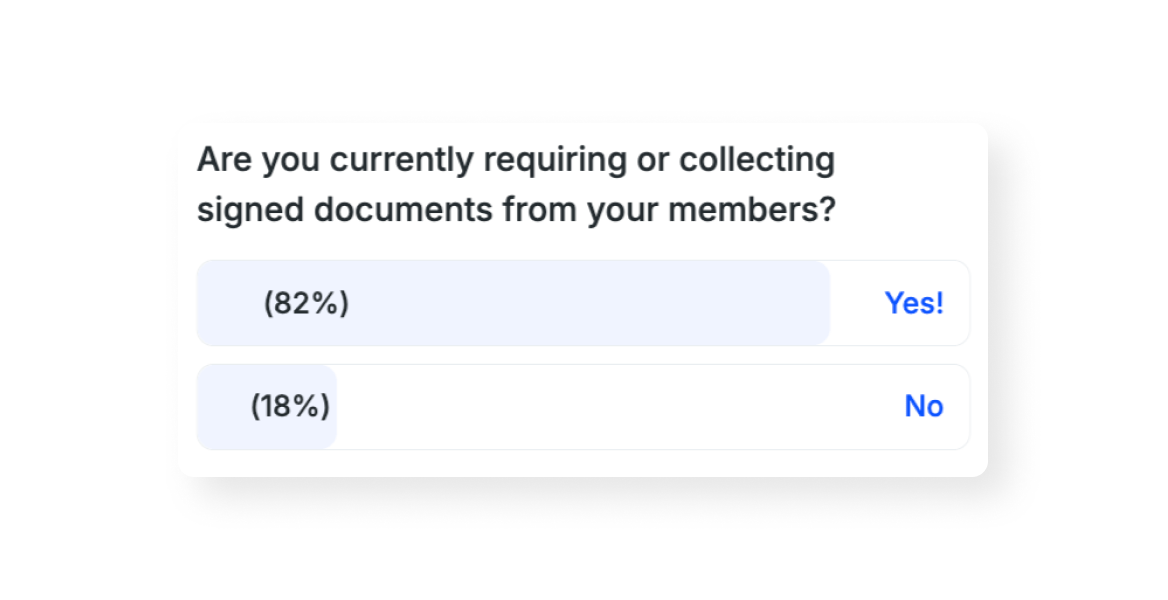
In a recent survey, 82% of coworking operators reported requiring signed documents from their members.
While large, multi-location coworking companies may be the only ones who need to worry about all three documents, every coworking operator will need to have a system in place to manage member agreements.
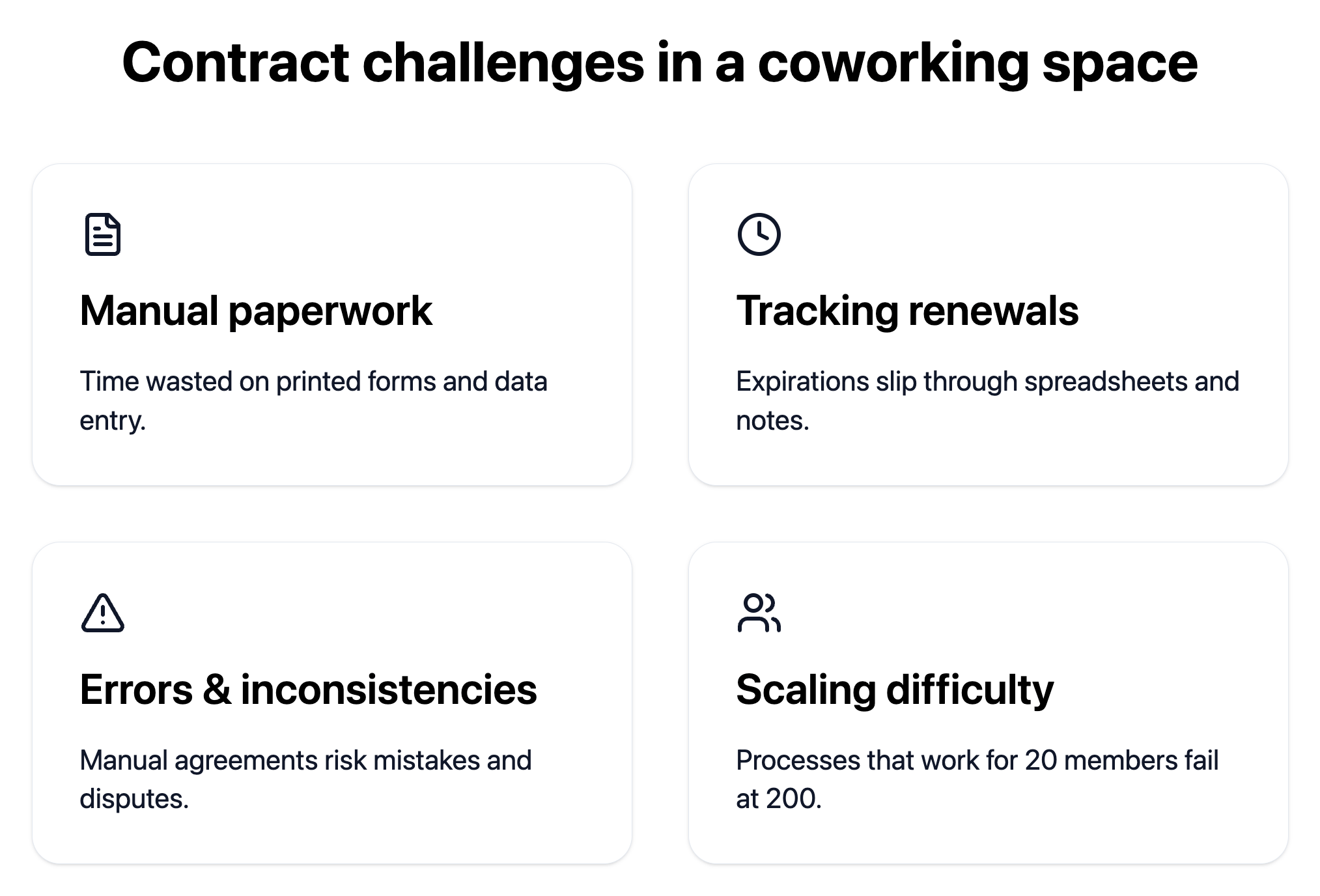
The biggest challenges in managing important documents like contracts and member agreements in a coworking space are dealing with manual paperwork and time-consuming processes, tracking renewals and expirations, managing errors and inconsistencies across contracts, and scaling processes as membership grows.
According to the 2024 Optix Automation survey, 77% of community managers wish they had more time to put towards building community. If your community manager is juggling printed membership agreements and manually entering data into multiple systems, it’s wasting precious time that could be spent on members.
It’s easy for contract renewals to slip through the cracks when they’re tracked in spreadsheets or sticky notes. The best companies have a contract renewal rate of 56%, with the average being closer to 25%. That’s a big jump and a lot of revenue that can be gained by better tracking renewals.
Manually creating member agreements leaves room for human error and potential disputes down the line. One of the greatest benefits of automation is the ability to reduce the number of little mistakes made by humans and improve inaccuracies.
The manual contract management approach that works for 20 members becomes completely unworkable at 200 members. It can be hard to think this far ahead when you’re a small operator just starting out, but as we always suggest at Optix: build systems early on that can scale with you as you grow.
Automating contract management in your coworking space can lead to faster member onboarding, reduced workload for your team, improved accuracy and compliance, and a better experience for your members.
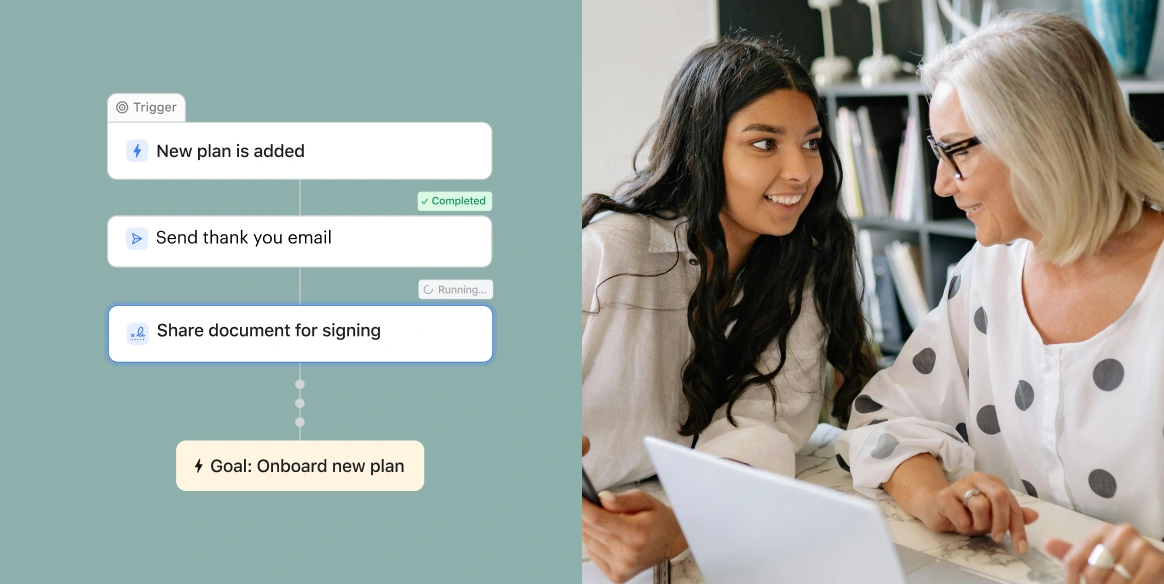
Justin Moran, Owner at Workspace in Boston, MA uses automatic document signing in Optix to automatically collect signatures on documents when a new user signs up or when there is a new plan added to an account. The community managers don’t think about this step or need to access another tool to send lease agreements anymore. It all happens automatically in the exact moment Workspace needs it to.
Automations just makes things more smooth. In the days where your brain's not working, it kind of does it for you.
The most popular tools for automating coworking contracts include contract management software, e-signature platforms, and coworking software. Some operators choose to use all three. However, there is an opportunity to simplify your tech stack and use only coworking software, which we’ll get into a bit more.
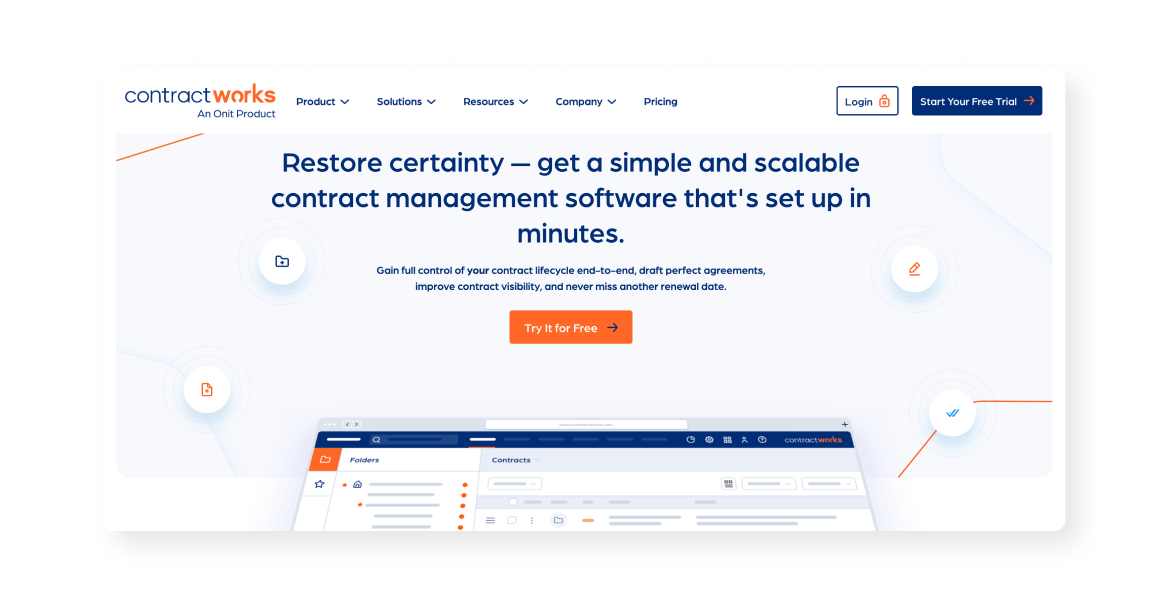
Contract management software simplifies all stages of contract management, from negotiation to signing. It offers full-lifecycle management of contracts and often has e-signatures built in. It is often considered overly complex for coworking operators, but is sometimes used by enterprise spaces.
Example: Ironclad, Linksquare, ContractWorks
E-signature platforms and document signing platforms automate the document signing process by sending legally binding documents to members digitally. They are quickly becoming more popular compared to the manual, printed documents of the past.
Example: DocuSign, HelloSign, Adobe Sign
Though not initially a common feature of coworking management platforms, the best coworking software now includes built-in contract management features, designed specifically for flexible workspace operations. With Optix, operators can upload and store contracts and automatically send them for signing, without needing any other software integration.
Example: Optix
The contract automation landscape offers operators a range of solutions, but we always suggest starting light and building out from there.
Optix is the only coworking software platform that offers full contract automation through Automations. Rather than requiring multiple disconnected tools, with Optix you can create an integrated contract management system that saves you time with less errors.
Many coworking operators find they actually save money by bringing everything into Optix—they can get rid of other software they’re using to manage contracts and centralize everything in one place.

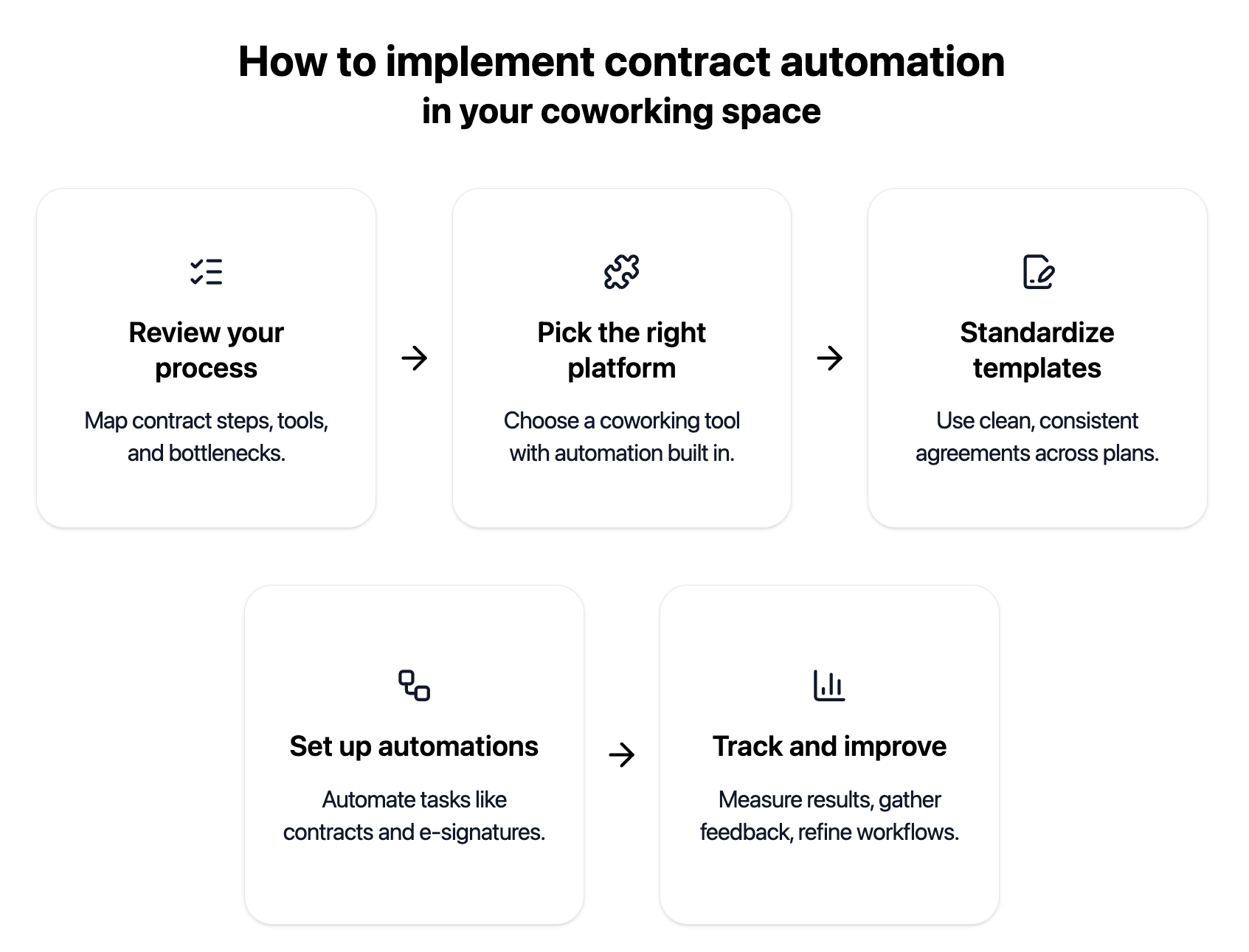
Rolling out contract automation doesn’t have to be overwhelming. With the right prep and tools, you can streamline workflows, save time, and make life easier for both your team and members. Here’s how to get started:
Contract automation helps coworking spaces cut down on admin work, reduce mistakes, and scale without the headaches of manual paperwork. Instead of chasing signatures or fixing errors, your team can focus on what really matters—growing your community and giving members a great experience.
With Optix Automations, you can streamline contract management by sending agreements, collecting signatures, and updating access automatically. It keeps things running smoothly for both staff and members, while still leaving room for those personal touches that make your space unique.
The benefits go beyond efficiency. Automated contracts make your space look more professional, improve member satisfaction, and give you the flexibility to grow without piling on extra work. If you’re ready to spend less time on paperwork and more time building community, Optix Automations can help.
Use standardized templates with merge fields for accuracy, and keep a few pre-approved variations for flexibility. Route unusual cases to manual approval.
Send reminders 30 and 14 days before expiry, then trigger renewal agreements only after confirmation. This keeps automation helpful, not pushy.