15+ Best Coworking Space Software [2026 GUIDE]
The complete guide to the best coworking software in 2026
October 2, 2025

TL;DR
The first thing to understand about choosing coworking software is there is no one-size-fits-all solution.
If you’re looking for the best coworking software, what you’re really looking for is the best coworking software for you.
After 10+ years in the coworking industry and countless conversations with 1,000+ coworking owners and operators, we’ve put together a complete list of the best coworking software in 2026 to help you find the best software for you.
Here is a quick summary of the top platforms for coworking spaces and flex spaces in 2026.
Before we dive deeper into each platform, let’s take a look at how we came up with this list.
When it came to selecting the best coworking software for this list, our team looked at a number of different factors including:
We ranked each platform on a scale of one to ten in the categories above to come up with a composite score for each. From here, we looked at the distinct pros and cons of each platform, from value to customization to customer support services to build a holistic view of each software. The list of pros and cons was built on information we’ve gathered from external review sites like G2 and Capterra, as well as online communities and forums.
Let’s take a look at each platform in detail. At the end of this article, we’ll give you some tips on how to choose the right platform for your business.
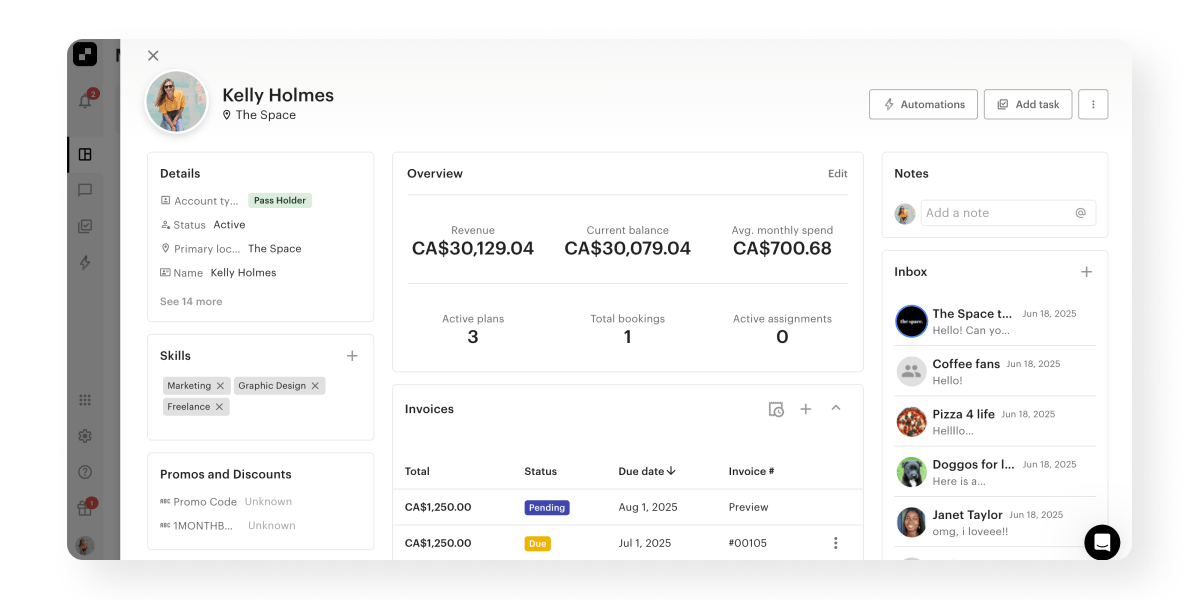
Optix is the only automation-first coworking platform in this guide, letting operators automate member onboarding, booking reminders, overdue invoices and tour follow-ups, and saving an average of 53% of their daily administrative time.
Rating: 9.8/10 ⭐
Best for: coworking and flex space operators who want a modern, automation-forward solution for their business
Optix is the only automation-first coworking and flex space software on the market today, putting it in an entirely different category of coworking software compared to the others on this list.
While other platforms are designed to help operators manage their operations, Optix is unique in that it enables forward-thinking coworking leaders to automate manual, time intensive processes in their space with Automations. With Optix, coworking operators save an average of 53% of their daily administrative time through creating custom automations across the entire member journey including:
As the pioneers of the mobile coworking experience, Optix is also known for having the top white-labeled mobile app in the industry. In 2022, Coworking Resources voted Optix as having the best user experience in coworking.
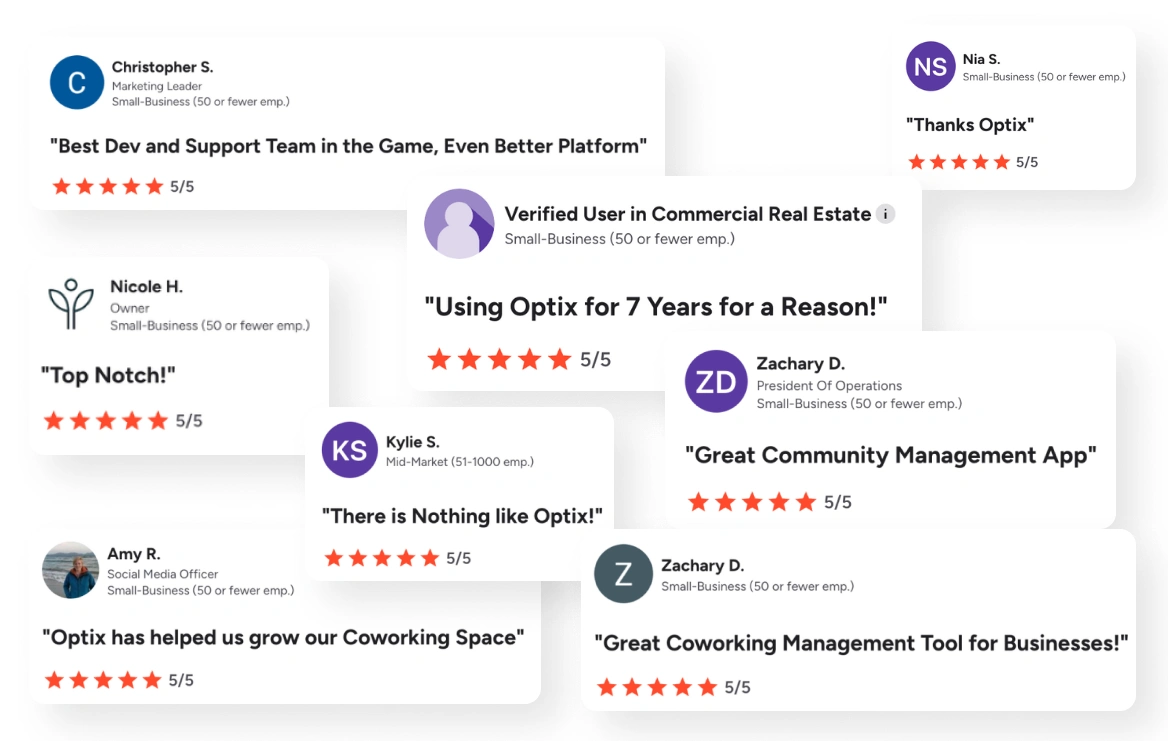
And yes, we at Optix did write this article and we may be biased. But just take a look at everything people have said about us online (you can read the reviews yourself here).
✅ Pros:
❌Cons:
Starts at $197/mo for 50 users

Best for: enterprise coworking operators and hybrid workspaces looking for an integration-rich solution
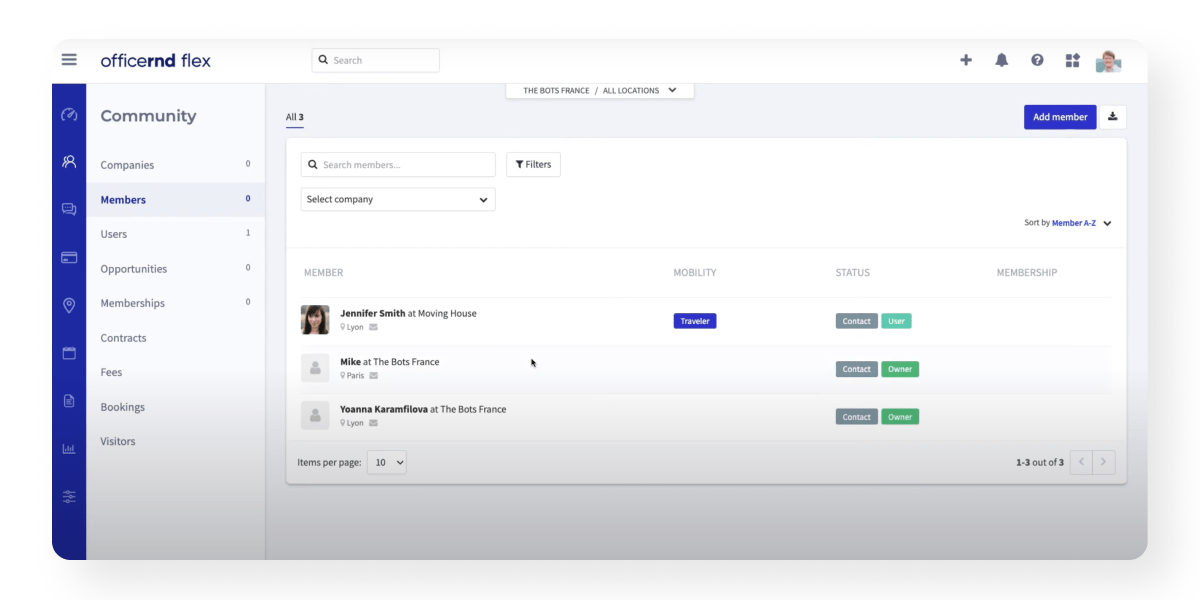
OfficeRnD is a coworking and hybrid workspace management solution that offers a range of features to streamline the workspace and assist in general day-to-day operations management. Initially developed as a platform for coworking spaces, much of their roadmap and resources are now dedicated to growing their hybrid work solution, though it is always evolving.
OfficeRnD is one of the most well-known coworking platforms on the market. That’s why Deborah and Rachael, co-founders at Brooklyn Hourly Offices, initially chose OfficeRnD as their platform of choice. However, after getting frustrated with “a lot of clunkiness”, they decided to switch to Optix…and never looked back.

✅ Pros:
❌ Cons:
Contact sales
Learn why Deborah and Rachael switched from OfficeRnD to Optix
Nexudus is one of the oldest and most feature-rich coworking platforms, best suited to large operations that can invest the time and budget to configure it, and it often requires external consultants to implement.
Rating: 8.6/10 ⭐
Best for: large-scale coworking operations who need a feature-rich platform
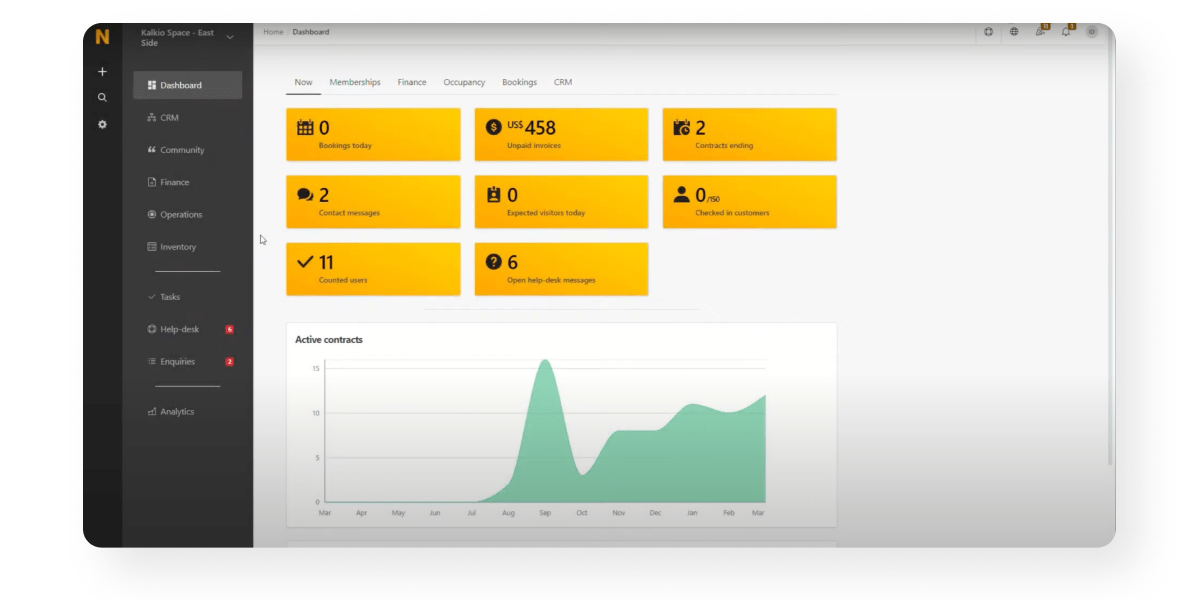
Nexudus is a software platform designed for managing coworking spaces, shared offices, and flexible workspaces. As one of the first coworking software providers on the market, it boasts an extensive feature set.
While beneficial for larger organizations, the platform can quickly become overwhelming for smaller spaces, often requiring external consultants to implement. It is best suited to enterprise organizations that can invest significant time, resources, and money into managing the technology. That’s what Caleb from KWENCH discovered. He described Nexudus as “pieced together” before making the switch to Optix.

✅ Pros:
❌ Cons:
Starts at $150/mo for up to 80 users
Learn why Gerald switched from Nexudus to Optix
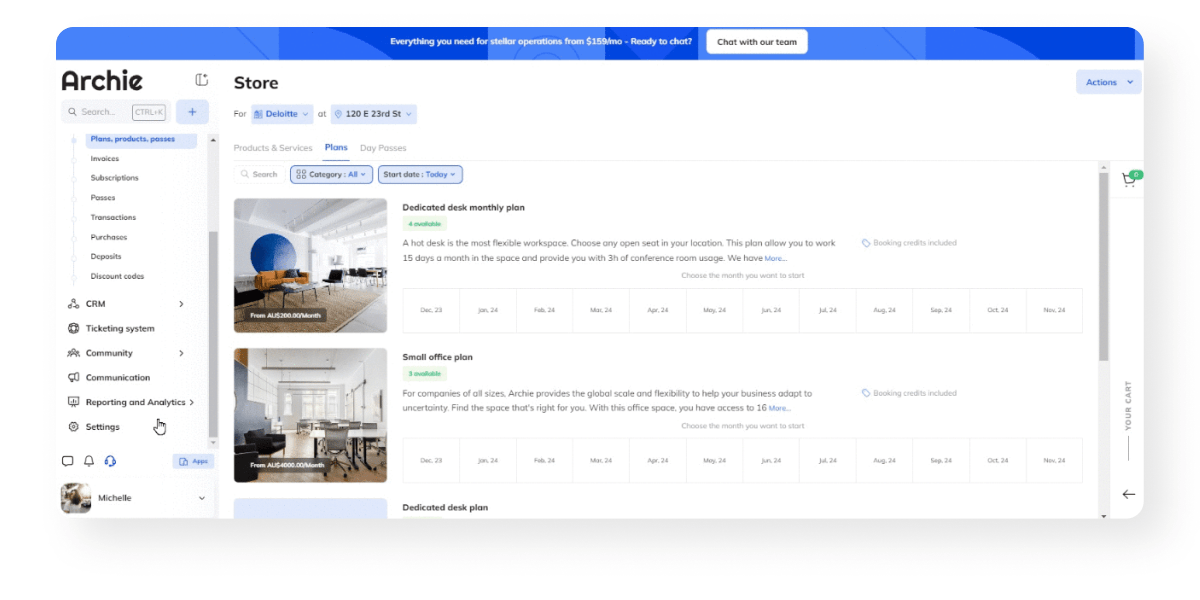
Archie targets first-time coworking operators and hybrid workplaces, with strong visitor management and a native e-signature system, though many of its features are built for traditional offices rather than coworking models.
Rating: 8.3/10 ⭐
Best for: first-time coworking operators, and hybrid workspaces looking for an employee management solution
Archie is one of the newer coworking and hybrid workspace software providers to enter the market in the last few years. While they do serve some coworking clients, their platform is primarily designed to support hybrid workplaces.
As such, it is best suited for small coworking spaces just starting out or hybrid workspaces looking to manage employee desk booking. They do offer a robust Visitor Management platform that can be helpful for coworking operators with lots of guests (PS. Optix offers this too!).

✅ Pros:
❌ Cons:
Starts at $165/mo for 100 users
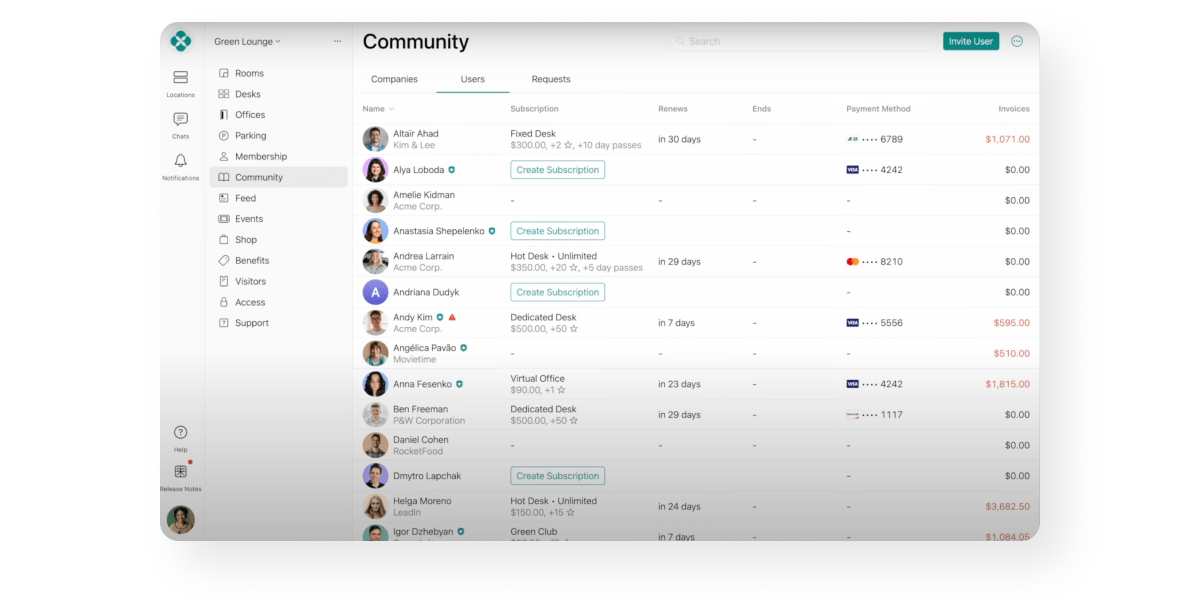
Spacebring, formerly andcards, is a simple and affordable platform for single-location boutique spaces across Europe, Asia and Africa, starting at $184 per month for 100 monthly active users on a six-month minimum term, with limited customization for operators planning to grow.
Rating: 7.5/10 ⭐
Best for: European-based boutique coworking space operators
Spacebring (formerly andcards) is a newer coworking software platform offering a simple interface and small feature set for coworking and flex spaces. It serves countries across Europe and parts of Asia and Africa which sets it apart from others in the market.
Because its offering is less robust than some of its competitors and its customization options are limited, it is best suited for coworking operators just starting out who plan to remain a single-location space.
✅ Pros:
❌ Cons:
Starts at $184/mo for 100 monthly active users
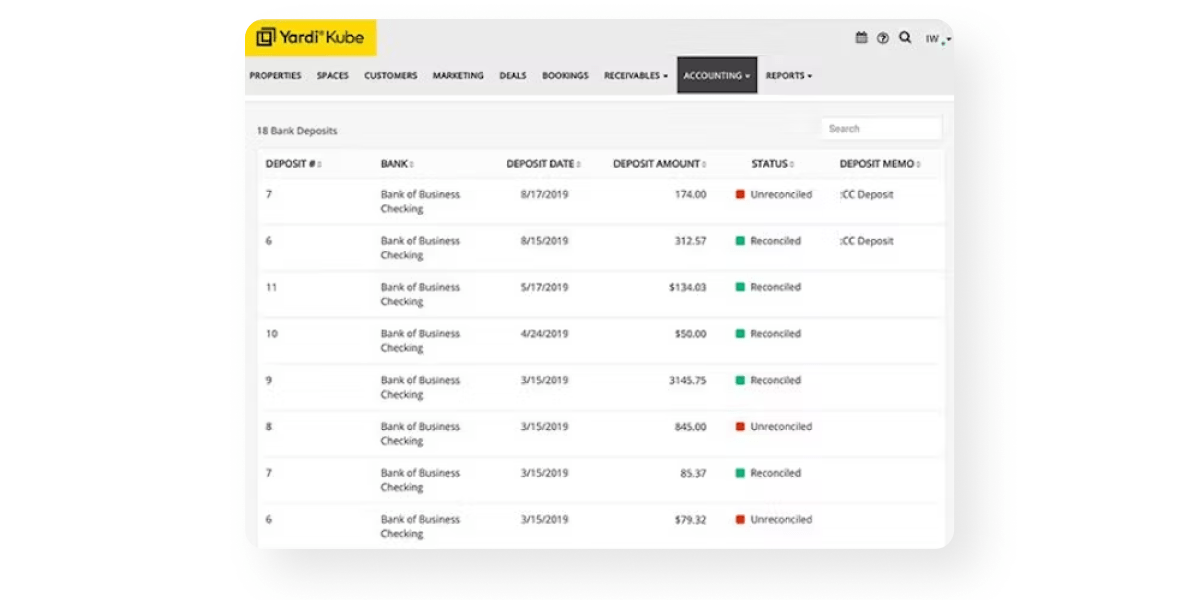
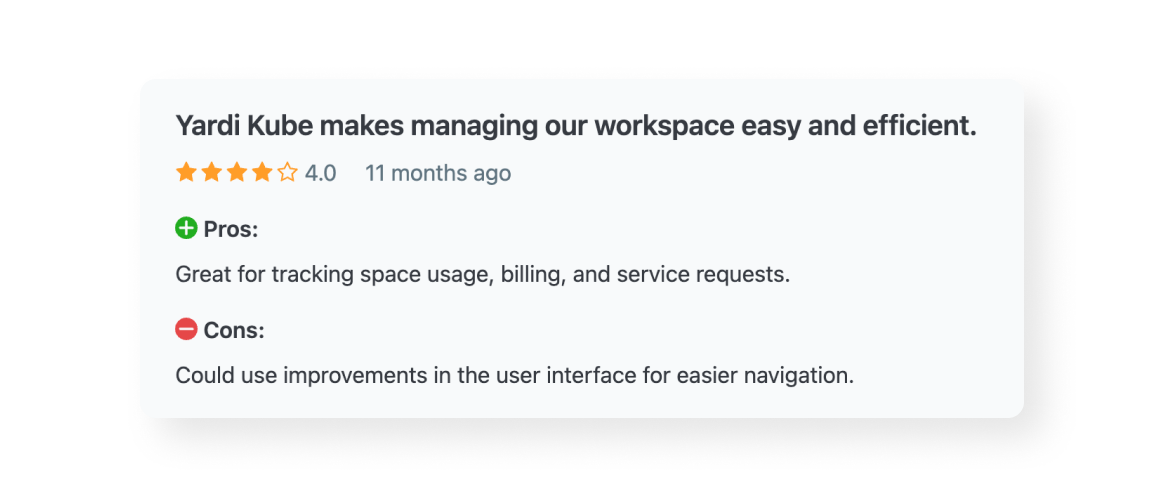
Yardi Kube is a legacy enterprise platform that makes most sense for operators already running the wider Yardi property suite, and is generally considered complex and expensive for smaller spaces.
Rating: 7.3/10 ⭐
Best for: enterprise coworking spaces who are using the full suite of Yardi tools
Yardi Kube is a legacy coworking management platform used primarily by large enterprise clients. It is part of the Yardi ecosystem of property management tools, including Yardi Voyager, making it a popular choice for those already in the ecosystem.
For smaller spaces or those not using other Yardi tools, it is generally considered to be unnecessarily complex and expensive. However, for those looking to fulfill very specific needs that could be unusual for the average coworking space, it could be a good choice.
✅ Pros:
❌ Cons:
Contact sales
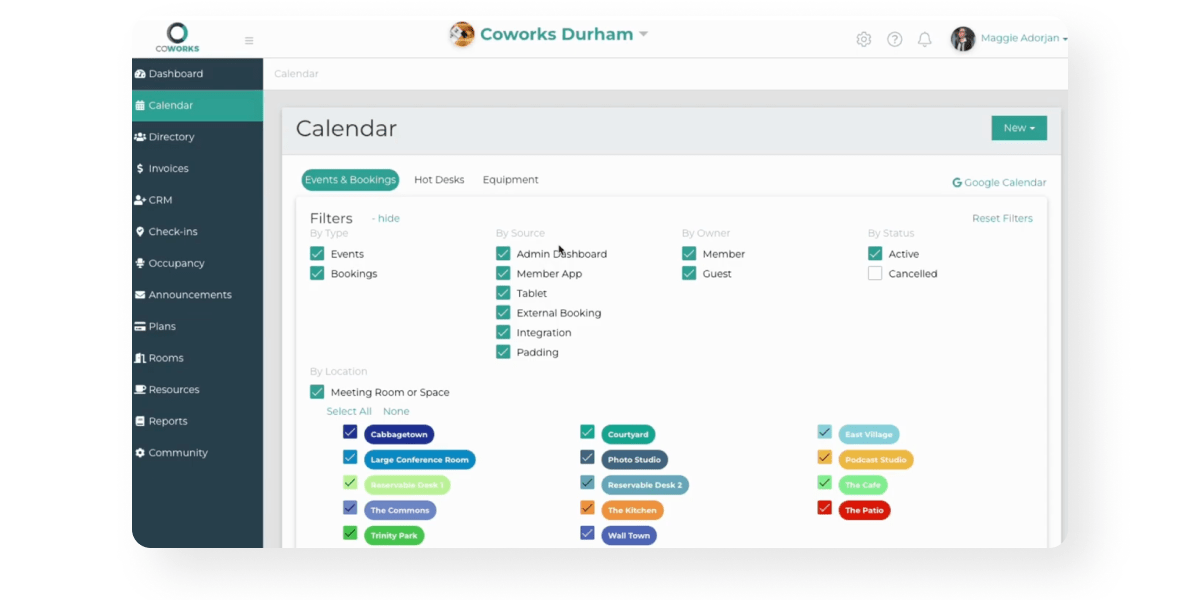
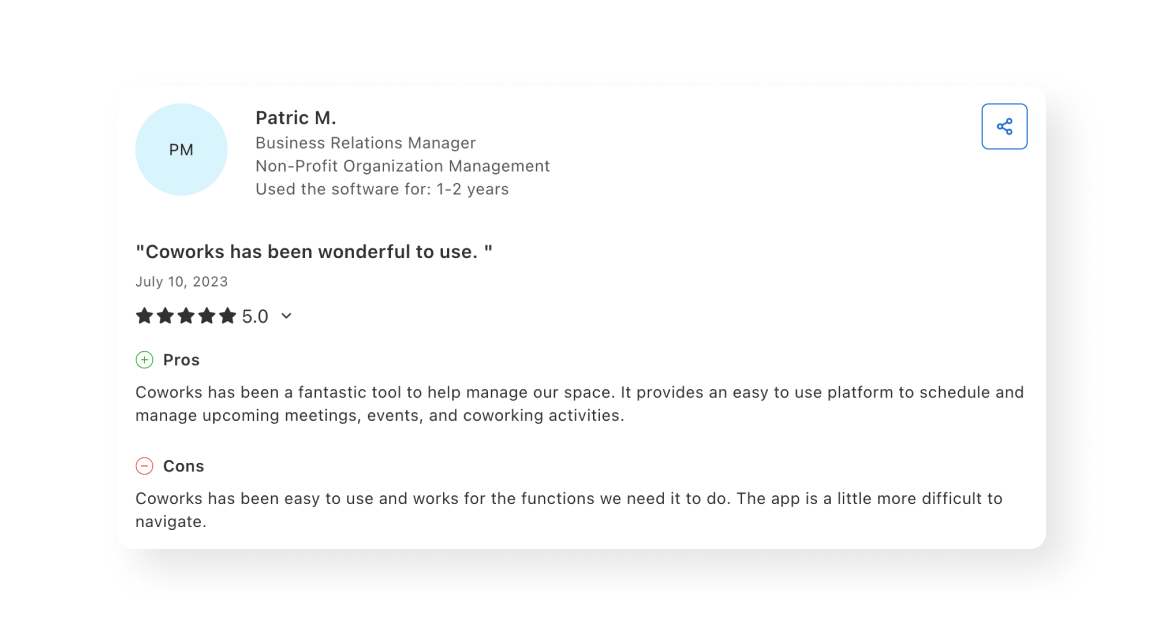
Coworks is a community-driven platform popular with universities and incubators in the eastern United States, starting at $249 per month for up to 250 users, with limited integrations and reporting.
Rating: 7/10 ⭐
Best for: community-driven coworking spaces in the eastern United States
Coworks is a coworking management software helping coworking and hybrid workspaces succeed in the future-of-work. They are actively involved in the coworking community as well as a number of coworking organizations.
The platform is particularly popular amongst universities and incubators in the region of North Carolina where Coworks is based, making it best suited for universities looking to manage students in shared workspaces.
✅ Pros:
❌ Cons:
Starts at $249/mo for up to 250 users
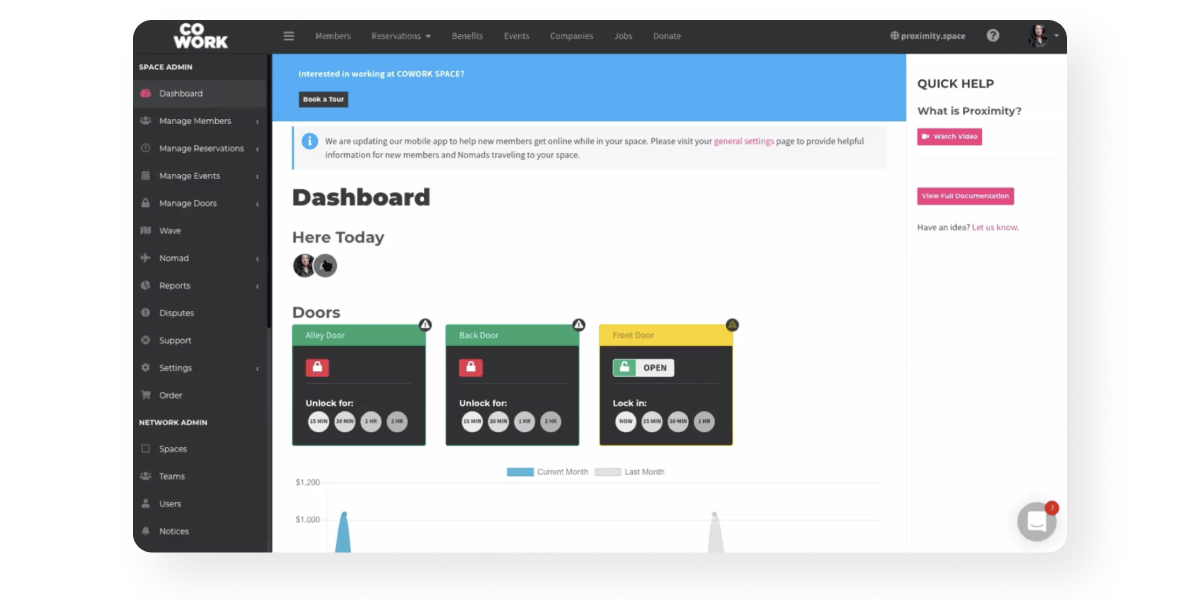
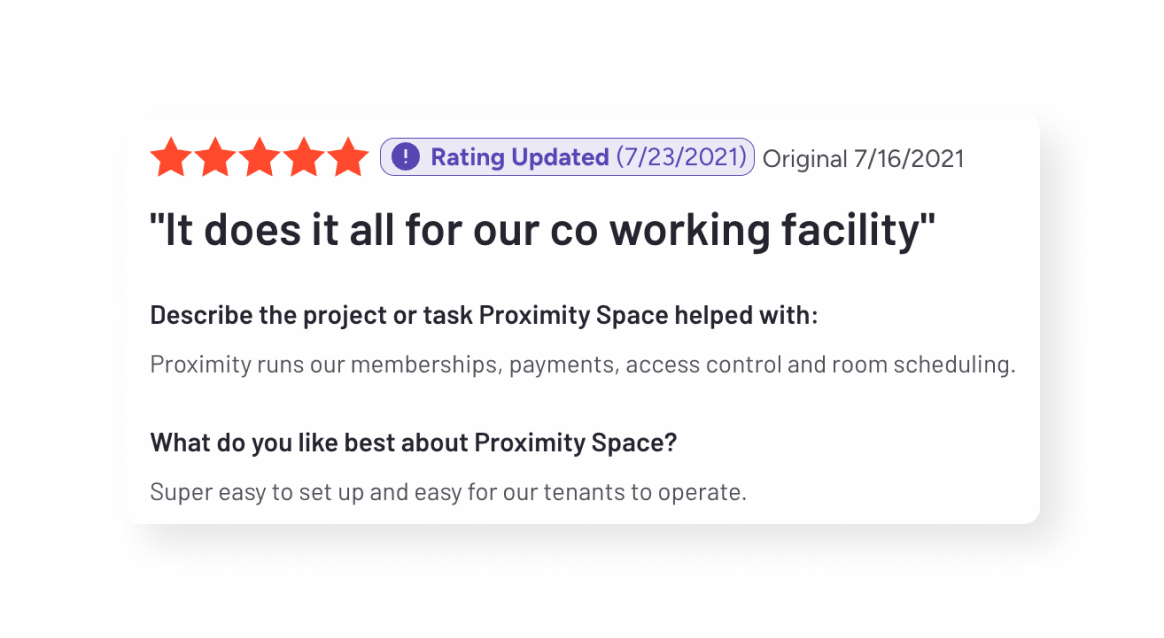
Proximity offers a built-in access control and Wi-Fi system that its users rate highly, but development has slowed considerably since launch and users report a lack of new features.
Rating: 6.8/10 ⭐
Best for: coworking spaces that lean more corporate than community and want an all-in-one software
Proximity is a coworking space management solution based in the United States. Along with the traditional coworking software features, it also offers a native access control system that is well-liked by its user base.
Since its launch nearly a decade ago, development on Proximity has slowed considerably, with many users reporting a lack of innovation coming from the product. This is one of the reasons from Geoff Wood, Founder at Gravitate Coworking, switched from Proximity to Optix as his coworking software of choice.
✅ Pros:
❌ Cons:
Starts at $189/mo for up to 40 users
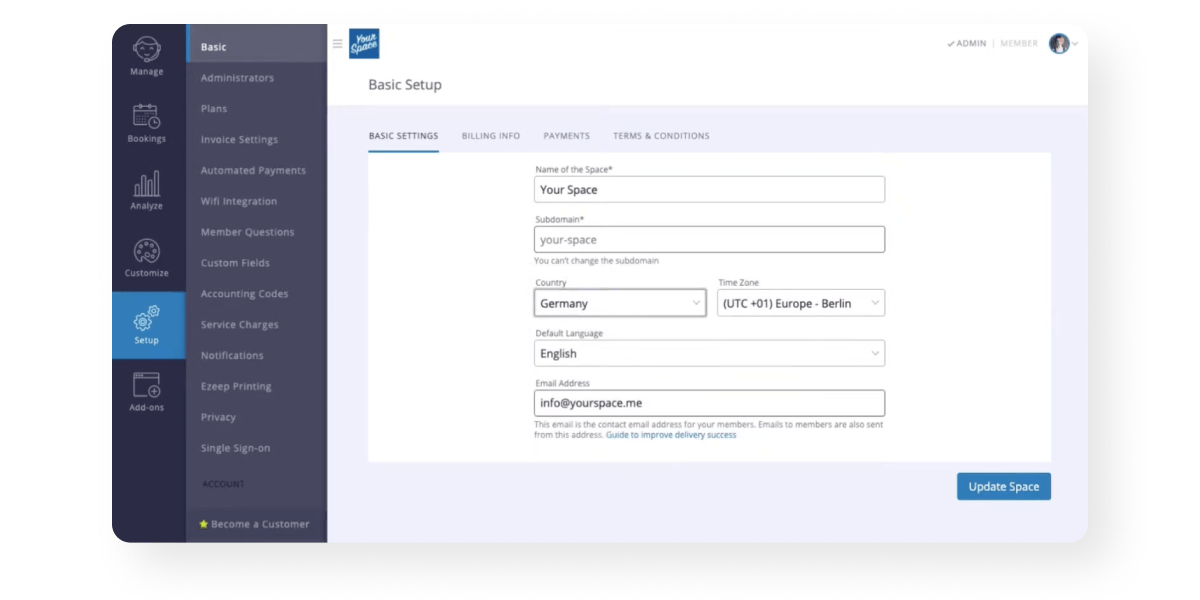
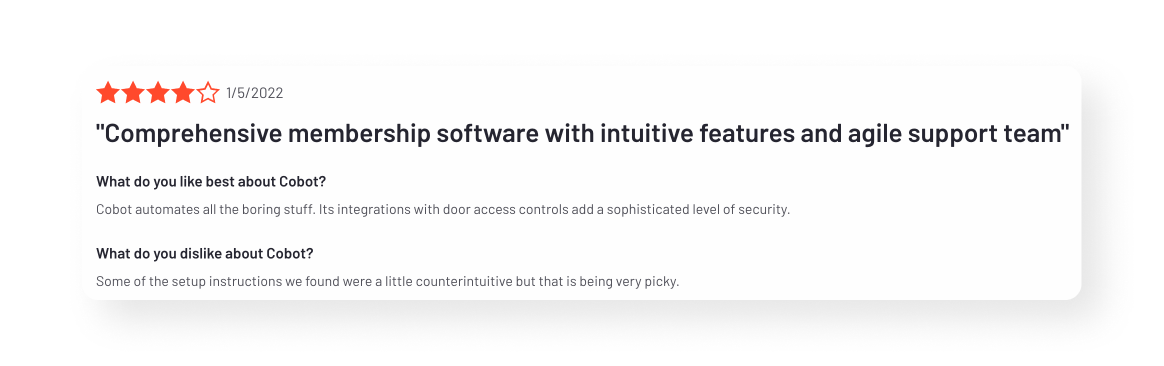
Cobot is one of the original coworking platforms, based in Germany, and covers the basics reliably for single-location traditional spaces. It offers a member app for iOS and Android, though its interface is dated next to newer platforms.
Rating: 6.1/10 ⭐
Best for: European-based coworking spaces with one location and a traditional coworking space business model
Cobot is one of the original coworking software platforms to hit the market. Based in Germany, it is designed to help coworking space operators efficiently manage their spaces and automate various administrative tasks.
While Cobot does many of the basics well, it isn’t always suitable for those looking for an elevated user experience or a modern interface for their community. That’s why Elizabeth Fisher, co-founder at OneSpace, switched from Cobot to Optix. As described by Elizabeth, “our old system was one dimensional. Optix reflects the uniqueness of our services and really allows us to do everything.”
✅ Pros:
❌ Cons:
Starts at $374/mo for 100 users
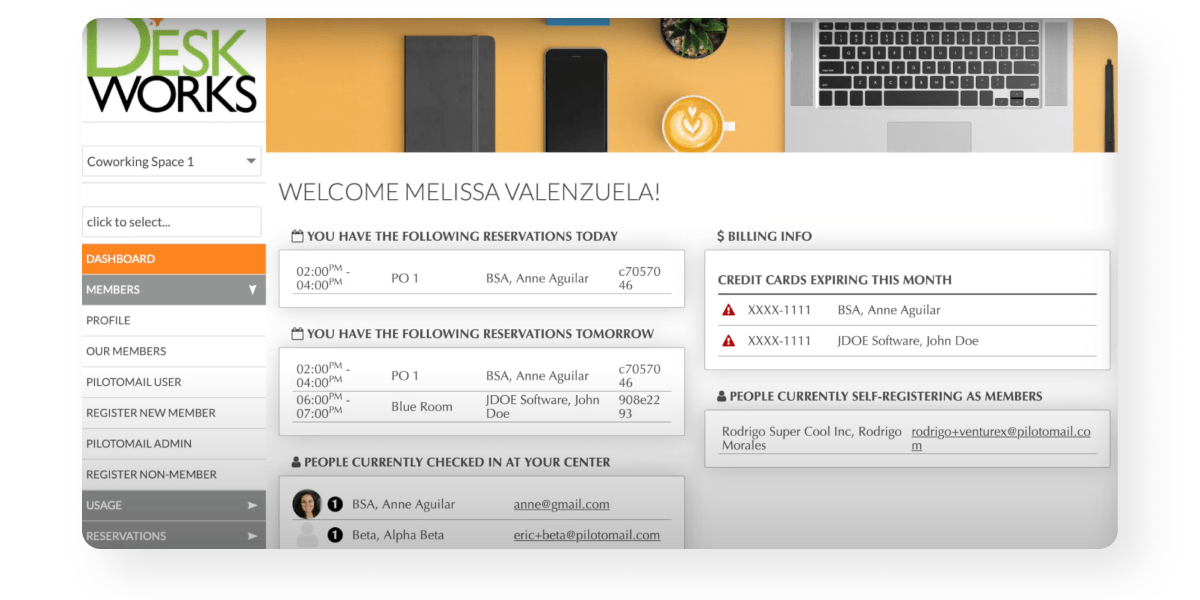
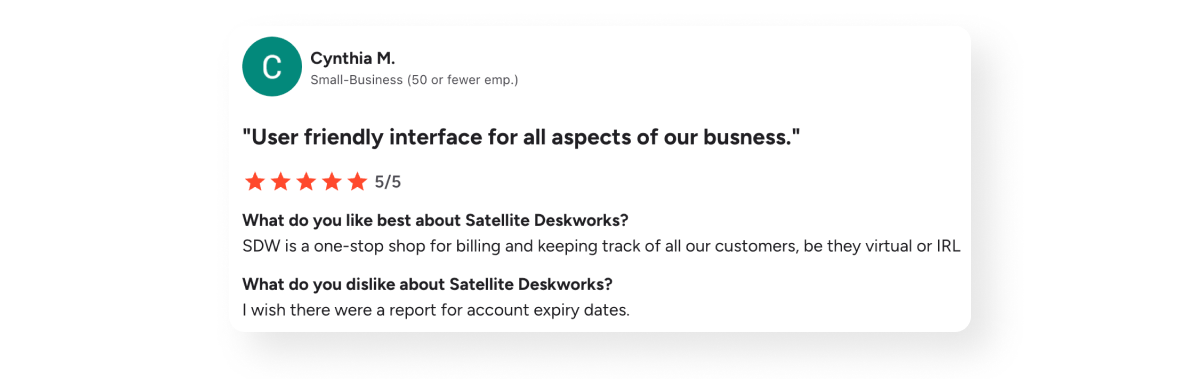
Deskworks offers intelligent Wi-Fi network check-in that checks members in automatically, starting at $105 per month for 30 users, but it has seen few updates and remains limited in feature set.
Rating: 5.3/10 ⭐
Best for: coworking spaces prioritizing easy check-ins in their space
Deskworks (formerly Satellite Deskworks) is workspace management software used to streamline coworking operations. Launched in 2012, it was initially developed to manage their own coworking spaces throughout California.
The platform has seen few updates over the years and is generally limited in its functionality, which is why it is ranked further down the list. Those who have been using it for years however, are generally happy with its performance.
✅ Pros:
❌ Cons:
Starts at $105/mo for 30 users
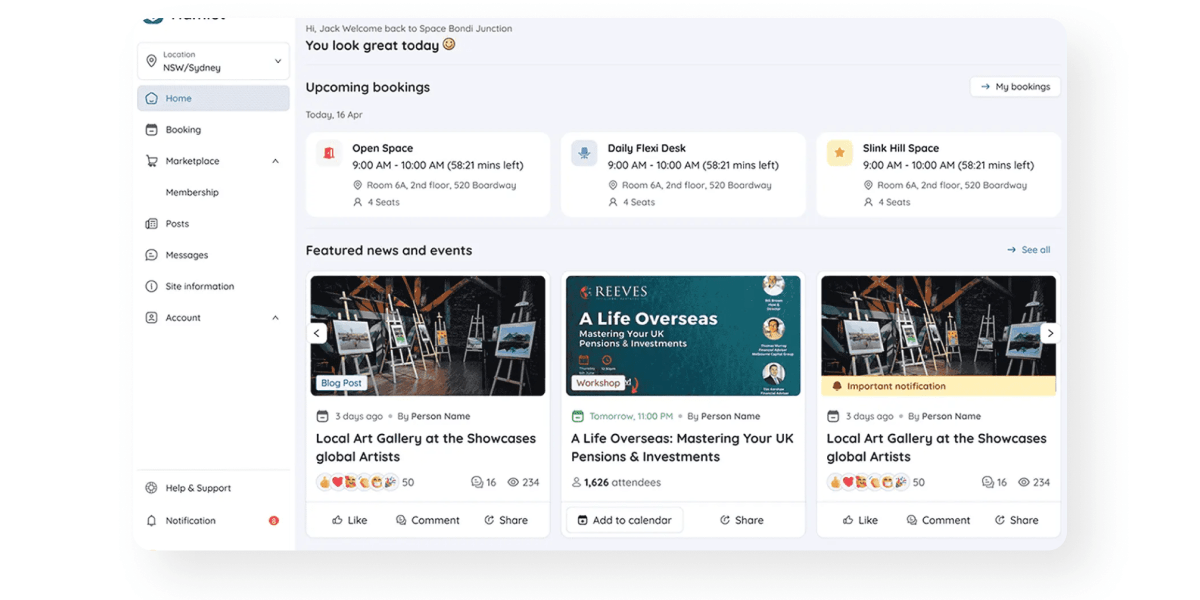
Hamlet is a comprehensive and easy-to-use platform for Australian coworking operators, starting at $265 per month for 100 users, and is rarely found in North America.
Rating: 5/10 ⭐
Best for: Australian-based coworking operators looking for a simple solution
Hamlet is a space management platform for Australian coworking and flexible workspaces. Hamlet is a newer tool on the market and is not commonly found in North America. For that reason there isn’t a lot of information out there around Hamlet and how it functions for US-based operators.
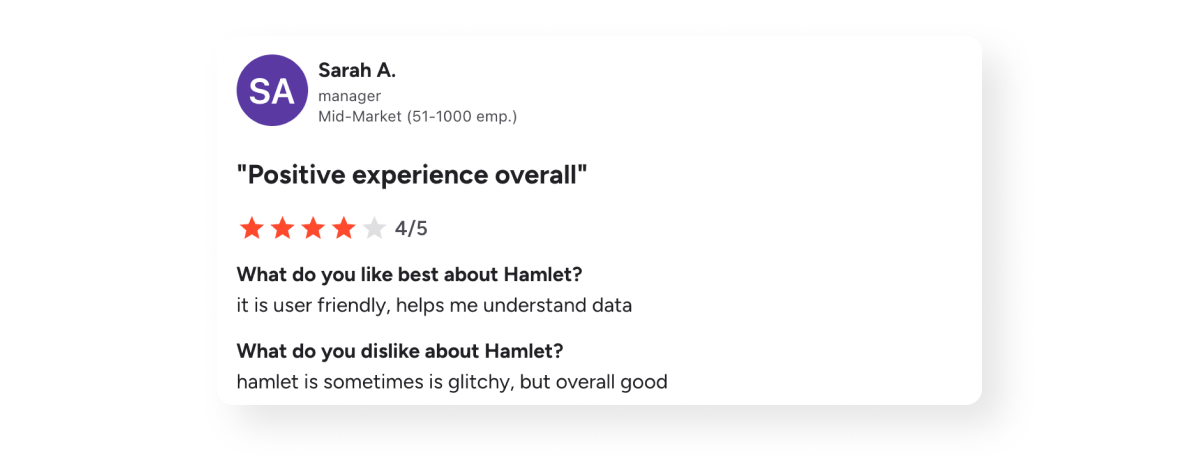
However, Hamlet is a comprehensive platform with generally positive reviews online.
✅ Pros:
❌ Cons:
Starts at $265/mo for 100 users
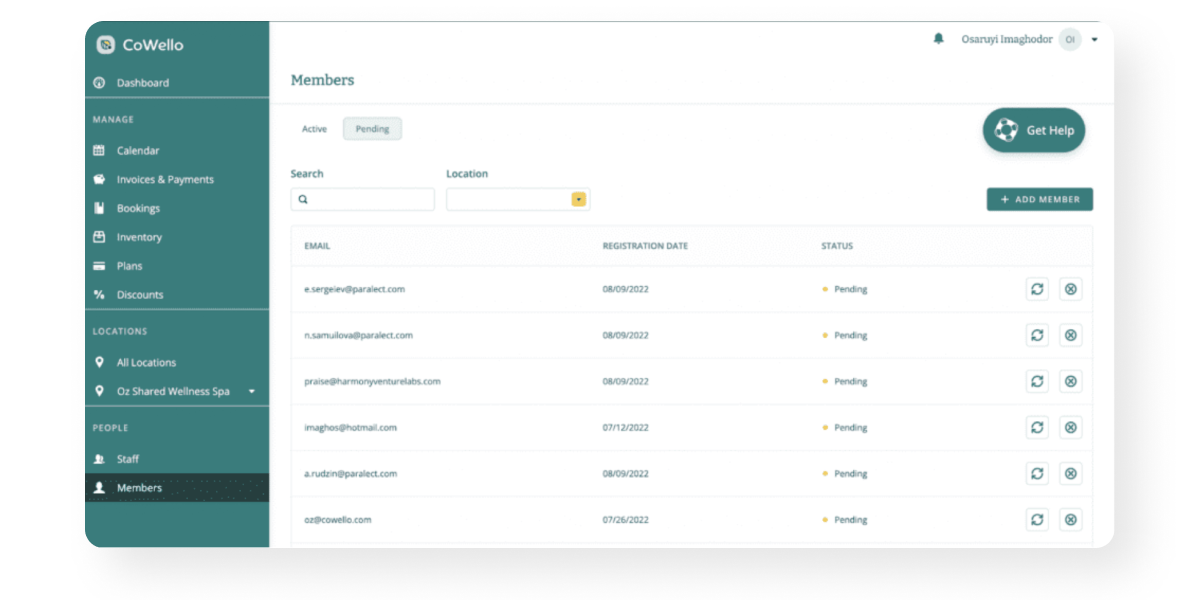
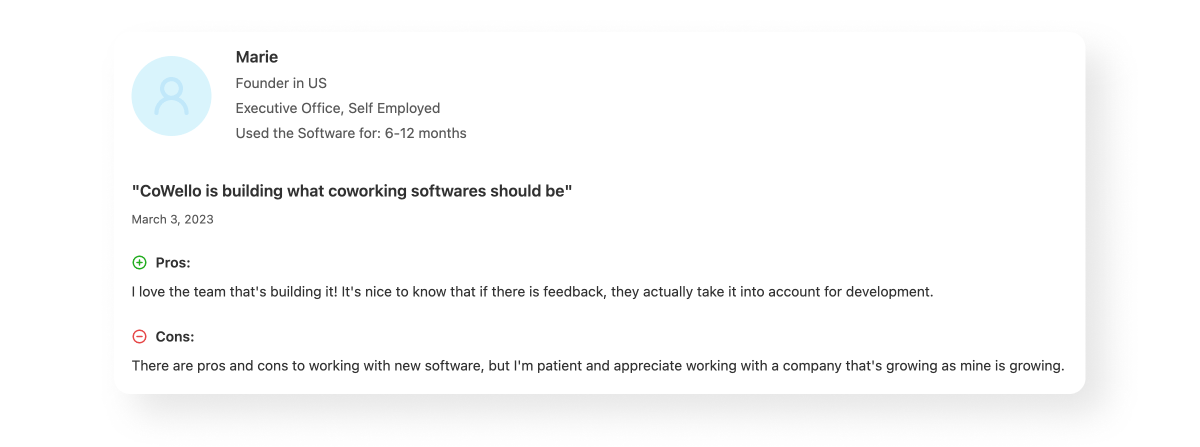
Cowello is a lightweight new platform for US operators opening their first space, with a free plan for up to 10 users, though it is unclear how actively it is being developed.
Rating: 5/10 ⭐
Best for: US-based operators launching their first coworking space
Cowello is another new entrant in the coworking software market that is solely focused on streamlined operations. It’s designed to be lightweight and easy to adopt, which makes it appealing to smaller operators or those opening their first space.
Because it is so new, there is very little information about Cowello. It is also unclear as to whether or not it is actively being developed, which could be a concern for operators looking to make the investment.
✅ Pros:
❌ Cons:
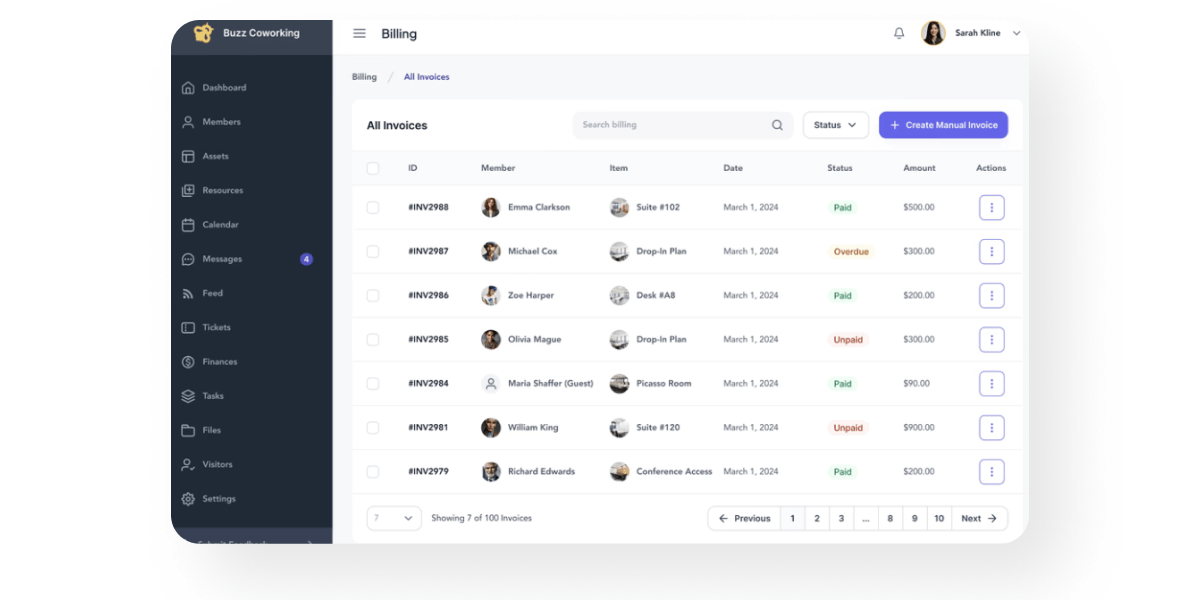
Deskie launched in spring 2024 as a simpler platform built by coworking operators, starting at $99 per month for 50 users, but it has no published reviews yet, which makes its claims hard to verify.
Rating: 4.8/10 ⭐
Best for: new coworking space operators on a tight budget
Deskie is perhaps the newest coworking software to hit the market in the last few years. Launched in spring 2024, it promises to be a simpler coworking software “built by coworking operators, for coworking operators”. While it’s pricing is affordable and its feature-set compelling, there are no reviews of Deskie making its claims hard to verify.
New software always come with a risk however. It can often be underbaked, glitchy, and lacking in advanced features. It’s a risk that operators will have to weigh against the cost-savings benefit.
✅ Pros:
❌ Cons:
Starts at $99/mo for 50 users
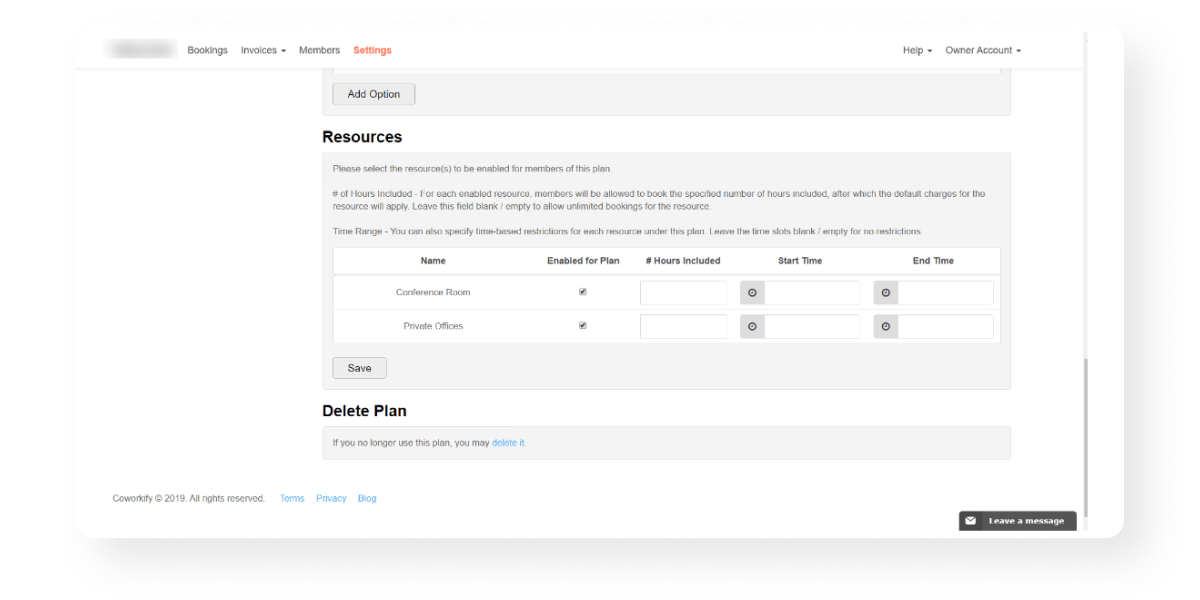
Coworkify is a minimalist Japanese platform starting at $29 per month for up to 15 users, offering a front-end website and the bare minimum feature set for a first space.
Rating: 4.3/10 ⭐
Best for: operators who want a minimalist platform with a front-end website baked in
Coworkify is a coworking space management system from Kyoto, Japan designed with a “Zen” approach in mind and a minimalist look and feel.
This minimalism lends itself to a relatively basic feature set, the bare minimum for spaces just starting out. It is best suited for Japanese-based coworking spaces who value a locally-created business and who need a no frills system to manage their first space.
✅ Pros:
❌ Cons:
Starts at $29/mo for up to 15 users
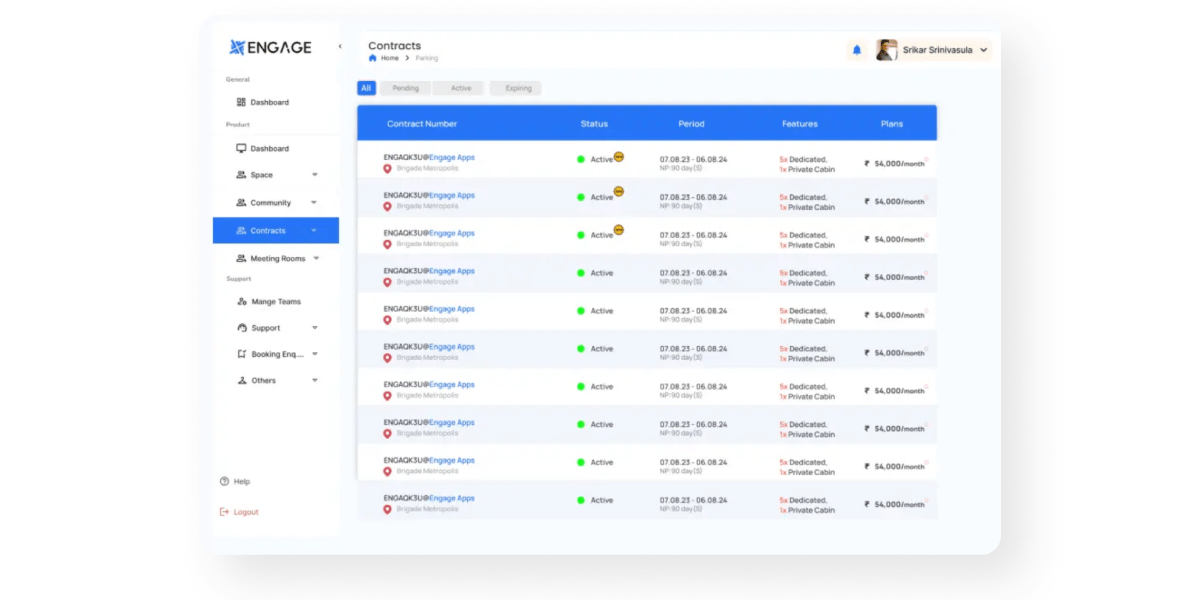
Engage Apps is an India-based platform with strong visitor management and native events features, best suited to Indian operators who want a local provider.
Rating: 4.2/10 ⭐
Best for: Indian-based coworking space operators who want a custom solution tailored to their needs
Engage Apps is a coworking and office management system based out of India. Its feature set is relatively limited but does include visitor management, as well as a native events feature. It is best suited for Indian-based coworking spaces who are looking for a local software provider who understands their unique needs.
✅ Pros:
❌ Cons:
Talk to their sales team
Habu is a bare-bones UK platform starting at $48 per month for 30 users, covering bookings, CRM and product purchases, with no mobile app for members.
Rating: 4/10 ⭐
Best for: coworking space operators who want a bare-bones solution
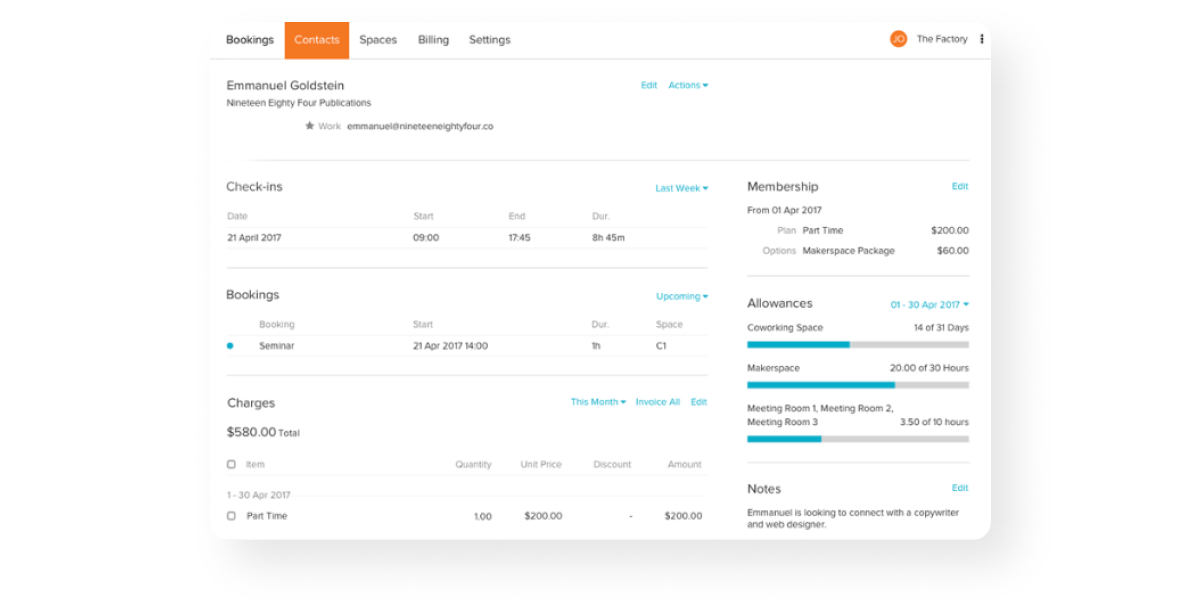
Habu is a coworking space management software headquartered in the UK. It is a simple, straightforward platform with features related to bookings, CRM, and product purchases.
The platform hasn’t seen a lot of updates in the last few years, and is not often considered when selecting a platform. It is best suited for those looking for a bare-bones affordable option to manage their new space.
✅ Pros:
❌ Cons:
Starts at $48/mo for 30 users
Coworking software typically starts between $29 and $265 per month for a small space, with pricing scaling by member count, locations and features. Entry pricing from the platforms in this guide: Coworkify from $29/mo (15 users), Habu from $48/mo (30 users), Deskie from $99/mo (50 users), Deskworks from $105/mo (30 users), Optix from $197/mo billed annually, Spacebring from $184/mo (100 monthly active users), Coworks from $249/mo (250 users), and Hamlet from $265/mo (100 users). Yardi Kube, Engage Apps and Proximity do not publish pricing.
For a single-location or boutique space, the platforms in this guide best suited to you are Optix for operators who want a branded member app and automation without hiring admin staff, Spacebring for a simple low-cost interface, and Cobot for a traditional space that needs the basics done reliably. Larger enterprise platforms such as Nexudus and Yardi Kube are generally considered too complex and expensive at this size.
Multi-location and enterprise operators need centralised management across sites, a consistent member experience and reporting that rolls up across locations. Optix, OfficeRnD, Nexudus and Yardi Kube all support multi-location operations. Optix manages an unlimited number of locations from one dashboard with a single branded member app across all of them, while Yardi Kube suits operators already running the wider Yardi property suite.
Optix is the most established mobile-first platform in this guide and offers a fully white-labeled iOS and Android app under your own brand. Several platforms on this list provide a web portal or a shared-brand app rather than a white-labeled native app under your own name.
Yes. Automation is where these platforms differ most. Optix is the only automation-first platform in this guide, letting operators build custom automations across the member journey including onboarding, offboarding, overdue invoice reminders, booking reminders and tour follow-ups, saving an average of 53% of daily administrative time. Most other platforms on this list automate recurring billing but not the wider member lifecycle.
At minimum, coworking management software should cover member and plan management, room and desk booking, recurring billing and invoicing, a member-facing app or portal, door access integration, and reporting on occupancy and revenue. Beyond that baseline, the platforms differ on automation depth, mobile experience, and how far they scale across multiple locations.
You can read all of the lists you’d like and do research for days. At the end of the day, choosing the best coworking software for your business will come down to finding the right platform to fit your unique needs.
Here are some tips to keep in mind to help you navigate the intricacies of the coworking software selection process.
Start by identifying what it is you’re looking for in a software platform and the attributes that are most important to you.
It’s not about finding the tool with the most features and offerings, but rather about finding something that aligns with what you value most. Listing your values out in the beginning can help guide your software selection process.
Research the reputation and reviews of the software providers you’re evaluating. Look for feedback from other coworking space operators who have used the software.
Online reviews, testimonials, and case studies can provide insights into the experiences of others and help you gauge the reliability and suitability of the software.
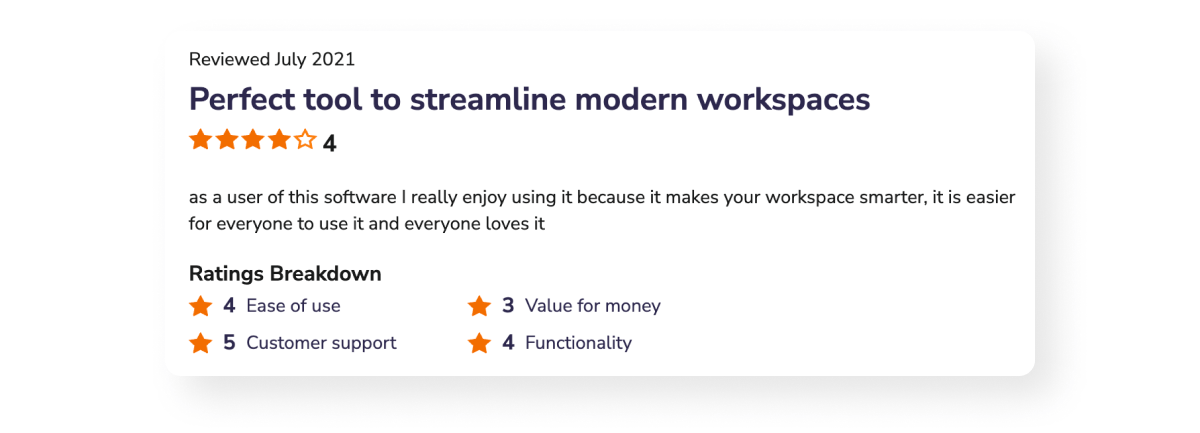
See why Optix ranks 4.8/5 stars on Capterra and the Apple App Store according to our clients and their members.
Whenever possible, take advantage of free trials or demos offered by software providers. Testing the software firsthand will give you a better understanding of its features, usability, and compatibility with your specific needs.
A demo can also be a good opportunity to get a feel for the company you’re evaluating and determine whether or not you’d like to pursue a partnership with them.
“Often it’s hard to quantify the value of the software to your organization because so much of it can be intangible and you just can’t figure out what difference it’s going to make. However, once you try it, it is very easy to see how this is going to make it not only easier for prospects to buy from us, but also our customers will stay longer with us because what they care about doing has been made much easier.”
Choosing the right software for your business can make a significant impact on your operations and member experience.
By considering your specific needs, scalability, user experience, integration capabilities, and support, you can make an informed decision that sets your coworking space up for success in 2026 and beyond.
Here at Optix, we’re proud to enable hundreds of coworking leaders to find success in their role. With Optix, Steve from ECOMsquare can manage his coworking space fully remotely and Rachel from Lina can build a community of independent healthcare practitioners accessing their services across multiple locations.
The possibilities of what a flexible and modular platform like Optix can do are endless.
Ready to learn more? Find out how Optix can support your scaling business today.
¹ Capterra
² G2
³ Capterra
Look for software that combines advanced features (like automation, analytics, access control, and booking), strong user experience, scalability, robust integrations, and excellent support and training.
Optix is unique in offering built-in automation, letting operators automate member onboarding, booking follow-ups, invoice reminders, and more, saving an average of 53% of daily administrative time. It also offers a top-ranked white-labeled mobile app and excels in user experience.
Start by assessing your coworking space’s size, operational complexity, growth goals, and brand priorities. Then evaluate software on automation, ease of use, member experience, pricing, and whether it aligns with your digital and growth strategy.
Switching usually takes four to eight weeks from decision to launch. With Optix, a dedicated migration specialist handles the move at no extra cost, and members stay on your current platform until launch day, so there is no member-facing downtime during the transition.
Free tiers are rare and limited. Cowello offers a free plan for up to 10 users, and the cheapest paid options in this guide start at $29 per month for 15 users. Most operators outgrow free tiers quickly, because billing, access control and a member app are usually paid features.
Yes, though coverage varies. Optix connects with access control systems including Kisi, Salto and IronWiFi, so door permissions follow a member’s plan, booking or check-in automatically. Proximity offers its own built-in access control, while several platforms in this guide rely on manual access management.