How to Automate Billing and Payments in your Coworking Space
Transform your coworking space into a revenue machine that runs itself
September 16, 2025
TL;DR
Picture this: it’s 9 AM on a Monday, your space is buzzing with productive energy. And yet you’re stuck at your desk wrestling with overdue invoices.
If this sounds familiar, you’re not alone. Billing and payments have become the silent killer of coworking operations, trapping operators in an endless cycle of manual tasks.
But what if we told you that automation could solve 99% of these coworking billing woes?
In this guide, we’ll show you exactly how to set up automated billing and payment processes that scale with your coworking space. You’ll discover which processes to automate first, what tools actually work, and how operators like you have transformed their financial processes through the power of automation.
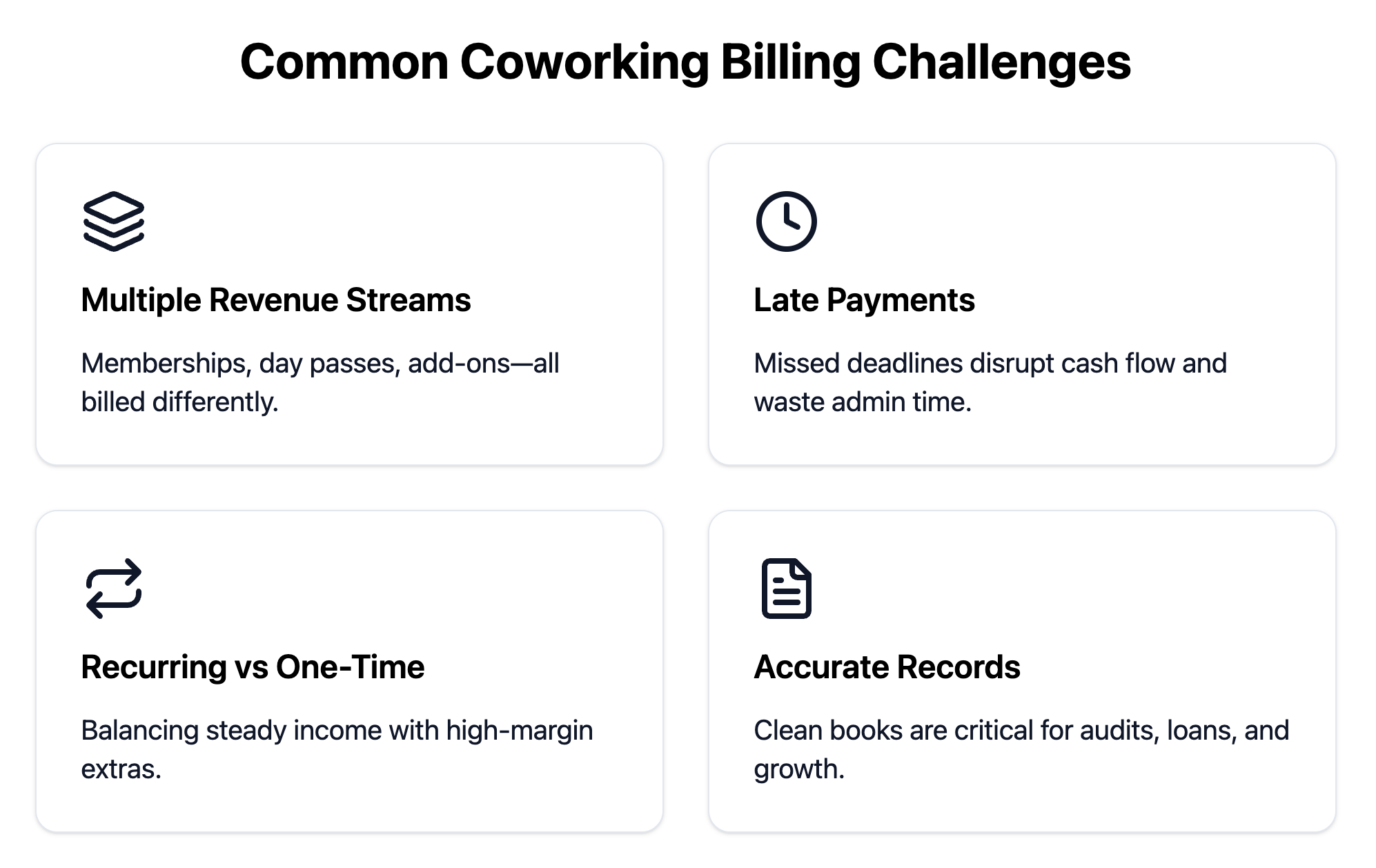
Unlike traditional offices with predictable monthly rent checks, coworking spaces deal with a constant stream of different charges, payment schedules, and customer needs. Here’s what makes billing so tricky, and why it matters for your bottom line.
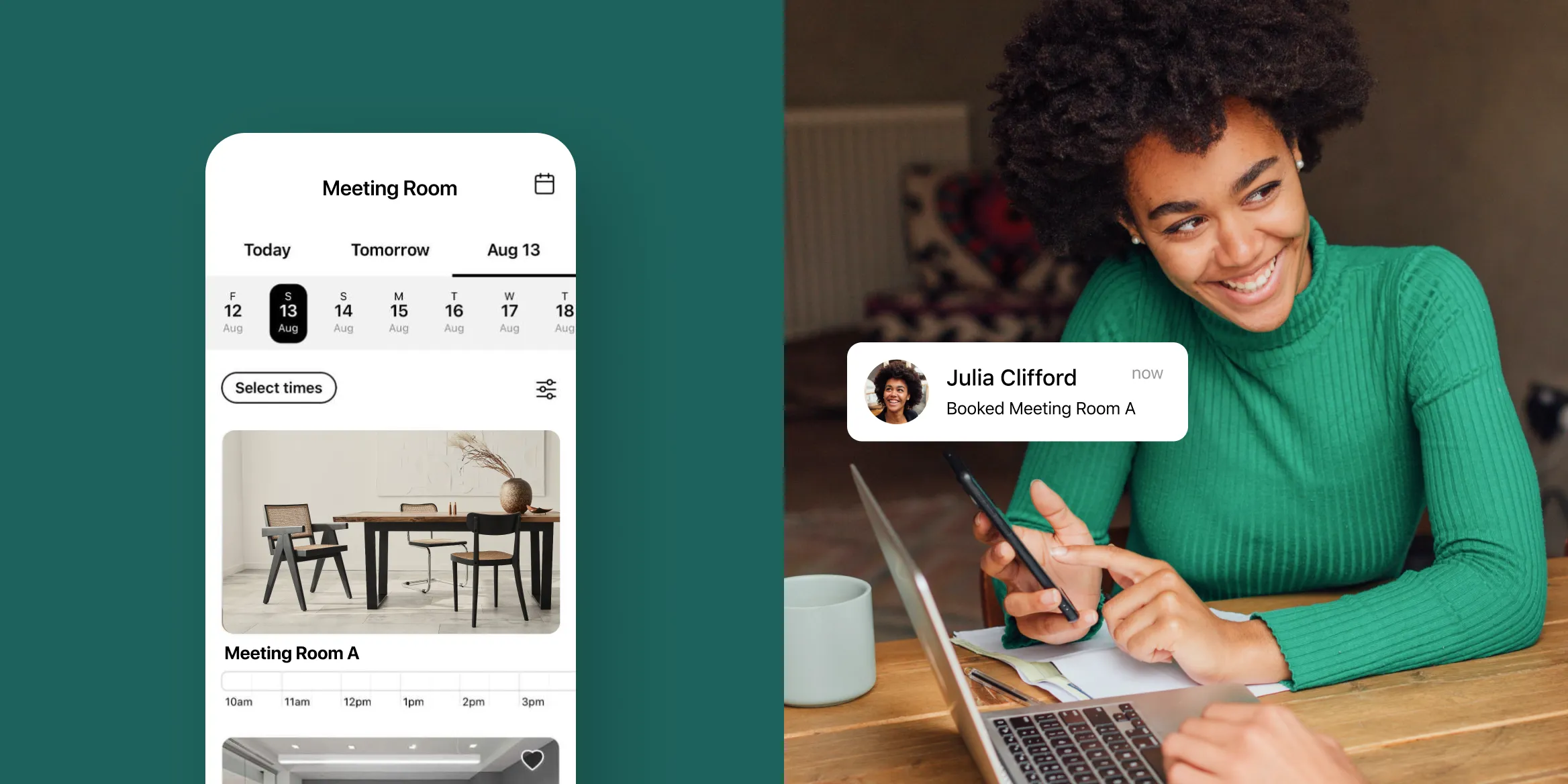
Sarah might have a hot desk membership, rent a conference room twice a week, and pay for parking. Meanwhile, Tom drops in for day passes and occasionally books private phone booths. And don’t forget the company that rents your event space monthly but also needs extra chairs and A/V equipment.
Each revenue stream follows different rules: some are monthly subscriptions, others are pay-per-use, and many change from billing cycle to billing cycle. Without robust tracking systems, it’s easy to miss charges or double-bill members, both of which hurt your reputation and cash flow.
Late payments are dangerous for small coworking businesses operating on thin margins. When payments don’t arrive on time, you’re stuck playing collections agent instead of focusing on the work you really want to do, like building community.
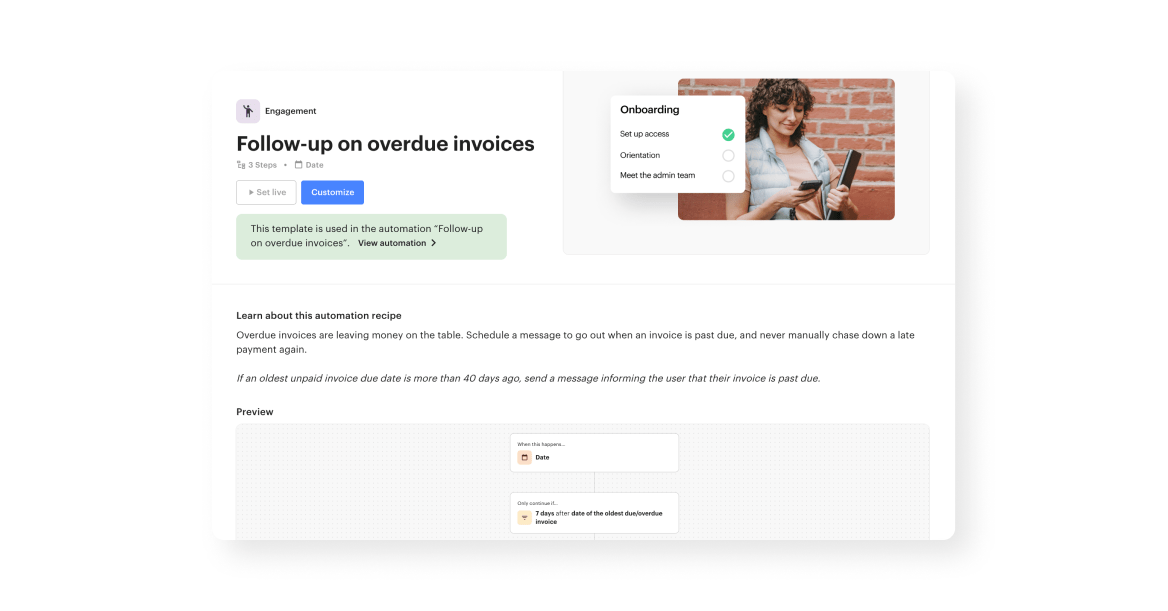
Luckily, you can automate late payments directly in Optix using Automations…but we’ll cover that more later on.
Recurring membership plans provide the steady income that keeps your lights on, but one-time purchases (meeting rooms, printing, guest passes) are where you often make the highest margins. The problem is managing both simultaneously.
Miss a room booking charge, and you’ve lost revenue you’ll never recover. Accidentally double-charge for printing, and you’ve created an unhappy member. Manual tracking makes both scenarios inevitable as you scale.
As your space grows, so does scrutiny from investors, lenders, and tax authorities. Clean financial records are essential for raising capital, securing loans, or simply surviving an audit.
When your billing data lives across multiple spreadsheets, payment processors, and accounting systems, reconciliation becomes a monthly nightmare. Small discrepancies compound over time, creating gaps that are expensive and time-consuming to fix.
Automating billing and payment processes in your coworking space can save you time, reduce administrative burden, and ultimately improve your cash flow. If you’re still manually creating invoices and chasing payments, you’re limiting your space’s potential.
Billing automation creates a cascade of improvements throughout your business. Better cash flow enables strategic planning. Improved member experience drives retention and referrals.
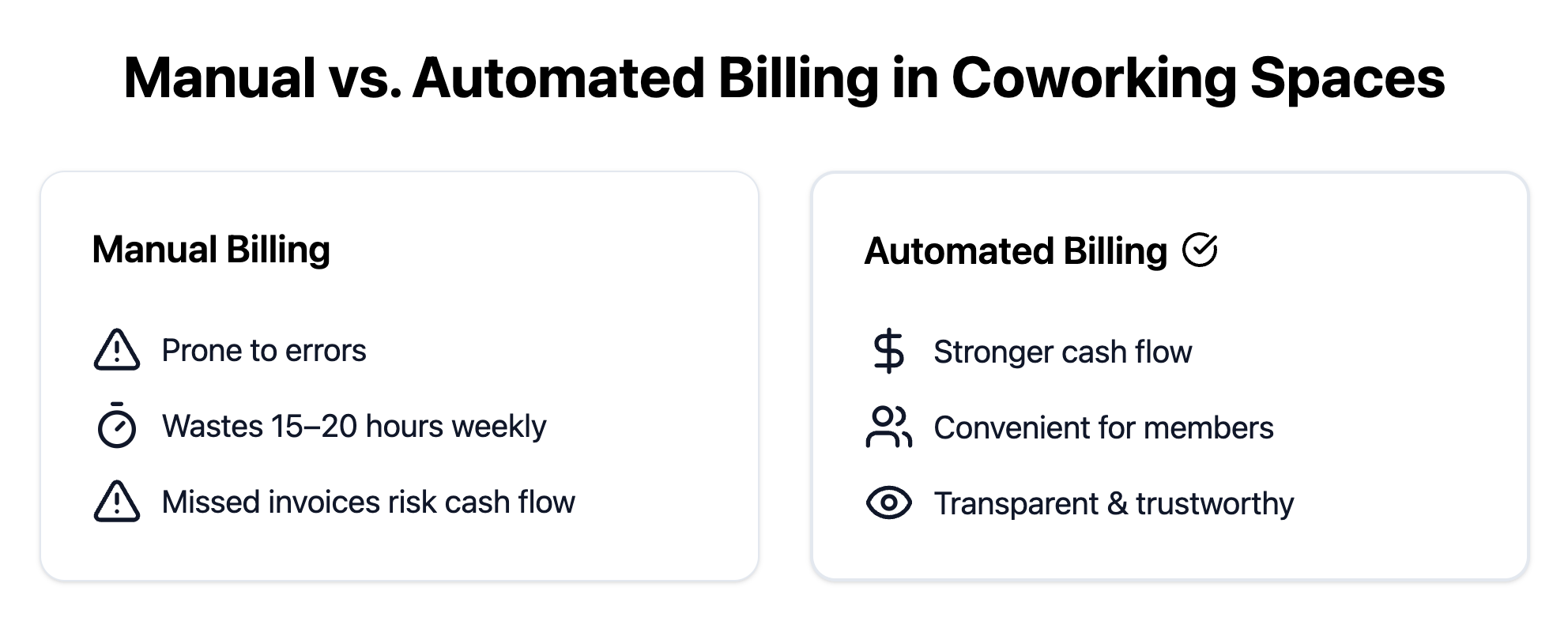
When it comes to billing automation in coworking spaces, most operators choose coworking software like Optix to run their day-to-day.
Choosing coworking software is like hiring your most important employee, except this employee never takes sick days, never makes calculation errors, and works 24/7 without complaint. Here’s your essential checklist for finding a system that works for you.
Your billing system should work like your best team member’s perfect twin—automatically generating accurate invoices without supervision, oversight, or anxiety-inducing double-checks. The system should know exactly what to bill, when to bill it, and how to present it clearly.
Late payments are inevitable in any membership business, but chasing down overdue invoices shouldn’t consume your team’s time. A gentle reminder email on day 3, a formal notice with late fee on day 10, and a final notice before service suspension on day 20 can all be automated directly from your Optix account.
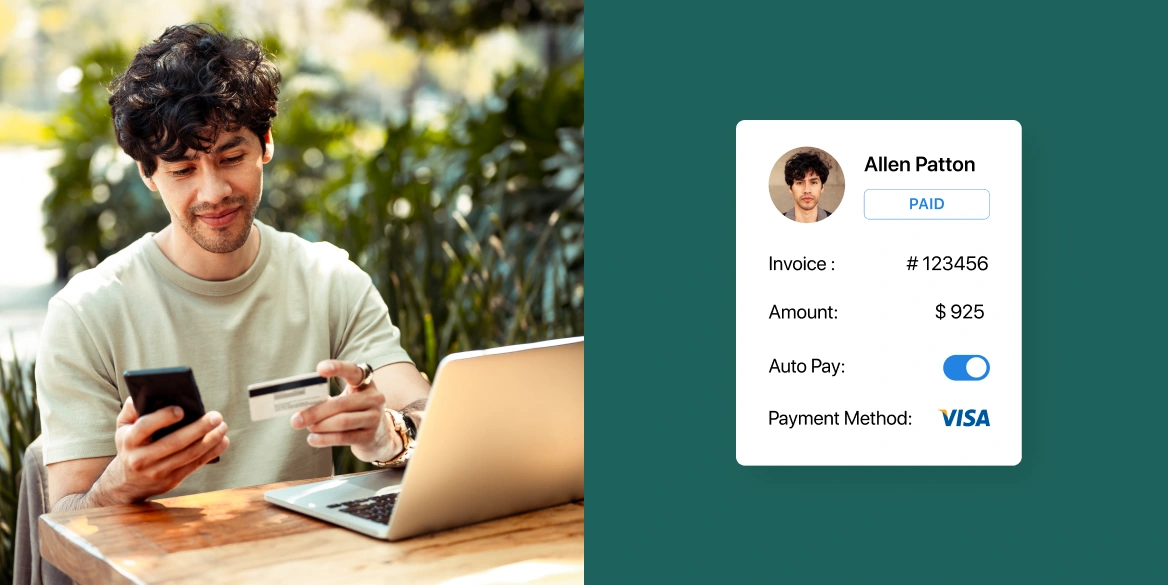
A truly robust billing system doesn’t just accept multiple payment types, but it also makes it easy for members to choose their preferred method and switch when needed. This flexibility is both member-friendly and profit-friendly too.
A reliable integration with your accounting software means your billing system and accounting platform work as one seamless operation. When a payment is processed, it should automatically appear in QuickBooks or Xero with proper categorization, member details, and audit trails intact.
Case example: Cutting billing admin time in half with Optix
Gravitate Coworking switched from Proximity to Optix in order to better support its growth across four locations, and one of the key advantages was how Optix’s integration with QuickBooks streamlined and automated their financial operations.
With Optix + QuickBooks + Stripe tied together, Gravitate now has recurring invoices generated automatically for members, new sign-ups and drop-in bookings processed without manual work, and user data synced across platforms. This reduced administrative burden, improved accuracy in accounting, and gave the team more confidence to scale.
Instead of calling to update a credit card, members can easily log into your coworking app. Instead of asking about a charge, they review their detailed invoice history. People want control over their accounts, and giving them that control actually increases satisfaction and reduces churn.
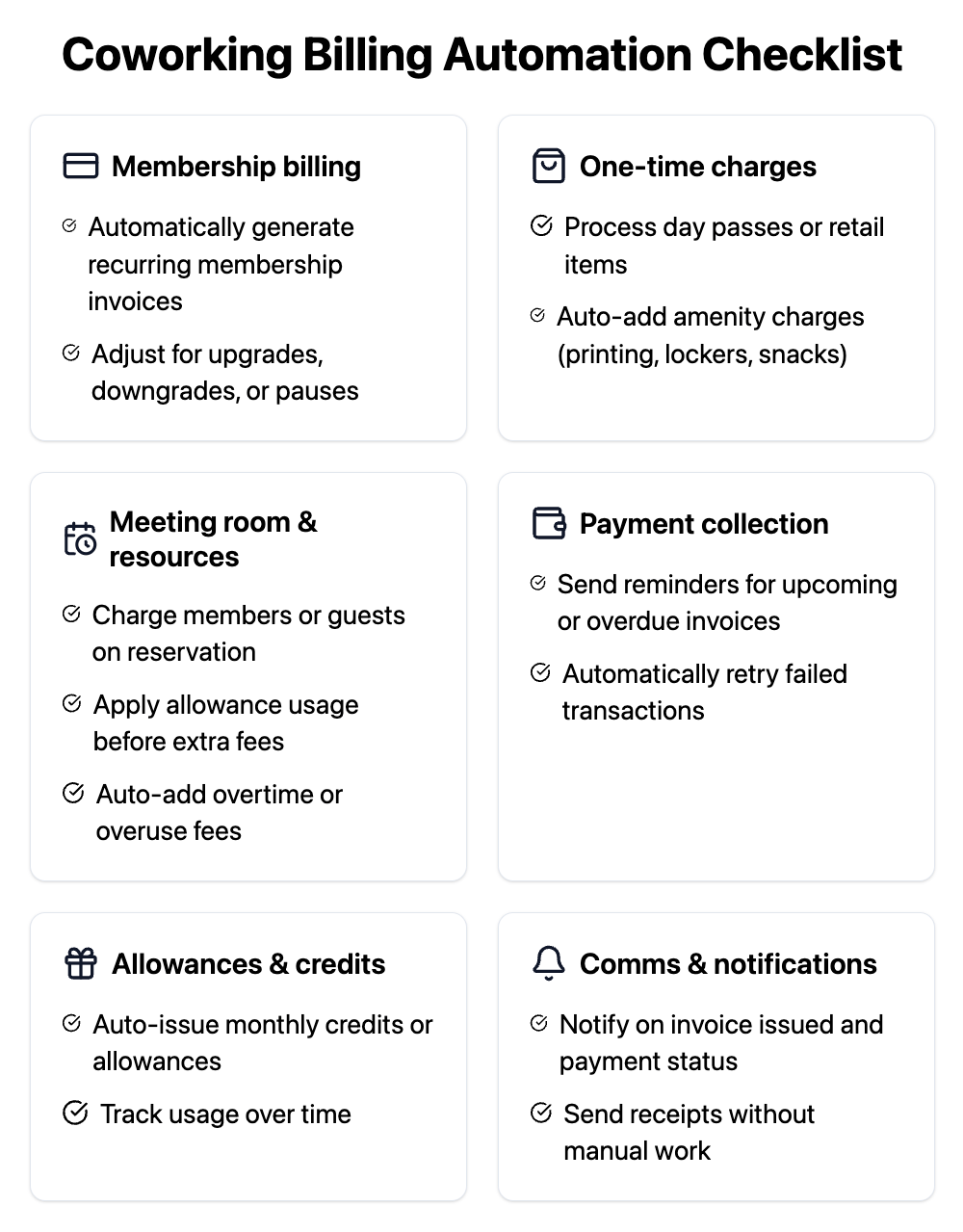
Virtually every part of your coworking space’s payment process can be automated including membership billing, one-time charges, meeting room and resource booking, payment collection, and allowances and credits. Here’s exactly what you can automate:
Membership billing
One-time charges
Meeting room & resource booking
Payment collection
Allowances & credits
Communication & notifications
Optix Automations is a built-in workflow builder that can automate repetitive financial processes in your coworking space including invoice follow ups, late payments, and payment email sequences.
Every coworking operator has experienced that sinking feeling: it’s month-end, invoices need to go out, payments need processing, and your to-do list is already overflowing. What if that entire workflow happened automatically while you focused on what actually grows your business?
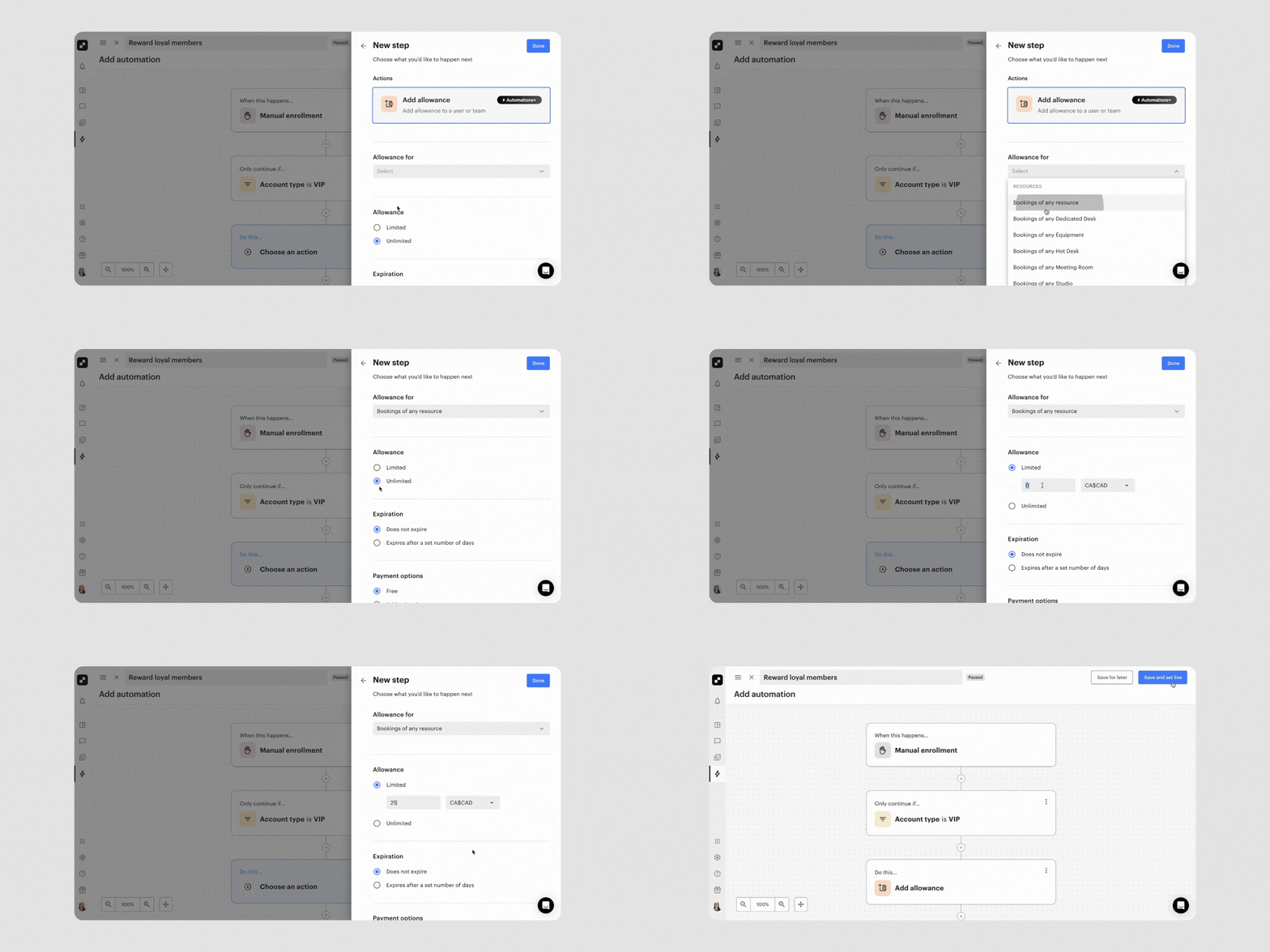
That’s exactly what Optix delivers, a complete transformation of how your space handles money. With Optix you can:
Forget the days of manually creating invoices or worrying whether you’ve captured every charge. Optix becomes your tireless billing assistant, automatically generating perfect invoices based on whatever complexity your space requires.

When setting up automated payments in a coworking space, it’s important to clearly communicate billing policies, offer flexible payment methods, and use reporting dashboards to track financial health.
Having powerful automation tools is only half the battle. The other half is implementing them thoughtfully with processes that protect your cash flow, build trust, and improve the member experience.
The biggest billing disputes often come from unmet expectations. This means being explicit about everything: which payment methods you accept, what your late payment process looks like, and how refunds work.
Don’t assume members will figure it out—spell it out in your member agreement, onboarding materials, and house rules. Think of this transparency as an investment in future peace of mind.
Your members aren’t all the same, and neither are their financial preferences. The most successful spaces offer multiple payment options while gently encouraging the methods that save money (like ACH over credit cards).
This creates a win-win: members get convenience while you protect margins.
Case example: Saving $25,000 in credit card fees with Optix
Workspace, a five-location coworking network in the Boston suburbs, replaced a fragmented set of tools with Optix to help scale operations, streamline member experience, and reduce costs. By moving payments from credit card processing to ACH (offered via Optix), they saved about $25,000 annually in credit card fees.
The ACH option allowed them to offer free or lower-cost payment choices to members, improve cash flow, and reduce friction.
Use your reporting dashboards like a business intelligence system. Track which membership tiers are growing fastest, identify seasonal payment patterns, and spot early warning signs of cash flow issues. When operators leverage this data, they’re able to optimize their automations continuously—and successfully.
Billing and payments don’t have to be a source of stress for coworking operators. By automating key processes like invoice generation, recurring payments, and reminders, you can reduce manual admin, improve cash flow, and give your members a smoother experience.
Operators like Gravitate Coworking and Workspace show what’s possible when automation takes the reins: fewer hours spent on billing, lower costs, and clearer financial insights to guide growth.
If you’re ready to simplify your billing and free up more time to focus on building community, it may be time to explore a platform built for modern coworking spaces. Explore Optix today.
The most common billing and payment challenges in a coworking space include tracking multiple revenue streams, handling late payments, balancing recurring and one-time charges, and keeping financial records audit-ready. Missed or duplicated charges reduce cash flow and damage trust, while manual reconciliation across spreadsheets and payment processors becomes unsustainable as a space grows.
Automating billing and payments in a coworking space reduces administrative time, ensures consistent cash flow, increases member convenience, and improves transparency. Operators often save 15–20 hours a week while creating smoother member experiences that lead to higher retention and referrals.
A strong billing automation system for coworking spaces should offer automatic invoice generation, recurring payment collection via card and ACH, seamless accounting integrations, overdue fee automation, and member self-service tools. Real-time integration with platforms like QuickBooks or Xero eliminates reconciliation headaches and keeps records audit-ready.
Coworking operators can automate membership billing, one-time charges, meeting room bookings, payment collection with smart retries, credits and allowances, payment notifications, and even access restrictions for unpaid accounts. These automations free staff from repetitive tasks while preserving the personal relationships that define coworking.
The first step to automating billing and payments in a coworking space is to select software with strong invoicing, multi-rail payments, and accounting integrations, then define clear billing policies so the system can apply them automatically. This creates consistency, reduces disputes, and sets the foundation for scaling efficiently.
Optix automates coworking billing by generating invoices, following up on overdue balances, applying late fees, and sending payment confirmations. It can also trigger automated email sequences for unpaid invoices, acting as a “billing assistant” that captures every charge without constant manual oversight.